Don't have an account yet? Start here
Our choice for a streaming webcam for the novice streamer
83,-
Product number | 740739 | |
|---|---|---|
Manufacturer code | 960-001088 | |
Brand | Logitech | |
Processing of your defect | Via Coolblue | |
Old product returned for free |
Plug and Play | ||
|---|---|---|
Sharpness | Full HD (1080p) | |
Maximum fps in Full HD (1080p) | 30 fps | |
Autofocus | ||
Wide-angle | ||
Automatic brightness adjustment | ||
Coverable lens |
Built-in microphone | ||
|---|---|---|
Microphone recording type | Stereo | |
Microphone noise suppression | ||
Infrared (IrDA) | ||
Tiltable | ||
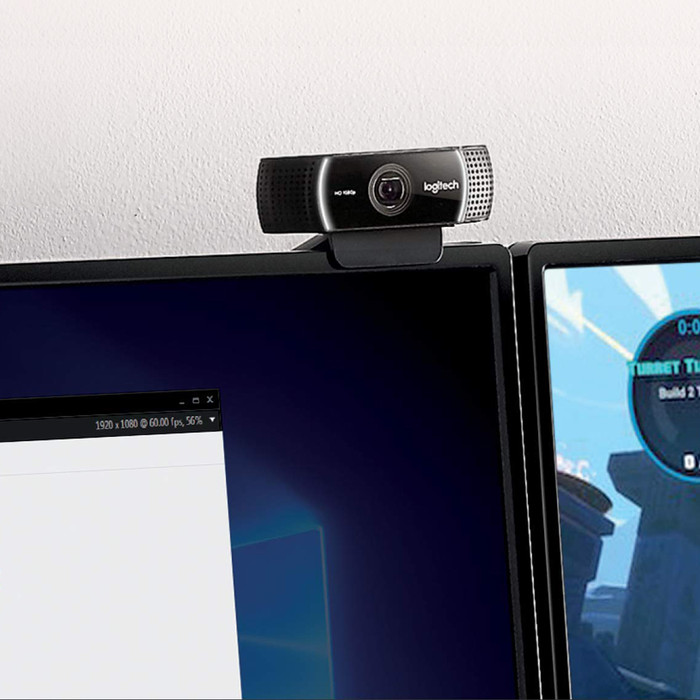
Type of webcam holder | Universal clip |
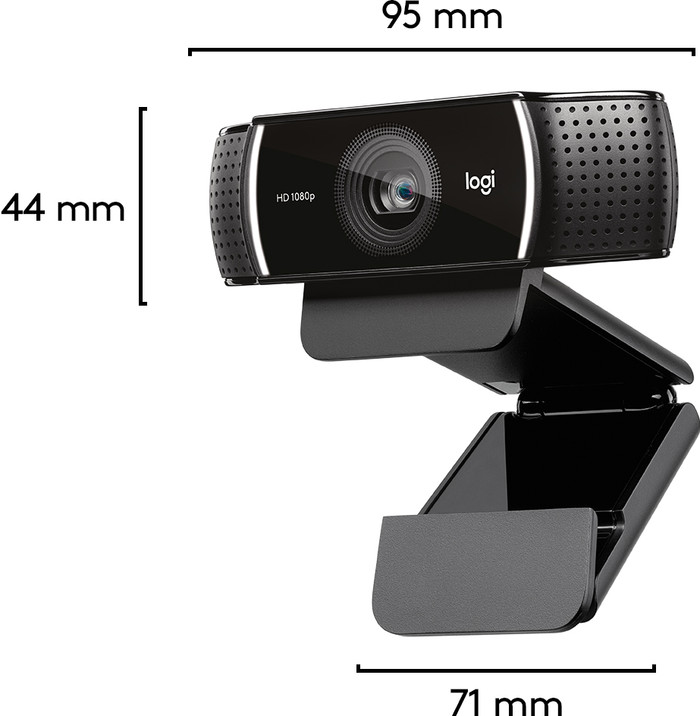
Width | 7,62 cm | |
|---|---|---|
Depth | 20,96 cm | |
Height | 15,24 cm | |
Weight | 275 g | |
Color | Black | |
Material | Plastic | |
Finish | Matte and glossy |
Type of USB port | Standard USB-A | |
|---|---|---|
Connection type | Wired | |
Compatible with operating system | Android, ChromeOS, Windows, macOS | |
Cable length | 1,5 m |
Plug and Play | ||
|---|---|---|
Compatible with operating system | Android, ChromeOS, Windows, macOS | |
Autofocus | ||
Sharpness | Full HD (1080p) | |
Built-in microphone |
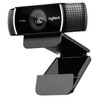
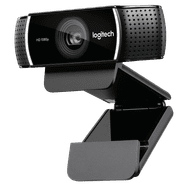
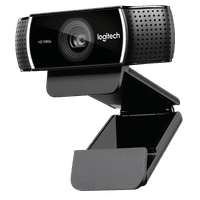
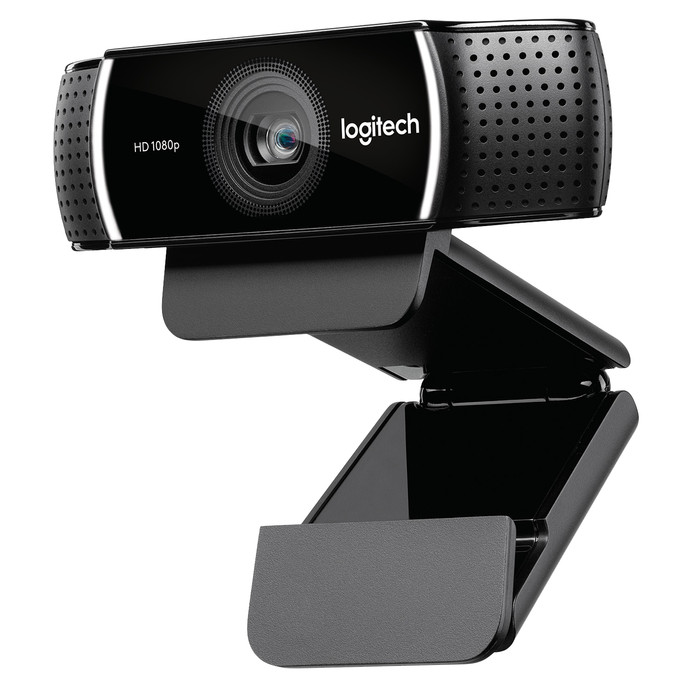
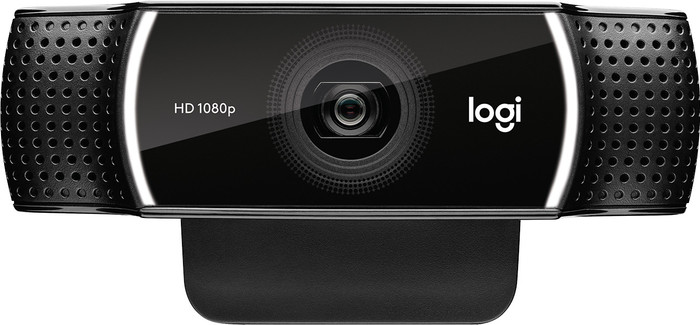
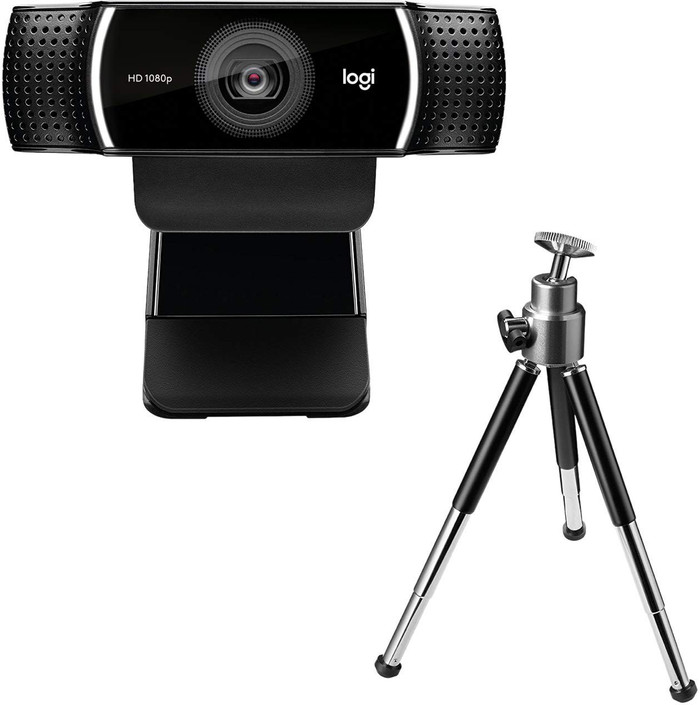
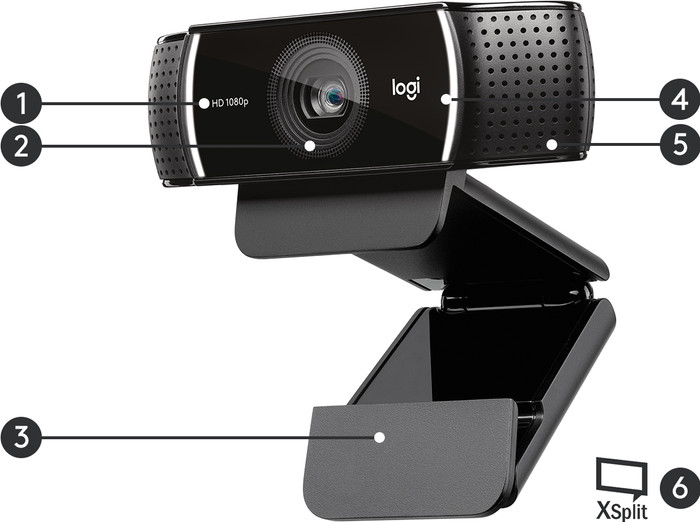
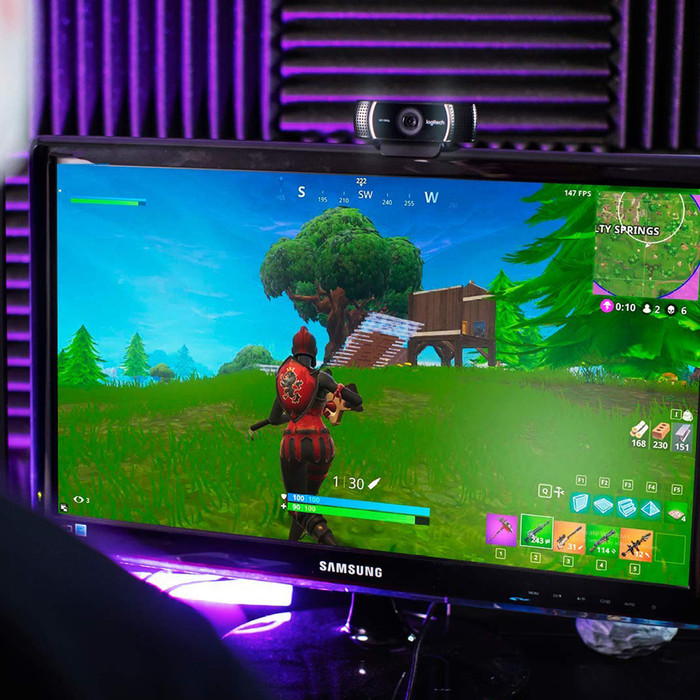
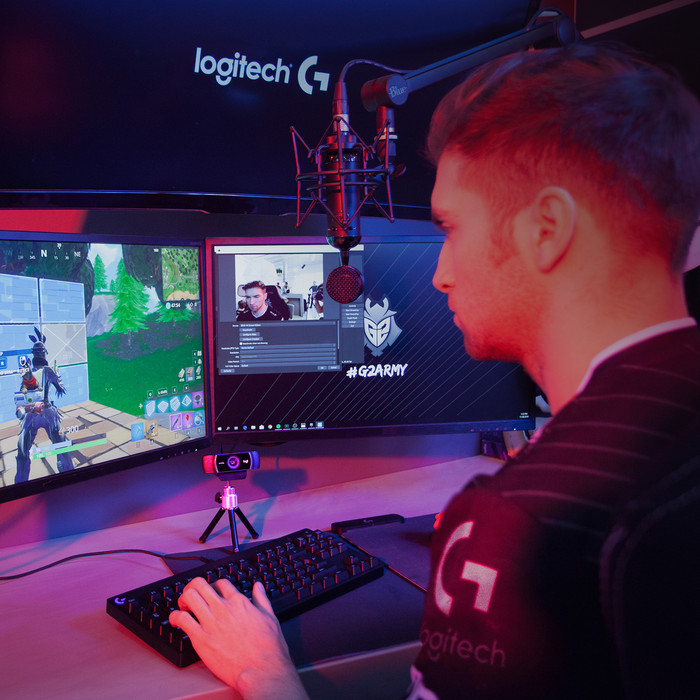
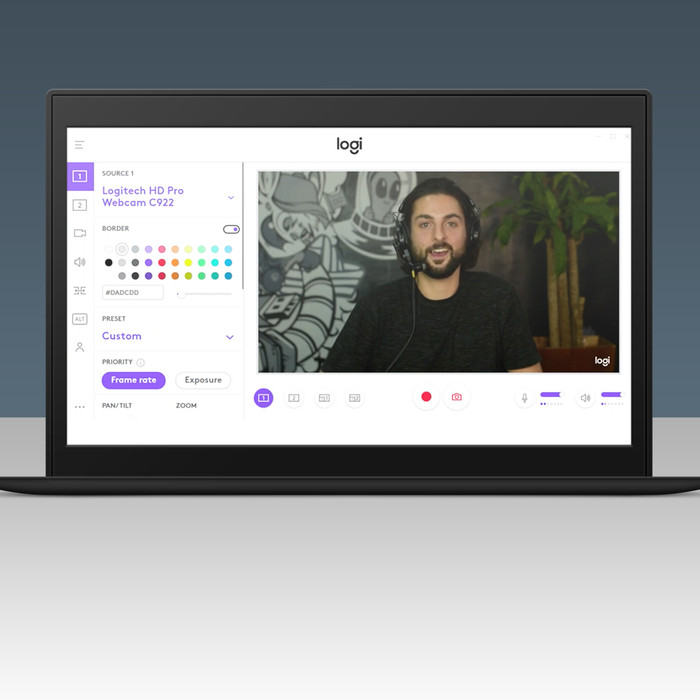
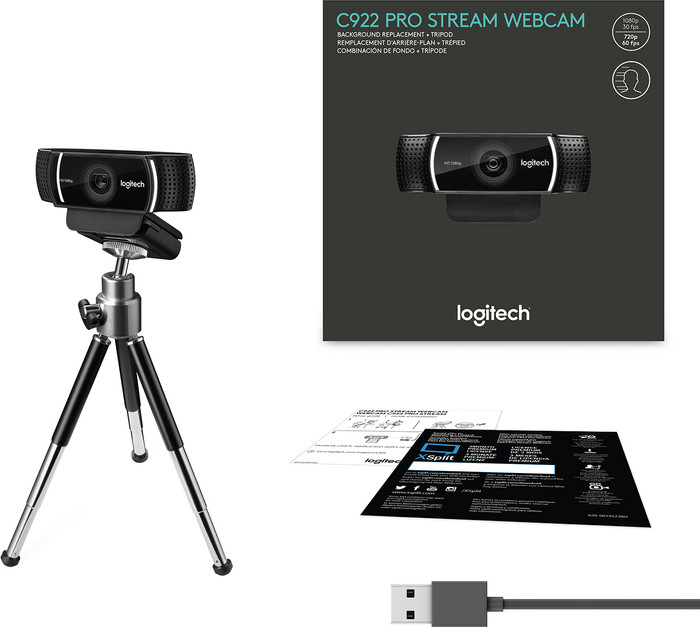
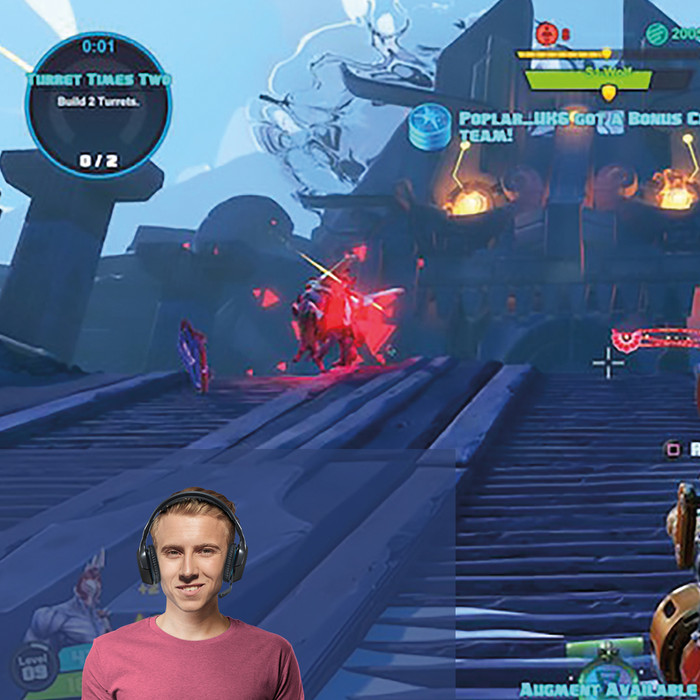
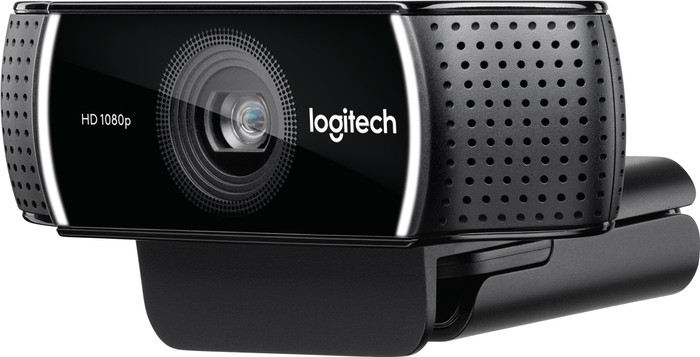
Stream your life as a vlogger on YouTube or share your heart-stopping gaming moments via Twitch with the Logitech C922 Pro Stream webcam. Stream your bizarre Play of the Game moments in Full HD quality at 30 fps or 720p at 60 fps to your Twitch channel. Using the software, the background and screen overlay can be adjusted to whatever you want. that way, your fans can see you, but it won't matter if your room is a mess, because they'll see whatever awesome gaming background you've put on. With the included telescopic table tripod you can be sure that you're clearly in frame, regardless of where you're vlogging. Your tips, tricks, and battle cries will come over loud and clear, thanks to the omnidirectional microphone.
5 stars
143
4 stars
49
3 stars
4
2 stars
1
1 star
1
Installation
User friendliness
Quality
Options
The camera gives a nice and smooth image. The image is 1080p at 30 frames per second (fps), or 720p at 60fps. The white balance and auto brightness work well, and adjust the image quickly. In addition, it is easy to set up via the software, and easy to use in programs such as OBS or XSplit.
Victor Jansen
12 October 2019
Automatically translated from Nederlands
Great webcam, sharp image and good sound
Ben
2 April 2020
Automatically translated from Nederlands
The webcam connects easily and the software / drivers are installed automatically. As far as I can judge so far, the sound and picture are very good. The small tripod that comes with it is quite handy. Also a small advantage is that you can attach the webcam to any standard tripod, so you can also set it up as a kind of camera.
We make e-learning and I chose this camera because it comes with the option that you can automatically remove the background (Personify Chromacam) while recording a movie. However, this option works so badly that it is not usable. I've attached a photo of my thumb to show how poorly the contours are contoured and a piece of my thumb is cut off. With a head with torso the effect is the same and often you can still see large parts of the background. This despite the fact that I followed all the tips from the Personify website.
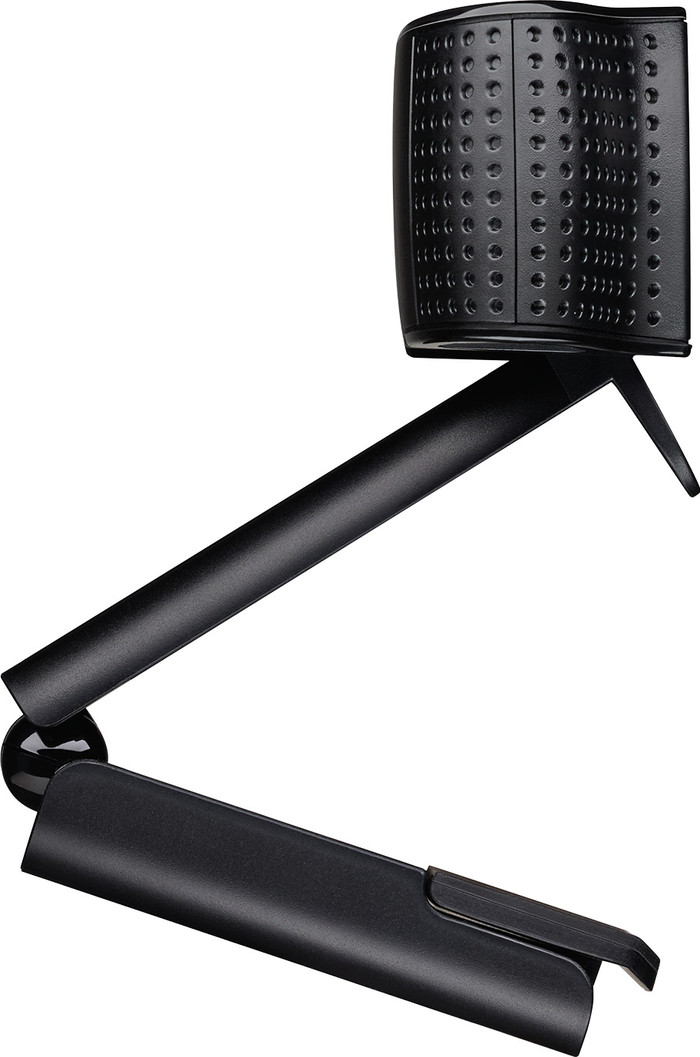
Also a small thing: the webcam cannot turn left or right if you have it attached to a monitor. That in itself is a pity, but not an insurmountable problem. You can turn the camera to the left and right on the tripod, but then you have to place it separately and it is pontifically in view.
The C920 has exactly the same hardware specifications, the C922 only has an extra tripod and the Personify Chromacam (option to remove backgrounds) compared to the C920. Since this last option is not workable, you only pay for the extra tripod with the C922. It's a very decent tripod, but I don't know if it's worth €20.
Personally, if I had to make the choice again with this knowledge, I would choose the C920.
Rob
8 January 2017
Automatically translated from Nederlands
According to our webcam expert
Use the customizable wallpapers to personalize your Twitch stream or YouTube vlogs.
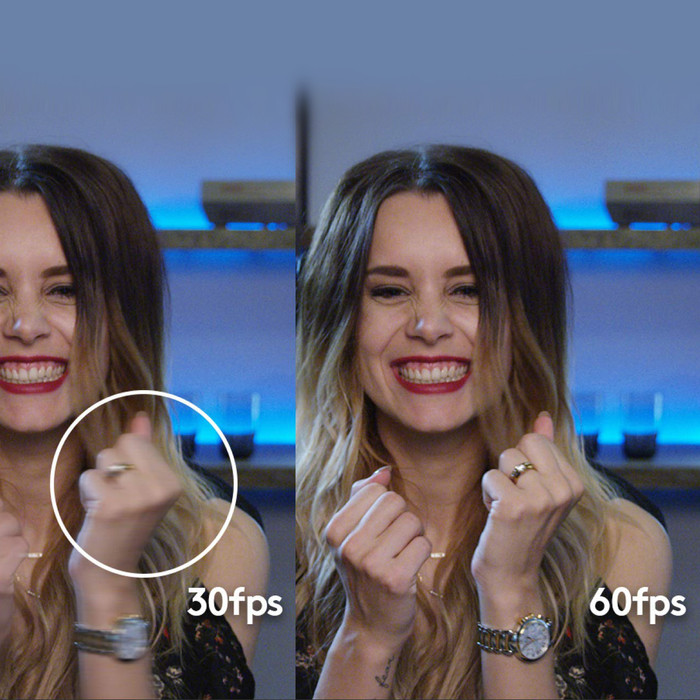
You can stream Full HD at 30 fps or even at 60 fps when using 720p, so your viewers won't miss a thing of the action.
The brightness is automatically adjusted in low light.
Panning and zooming remotely isn't possible.
83,-
In stock
In stock
Coolblue takes care of everything, from taking out an insurance to repairs
For almost all accidents
More coverage in case of damage than your standard warranty
No deductible
First, add your webcam to your shopping cart. On the next page, choose one of the Protection Plans below. You always have a 30-day return window and pay no deductible in case of damage or theft.
2-year Protection Plan
7,99
one-time2-year Protection Plan with theft cover
8,99
one-time3-year Protection Plan
8,99
one-time3-year Protection Plan with theft cover
9,99
one-time