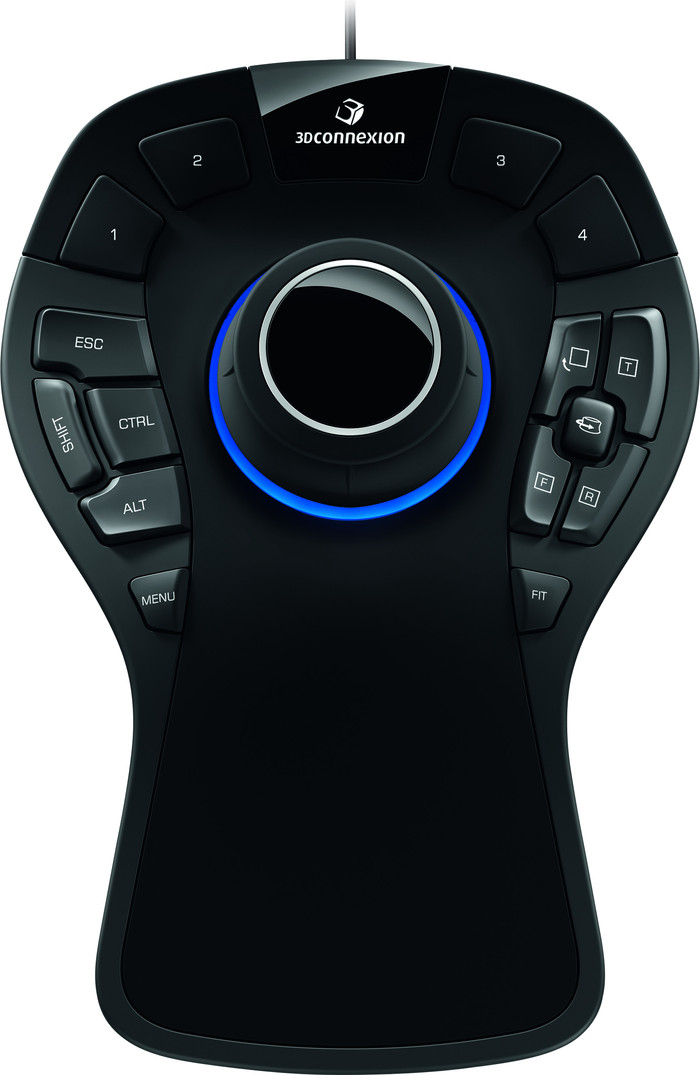
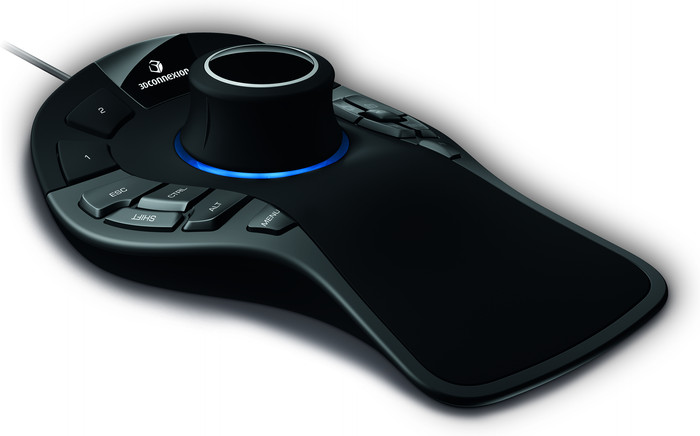
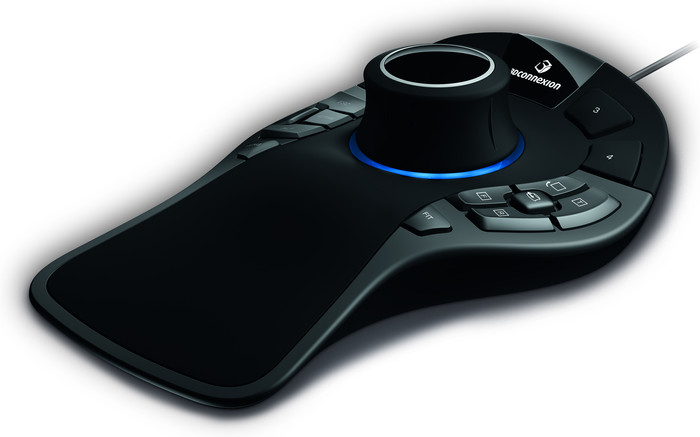
3Dconnexion SpaceMouse Pro
15
While learning to work with CAD programs, I came across 3DConnexion's products. At first it seemed like a nice gadget, but I found orbiting with the mouse so clumsy that I bought the SpaceMouse. It takes some getting used to (and adjusting to your own preferences, take half an hour after a few weeks) but after that you don't want anything else. For example, when selecting opposite faces (180 degrees pan) or a number of small parts spread over a larger model (a lot of pans and zooming in-out), it is much faster with a SpaceMouse.
I now have a SpaceMouse and CADMouse both at work and at home and I absolutely do not want to be without them. If you're drawing more than a few hours a week, it's worth considering the SpaceMouse and CADMouse.
What makes me especially happy is that the products are well thought out. For example, that there are no batteries in it, but that charging is done once every few months with a USB cable. Or the buttons on the CADMouse: all in a good place, freely programmable and especially the Radial Menus are brilliant. By pressing a button (your choice) a circular menu appears with which you can choose up to 8 commands by moving the mouse from the center of the circle in the right direction. As a result, you can do 90% without moving your hands to the keyboard all the time.
Once you get used to it, the SpaceMouse and CADMouse allow you to perform what you imagine at almost the same pace. Even if the products cost double, it's still worth buying!
Martijn Boerboom
12 September 2019
Automatically translated from Nederlands
It takes some getting used to, but once you get used to it you can't do without it and you wonder why you didn't buy such a 3D mouse before.
Andrew Jakobs
27 September 2020
Automatically translated from Nederlands
Takes some getting used to, but after that you go like a spear
Jorn Valster
26 January 2022
Automatically translated from Nederlands
381,-
381,-
Product number | 748356 | |
|---|---|---|
Manufacturer code | 3DX-700040 | |
Brand | 3Dconnexion | |
Processing of your defect | Via Coolblue | |
Old product returned for free |
Mouse model | 3D CAD | |
|---|---|---|
Input | Optical | |
Number of buttons | 15 | |
Ergonomic design | ||
Left or right-handed | Left-handed, Right-handed | |
Maximum dots per inch (DPI) | 1600 dpi | |
Adjustable DPI | ||
Mouse controls | Buttons | |
Suitable for gaming | ||
Rechargeable | ||
Programmable buttons | ||
Number of programmable buttons | 15 | |
Lighting peripherals | ||
Silent mouse | ||
Mouse surface | Any surface |
Connection type | Wired | |
|---|---|---|
Type of USB port | Standard USB-A | |
Braided cable | ||
Cable length | 1,8 m |
Plug and Play | ||
|---|---|---|
Compatible with operating system | ChromeOS, Windows, macOS |
Power supply type | USB port PC/laptop |
|---|
Color | Black | |
|---|---|---|
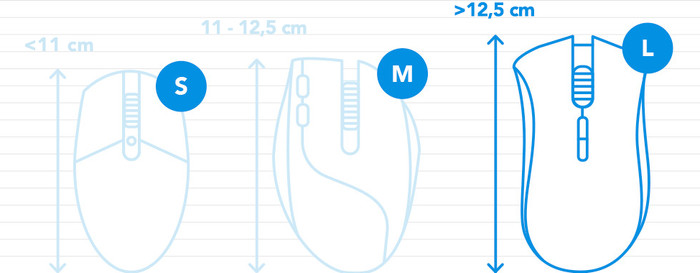
Mouse size | Small | |
Width | 14,2 cm | |
Height | 5,8 cm | |
Depth | 20,5 cm | |
Material | Plastic | |
Finish | Matte and glossy | |
Weight | 665 g |
Our digital expert will help you, but it can sometimes make mistakes, like humans do.
According to our mouse expert
Work comfortably: the ergonomic design keeps your arm, hand, and wrist in a natural position.
Easy to take with you: thanks to its compact size, you can easily take this mouse with you.
Not for large hands: the small size makes this mouse less comfortable for people with large hands.
381,-
549,-
In stock
In stock
Coolblue takes care of everything, from taking out an insurance to repairs
For almost all accidents
More coverage in case of damage than your standard warranty
No deductible
First, add your mouse to your shopping cart. On the next page, choose the Protection Plan below. You always have a 30-day return window and pay no deductible in case of damage.
2-year Protection Plan
24,99
one-time3-year Protection Plan
40,99
one-time