Logitech R400 Wireless Presenter

27,99
In stock
Product number | 78180 | |
|---|---|---|
Manufacturer code | 910-001356 | |
Brand | Logitech | |
Processing of your defect | Via Coolblue | |
Old product returned for free |
Laser cursor | ||
|---|---|---|
Vibrate function | ||
Interval timer | ||
Blank screen | ||
Nano receiver | ||
Bluetooth | ||
Compatible with operating system | Windows |
Material | Plastic |
|---|
Standard battery type | AAA | |
|---|---|---|
Type of battery | Standard batteries | |
Power supply type | Rechargeable battery |
Speed
Size
Options
Bought Logitech R400 with a lot of doubts. Because the packaging states: Windows suitable (no Mac). After some positive reviews, I took the plunge. . . My previous 'presenter' (other brand) 20 years old, had lost its way.
R400 connected to MacBook Pro. You will immediately receive an error message 'cannot find keyboard'. Next you will be asked: Press the button on the right, directly next to the (left) shift key. Voila, problem solved.
Immediately performed the following Tests 1,2,3.
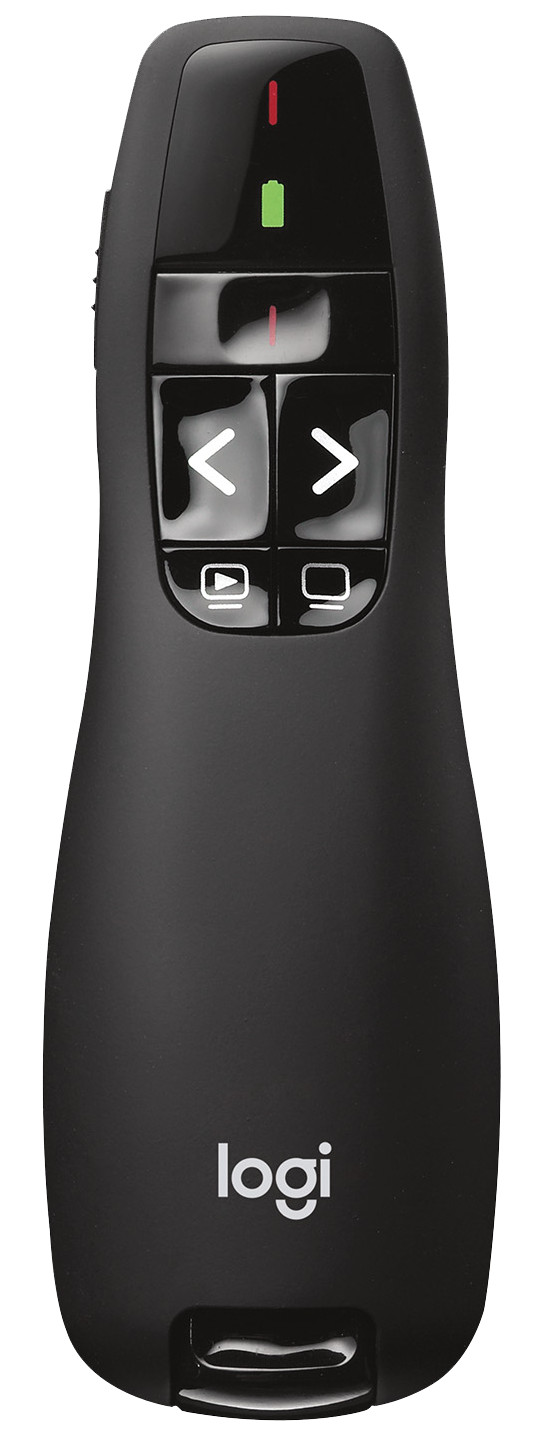
Test 3 Powerpoint went by far the best. That's what the R400 was made for. A TEN with a pencil. Test number 1 and 2 get more than a pass from me. Scrolling forwards and backwards in the presentation is smooth, without stuttering or lag. Button right below 'Black screen' responds on/off without any problems. 'Start-the-presentation' button (bottom left) works a little less well, but I never use it. So for me everything works. Great, now I only have 1 device in my hands, because the arrow pointer is built-in. The red laser arrow tested at a distance of 6 meters from the projection screen. Fine !
Borgviking
15 January 2016
Automatically translated from Nederlands
The remote works perfectly with PowerPoints; I thought that too with series of pictures from a file this device would work. But this is not the case. So all photos must first be put in a Powerpoint apparently. K.Nickel.
nickel.k nickel
3 December 2014
Automatically translated from Nederlands
Searched for months for a good fast working pointer. I give a lot of lectures and workshops. This one works great. Okay, maybe the only drawback is that the USB part of the pointer is quite long, but that's why the reception is so good I think.
Bart Hufen
18 November 2015
Automatically translated from Nederlands
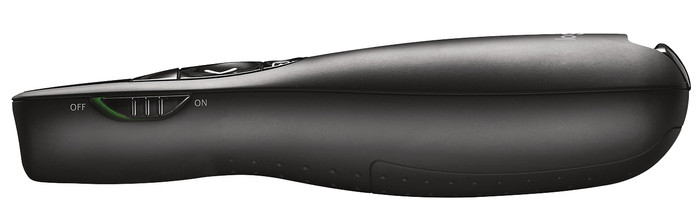
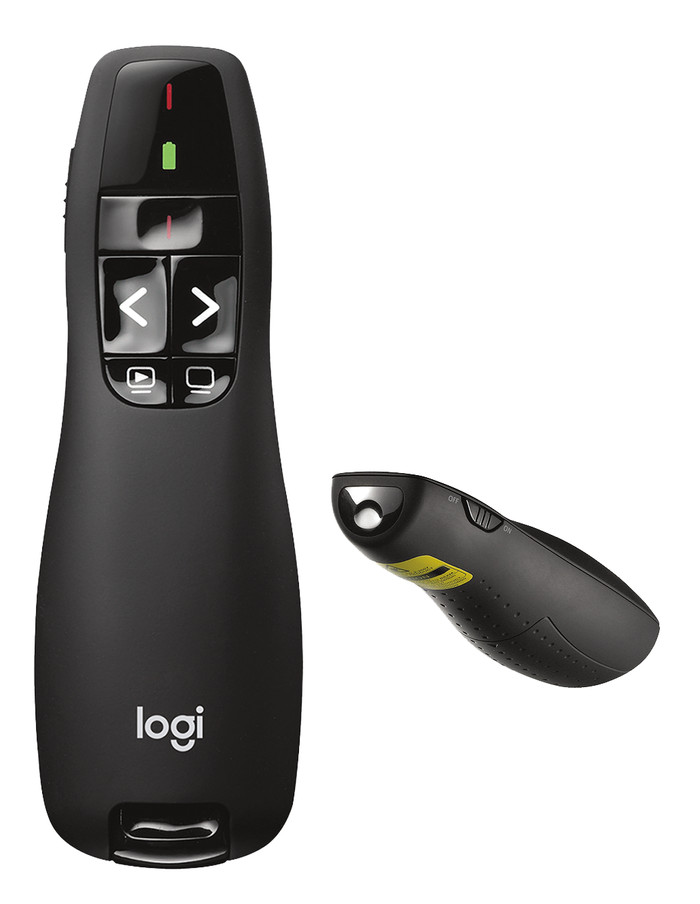
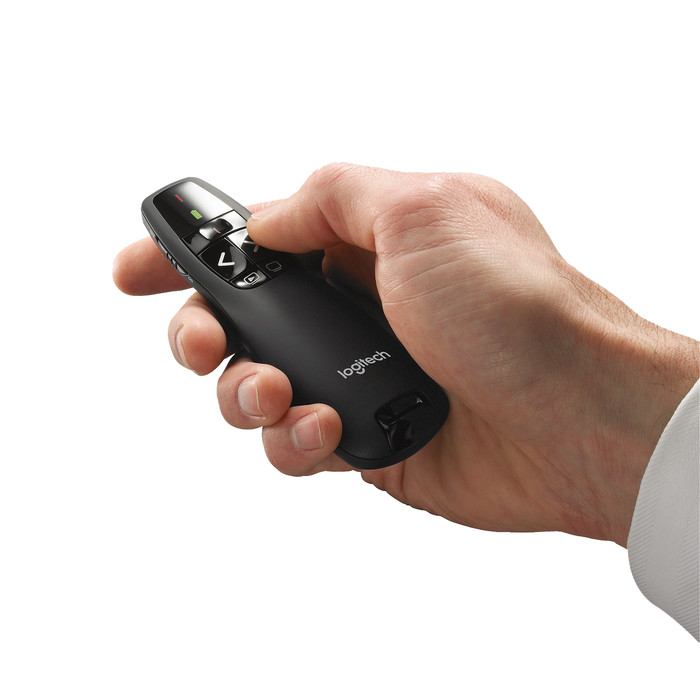
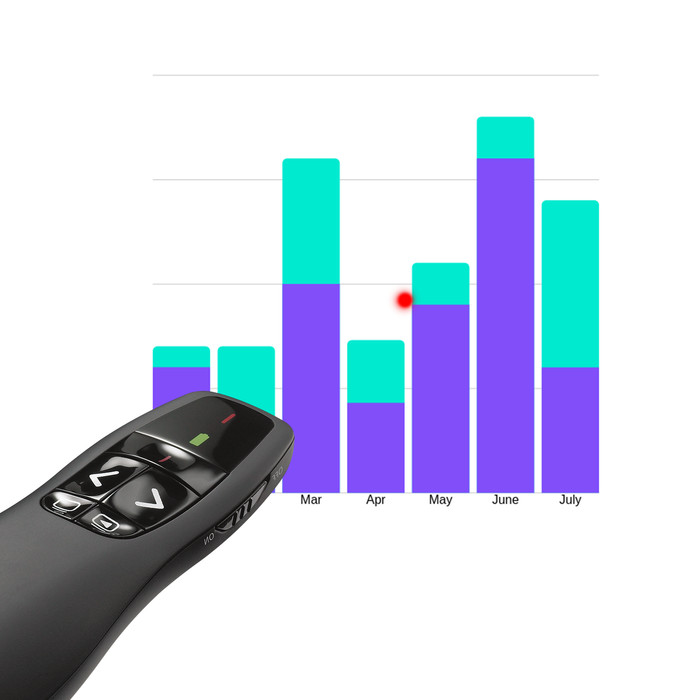
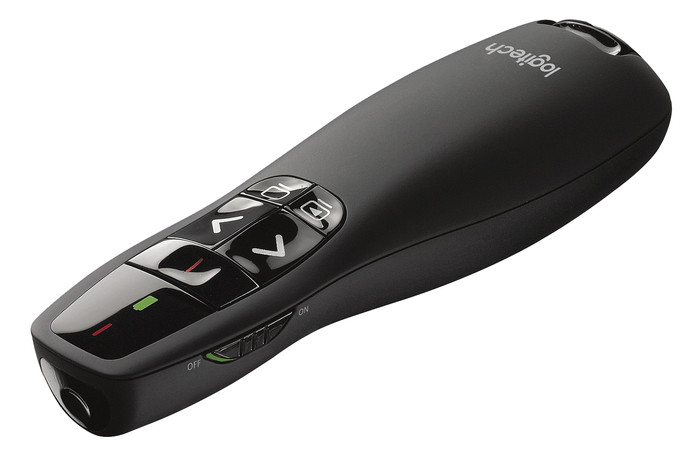
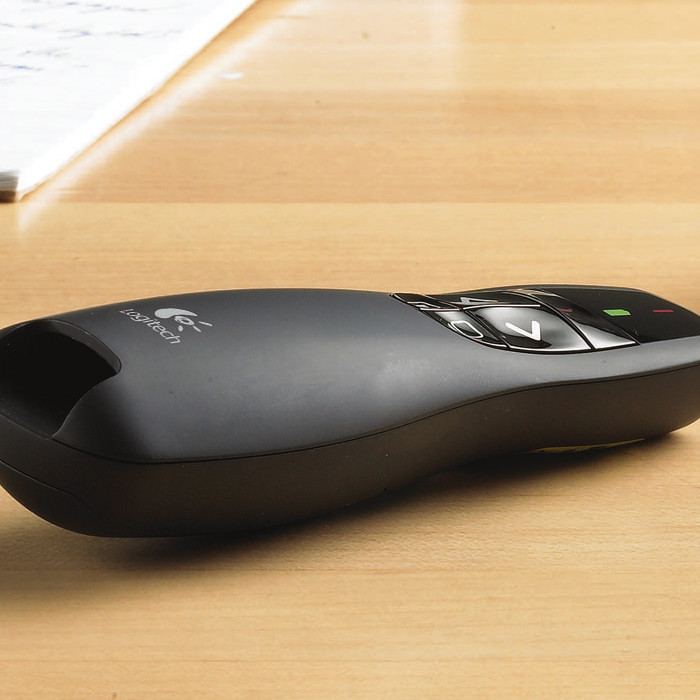
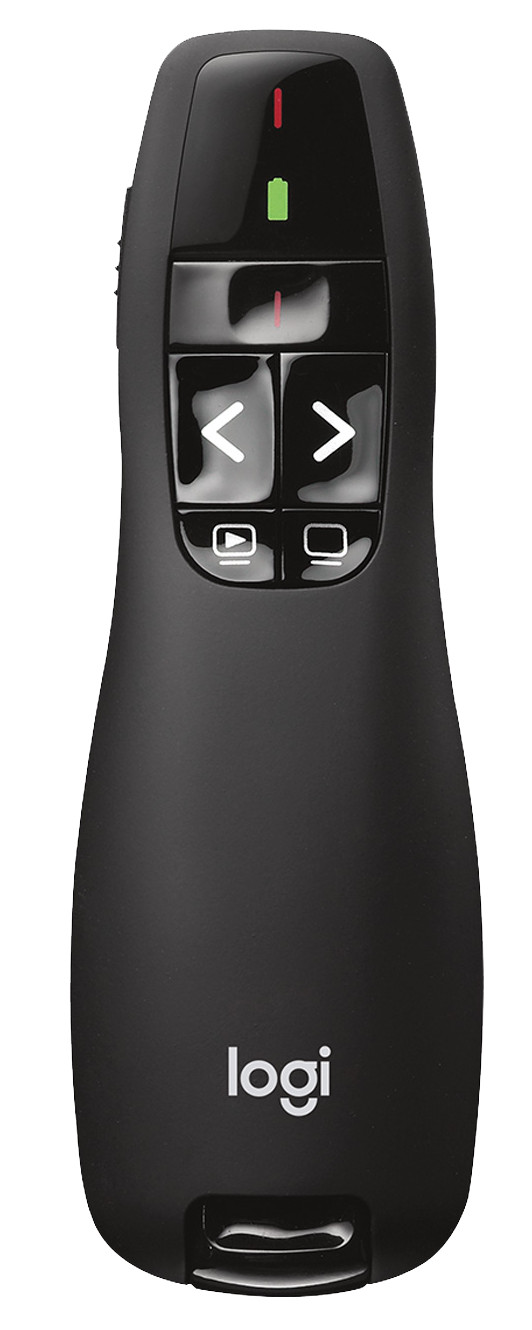
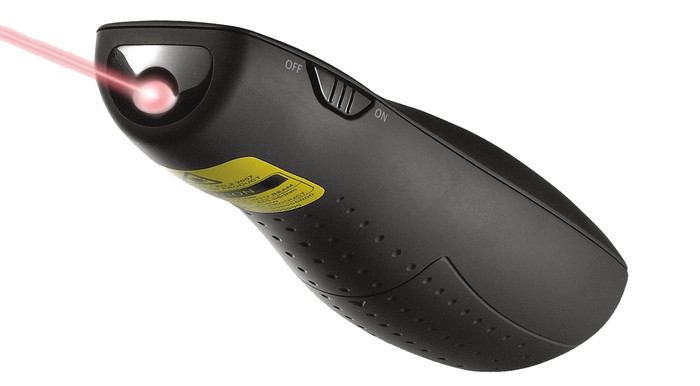
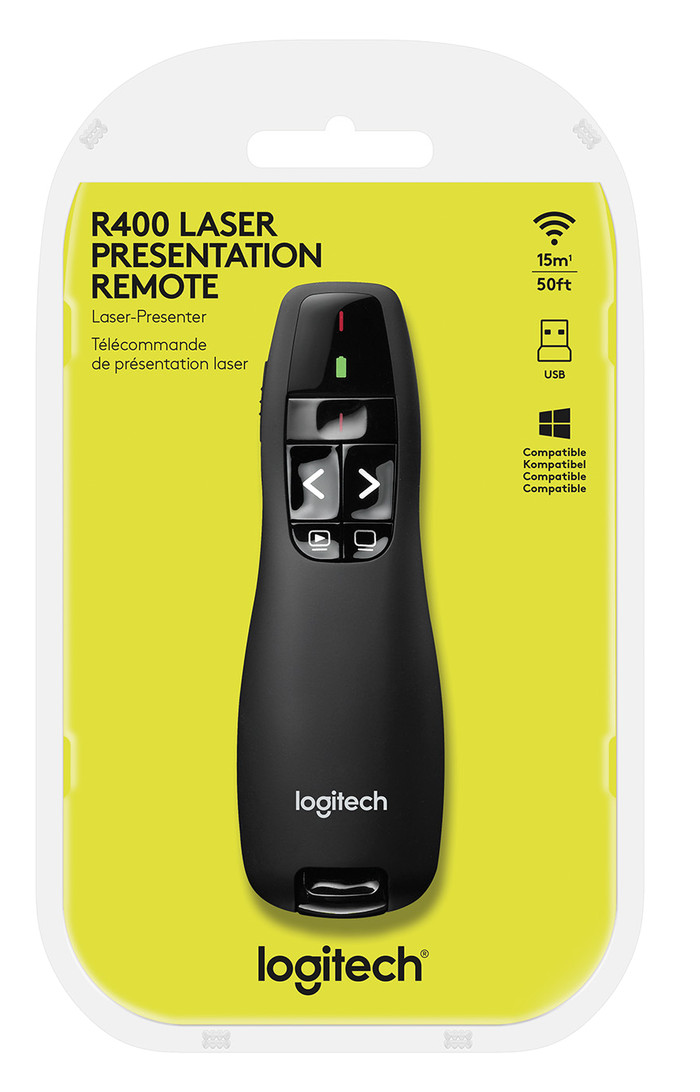
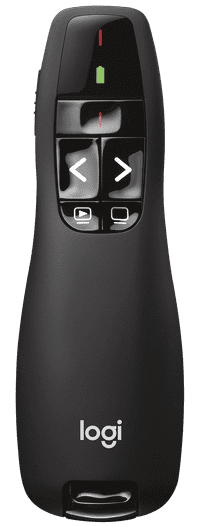
With the Logitech R400 Wireless Presenter, you can make sure your message comes across clearly to your audience. Plug the USB receiver into your laptop and easily navigate through your PowerPoint presentations. With the red laser pointer, you can point watchers to important points in your presentation without walking in front of the screen. Thanks to the battery icon, you can always see the battery level. That way, the battery doesn't unexpectedly run out. The presenter has a 15m range.
27,99
In stock