Logitech MK545 Wireless Keyboard and Mouse QWERTY



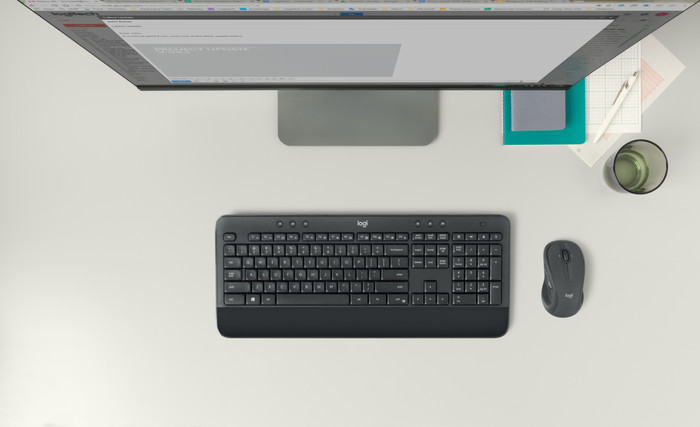
Logitech MK545 Wireless Keyboard and Mouse
Choose your accessories
5 stars
120
4 stars
63
3 stars
10
2 stars
1
1 star
2
Degelijkheid
Connection options
Gebruikersgemak
Layout
Design
I am a copywriter by profession and therefore write a lot. My old keyboard gave up the ghost after ten years, so I had to look for a replacement. It might cost a bit, because I'm a professional user, but I didn't have the budget for more expensive mechanical keyboards and was specifically looking for a combination of wireless keyboard and mouse with an easy connection.
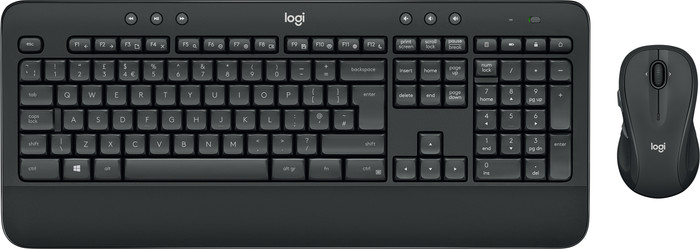
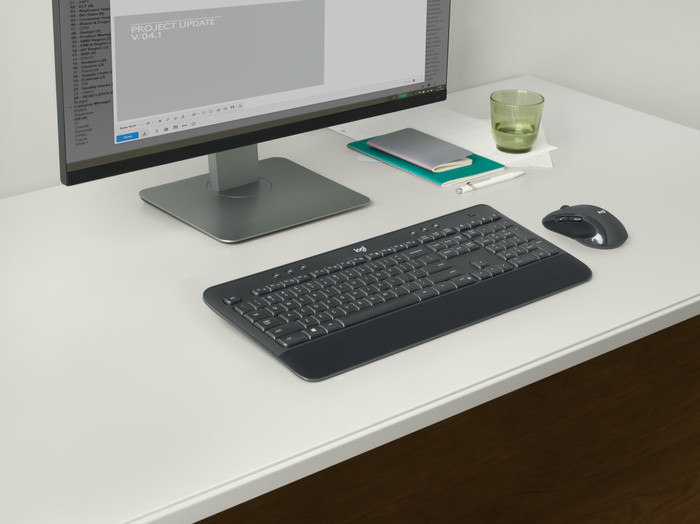
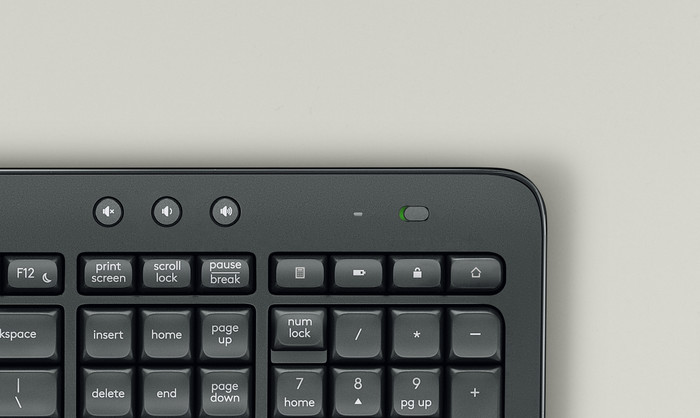
My eye quickly fell on the Logitech MK545. The form factor seemed nicer to me than the slightly more expensive MK710; the MK545 has straight lines, a no-nonsense layout and a uniform, black color. The additional control keys (volume control and pause/skip) are also subtle on the MK545, which appealed to me more visually. The MK850 seemed slightly more ergonomic, but I didn't need the function to switch between devices that you find with that set, so it wasn't worth the extra cost.
A nice side effect of the MK545 that other reviewers mention is the battery management. Keyboard and mouse have no battery and are therefore not rechargeable, but both use AA batteries (so you don't have to keep two types in stock) and go through smart energy management 36 resp. 24 months per set of batteries. I have yet to see how that works out in practice, but other reviewers confirm its longevity. The fact that batteries are included is also very nice; so you can get started right away.
Installation is as simple as plugging the USB dongle into your computer. Keyboard and mouse are immediately found, recognized and installed. Takes less than two seconds. By installing Logitech Options you get access to extra functionalities, but these are limited with this set. I have also noticed that input lag sometimes occurs since I installed the Logitech drivers. This was not the case during the previous days. If you notice something similar, you can consider removing the drivers.
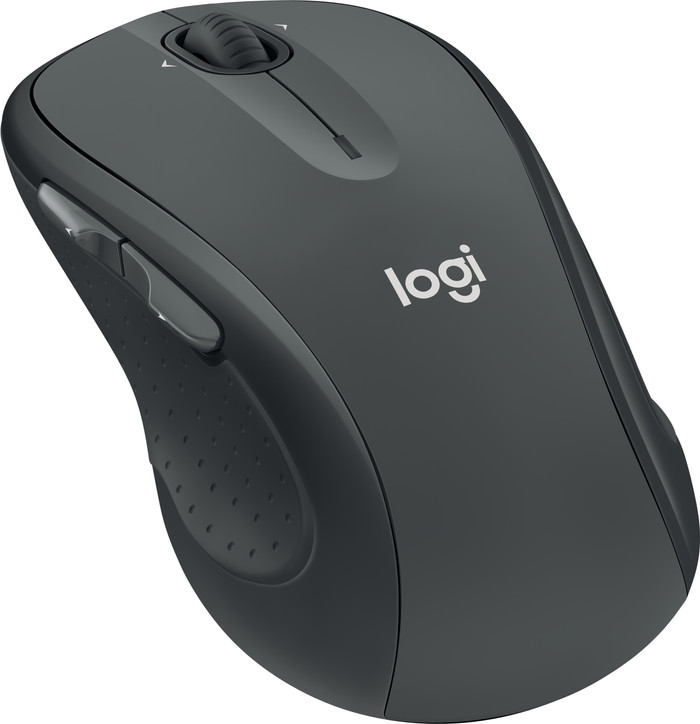
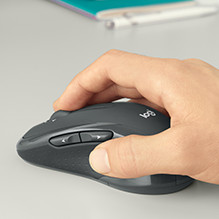
My further user experience is positive. Compared to my old set, the keys do feel a bit spongy, but in my view that is mainly a matter of getting used to. The ergonomics are fine. The mouse does what it's supposed to do and fits comfortably in the hand, even for someone with large hands like me. Other reviews complain about the build quality of the mouse, but I have to admit that I like these a lot better than the mouse I had.
All in all, highly recommended, especially if you're looking for a practical, no-nonsense set for use in the (home) office.
Koen van den Berg
16 January 2020
Automatically translated from Nederlands
I think it is a good product because it has the keys I need, it is light and it has a nice design. The third party program that comes with it (Install Logitech Options if it doesn't do it automatically) is very simple to use and to customize. So you can set such a key to turn off your system, without going to the start menu, or pressing the power button of your system and more. At this price point, it's a pretty good buy, and should it ever go on sale, don't pass this up if you need a new wireless mouse/keyboard combo.
Abdeljalil Belfqih
26 May 2019
Automatically translated from Nederlands
I was looking for a wireless set with a mouse not too small. A mouse is often small quickly, but it is expected to fit well in the hand.
Roos Verschure
28 December 2020
Automatically translated from Nederlands
Our digital expert will help you, but it can sometimes make mistakes, like humans do.
According to our keyboard and mouse set expert
Use it anywhere: because the set is wireless, you can use it anywhere.
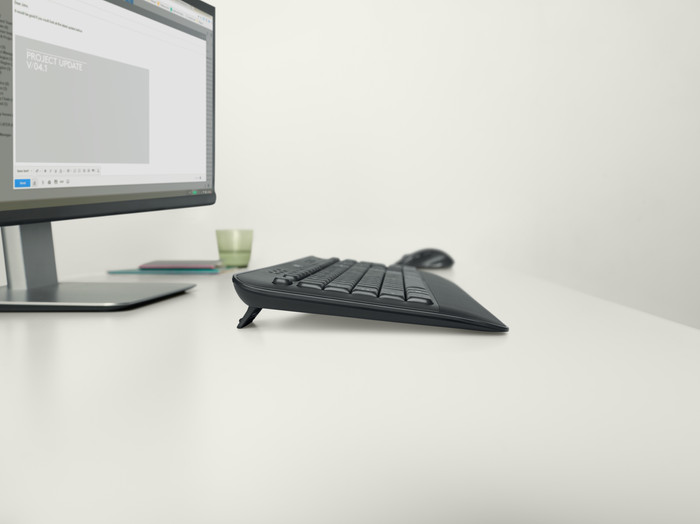
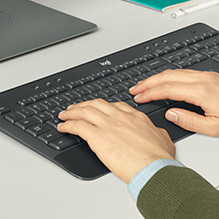
Work comfortably: thanks to the ergonomic design, you can type and navigate comfortably all day and prevent arm and wrist pain.
Control media quickly: the multimedia keys keep the volume and your music controls within reach while you type.
Always need a USB port: you always need a free USB port for the connection, because the set doesn't have Bluetooth.
Noticeable clicking sounds: this mouse doesn't have silent buttons, so you'll be bothered by clicking sounds sooner.
70,-
70,-
Product number | 806375 | |
|---|---|---|
Manufacturer code | 920-008923 | |
Brand | Logitech | |
Processing of your defect | Via Coolblue | |
Old product returned for free |
Input | Optical | |
|---|---|---|
Number of buttons | 4 | |
Ergonomic design | ||
Left or right-handed | Right-handed | |
Adjustable DPI | ||
Mouse controls | Buttons, Scroll wheel | |
Suitable for gaming | ||
Programmable buttons | ||
Silent mouse | ||
Horizontal scrolling | ||
Mouse surface | Any surface | |
Lighting peripherals |
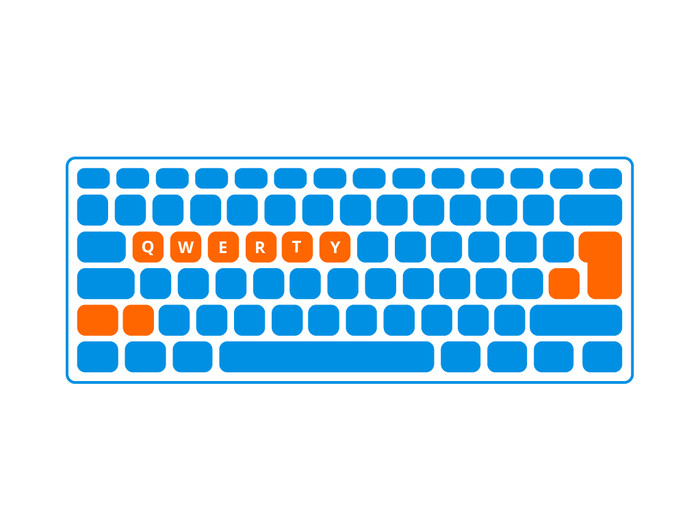
Keyboard layout | QWERTY | |
|---|---|---|
Geographic keyboard layout | US international layout | |
Physical keyboard layout | ISO | |
Multimedia shortcuts | ||
Backlit keyboard | ||
Flat keys | ||
Mechanical keyboard | ||
Programmable keys | ||
Spill-resistant | ||
Wrist rest |
Connection type | Wireless | |
|---|---|---|
Type of wireless connection | USB | |
Nano receiver |
Power supply type | Rechargeable battery | |
|---|---|---|
Rechargeable battery |
Keyboard composition | Keyboard, Mouse, Numpad | |
|---|---|---|
Height | 2,4 cm | |
Width | 45,7 cm | |
Depth | 19,3 cm | |
Color | Black | |
Weight | 0,73 kg |
Current product

USB
USB and Bluetooth
USB and Bluetooth
USB and Bluetooth
USB and Bluetooth
70,-
Retail price BlueBuilt
99,-86,-
91,-
90,-
103,-
In stock
In stock
Coolblue takes care of everything, from taking out an insurance to repairs
For almost all accidents
More coverage in case of damage than your standard warranty
No deductible
First, add your keyboard and mouse set to your shopping cart. On the next page, choose the Protection Plan below. You always have a 30-day return window and pay no deductible in case of damage.
2-year Protection Plan
7,99
one-time3-year Protection Plan
8,99
one-time