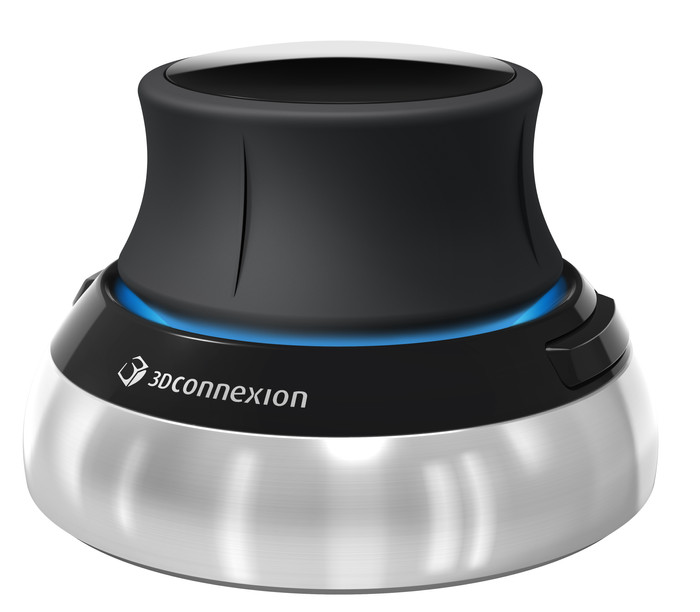
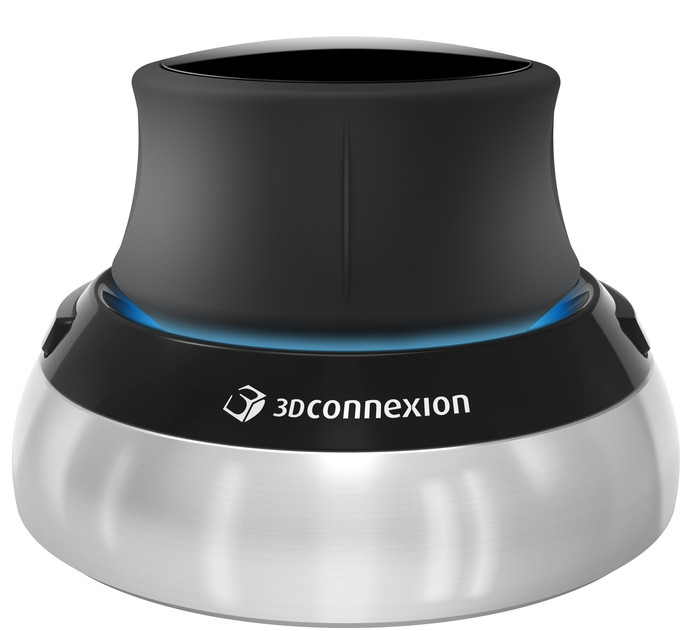
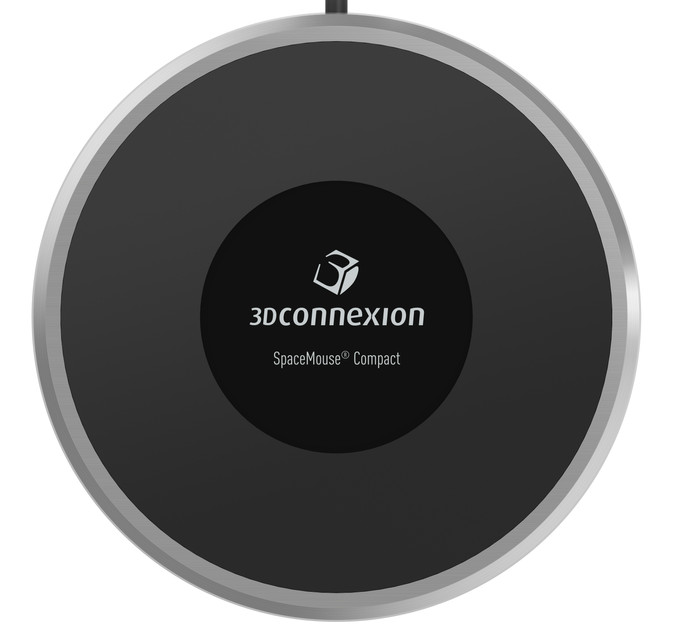
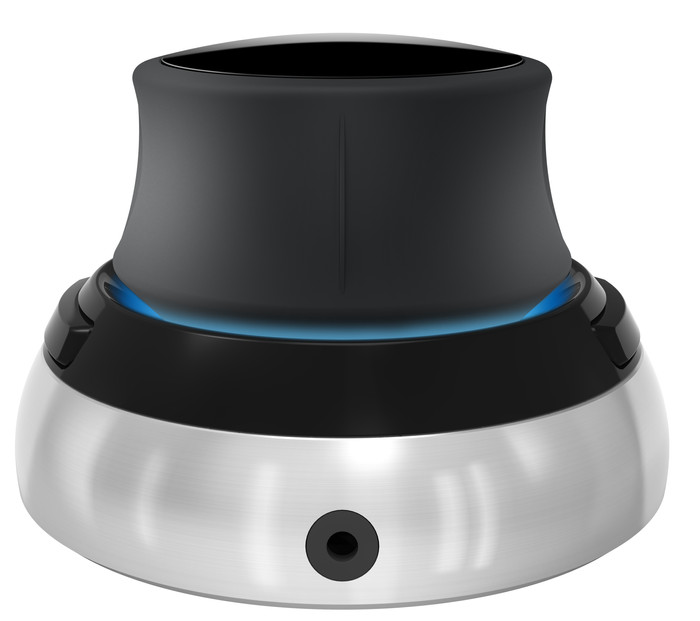
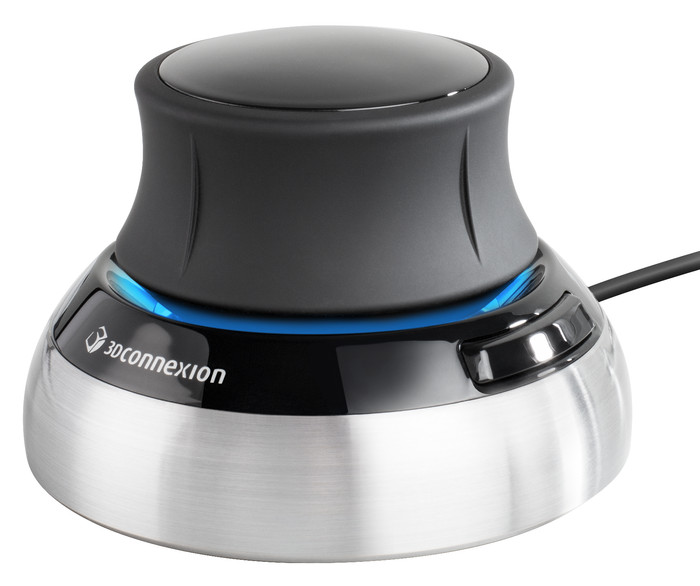
3Dconnexion SpaceMouse Compact


2
Tried many drivers but can't get it to work on a mac.. a seemingly known problem.
Robert
27 July 2020
Automatically translated from Nederlands
Good 3d mouse, for the basics exactly what you need.
Robbert Abbink
27 August 2019
Automatically translated from Nederlands
I've worked quite a bit with SolidWorks and Siemens NX, and so far always with just a mouse, with endless dragging, mouse wheel use, and holding down Ctrl and Shift whatever comes with it. It sometimes takes you a good 10 seconds to get the camera exactly where you want, and even then you can't quite get to what you want. In addition to being time-consuming, it is also very frustrating, and it takes the tempo out of your design work.
With the SpaceMouse, that is a thing of the past; you can rotate, zoom, and move your model even while in menus. In addition, you keep your mouse free for navigating through the menu, clicking things, etc. It is really difficult to explain what a difference this device can make, so you should try it, and if you don't like it you can always return it . I do say that the support differs per program; in NX, for example, it works fantastic, in Blender it has been a bit less smooth so far, but that can be solved with configuration. I myself use it with my laptop, for which I can recommend the use of an (official) cover, although Coolblue unfortunately does not sell this (yet).
All in all, totally worth the price, especially for someone doing professional CAD work, and a real quality product for the money.
Lukas
12 January 2021
Automatically translated from Nederlands
Our digital expert will help you, but it can sometimes make mistakes, like humans do.
According to our mouse expert
Work comfortably: the ergonomic design keeps your arm, hand, and wrist in a natural position.
Work more quietly: thanks to the quiet keys, you won’t bother others while you work.
Easy to take with you: thanks to its compact size, you can easily take this mouse with you.
Not for large hands: the small size makes this mouse less comfortable for people with large hands.
Less freedom of movement: the cable lets you move your mouse less freely across your desk.
180,-
180,-
Product number | 836338 | |
|---|---|---|
Manufacturer code | 3DX-700059 | |
Brand | 3Dconnexion | |
Processing of your defect | Via Coolblue | |
Old product returned for free |
Mouse model | 3D CAD | |
|---|---|---|
Input | Trackball | |
Number of buttons | 2 | |
Ergonomic design | ||
Type of ergonomics | Trackball | |
Left or right-handed | Left-handed, Right-handed | |
Mouse controls | Buttons, Touch | |
Suitable for gaming | ||
Rechargeable | ||
Programmable buttons | ||
Number of programmable buttons | 1 | |
Lighting peripherals | ||
Color lighting | Blue | |
Number of colors lighting | 1 | |
Zone lighting | DPI button | |
Zones separately lit | ||
Silent mouse | ||
Mouse surface | Any surface |
Connection type | Wired | |
|---|---|---|
Type of USB port | Standard USB-A | |
Braided cable | ||
Cable length | 2 m |
Plug and Play | ||
|---|---|---|
Compatible with operating system | ChromeOS, Windows, macOS |
Power supply type | USB port PC/laptop |
|---|
Color | Black | |
|---|---|---|
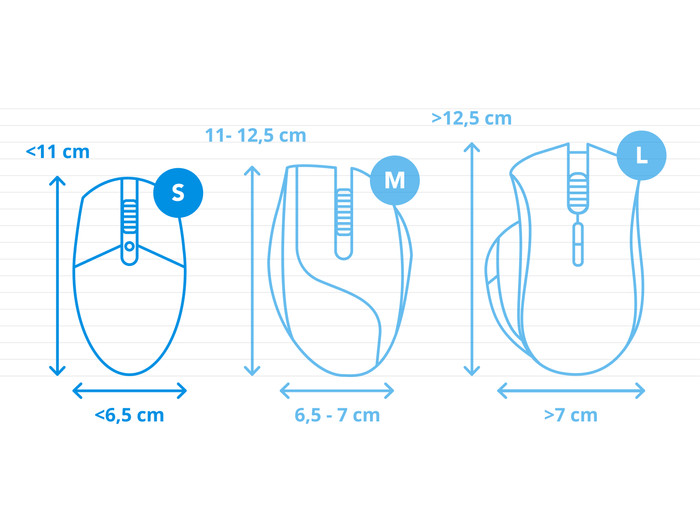
Mouse size | Small | |
Width | 8 cm | |
Height | 5 cm | |
Depth | 8 cm | |
Material | Plastic | |
Finish | Matte and glossy | |
Weight | 456 g |
In stock
In stock
Coolblue takes care of everything, from taking out an insurance to repairs
For almost all accidents
More coverage in case of damage than your standard warranty
No deductible
First, add your mouse to your shopping cart. On the next page, choose the Protection Plan below. You always have a 30-day return window and pay no deductible in case of damage.
2-year Protection Plan
11,99
one-time3-year Protection Plan
18,99
one-time