SanDisk iXpand GO Flash Drive 3.0 128GB


Product number | 856964 | |
|---|---|---|
Manufacturer code | SDIX60N-128G-GN6NE | |
Brand | SanDisk | |
Processing of your defect | Via Coolblue | |
Old product returned for free |
Total storage capacity | 128 GB | |
|---|---|---|
Maximum write speed | 60 MB/s | |
Maximum read speed | 100 MB/s | |
USB version | USB 3.2 Gen 1 | |
Backup feature | ||
Protected memory (USB) | ||
Protection type (USB) | Data encryption, Password | |
Data encryption | Software encryption |
Type of USB port | Standard USB-A | |
|---|---|---|
Size USB flash drive | Standard | |
Casing USB flash drive | Slide out | |
Depth | 5,3 cm | |
Width | 1,2 cm | |
Height | 1,25 cm | |
Weight | 7 g | |
Keychain attachment | ||
Color | Black, Silver | |
Material | Metal, Plastic | |
Compatible with product type | Desktop, Laptop, Smartphone | |
Water-resistant | ||
Water-repellent coating | ||
Waterproofness certification | Not certified | |
Water resistance | Splash proof | |
Dustproof | ||
Shockproof |
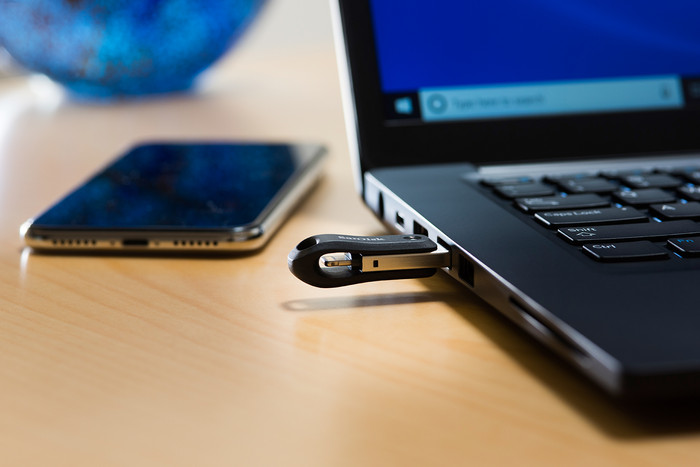
The stick is intended to transfer photos from my iPhone to my computer. This works well, however! You can use it in two ways: from the stick app you can copy photos to it and from the Photos app you can export photos to the stick. This produces different results! Exporting from the photos app gives jpg files, where whatsapp photos get a weird file name. You can also only export a fairly limited amount of photos/videos at a time (about 30 seconds of video). If you copy from the stick via the app, you can copy as much as you want. Whatsapp photos will then not be given a separate file name (since these have a much lower resolution, you may want to filter them out, that has to be done by file size). However, depending on the iPhone's settings, you'll get jpg files, or .heic files, which a PC can't do anything with. Occasionally the stick loses the connection with the telephone, but that is by no means as much of a problem as when the telephone is connected to the PC with a cable.
Vivike Lapoutre
15 September 2020
Automatically translated from Nederlands
Doesn't like copying down times
Peter Emmen
3 September 2022
Automatically translated from Nederlands
It shuts down regularly while making a backup. 9000 photos bin upper therefore took a day and a half.
Mark wiekens
4 February 2023
Automatically translated from Nederlands
Type of USB port | Standard USB-A | |
|---|---|---|
Total storage capacity | 128 GB | |
USB version | USB 3.2 Gen 1 | |
Maximum read speed | 100 MB/s | |
Maximum write speed | 60 MB/s | |
Casing USB flash drive | Slide out |
According to our USB flash drive expert
This flash drive is splash proof, so it's more resistant to a few raindrops.
Protect your data thanks to SanDisk SecureAccess, which keeps your files safe.
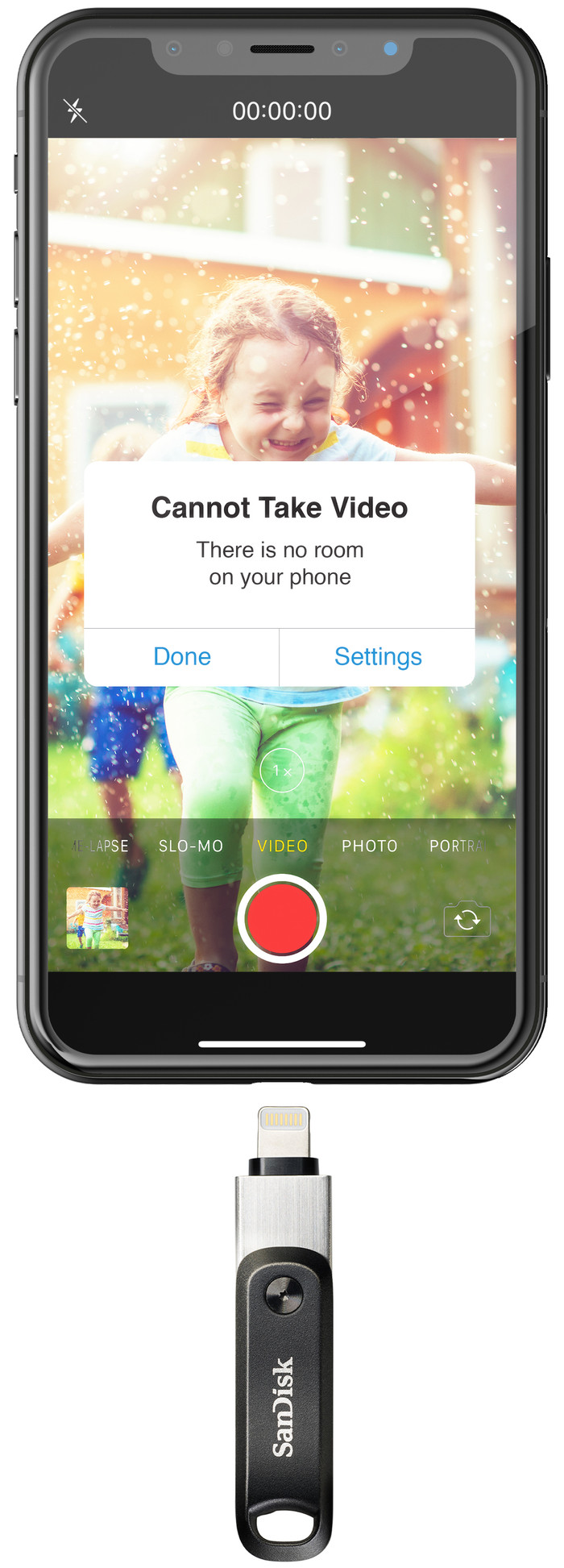
With this USB flash drive, you can free up the storage of your iPhone and iPad by transferring large files to the SanDisk.
The USB flash drive doesn't have a backup feature, so your files aren't protected against data loss.
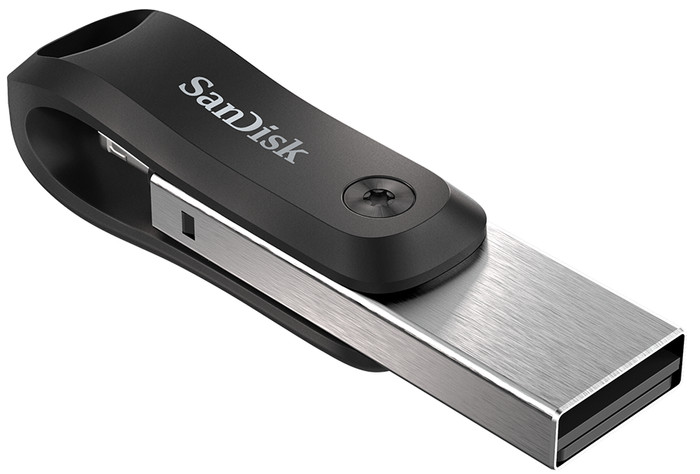
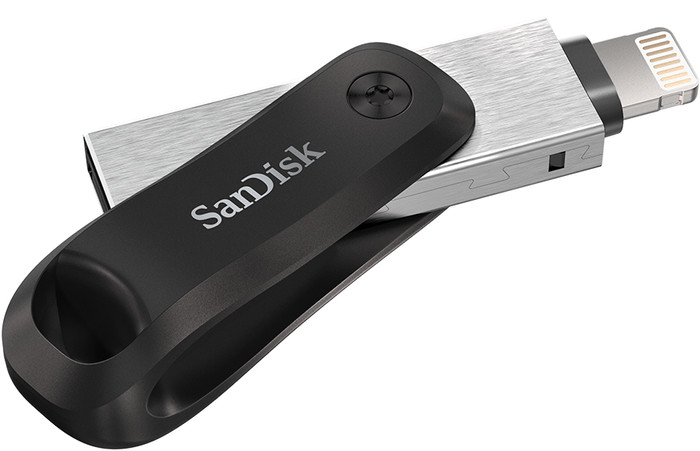
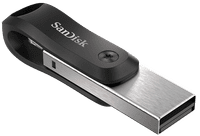
Transfer data such as photos and videos from your iPhone and iPad to the SanDisk iXpand GO Flash Drive 3.0 128GB. This compact, extendable USB flash drive with a storage capacity of 128GB allows you to free up the storage of your Apple device. Thanks to SanDisk SecureAccess, you can secure folders with passwords to make sure your files are secured everywhere. In addition, this SanDisk is splash proof.
55,-
55,-
Current product
Standard USB-A
USB-C
USB-C
USB-A and USB-C
Standard USB-A
128 GB
256 GB
256 GB
256 GB
256 GB
Slide out
Without protective cover
Slide out
Slide out
Without protective cover
55,-
58,-
48,99
45,99
73,-
In stock
In stock