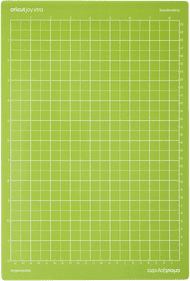
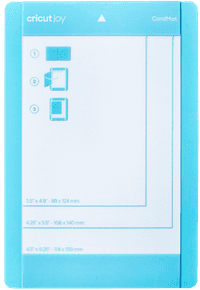
Cricut Joy Card Mat
Product number | 870474 | |
|---|---|---|
Manufacturer code | 2007968 | |
Brand | Cricut | |
Processing of your defect | Via Coolblue |
Material | Plastic | |
|---|---|---|
Suitable for model | Cricut Joy, Cricut Joy 2 |
The cutting printer is an easy device, easy to use. A good starter. It is a pity that the cutting sheets are expensive, knowing that the printer always calculates a very large margin as a margin.
Festjens Rien
30 January 2021
Automatically translated from Nederlands
Does what it's supposed to do: protect the back of your card while cutting or drawing the front with the circut.
Veldkamp
11 February 2021
Automatically translated from Nederlands
An absolute must for your cricut joy
Alwin Telkamp
7 April 2021
Automatically translated from Nederlands
According to our mat for cutting machines expert
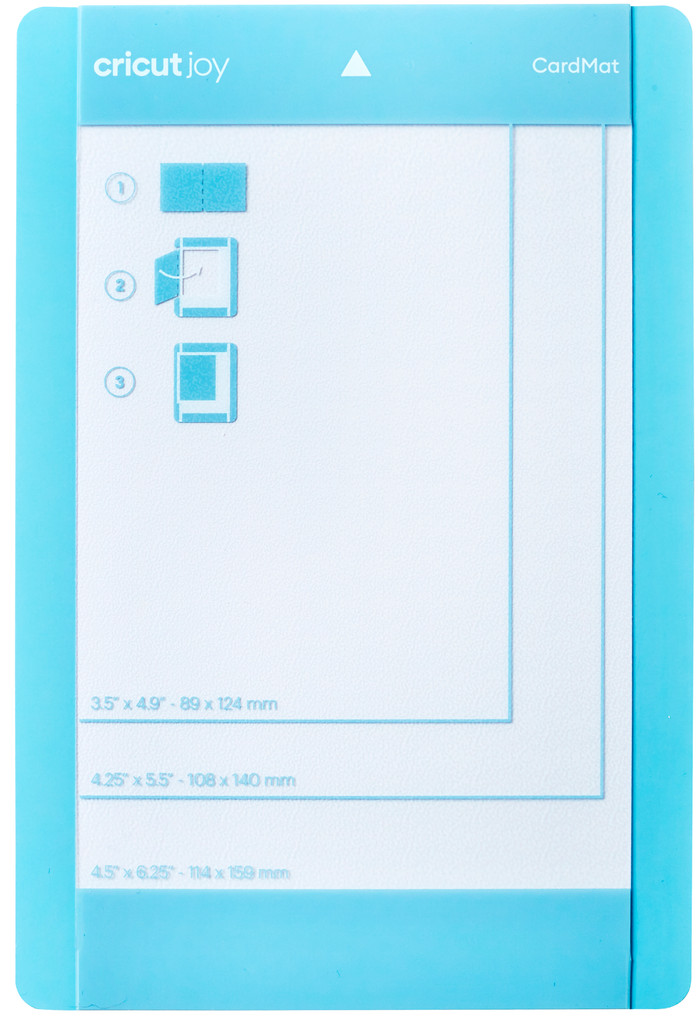
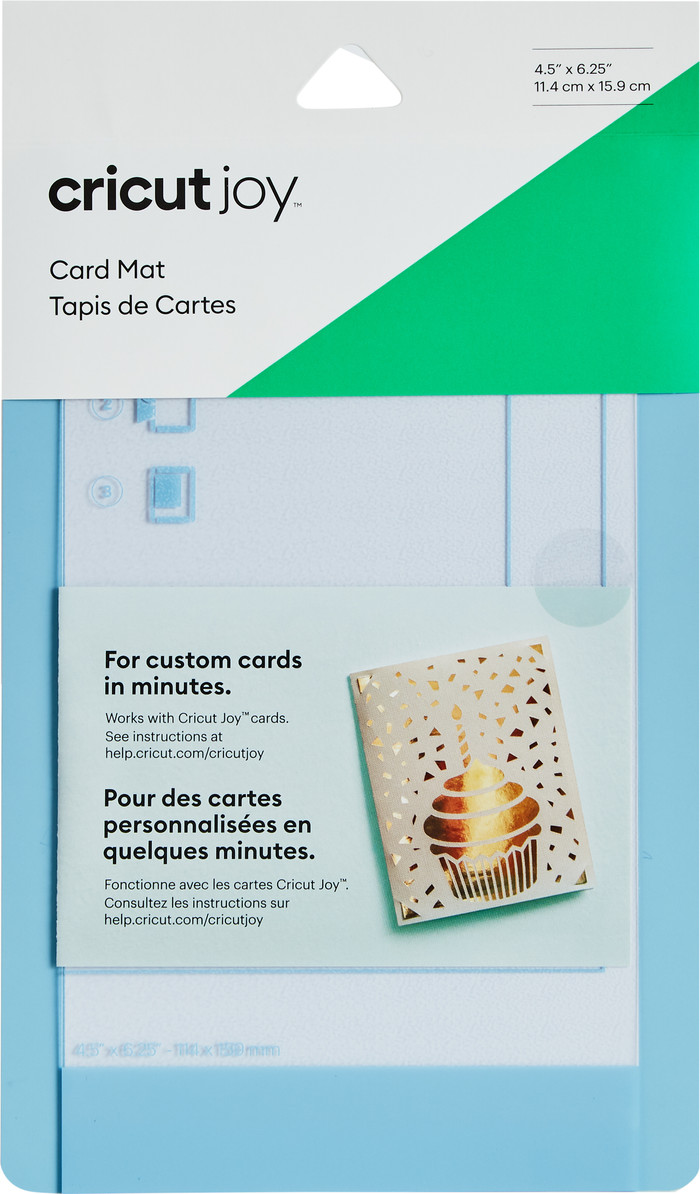
You place your cards on the special card mat to cut your design.
The transparent foil protects the adhesive layer of the cutting mat.
The special adhesive layer keeps the material in place while you cut your design.
This cutting mat is only suitable for the Cricut Joy Cutting Machine.
You use the Cricut Joy Card Mat to cut cards. Personalize your cards with the cutting machine on this mat. Because of the compact size of 16x12 centimeters, this cutting mat is only suitable for the Cricut Joy cutting machine. You have to buy the special cards separately. You only need a few minutes to cut out your birthday card or thank you letter. Simply place the cards on the card mat. The material remains in place during cutting, thanks to the special adhesive layer. Cover the card mat well when you're not using it.
9,99
9,99
Current product
Cricut Joy, Cricut Joy 2
Cricut EasyPress 2, Cricut EasyPress 3, Cricut EasyPress Mini, Cricut EasyPress SE, Cricut Joy Xtra
Cricut EasyPress 2, Cricut EasyPress 3, Cricut EasyPress Mini, Cricut EasyPress SE, Cricut Joy Xtra
9,99
13,99
13,99
In stock
In stock