
8
|
No
|
No
|
3
Product number | 363272 | |
|---|---|---|
Manufacturer code | TL-SG108 V3 | |
Brand | TP-Link | |
Processing of your defect | Via Coolblue | |
Old product returned for free |
Managed switch | ||
|---|---|---|
Number of Ethernet ports | 8 | |
Ethernet speed | Gigabit Ethernet (1000Mbps) | |
Switching capacity | 16 Gbit/s | |
Performance options switch | IGMP Snooping, Quality of Service (QoS) | |
SFP/GBIC ports | 0 | |
Quality of Service (QoS) | ||
LACP Link aggregation | ||
IGMP Snooping | ||
VLAN | ||
Jumbo frame support | ||
Port mirroring | ||
Professional use | ||
Suitable for business use in | Home office |
PoE support | ||
|---|---|---|
Type of PoE | No PoE | |
Highest PoE stand | No PoE | |
Number of PoE ports | 0 | |
Number of PoE+ ports | 0 | |
Number of PoE++ ports | 0 |
Fan present | ||
|---|---|---|
Mounting possible | ||
Suitable for 19-inch rack mount | ||
Weight | 390 g | |
Color | Black | |
Height | 25 mm | |
Width | 15,8 cm | |
Depth | 101 mm | |
Material | Metal | |
Guided collections test property | 1 switch | 1 PoE port, 1 switch | 1Gbps Ethernet speed | 0 SFP ports, 1Gbps Ethernet speed | Not suitable for 19-inch rack |
Degelijkheid
Energieverbruik
Snelheid
Installatie- & gebruiksgemak
Mogelijkheden
I bought this switch because my T-mobile router only has 2 ethernet ports available (other 2/4 for TV for now) Looks solid and is nicely compact. Based on the website I thought I would get the "Easy Smart Switch", when the package arrived it turned out to be an "Unmanaged Pro" variant with the same model number (TL-SG105E) After some communication with Coolblue and the manufacturer, it turns out to be the same product. (other branding only) With me there was no CD (according to the description website CB) but you don't need that either. Any new(er) firmware can be found on the TP-Link website: https://www.tp-link.com/nl/support/download/tl-sg105e/ !Make sure you choose the correct hardware version! (it's on the sticker on the bottom of the switch) For me it was V4. (So don't automatically choose the last one!)
To configure the switch, you will have to make a direct (1on1) network connection with a PC/laptop. Default IP of the switch is then: 192.168.0.1 (default login: admin, admin) Put your PC (temporarily) in the same IP range, e.g. 192.168.0.2 (Network, change adapter options, Ethernet, Properties, Internet Protocol version 4 (TCP/IPv4), choose a manual IP)
if you place the switch directly in your network, it works like a switch, so you don't just get to the web interface. Network cables in and go.
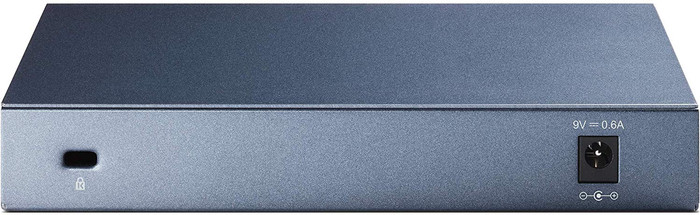
rubber (adhesive) feet included (I have not used) I hung the switch on 1 of the 2 "Screw eyes" on the back.
All in all I am very satisfied with it.
F. Boersma
8 April 2020
Automatically translated from Nederlands
Many options for an entry model switch. POE, Manageble and Vlan support. You don't find that much on switches in this price range. Comes in a sturdy housing.
Frank Pietersma
17 August 2018
Automatically translated from Nederlands
I use this PoE switch in combination with 3 WiFi access points and an OC200 WiFi controller. All these devices are powered via Power or Ethernet through this switch. I did go through the installation, but it would work fine without it. High speeds, low latency, just what I wanted.
Robert Webbe
7 September 2018
Automatically translated from Nederlands
According to our network switch expert
The switch is plug and play, so you can quickly add it to an existing network.
Use this switch to connect an IPTV receiver.
This switch has a lifetime warranty.
You can't configure this switch to suit your needs.
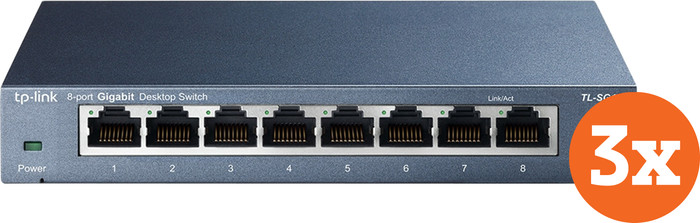
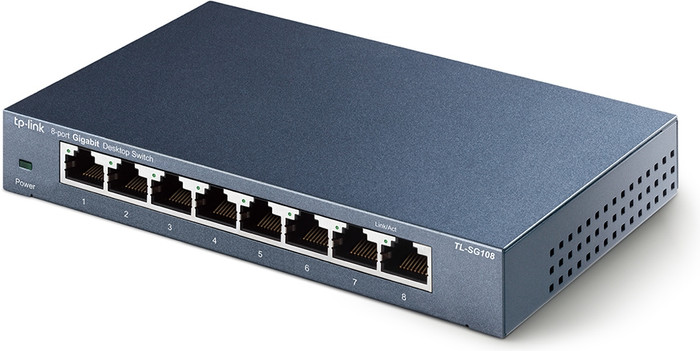
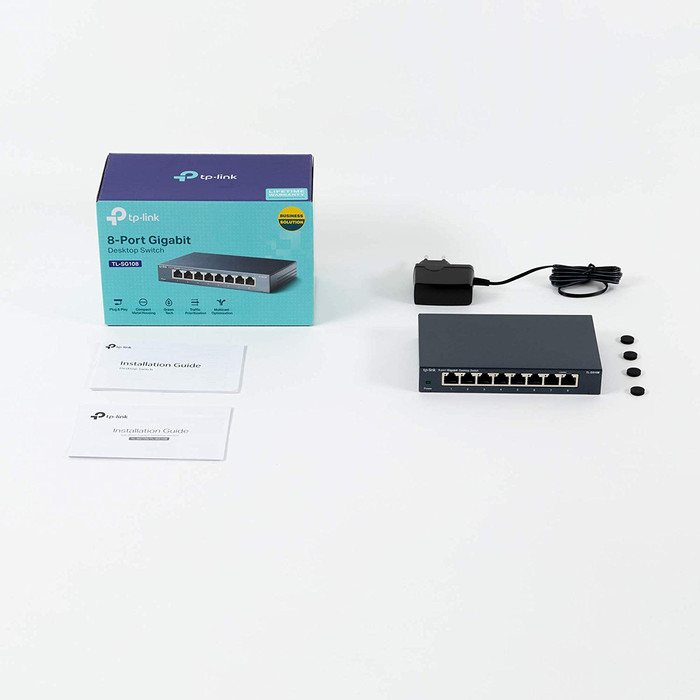
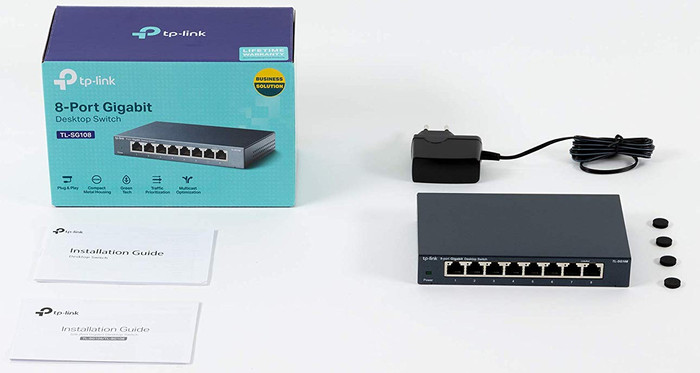
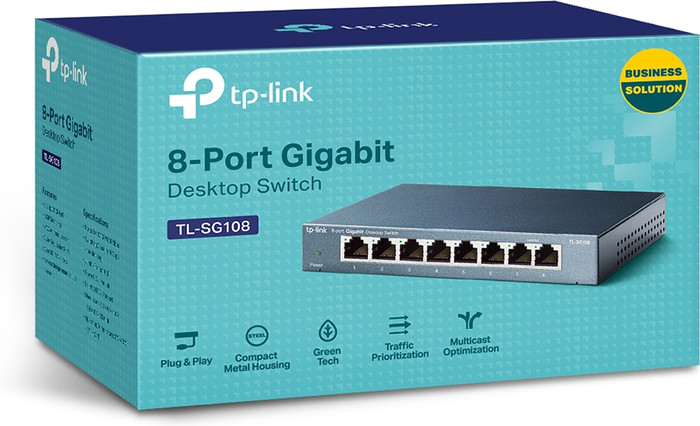
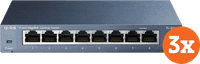
The TP-Link TL-SG108 3-pack has 3 switches with 8 network ports each, which have a maximum speed of 1Gbps. The switch is plug and play, so you can add multiple network connections to an existing network without extra configuration. You can easily mount this switch underneath a desk or on the wall. In addition, the manufacturer provides a lifetime warranty with this switch.
90,-
90,-
In stock
In stock