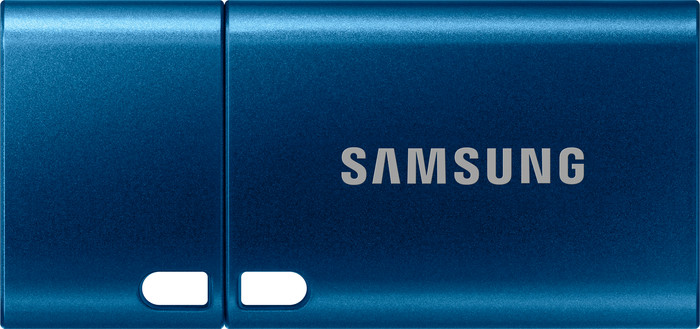
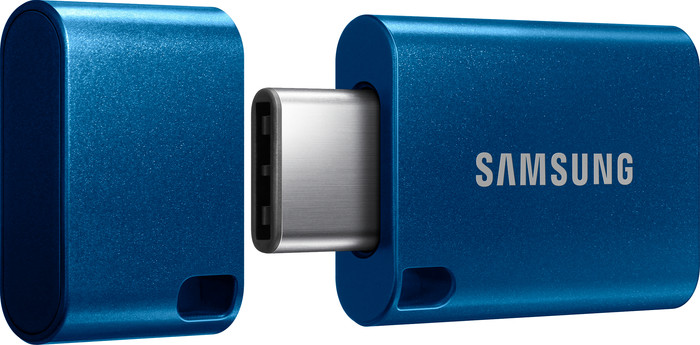
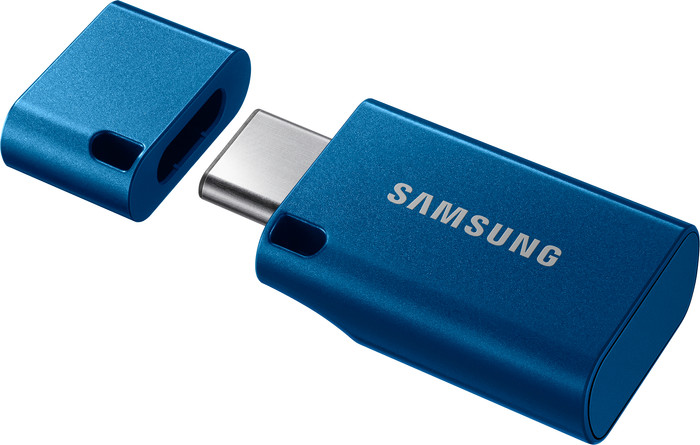
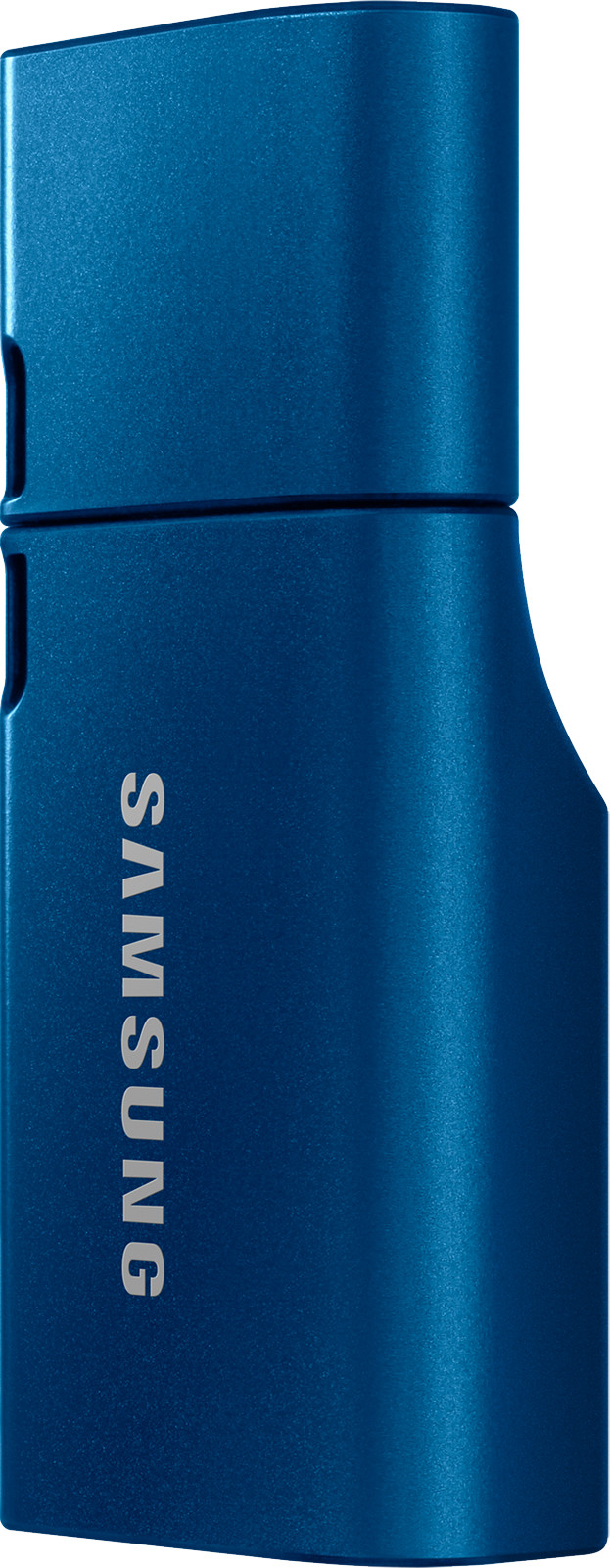
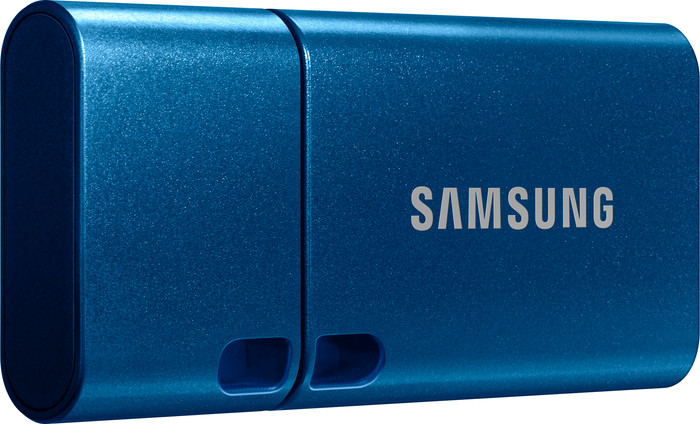
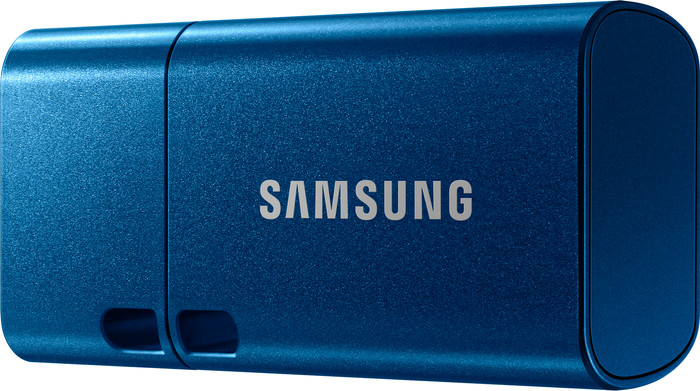
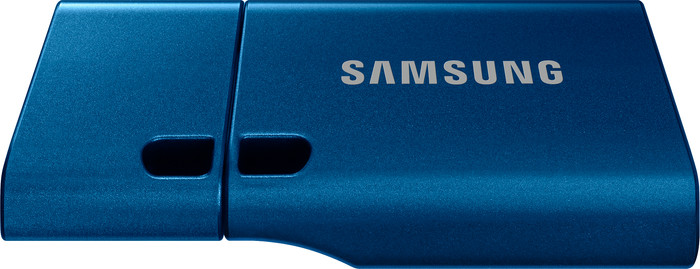
Samsung USB-C Flash Drive 256GB
Similar USB flash drives

- 256GB storage capacity
- USB-C 3.2 connector
- 150MB/s
79,-
In stock
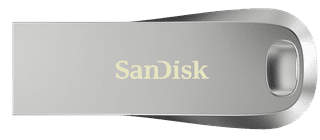
- 512GB storage capacity
- USB-A connector
- Metal casing
Retail price SanDisk
199,-130,-
In stock
79,-
In stock
Retail price SanDisk
199,-130,-
In stock
Product number | 905702 | |
|---|---|---|
Manufacturer code | MUF-256DA/APC | |
Brand | Samsung | |
Processing of your defect | Via Coolblue | |
Old product returned for free |
Total storage capacity | 256 GB | |
|---|---|---|
Maximum write speed | 110 MB/s | |
Maximum read speed | 400 MB/s | |
USB version | USB 3.2 Gen 2 | |
Backup feature | ||
Protected memory (USB) |
Type of USB port | USB-C | |
|---|---|---|
Size USB flash drive | Small | |
Casing USB flash drive | With protective cover | |
Depth | 3,3 cm | |
Width | 1,8 cm | |
Height | 0,8 cm | |
Weight | 3,4 g | |
Keychain attachment | ||
Color | Blue | |
Material | Metal | |
Compatible with product type | Desktop, Laptop, Smartphone, Tablet | |
Water-resistant | ||
Water-repellent coating | ||
Waterproofness certification | Not certified | |
Water resistance | Waterproof | |
Dustproof | ||
Shockproof |

Current product

80,-
79,-
Retail price SanDisk
199,-130,-
77,-
USB-C
USB-C
Standard USB-A
USB-A and USB-C
256 GB
256 GB
512 GB
512 GB
USB 3.2 Gen 2
USB 3.2 Gen 2x2
USB 3.2 Gen 2
USB 3.2 Gen 2x2
400 MB/s
150 MB/s
400 MB/s
70 MB/s
Type of USB port | USB-C | |
|---|---|---|
Total storage capacity | 256 GB | |
USB version | USB 3.2 Gen 2 | |
Maximum read speed | 400 MB/s | |
Maximum write speed | 110 MB/s | |
Casing USB flash drive | With protective cover |
According to our USB flash drive expert
Also for USB-C devices: you can use the USB flash drive with devices that have a USB-C port, such as your smartphone or tablet.
Room for lots of media: with 256GB, you can store more than 42,000 smartphone photos or 22 hours of Full HD video.
Smooth for medium-sized files: you can transfer files like photos and large text documents smoothly thanks to the 110MB/s write speed.
Not for USB-A devices: you can't use this USB flash drive on devices that only have a USB-A port.
Not suitable for large files: you'll need a higher write speed for large files.
I used it for my S23, at first it wouldn't transfer files larger than 4GB, I looked on youtube and that's how I found how to solve that. Put the flash drive in the samsung and then go to the my files app from samsung and you can fix that there, you have to convert and then it should be okay. Attention, make sure the flash drive is still empty before formatting. Below in the link you can see how to do it. https://www.youtube.com/watch?v=d2zEhIeLXrE&ab_channel=HowtoSolutions
I've been transferring quite a few movies I made at Tomorrowland in the meantime because I didn't have enough space on the smartphone, unfortunately, this flash drive solved my problem. Keep in mind that this does drain battery. So if you are away from home for a long time, make sure you have an external battery with you, just give it as a tip.
I haven't experienced any problems yet. The speed I achieved was 67 mb/s write speed. The 100 mb/s is theory, the practice is a bit less but still pretty fast I must say.
Even if you want to remove the flash drive from the smartphone, the best and safest thing to do is first tap on the 3 bollekes via the app itself, definitely recommended to always do this.
Definitely worth the money.
Andy
30 July 2023
Automatically translated from Nederlands
Does what it's supposed to do quickly and at a fair price
HG
28 July 2022
Automatically translated from Nederlands
Nice solid USB stick that is nice and small.
Hielko
25 August 2023
Automatically translated from Nederlands