



This is the one
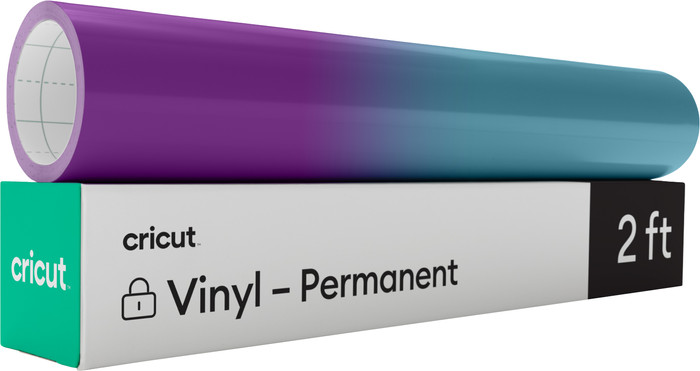
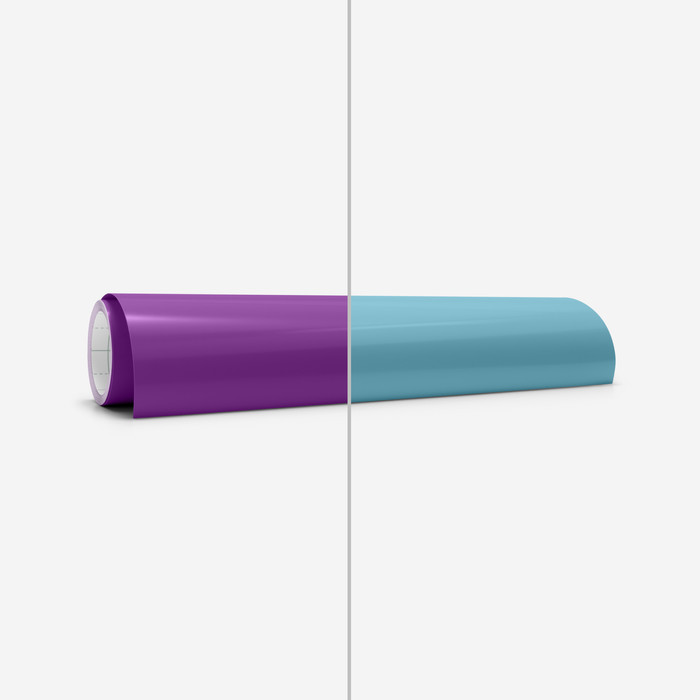
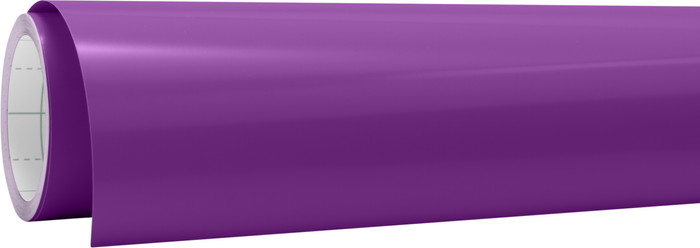
Cricut Color Changing Vinyl (Hot) Permanent Purple 30x60cm

Product number | 923875 | |
|---|---|---|
Manufacturer code | 2009591 | |
Brand | Cricut | |
Processing of your defect | Via Coolblue |
Height | 0 cm | |
|---|---|---|
Width | 30 cm | |
Depth | 60 cm | |
Weight | 0,054 kg | |
Color | Purple |
Material type for cutting machines | Vinyl | |
|---|---|---|
Type vinyl | Permanent | |
Number of sheets | 0 | |
Number of rolls | 1 | |
Quantity | 0 | |
Adhesive surface | ||
Finish material type for cutting machines | No finish | |
Also works without a cutting mat | ||
Suitable for model | Cricut EasyPress 2, Cricut EasyPress 3, Cricut EasyPress Mini, Cricut EasyPress SE, Cricut Explore 3, Cricut Explore 4, Cricut Explore 5, Cricut Explore Air 2, Cricut Joy, Cricut Joy 2, Cricut Joy Xtra, Cricut Maker 3, Cricut Maker 4, Cricut Maker 5 |
Current product

18,99
17,99
17,99
17,99
17,99
Vinyl
Iron-on
Iron-on
Iron-on
Iron-on
Cricut EasyPress 2, Cricut EasyPress 3, Cricut EasyPress Mini, Cricut EasyPress SE, Cricut Explore 3, Cricut Explore 4, Cricut Explore 5, Cricut Explore Air 2, Cricut Joy, Cricut Joy 2, Cricut Joy Xtra, Cricut Maker 3, Cricut Maker 4, Cricut Maker 5
Cricut EasyPress 2, Cricut EasyPress 3, Cricut EasyPress Mini, Cricut EasyPress SE, Cricut Explore 3, Cricut Explore 5, Cricut Explore Air 2, Cricut Joy, Cricut Joy 2, Cricut Joy Xtra, Cricut Maker 3, Cricut Maker 4, Cricut Maker 5
Cricut EasyPress 2, Cricut EasyPress 3, Cricut EasyPress Mini, Cricut EasyPress SE, Cricut Explore 3, Cricut Explore 5, Cricut Explore Air 2, Cricut Joy, Cricut Joy 2, Cricut Joy Xtra, Cricut Maker 3, Cricut Maker 4, Cricut Maker 5
Cricut EasyPress 2, Cricut EasyPress 3, Cricut EasyPress Mini, Cricut EasyPress SE, Cricut Explore 3, Cricut Explore 5, Cricut Explore Air 2, Cricut Joy, Cricut Joy 2, Cricut Joy Xtra, Cricut Maker 3, Cricut Maker 4, Cricut Maker 5
Cricut EasyPress 2, Cricut EasyPress 3, Cricut EasyPress Mini, Cricut EasyPress SE, Cricut Explore 3, Cricut Explore 5, Cricut Explore Air 2, Cricut Joy, Cricut Joy 2, Cricut Joy Xtra, Cricut Maker 3, Cricut Maker 4, Cricut Maker 5
Purple
Black
Black
White
White
Our digital expert will help you, but it can sometimes make mistakes, like humans do.
According to our materials for cutting machines expert
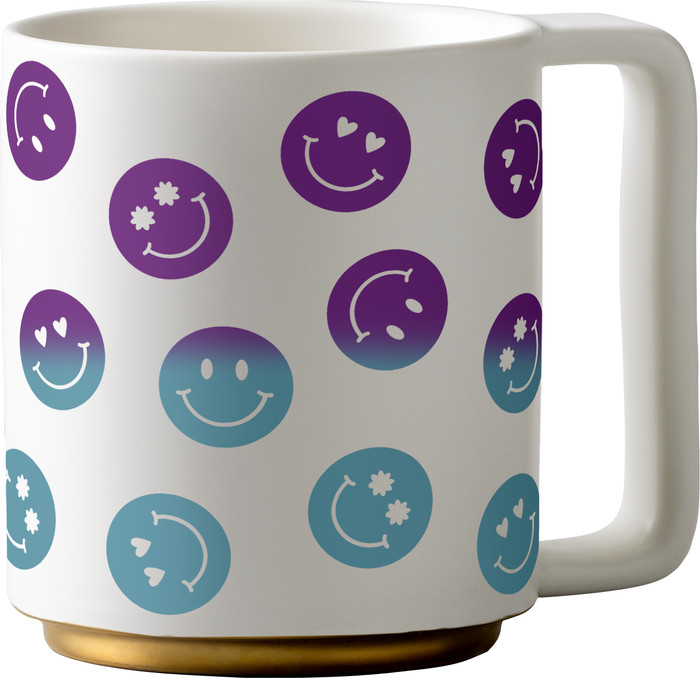
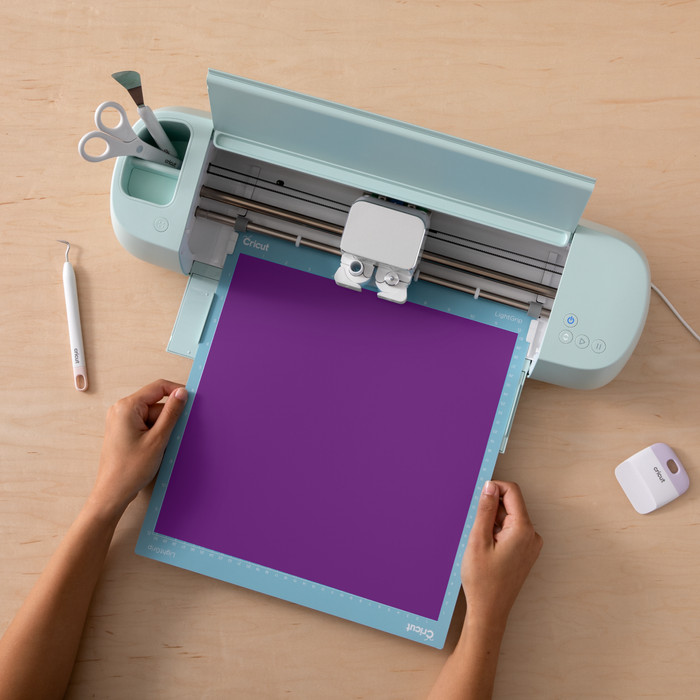
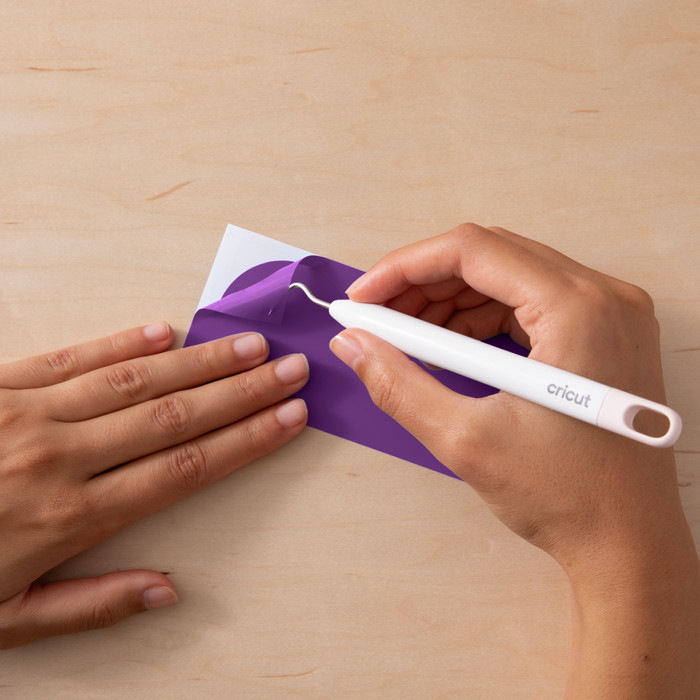
For stickers on objects: cut stickers from the vinyl for items like books, windows, cups, or laptops.
Always the right settings: you select the material in Cricut Design Space, so you'll always use the right settings.
Not directly multicolor: layer different vinyl sheets on top of each other or use the Print Then Cut function.



