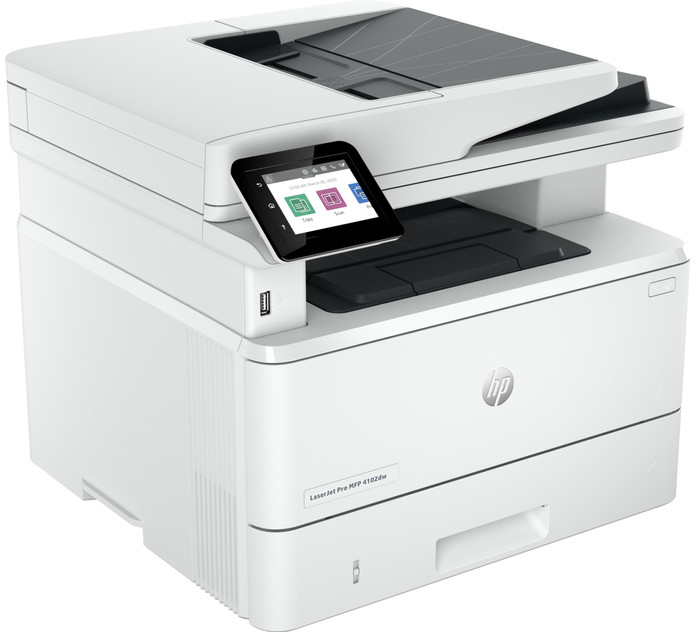
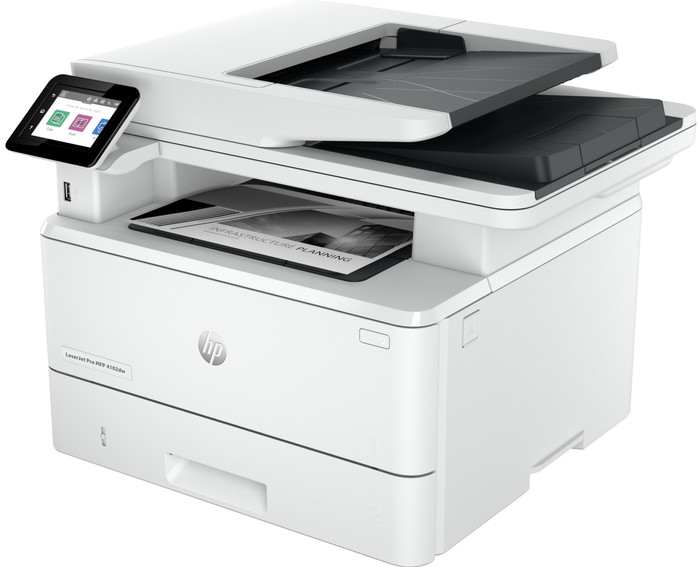
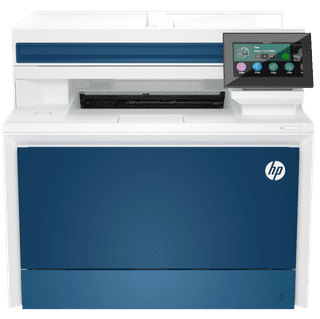
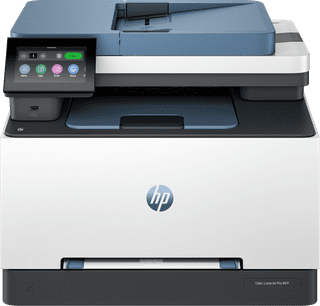
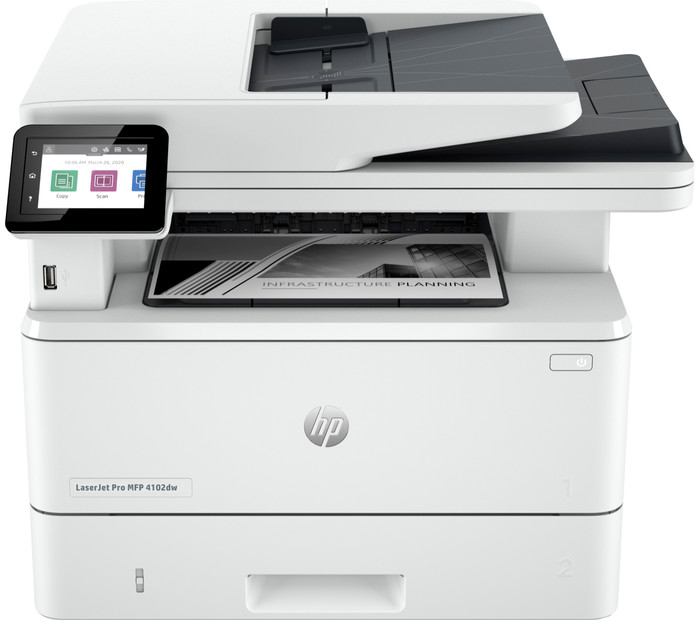
HP LaserJet Pro MFP 4102dw
Choose your printer:
No extra toner cartridge
Choose your printer:
No extra toner cartridge
According to our printer expert
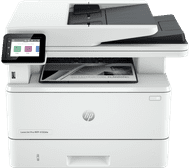
With the HP LaserJet Pro MFP 4102dw, you have an all-in-one printer for a small to medium-sized office. You can print and copy up to 40 pages per minute, and quickly copy and scan with the automatic document feeder. This way, you don't have to wait long for large work documents. You can even automatically print duplex and save paper. You can easily send your print jobs via Apple AirPrint or WiFi Direct. WiFi Direct allows you to directly connect your laptop or phone with the printer. The HP LaserJet Pro 4102dw has 2 paper trays in which you can put 350 sheets of paper.
Printer with dynamic security
Certain HP-printers only work with cartridges that have new or reused HP chips or electronic HP circuits. These printers use dynamic security measures to block cartridges with chips or electronic circuits that aren't from HP. Because of periodic firmware updates, the effectiveness of these measures are kept intact and can block cartridges that used to work before. Recycled HP chips and HP electronic circuits make it possible to use reused, recycled and refilled cartridges.
Print technology | Laser | |
Printer type | All-in-one | |
Type of ink | Toner cartridges | |
Automatic duplex printing | ||
Automatic document feeder (ADF) | ||
Automatic duplex scanning | ||
Color printer | ||
Maximum print size | A4 |
5 stars
2
4 stars
6
3 stars
0
2 stars
0
1 star
0
With the HP LaserJet Pro 4102 I have a fast office printer with useful security features and many automatic printer functions. I only print in black and white with this printer.
Wired and wireless connection The great thing about the HP LaserJet Pro is that I can connect my smartphone or laptop to the printer in many ways. I have wireless options such as WiFi and WiFi direct. I also send print jobs via Apple AirPrint. This is extra useful because I work with a MacBook and iPhone. This option allows me to send my print jobs without an additional app or software. In addition to wireless options, I connect my computer wired to the printer with a USB cable. I received this cable with the printer. This is useful if the WiFi is not cooperating.
High speed The speed of this printer is a major advantage, especially in the office. Because large documents are often printed, it is important that this is done quickly. This way there is no queue at the printer. When I print single-sided, the printer takes about 30 seconds to print a 20-page file. This printer also automatically prints on both sides. The printer itself turns the paper over and prints on both sides. With this option, the printer takes approximately one minute to print 20 pages. With automatic double-sided printing I save on my paper consumption.
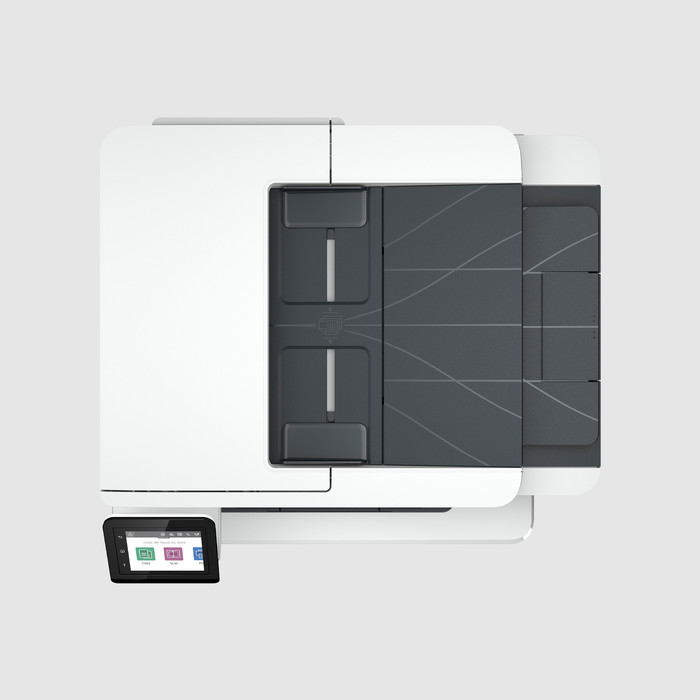
Many functions In addition to automatic two-sided printing, the HP LaserJet Pro 4102 has even more useful features. For example, there is an automatic document feeder on top of the printer. This allows me to scan and copy my documents in no time. Instead of placing each A4 sheet separately on the scanner, I feed my entire report directly into the automatic document feeder. The printer does the rest of the work. This way, I can have my scanned document on my laptop in no time without any manual work.
Security options There are several security options on the printer. This is how I set up an access list and an administrator password. This means that colleagues cannot simply adjust the printer settings. The LaserJet Pro 4102 has a built-in dynamic security that blocks non-genuine toners. Because of this I only use HP toner. In addition, the printer also has energy saving options. I set the printer's sleep time to save energy.
Kayleigh. Printer specialist.
15 January 2024
Automatically translated from Dutch
Great device. For automatic double-sided printing (i.e. without turning the paper over yourself), you must set the duplex unit to installed in the printer properties and device settings. However, this is not described in the manual.
Tijn
23 February 2024
Automatically translated from Dutch
Unpacking this MFP goes smoothly and the installation is the same. After this has been completed and the PC has been set up, both printing and scanning are immediately possible. Print quality is sharp and the printing speed is very high, the double-sided option also works neatly. Sticker sprinting via manual input went less smoothly (leaves going through together), but with some input this also went fine. A nice option of the manual feed is that you can also print the envelopes. The input option to copy or scan immediately works nicely. All in all, very satisfied with this MFP, all necessary options are included.
Leo
5 February 2024
Automatically translated from Dutch
Coolblue takes care of everything, from taking out an insurance to repairs
For almost all accidents
More coverage in case of damage than your standard warranty
No deductible
First, add your printer to your shopping cart. On the next page, choose the Protection Plan below. You always have a 30-day return window and pay no deductible in case of damage.
3-year Protection Plan
49,99
one-time5-year Protection Plan
100,-
one-timeIf you purchase the HP LaserJet Pro MFP 4102dw, you receive 1 year of extra warranty. This is on top of the regular 2-year warranty. You have to claim the extra warranty of 1 year within 60 daus of purchase. View the promotional Terms and Conditions (PDF) for more information about the registration.
Current product
Â
Â
Â
Â
347,-
465,-
349,-
431,-
318,-
Yes
Yes
Yes
Yes
No
3 eurocents
3 eurocent
4 eurocent
3 eurocents
5 eurocent
Excellent
Excellent
Very good
Excellent
Good
No
Yes
Yes
Yes
Yes
Product number | 935829 | |
Manufacturer code | 2Z622F | |
Brand | HP | |
Warranty | 2 years | |
Processing of your defect | Via Coolblue | |
Old product returned for free |
Printer size | Large | |
Width | 42 cm | |
Depth | 39 cm | |
Height | 32,3 cm | |
Color | White | |
Weight | 12,6 kg |
Printer type | All-in-one | |
Photo printer | ||
Print quality photos | Low | |
Portable (mobile use) | ||
Usage location | Office |
Toner cartridge line | HP 149 | |
Print technology | Laser | |
Type of ink | Toner cartridges | |
Number of cartridges/toner cartridges | 1 | |
Color printer | ||
Print speed black (ISO) | 40 ppm | |
First black page ready after | 7 seconds | |
Speed class | Excellent | |
Usage costs per page | 3 eurocents | |
Maximum print resolution height | 1200 dpi | |
Maximum print resolution width | 1200 dpi | |
Maximum print size | A4 | |
Automatic duplex printing | ||
Borderless printing | ||
Maximum print size duplex printing | A4 |
Scan functionality | ||
Automatic duplex scanning | ||
Maximum optical scan resolution width | 1200 dpi | |
Maximum optical scan resolution height | 1200 dpi | |
Scanner type | File scanner, Flatbed scanner | |
Maximum scan size | A4 (21x29.7cm) | |
Automatic document feeder (ADF) | ||
Maximum paper size ADF | A4 | |
Scan sizes | A4 | |
Scan speed (PPM) | 29 ppm | |
Color depth output | 24 bpp | |
Scan to | Cloud, Email, Email address, Folder, Image, Network, PDF, USB | |
ADF capacity | 50 | |
OCR |
Copying functionality | ||
Copy speed black (ISO) | 38 ppm | |
Copy speed color (ISO) | 0 ppm | |
Maximum copy resolution height | 600 dpi | |
Maximum copy resolution width | 600 dpi |
Fax functionality |
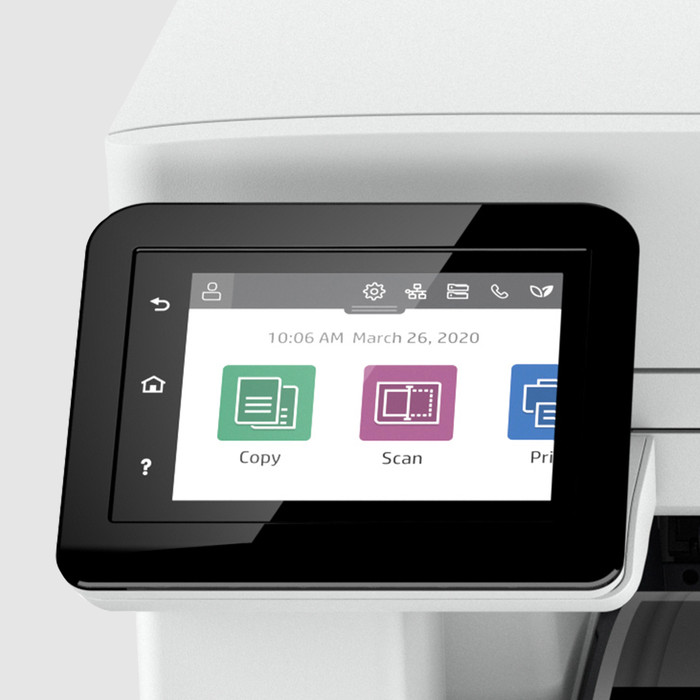
Built-in screen | ||
Color screen | ||
Touchscreen |
Choose your toner cartridge | No extra toner cartridge |
Compatible with operating system | Android, ChromeOS, Linux, Windows, Windows Phone, iOS, macOS | |
Connection type | Wired, Wireless | |
Apple AirPrint | ||
Email print | ||
WPS (Wireless Protected Setup) | ||
Female standard USB-A port version | 2.0 | |
Ethernet port | ||
Number of Ethernet ports | 1 | |
NFC | ||
Built-in WiFi | ||
Bluetooth | ||
WiFi direct | ||
USB port |
Manual input tray | ||
Photo paper drawer | ||
Output capacity output drawer | 150 | |
Maximum print size standard paper tray | A4 | |
Input capacity standard paper tray | 250 | |
Number of standard paper trays | 2 |
Memory card reader |