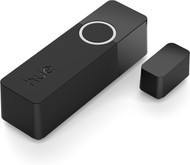
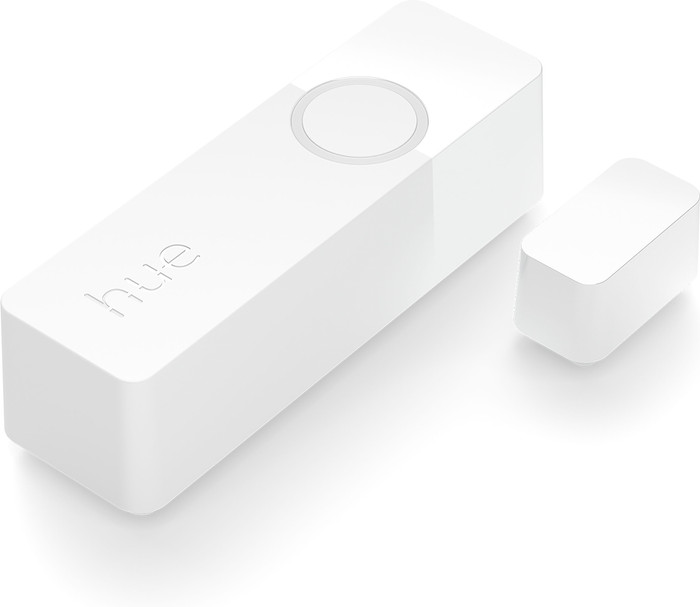
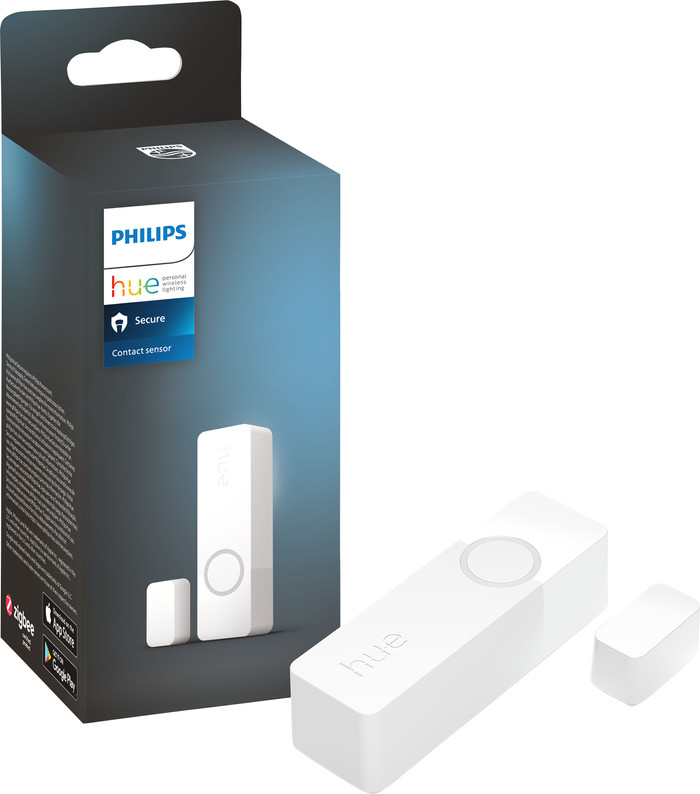
Philips Hue Secure Contact Sensor White
Product number | 936407 | |
|---|---|---|
Manufacturer code | 48734500 | |
Brand | Philips Hue | |
Processing of your defect | Via Coolblue | |
Old product returned for free |
Protocol | WiFi, Zigbee | |
|---|---|---|
Empty battery warning | ||
Controls via app | ||
Controlled via Apple app | ||
Controlled via Android app | ||
Functions in app | Control remotely, Read information | |
Smart home platform | Amazon Alexa, Apple HomeKit, Google Assistant, Google Home, Homey, IFTTT, Matter, Razor Chroma, Samsung SmartThings, Siri Shortcuts |
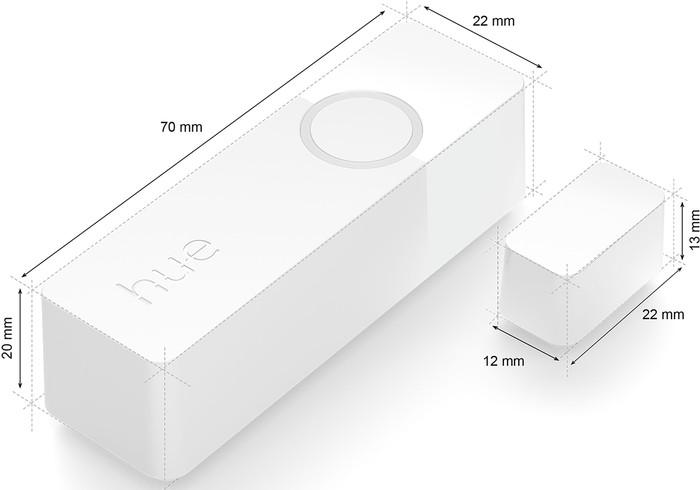
Height | 7 cm | |
|---|---|---|
Width | 2,2 cm | |
Depth | 2 cm | |
Color | White |
5 stars
4
4 stars
12
3 stars
1
2 stars
0
1 star
0
In terms of dimensions, the sensor can be compared with the same type of sensors from other brands. In the photo it looks bigger than it is. The operation is fine, but in combination with the Hue app I think there are too few options. In behavior I can only set various lighting functions when the sensor goes off. Within the security area, I can have a push notification sent, but there remains a notification in the app to take action. To get there you have to click "All clear" yourself. Maybe I just want to know if the door will open. If you are completely "into" Hue and just accept what the app has to offer, it is a good product (that is why I recommend the product). Unfortunately not yet for me, so I have to wait until this sensor is also supported by, for example, Homey, because that is not yet the case.
P.A.A.J.B.
8 November 2023
Automatically translated from Nederlands
Sensor was smaller than expected, because the packaging is still quite large. Clear installation instructions and quickly installed. We have mounted the Hue Contact sensor on the door and every time it opens, the light in the hallway comes on. The only disadvantage is that you cannot set this not to happen during the day. For this we would have to purchase a wireless Hue switch, so that you can also turn the light on and off outside the Hue Contact sensor without the lamp losing steam.
Fabienne
15 November 2023
Automatically translated from Nederlands
The Hue contact sensor is extremely easy and quick to use. This can be mounted via the (sturdy) adhesive or via self-provided screws. Installation via the app itself also went without any problems. You can set your own safety (on/off/lights...). Once the sensor has been activated for security, you will receive a notification via the app (when the door/window opens... and also when it closes again). You must further initialize the next action yourself: Call the European emergency number / Call the contact person / Declare everything safe / Switch on the emergency lights (flashing) I have been looking in the Hue app itself to make the lights flash immediately by default, but I have not (yet) discovered this option. Especially if you were (digitally) unreachable for a while (or there was no mobile phone nearby) during a (possible) burglary, it would be good to flash the lights immediately instead of waiting for your interaction... The sensor works perfectly and the notifications are coming in well, so I am very happy at the moment.
Sven
22 November 2023
Automatically translated from Nederlands
According to our motion sensor expert
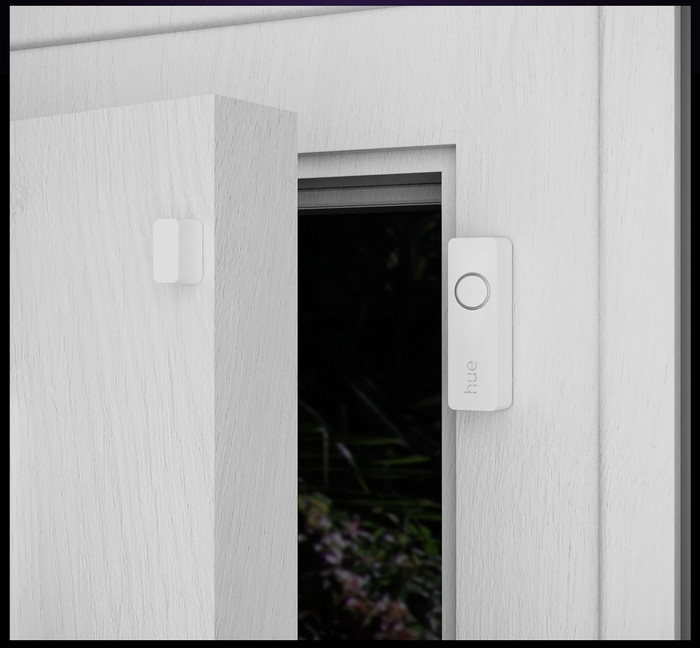
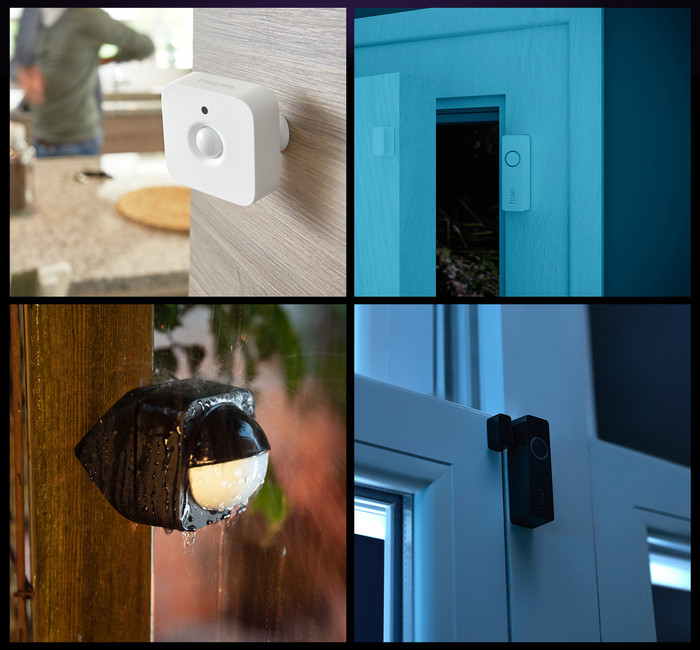
You get notified when a door or window opens, even when you're not at home.
When you enter, you can let your lights turn on automatically.
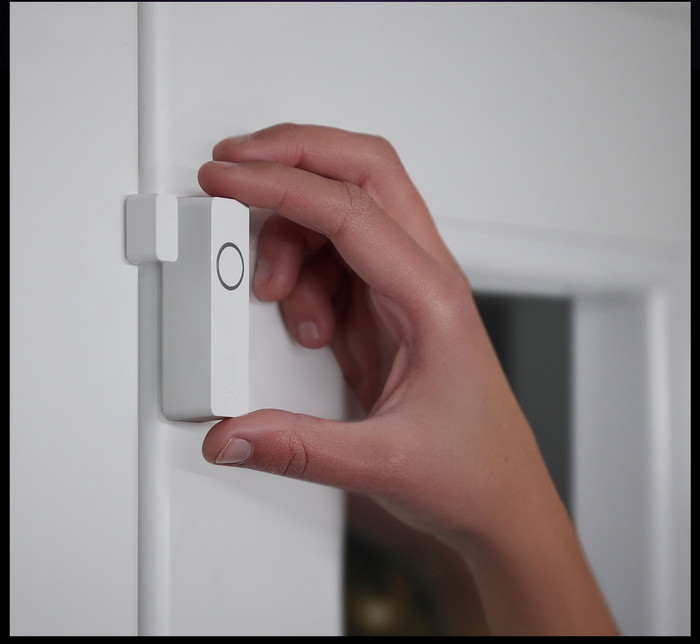
Hue Secure sensors fit next to all windows and doors as long as you have a flat surface for the sensor.
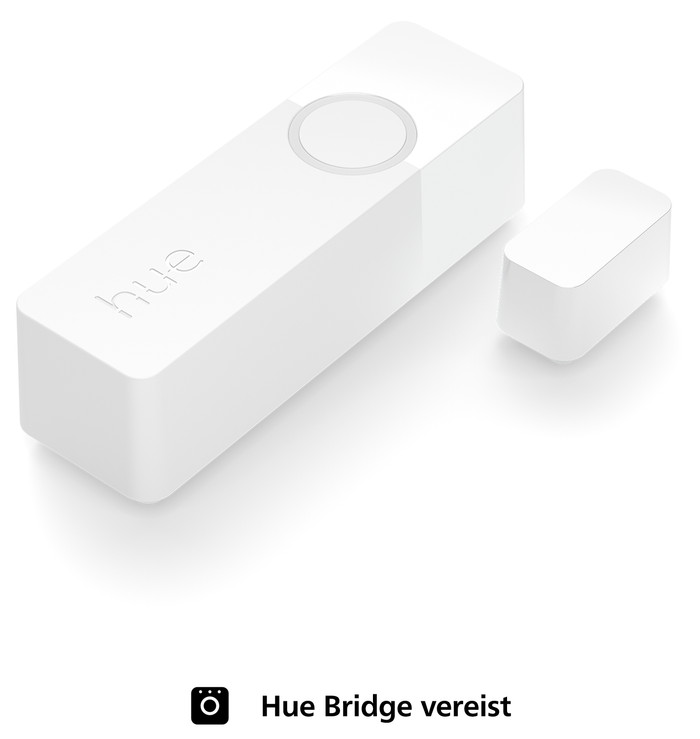
You need a Hue Bridge for this sensor, so you can connect it to other Hue products.
The sensor works with replaceable CR2 batteries, these last 2 years after which you replace them.
39,99
39,99
Current product
39,99
39,99
In stock
In stock