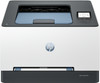
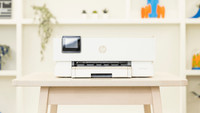
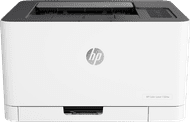
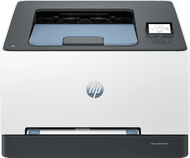
HP Color LaserJet 3202dw
No extra ink
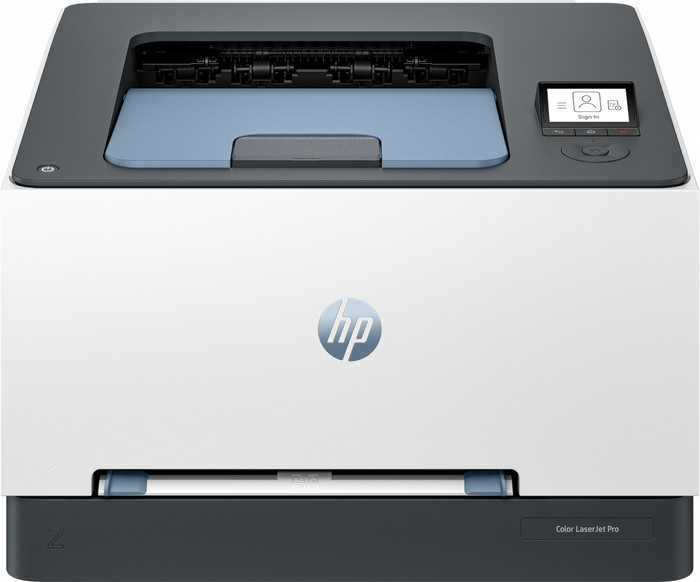
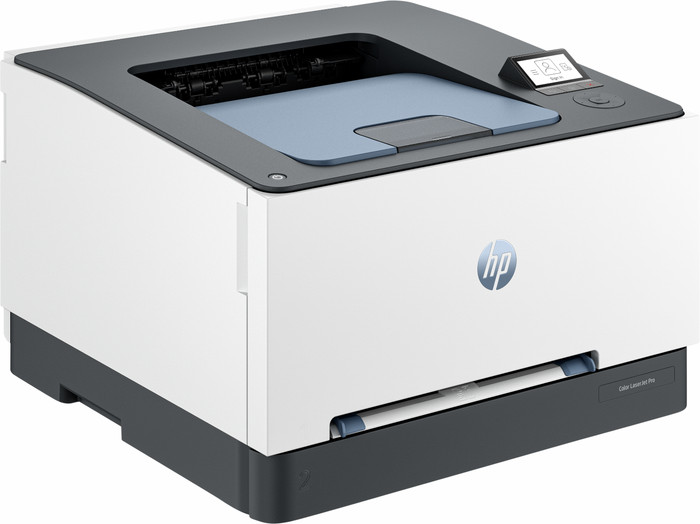
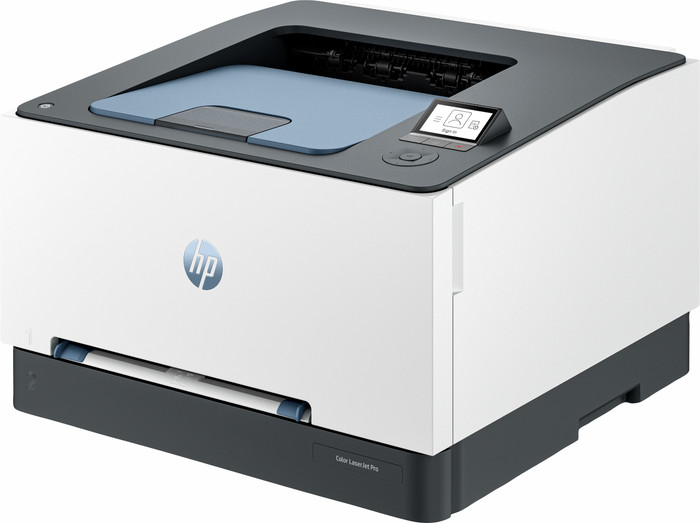
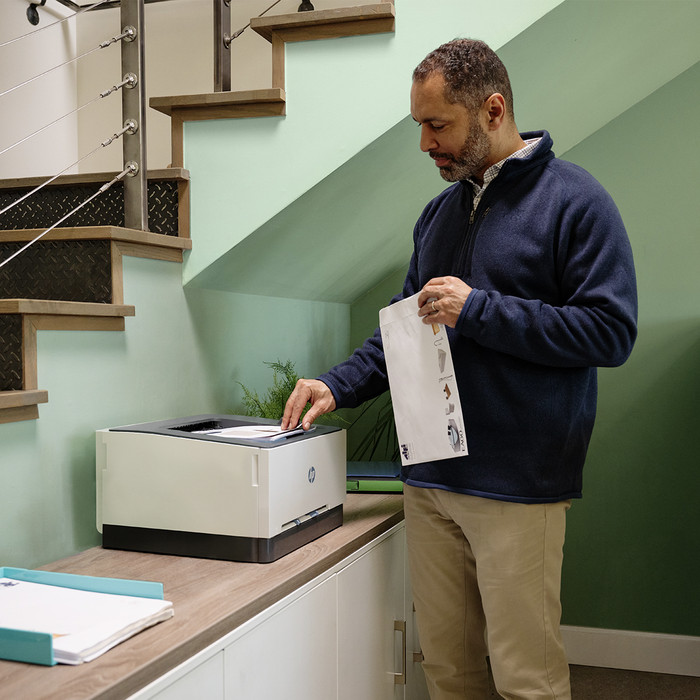
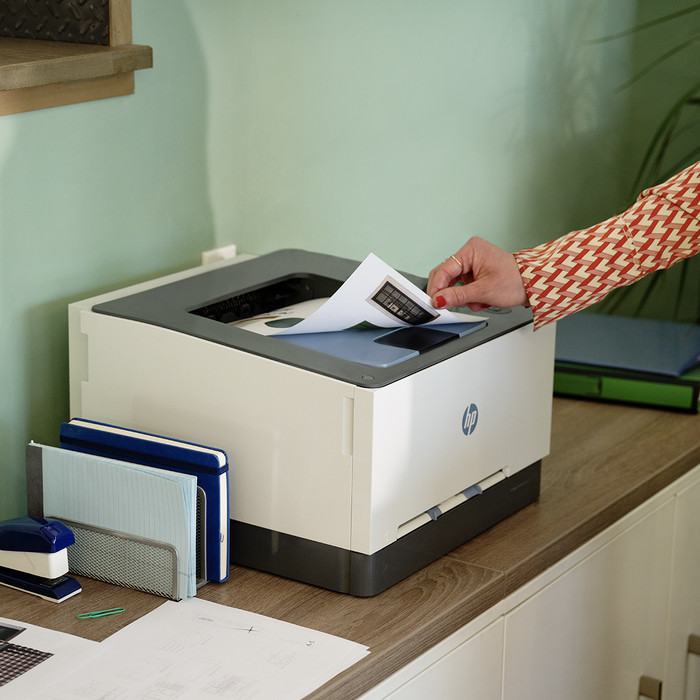
With the HP Color LaserJet 3202dw, I can quickly get my work documents in hand and save on paper thanks to the automatic double-sided printing function. I do not scan or copy with this printer.
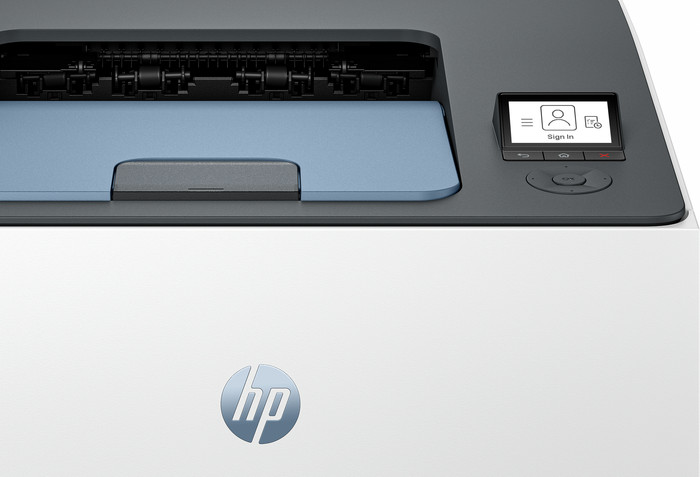
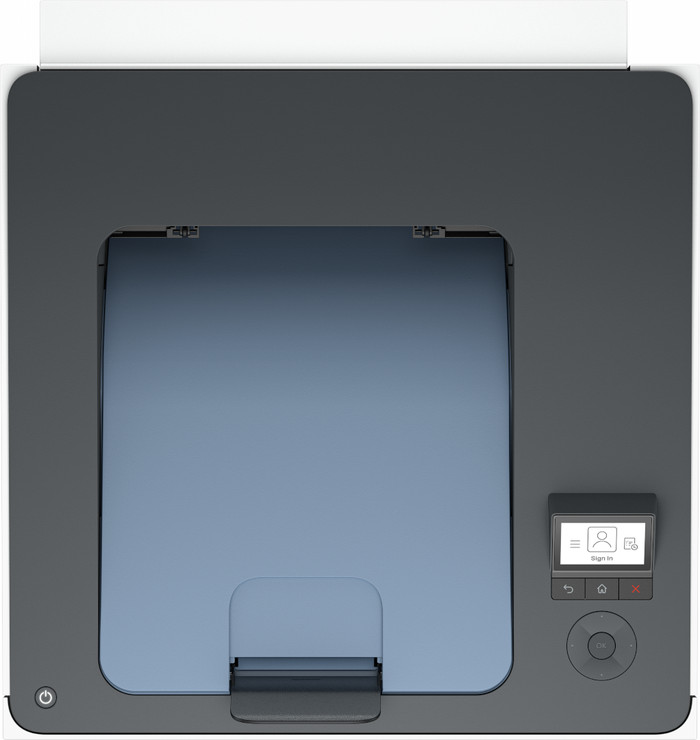
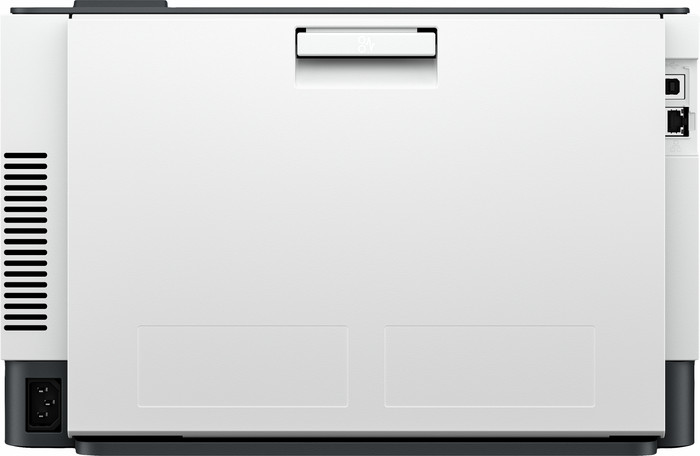
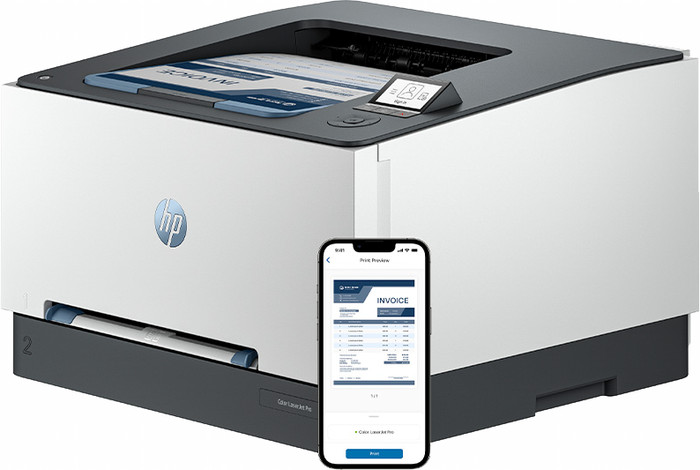
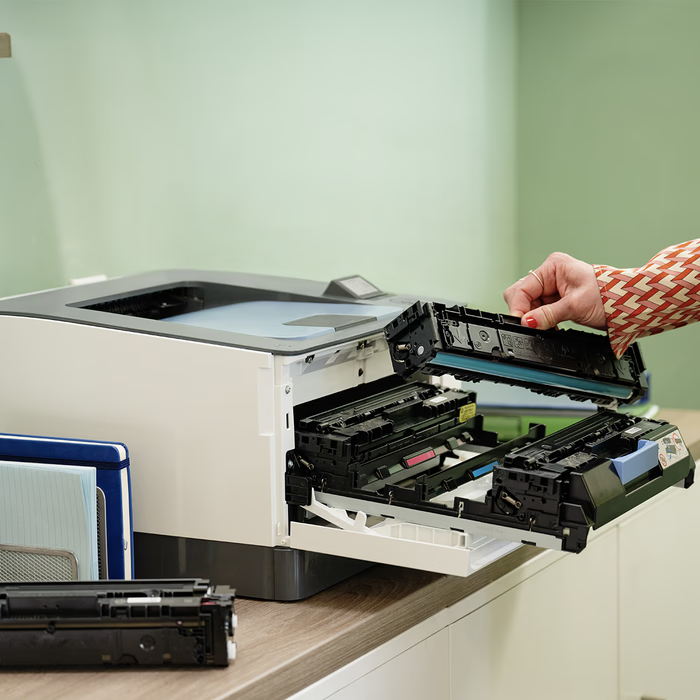
Quick installation When I install the printer, I see that the toners are already in it. This saves a lot of time during the installation process. I turn on the printer, connect it to the wireless network and add it to my HP Smart app. I will start printing within 10 minutes. The printer has WiFi direct, which makes it easy to connect directly to the printer's network. This way I can quickly send my print jobs. There is also an input for a USB B cable on the back of the printer, so I can also print wired documents. I operate the printer easily with the buttons below the built-in screen.
Fast printing speed and vivid colors The Color LaserJet 3202dw is a single function printer. This means that I only print with this, and do not copy or scan. The printer has a high printing speed. I can have a 24-page document in my hands within a minute. I also print double-sided automatically. The printer takes a little longer to do this, but this way I save paper. The printer has a print resolution of 600 by 600 dpi, which is average for a laser printer. Still, I think my texts come out of the printer sharply. The colors in particular are vibrant, making images and colored tables stand out well.
Additional security options This printer has some useful security options. For example, I need an administrator password when I adjust certain settings. This means that colleagues cannot simply adjust the printer settings. In addition, the printer also has several energy saving options, such as a sleep mode and automatic shutdown. If I don't use the printer for a while, it automatically turns off, saving energy.
Kayleigh. Printer specialist.
7 June 2024
Automatically translated from Nederlands
The quality of the printer is very good and it prints quickly, there is nothing to complain about now that it works. Both in color and black and white, sharp and beautiful in color. It can also print double-sided. It prints quickly and does not make much noise. Ideal for coloring pages for the children as a photo in A4 format.
It took a few hours before it worked properly on a new Mac. The printer does not work with AirPrint as standard and the software for this is not compatible with versions of OSX after 15.1 as standard. The printer then indicates that it is printing, but nothing comes out.
In addition, it is not very easy to get non-HP ink cartridges to work, if you want to use alternative cheaper ink suppliers other than HP in the future.
Linda
13 January 2025
Automatically translated from Nederlands
It prints. And it feels solid. That's about all there is to it. At least, all the positives. HP has managed to make everything as inconvenient as possible. Pairing it to the wifi went well, but "installing" the cloud printing process is extremely cumbersome, partly in an app, partly online. Every time the process switches from local to online, I ask myself "was this the intention...?" Eventually it works. Sort of. It is completely unclear how printing "from any device" is supposed to work: I can only print from the PC where I started the installation. Pairing it to an iPhone or other laptop requires going through the entire "admin" process again, which is exactly what I wanted to avoid. Totally worthless, this. But then the printing - also a bit frustrating. Because with every print I get an error that there is no paper in tray 1. But there is no tray 1. "Tray 1" is namely the manual infeed. So I don't understand why the paper can't just be taken from tray 2 (which is the only real tray). Yes, you would think you can set that - no, because that setting has no effect whatsoever. The small screen on the printer has a user interface that is often difficult. The navigation keys often react exactly the opposite way than expected and the "OK" or other selection in the menu is always just outside the screen so you always have to "scroll" unnecessarily. I think it's a shame: in my opinion it's a top thing in terms of hardware (well, the screen could have been bigger). But the software of both the printer itself and the control are seriously below par and make me hate the thing already (and it's only been here for 2 hours). I'm seriously considering packing it up and returning it.
Koen
14 June 2025
Automatically translated from Nederlands
Our digital expert will help you, but it can sometimes make mistakes, like humans do.
According to our printer expert
For regular printing: the print speed is fast, so you won't have to wait long for your print.
Save paper: thanks to the automatic duplex printing function, the printer prints on both sides of the paper.
Connect directly: you can connect your device directly to the printer thanks to WiFi Direct.
Print only: this printer only prints, but it doesn't scan or copy like an all-in-one printer.
Not for A3 paper: an A4 printer only prints on A4 and smaller sizes, not on A3 or A3+ paper.
253,-
253,-
Product number | 948623 | |
|---|---|---|
Manufacturer code | 499R0F | |
Brand | HP | |
Processing of your defect | Via Coolblue | |
Old product returned for free |
Printer size | Medium | |
|---|---|---|
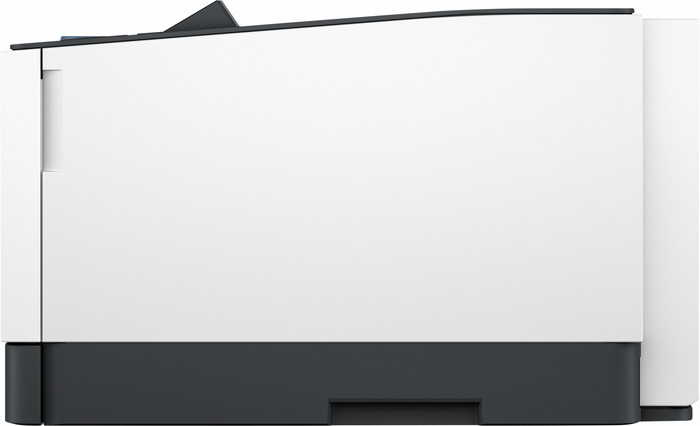
Width | 39 cm | |
Height | 25,41 cm | |
Color | White | |
Weight | 13,8 kg |
Printer type | Printing only | |
|---|---|---|
Photo printer | ||
Print quality photos | Mediocre | |
Recommended for use printers | Business printing |
Usage costs for 1 page | 4 eurocents | |
|---|---|---|
Toner cartridge line | HP 219 | |
Print technology | Laser | |
Type of ink | Toner cartridges | |
Number of cartridges/toner cartridges | 4 | |
Color printer | ||
Print speed black (ISO) | 25 ppm | |
Print speed color (ISO) | 25 ppm | |
First black page ready after | 11,5 seconds | |
Speed class | Very good | |
Maximum print resolution height | 600 dpi | |
Maximum print resolution width | 600 dpi | |
Maximum print size | A4 | |
Automatic duplex printing | ||
Borderless printing | ||
Maximum print size duplex printing | A4 |
Scan functionality | ||
|---|---|---|
Automatic document feeder (ADF) | ||
OCR |
Copying functionality |
|---|
Fax functionality |
|---|
Built-in screen | ||
|---|---|---|
Color screen | ||
Touchscreen |
Compatible with operating system | Android, Linux, Windows, iOS, macOS | |
|---|---|---|
Connection type | Wired, Wireless | |
Apple AirPrint | ||
Email print | ||
WPS (Wireless Protected Setup) | ||
Female standard USB-A port version | 2.0 | |
Ethernet port | ||
Number of Ethernet ports | 1 | |
NFC | ||
Built-in WiFi | ||
WiFi frequency printers | 2.4GHz, 5GHz | |
WiFi direct | ||
Bluetooth | ||
Bluetooth version | 5.1 | |
USB port |
Location paper input | Front | |
|---|---|---|
Manual input tray | ||
Output capacity output drawer | 100 | |
Maximum print size standard paper tray | A4 | |
Input capacity standard paper tray | 250 | |
Number of standard paper trays | 1 |
Memory card reader |
|---|
Quality mark sustainable company | CDP A List, EcoVadis Platinum, Responsible Business Alliance, Science Based Targets initiative (SBTi) | |
|---|---|---|
Quality mark sustainable product | EPEAT Silver, Energy Star | |
Green production features | Environmentally-friendly package |
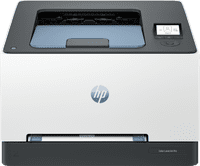
Current product
Printing only
Printing only
Very good
Good
253,-
233,-
In stock
In stock
If you purchase this printer, you receive a 3-year warranty. This way, you have the default 1-year warranty and 2 extra years of warranty. You can register your promotional product for the HP promotion until 60 days after purchase. Go to the promotional Terms and Conditions for more information.

Coolblue takes care of everything, from taking out an insurance to repairs
For almost all accidents
More coverage in case of damage than your standard warranty
No deductible
First, add your printer to your shopping cart. On the next page, choose the Protection Plan below. You always have a 30-day return window and pay no deductible in case of damage.
3-year Protection Plan
29,99
one-time5-year Protection Plan
60,-
one-time