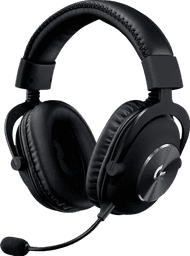
JBL Quantum 360 Wireless Black
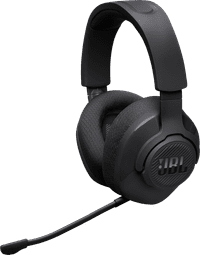
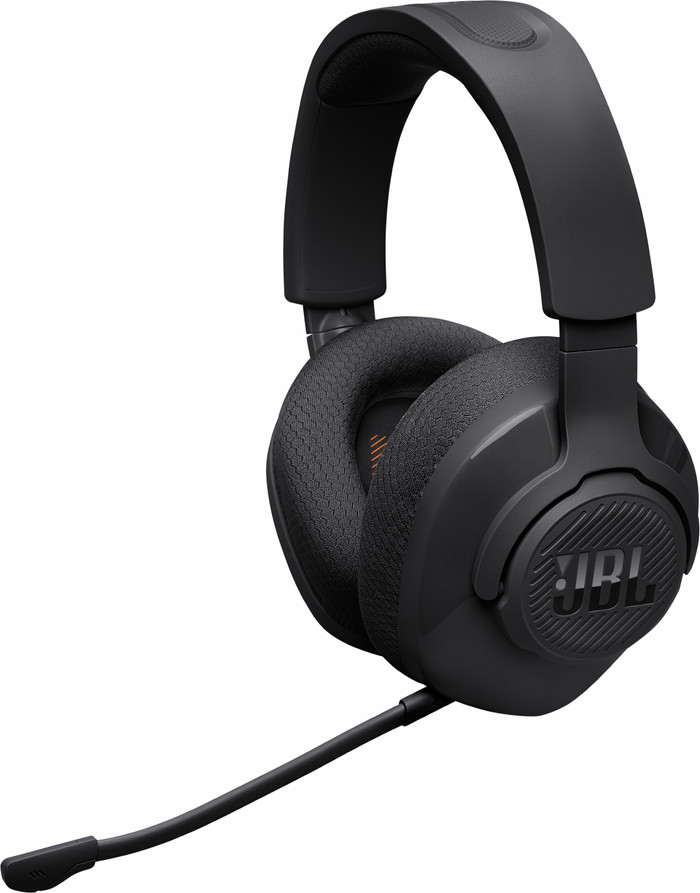
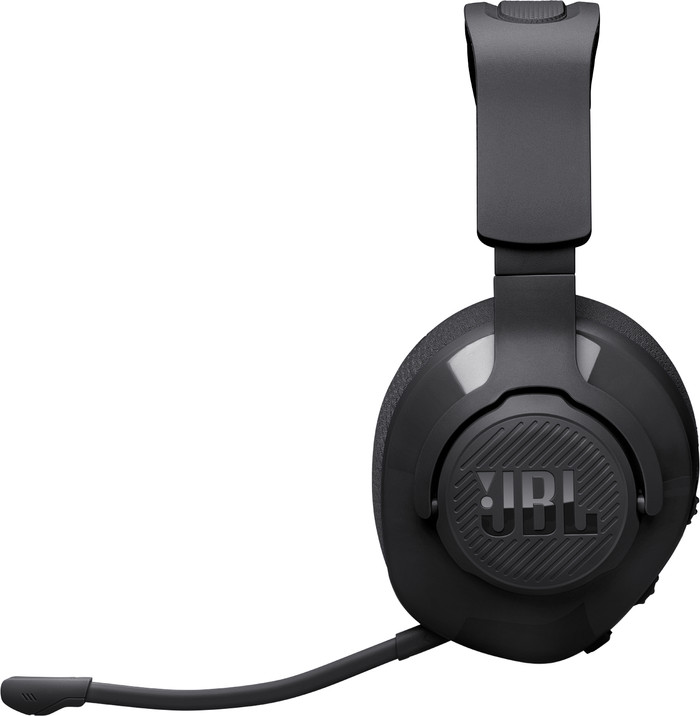
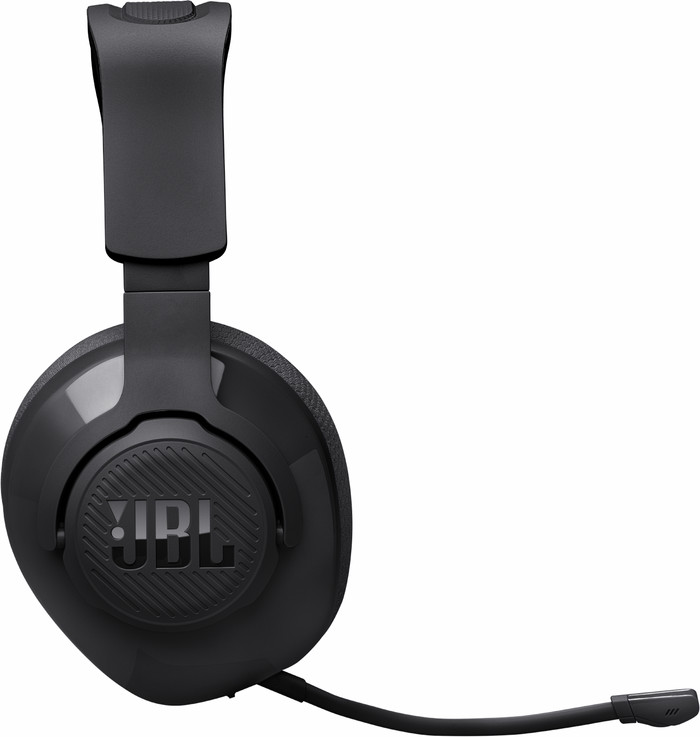
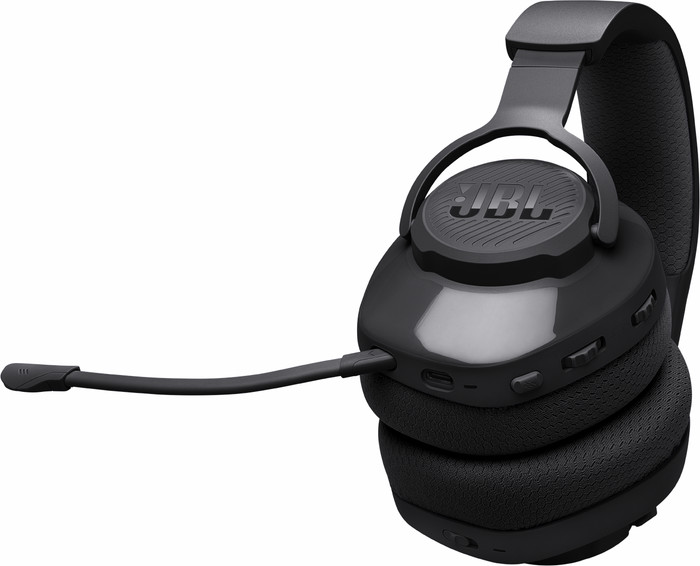
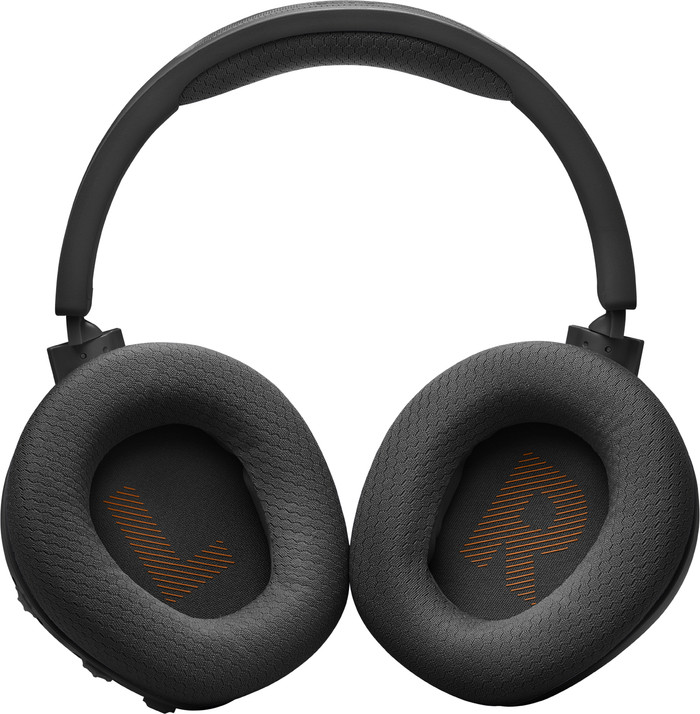
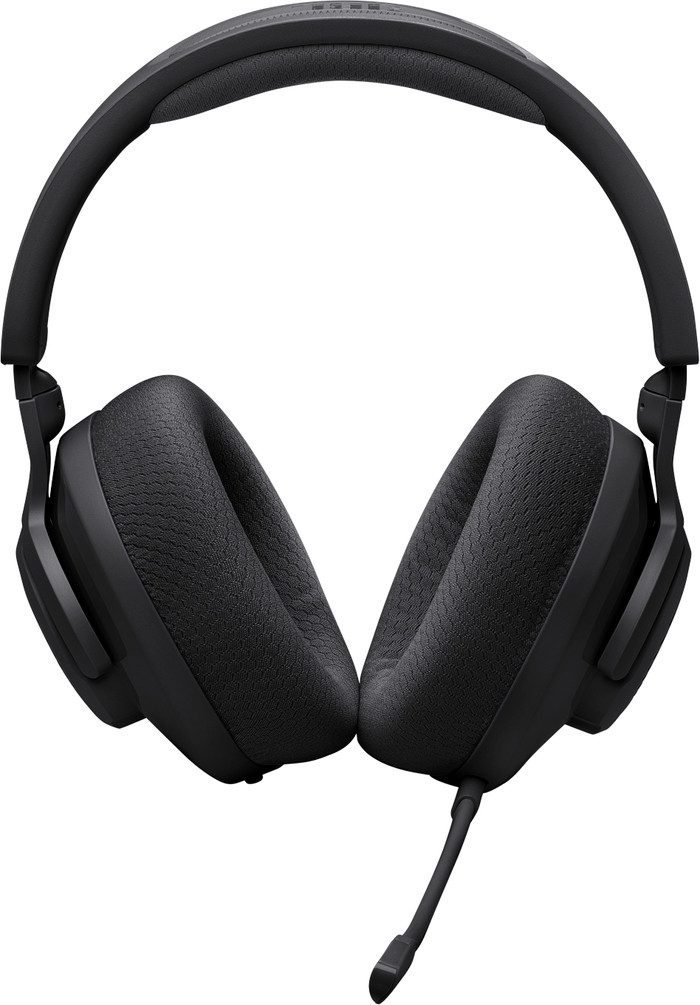
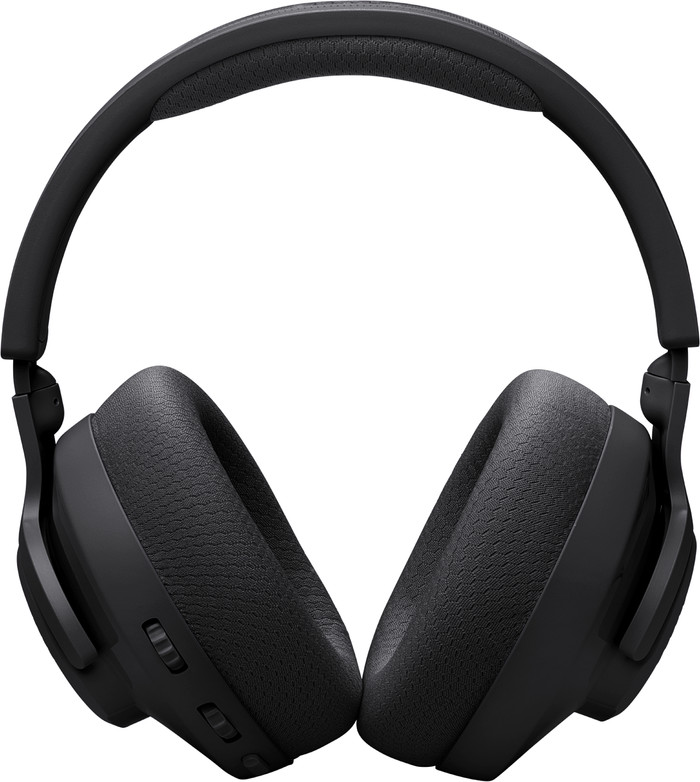
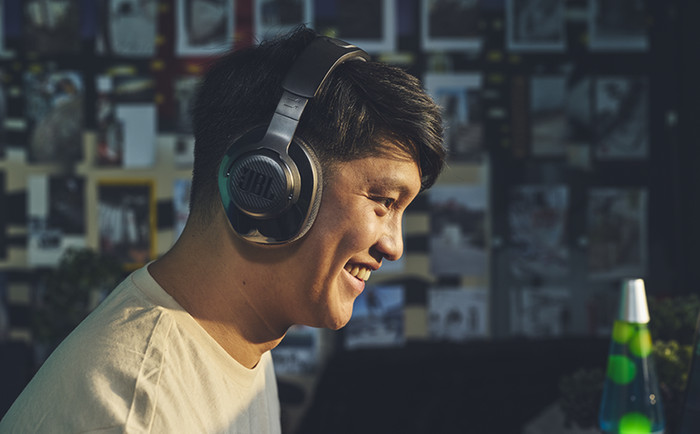
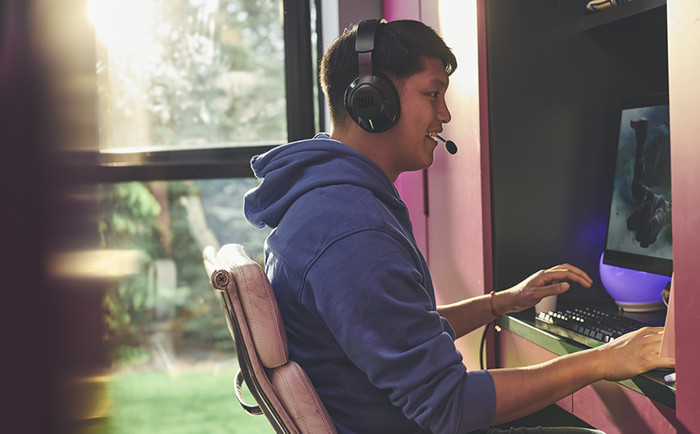

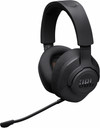
I think the JBL Quantum 360 Wireless is a good gaming headset with nice, clear sound. The headset looks good due to its sleek design and is easy to use. However, it feels a bit less sturdy and the microphone is a bit simpler compared to the rest of the headset.
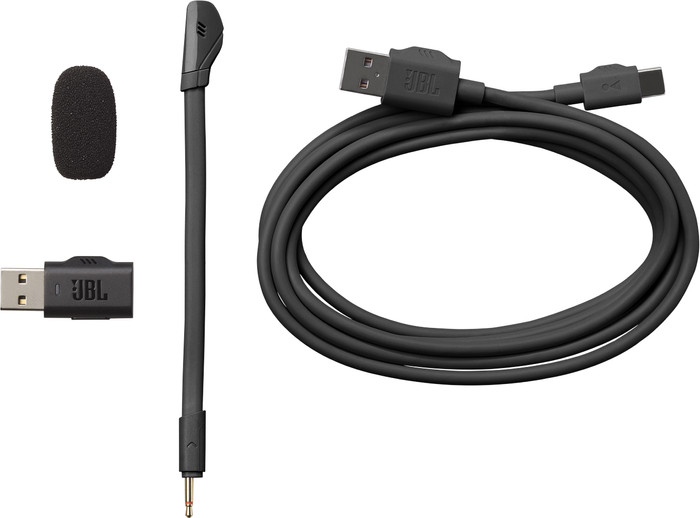
Easy installation When I take the gaming headset out of the box, I see the headset, a separate microphone with pop filter, charging cable and USB A dongle. I also see a manual in the box. The headset looks nice, due to the typical JBL design. I plug the USB A dongle into my PlayStation 5 and turn on the headset with the button on the bottom of the ear cup. The headset immediately connects to my PS5, so I can get started right away. I don't charge the headset yet, because it is already on.
Immersive audio I tested the JBL Quantum 360 Wireless with Call of Duty: Black Ops 6. In shooters I hear where opponents are coming from. This is also the case with this gaming headset. The in-game audio sounds clear. I can clearly hear voices in-game from the front and back. I can also clearly hear my friends in the party chat. The audio has good bass and the sound is a bit louder than with other headsets. This makes playing shooters enjoyable. The music, for example in the main menu, also sounds rich and full. I can easily adjust the sound level and the balance between party and game chat with the scroll wheels on the left ear cup of the headset. I like the microphone a bit less, because it does not stay firmly in place. This is due to the rubber finish. I also noticed that my voice was carried less well. What is nice is that I can easily remove the microphone from the headset when I am not using it.
Comfort The gaming headset has an easily adjustable headband. This is made of plastic, which makes the headset feel a bit less sturdy. The fabric ear cushions are useful for long gaming sessions, because they breathe better than leather ear cushions. The memory foam ear cushions are firm, but this will become a bit softer over time. Furthermore, the headset is light, which makes it comfortable during a long gaming session. The battery also lasts well during this session.
Sem. Gaming specialist.
6 September 2024
Automatically translated from Nederlands
is just perfect definitely recommended
Johan
13 January 2025
Automatically translated from Nederlands
Very comfortable, good sound quality
Ellie
29 September 2026
Automatically translated from Nederlands
Noise canceling
Our digital expert will help you, but it can sometimes make mistakes, like humans do.
According to our gaming headset expert
You can connect this headset to 2 devices at the same time thanks to the 5.2 Bluetooth support.
You don't have to hassle with cables during gaming with this wireless gaming headset.
Thanks to the memory foam, the ear cushions are completely shaped to your head.
Surround sound is only available on PC.
Experience your games with spatial audio with the black JBL Quantum 360 Wireless. You can wirelessly connect this headset to your PlayStation or PC via the USB-A dongle. That way, you don't have to hassle with cables while you're gaming. Via Bluetooth, you can also connect this headset to your smartphone and easily switch between your devices. With surround sound, you hear all the game audio in 360 degrees around you and you know exactly where your opponents are coming from. That way, you're always one step ahead. The average battery life of this headset is 22 hours, so you can keep playing for a long time without charging it. Do you often game alone or don't need the microphone? You can easily remove the microphone from the headset.
Noise canceling
84,-
84,-
Product number | 951571 | |
|---|---|---|
Manufacturer code | JBLQTUM360BLK | |
Brand | JBL | |
Processing of your defect | Via Coolblue | |
Old product returned for free |
Type of gaming headset | Gaming headset | |
|---|---|---|
Computer platform | Nintendo Switch, PC (Windows), PlayStation 4, PlayStation 5 | |
Sound reproduction | Surround | |
Connection type | Wireless | |
Average battery life | 22 h | |
Type of configuration software | JBL QuantumENGINE |
Audio channels | 2.0 | |
|---|---|---|
Noise canceling | ||
Volume control speaker(s) | ||
Volume controls location | Ear cup | |
Speaker drivers | 40 mm | |
Driver type | Neodymium | |
Minimum frequency range | 20 Hz | |
Maximum frequency range | 20 kHZ | |
Impedance | 32 O | |
Sound quality according to Coolblue | Very good |
Microphone noise suppression | ||
|---|---|---|
Microphone mute function | ||
How to mute | Via the button on the ear cup | |
Type of microphone | Removable |
Base station | ||
|---|---|---|
Bluetooth | ||
USB port | ||
Type of USB port | USB-C | |
Headphone jack |
Lighting peripherals |
|---|
Material | Plastic | |
|---|---|---|
Ear cups design | Closed design | |
Ear cushion material | Fabric | |
Filling ear cushions | Memory foam | |
Foldable | ||
Color | Black | |
Weight | 255 g |
Current product
Nintendo Switch, PC (Windows), PlayStation 4, PlayStation 5
Nintendo Switch, PC (Windows), PlayStation 4, PlayStation 5
Nintendo Switch, Nintendo Switch 2, PC (Windows), PlayStation 4, PlayStation 5
Nintendo Switch, PC (Windows), PlayStation 4, PlayStation 5, Xbox One, Xbox Series S, Xbox Series X
Nintendo Switch, PC (Windows), PlayStation 4, PlayStation 5
Wireless
Wireless
Wireless
Wired
Wireless
84,-
109,-
99,-
79,-
86,-
In stock
In stock
Coolblue takes care of everything, from taking out an insurance to repairs
For almost all accidents
More coverage in case of damage than your standard warranty
No deductible
First, add your gaming headset to your shopping cart. On the next page, choose one of the Protection Plans below. You always have a 30-day return window and pay no deductible in case of damage or theft.
2-year Protection Plan
9,99
one-time2-year Protection Plan with theft cover
21,99
one-timeProtection Plan - Monthly cancelable
0,99
per monthProtection Plan with theft cover - Monthly cancelable
1,99
per month