HP 480 Comfort Bluetooth Mouse

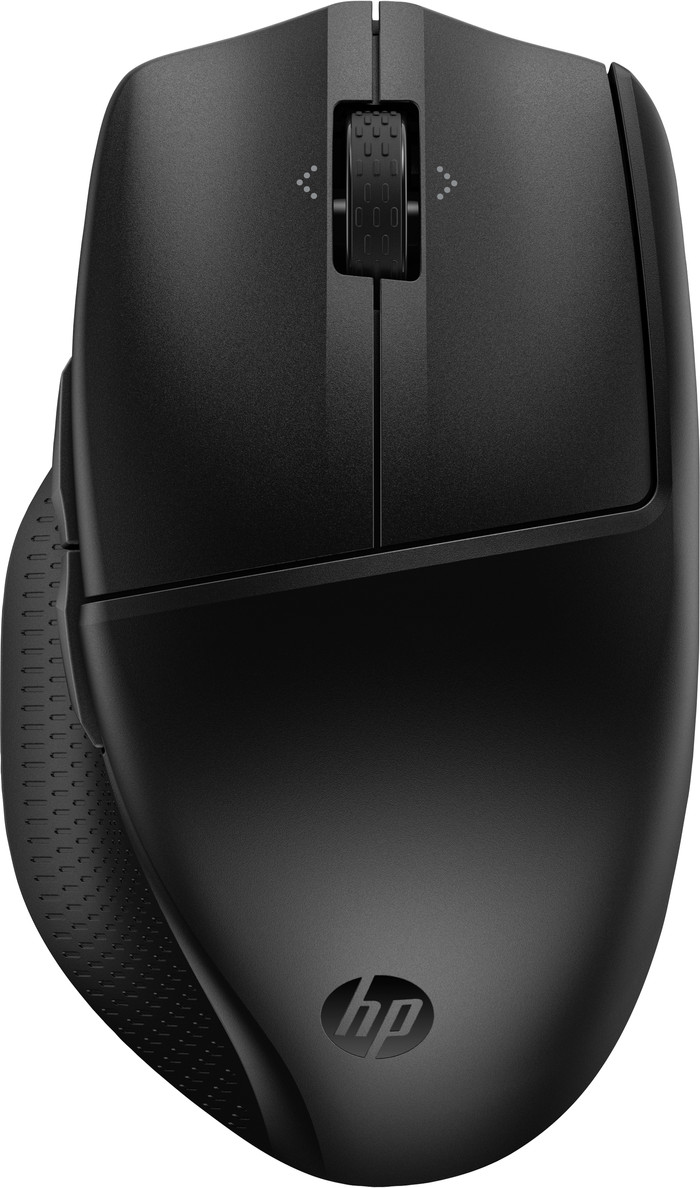
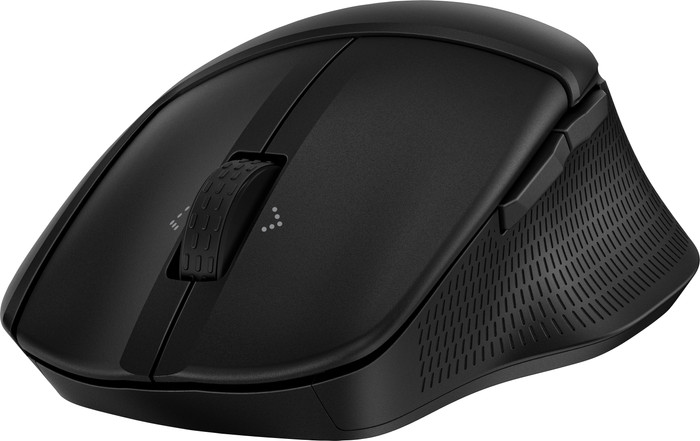
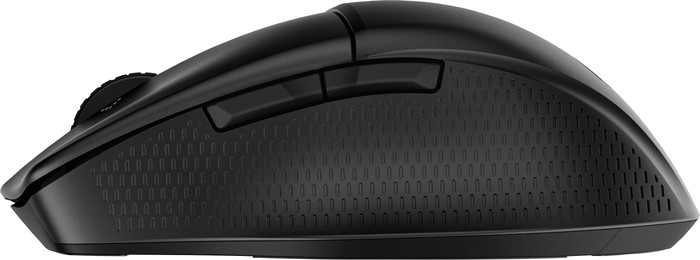
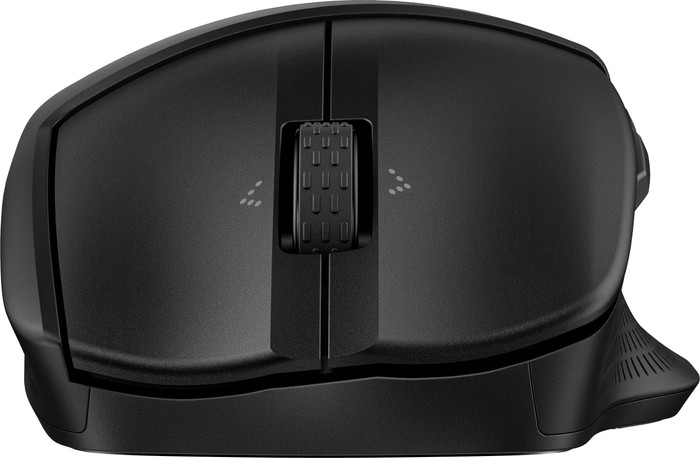



Our choice for a mouse that you can connect to multiple devices via Bluetooth
Yes

Better model
39,99
In stock
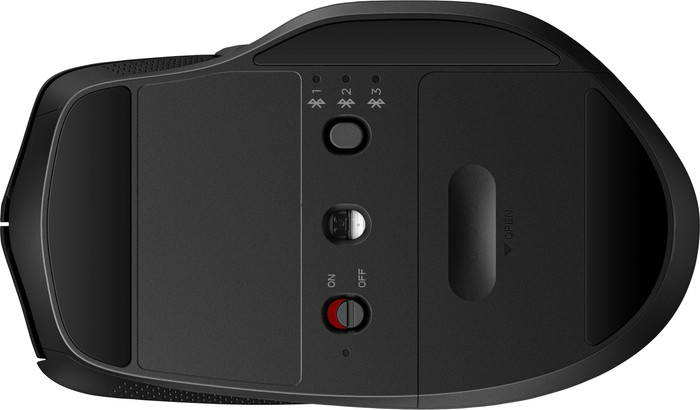
The mouse is very comfortable in the hand and offers good support for your palm, so that your hand can rest well during use. A downside is the finish, which seems a bit simple. The mouse feels a bit plastic, and personally I think it is a shame that it is not rechargeable. This means that you always have to take a spare battery with you if you use the mouse on the road or at the office. A positive aspect is that the mouse does not necessarily need a dongle to work; you can easily connect it to your computer via Bluetooth. In addition, the extra button on the bottom makes it possible to switch between three different computers, so that you do not have to pair the mouse again and again. In short, for the price this is a solid product that does exactly what it is supposed to do.
Roderick
6 February 2025
Automatically translated from Nederlands
Connecting is simple. But it has a life of its own, and sometimes the letters/characters change completely spontaneously. In that case, you'll need to shut down and restart your computer. However, all your work will be lost!
Hans
28 November 2025
Automatically translated from Nederlands
easy to use
Inge
6 January 2026
Automatically translated from Nederlands
Our digital expert will help you, but it can sometimes make mistakes, like humans do.
According to our mouse expert
Work comfortably: the ergonomic design keeps your arm, hand, and wrist in a natural position.
More freedom of movement: because the mouse is wireless, you can use it anywhere.
Keep a USB port free: thanks to Bluetooth, you can connect the mouse to your computer without a USB dongle.
Not for left-handed people: you won’t find this right-handed mouse comfortable to use if you’re left-handed.
Not for glass: the optical sensor doesn’t work well on reflective surfaces such as glass.
Product number | 952408 | |
|---|---|---|
Manufacturer code | 8T6M3AA#ABB | |
Brand | HP | |
Processing of your defect | Via Coolblue | |
Old product returned for free |
Mouse model | Standard | |
|---|---|---|
Input | Optical | |
Ergonomic design | ||
Type of ergonomics | Standard ergonomic | |
Left or right-handed | Right-handed | |
Maximum dots per inch (DPI) | 4000 dpi | |
Adjustable DPI | ||
Mouse controls | Scroll wheel | |
Suitable for gaming | ||
Scroll fast | ||
Rechargeable | ||
Lighting peripherals | ||
Silent mouse | ||
Horizontal scrolling | ||
Mouse surface | Any surface | |
Product family | 400 |
Connection type | Wireless | |
|---|---|---|
Type of wireless connection | Bluetooth | |
Bluetooth version | 5.3 | |
Nano receiver | ||
Number of devices that can be paired | 1 - 3 |
Plug and Play | ||
|---|---|---|
Compatible with operating system | ChromeOS, Windows, macOS |
Power supply type | Rechargeable battery | |
|---|---|---|
Rechargeable battery | ||
Battery level indicator | ||
Battery included |
Color | Black | |
|---|---|---|
Mouse size | Medium | |
Width | 6,91 cm | |
Height | 4,22 cm | |
Depth | 12 cm | |
Material | Plastic | |
Finish | Matte | |
Weight | 88 g |
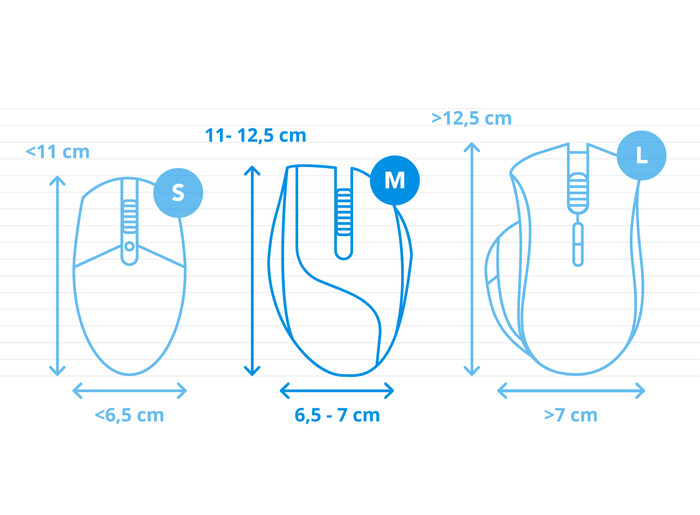
How large is a mouse exactly? It's often difficult to see on a photo. That's why we thought of the thumb rule below.
Choose a mouse that takes up more than half of the surface of the dimensions of your hand. You can find the dimensions of the mouse under the specifications.
Your hands are often 2 times longer from your wrist to the tip of your middle finger than that it's wide from your little finger to the knuckle of your thumb. The closer the length and width a mouse come to 60% of the length and width of your hands, the more likely it is that the mouse feels comfortable in your hand.

39,99
In stock
Current product
Wireless
Wireless
Wireless
Wireless
Wireless
Black
Black
Black
Black
Black, Silver
39,99
59,-
50,-
53,-
47,99