Cricut Explore/Maker Starter Bundle
Product number | 953744 | |
|---|---|---|
Manufacturer code | 8002452 | |
Brand | Cricut | |
Processing of your defect | Via Coolblue |
Color | Multicolored |
|---|
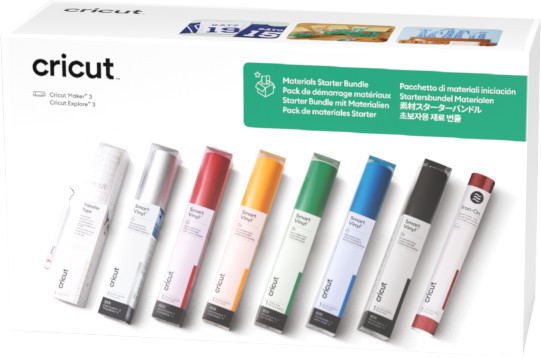
Material type for cutting machines | Vinyl | |
|---|---|---|
Number of sheets | 0 | |
Number of rolls | 8 | |
Quantity | 9 | |
Adhesive surface | ||
Finish material type for cutting machines | No finish | |
Also works without a cutting mat | ||
Suitable for model | Cricut EasyPress 2, Cricut EasyPress 3, Cricut EasyPress Mini, Cricut EasyPress SE, Cricut Explore 3, Cricut Explore 4, Cricut Explore 5, Cricut Maker 3, Cricut Maker 4, Cricut Maker 5 |
I am very happy with the versatility of this device. I have used it several times for both writing and cutting. However, I notice that not all corners are always cut equally well, which means that you sometimes have to fiddle around a lot to get the letters loose. To be able to use the software fully, you need a subscription and you have to pay for many ready-made designs. I think it is a shame, since you pay quite a lot for the device. Although it says that it can be used without a cutting mat, you really need one, otherwise the vinyl will start to move, so I am glad that I bought it with it. For the beauty, you also need other tools, which I have now ordered elsewhere. For that reason, I do not think the price/quality ratio is worth five stars. Nevertheless, I am happy with the product. It works very quickly and is nice and tight.
Aranka
24 December 2024
Automatically translated from Nederlands
57,-
57,-
Our digital expert will help you, but it can sometimes make mistakes, like humans do.
According to our materials for cutting machines expert
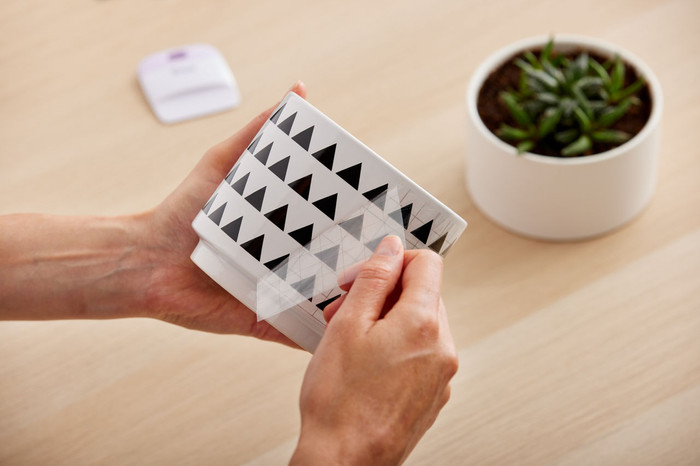
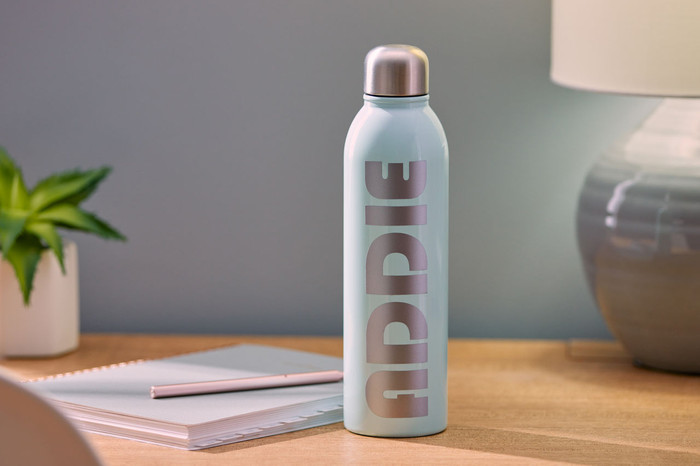
For stickers on objects: cut stickers from the vinyl for items like books, windows, cups, or laptops.
Work without a cutting mat: you can work without a cutting mat and make longer designs with Smart Materials.
Always the right settings: you select the material in Cricut Design Space, so you'll always use the right settings.
Not directly multicolor: layer different vinyl sheets on top of each other or use the Print Then Cut function.
In stock
In stock