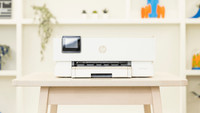
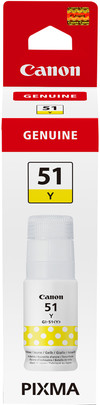
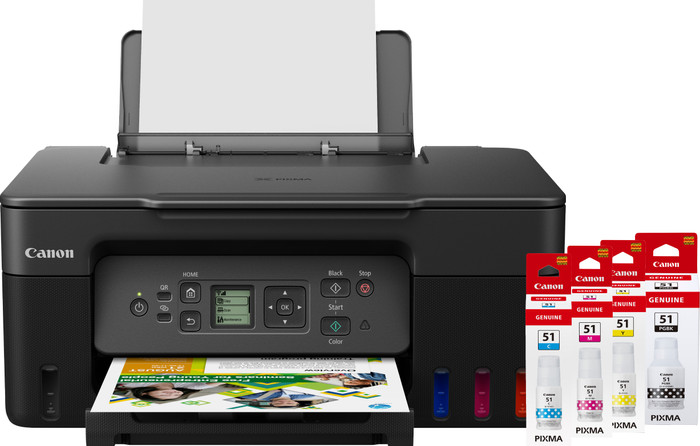
Canon PIXMA G3570 + 1 Set Extra Ink
Choose your printer
Set ink
- Be the first to know when this product is in stock


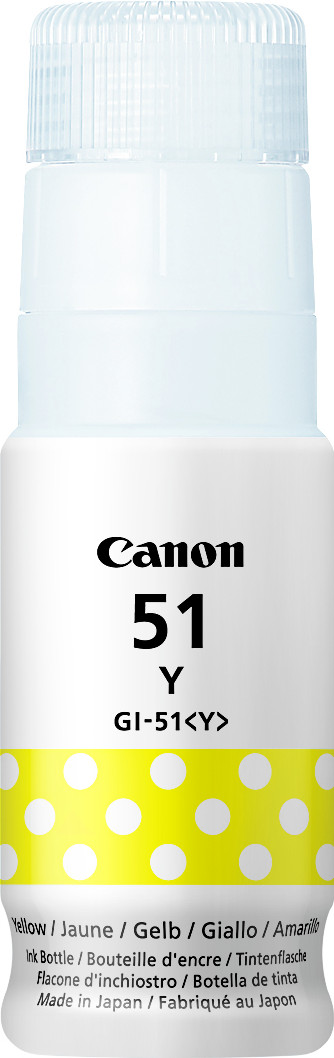

Set ink
Coolblue takes care of everything, from taking out an insurance to repairs
For almost all accidents
More coverage in case of damage than your standard warranty
No deductible
First, add your printer to your shopping cart. On the next page, choose the Protection Plan below. You always have a 30-day return window and pay no deductible in case of damage. The insurance only covers the printer. The included accessories aren't covered.
3-year Protection Plan
29,99
one-time5-year Protection Plan
67,-
one-time
Product number | 923499 | |
|---|---|---|
Manufacturer code | 5805C006AA | |
Brand | Canon | |
Processing of your defect | Via Coolblue | |
Old product returned for free |
Printer size | Medium | |
|---|---|---|
Width | 41,6 cm | |
Depth | 33,7 cm | |
Height | 17,7 cm | |
Color | Black | |
Weight | 6 kg |
Printer type | All-in-one | |
|---|---|---|
Photo printer | ||
Print quality photos | Stand | |
Portable (mobile use) | ||
Recommended for use printers | Printing at home |
Ink bottle series | Canon GI-51 | |
|---|---|---|
Usage costs for 1 page | 1 eurocent | |
Print technology | Ink tank | |
Type of ink | Ink bottles | |
Number of cartridges/toner cartridges | 4 | |
Color printer | ||
Print speed black (ISO) | 11 ppm | |
Print speed color (ISO) | 6 ppm | |
First black page ready after | 11 seconds | |
Speed class | Standard | |
Maximum print resolution height | 1200 dpi | |
Maximum print resolution width | 4800 dpi | |
Maximum print size | A4 | |
Automatic duplex printing | ||
Borderless printing |
Scan functionality | ||
|---|---|---|
Automatic duplex scanning | ||
Maximum optical scan resolution width | 1200 dpi | |
Maximum optical scan resolution height | 600 dpi | |
Scanner type | Book scanner, File scanner, Flatbed scanner, Graphic scanner, Photo scanner | |
Maximum scan size | A4 (21x29.7cm) | |
Automatic document feeder (ADF) | ||
Scan sizes | A4, A5, A6, A7 | |
Scan speed (PPM) | 3 ppm | |
Color depth output | 8 bpp | |
Scan to | Cloud, Dropbox, Email, Email address, Email server, Evernote, FTP, Folder, Google Docs, Image, MicroSD card, Network, PC (local), PC (network), PDF, PDF/A, SD card, USB | |
OCR |
Copying functionality | ||
|---|---|---|
Copy speed black (ISO) | 3,2 ppm | |
Copy speed color (ISO) | 3,2 ppm | |
Maximum copy resolution height | 600 dpi | |
Maximum copy resolution width | 1200 dpi |
Fax functionality |
|---|
Built-in screen | ||
|---|---|---|
Color screen | ||
Touchscreen |
Compatible with operating system | Android, ChromeOS, Windows, iOS, macOS | |
|---|---|---|
Connection type | Wired, Wireless | |
Apple AirPrint | ||
Email print | ||
WPS (Wireless Protected Setup) | ||
Ethernet port | ||
Number of Ethernet ports | 0 | |
NFC | ||
Built-in WiFi | ||
WiFi frequency printers | 2.4GHz, 5GHz | |
WiFi direct | ||
Bluetooth | ||
USB port |
Location paper input | Back | |
|---|---|---|
Manual input tray | ||
Photo paper drawer | ||
Maximum print size standard paper tray | A4 | |
Input capacity standard paper tray | 100 | |
Number of standard paper trays | 1 |
Memory card reader |
|---|
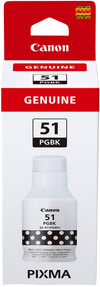
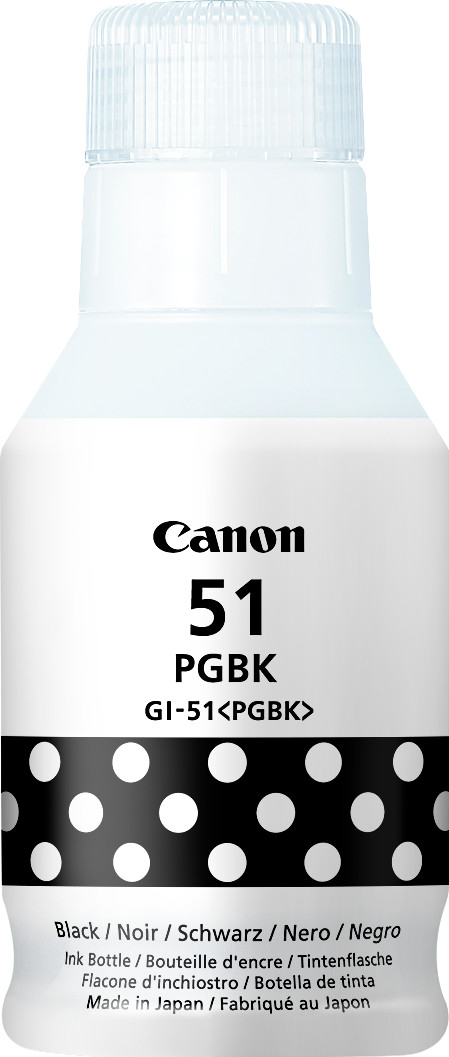
Product number | 881873 | |
|---|---|---|
Manufacturer code | 452I9C001AA | |
Brand | Canon | |
Processing of your defect | Via Coolblue |
Suitable for brand line | Canon Pixma G | |
|---|---|---|
Suitable for model | Canon PIXMA G3570, Canon Pixma G 1520, Canon Pixma G 2520, Canon Pixma G 2560, Canon Pixma G 3520, Canon Pixma G 3560 |
Manufacturer's ink | Original | |
|---|---|---|
Ink bottle series | Canon GI-51 | |
Page yield black | 6000 | |
Usage costs for 1 page | 0,17 eurocent | |
Ink/toner color | Black | |
Ink contains a color | ||
Number of colors | 1 color | |
Quantity | 1 |
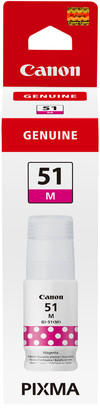
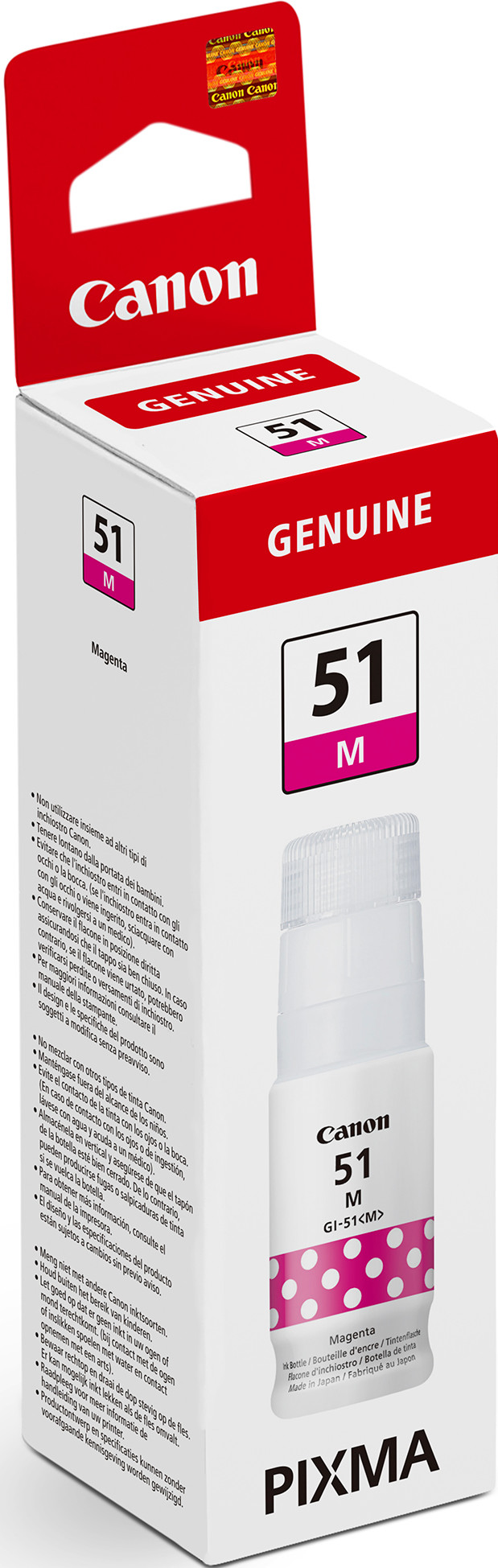
Product number | 881876 | |
|---|---|---|
Manufacturer code | 4547C001AA | |
Brand | Canon | |
Processing of your defect | Via Coolblue |
Suitable for brand line | Canon Pixma G | |
|---|---|---|
Suitable for model | Canon PIXMA G3570, Canon Pixma G 1520, Canon Pixma G 2520, Canon Pixma G 2560, Canon Pixma G 3520, Canon Pixma G 3560 |
Manufacturer's ink | Original | |
|---|---|---|
Ink bottle series | Canon GI-51 | |
Page yield color | 7700 | |
Usage costs for 1 page | 0,13 eurocent | |
Ink/toner color | Magenta | |
Ink contains a color | ||
Number of colors | 1 color | |
Quantity | 1 |
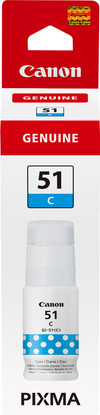
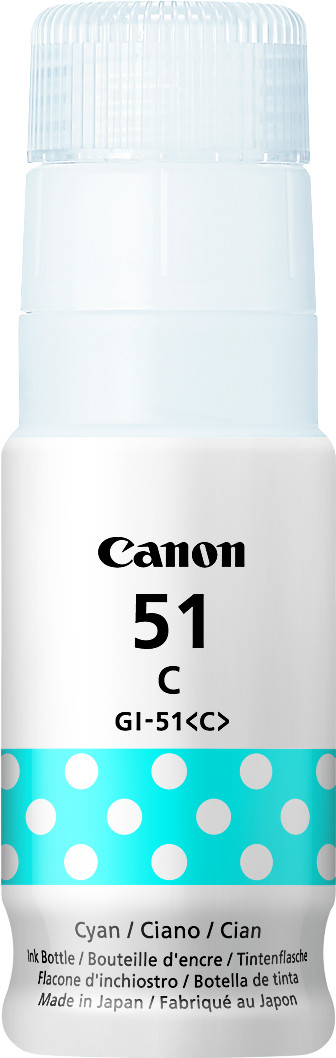
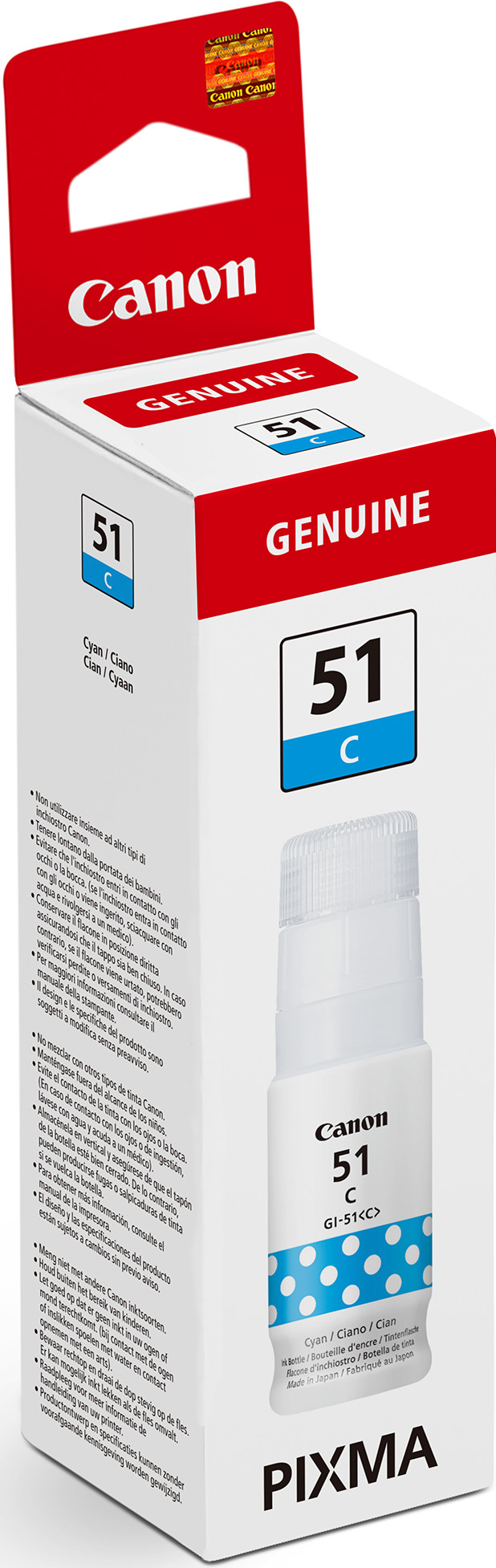
Product number | 881875 | |
|---|---|---|
Manufacturer code | 4546C001AA | |
Brand | Canon | |
Processing of your defect | Via Coolblue |
Suitable for brand line | Canon Pixma G | |
|---|---|---|
Suitable for model | Canon PIXMA G3570, Canon Pixma G 1520, Canon Pixma G 2520, Canon Pixma G 2560, Canon Pixma G 3520, Canon Pixma G 3560 |
Manufacturer's ink | Original | |
|---|---|---|
Ink bottle series | Canon GI-51 | |
Page yield color | 7700 | |
Usage costs for 1 page | 0,13 eurocent | |
Ink/toner color | Cyan | |
Ink contains a color | ||
Number of colors | 1 color | |
Quantity | 1 |
Product number | 881877 | |
|---|---|---|
Manufacturer code | 4548C001AA | |
Brand | Canon | |
Processing of your defect | Via Coolblue |
Suitable for brand line | Canon Pixma G | |
|---|---|---|
Suitable for model | Canon PIXMA G3570, Canon Pixma G 1520, Canon Pixma G 2520, Canon Pixma G 2560, Canon Pixma G 3520, Canon Pixma G 3560 |
Manufacturer's ink | Original | |
|---|---|---|
Ink bottle series | Canon GI-51 | |
Page yield color | 7700 | |
Usage costs for 1 page | 0,13 eurocent | |
Ink/toner color | Yellow | |
Ink contains a color | ||
Number of colors | 1 color | |
Quantity | 1 |

According to our printer expert
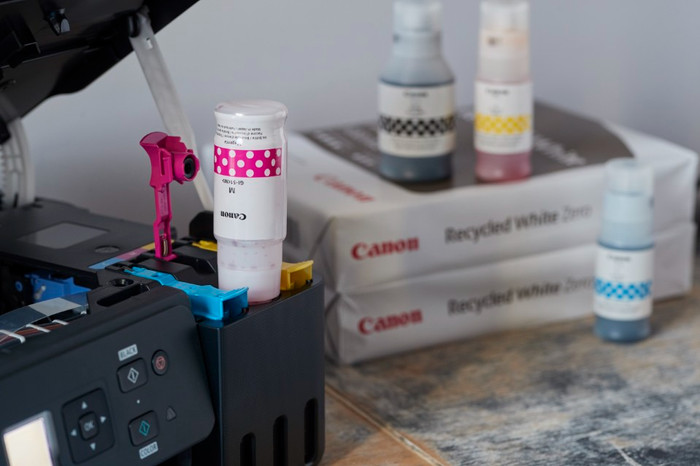
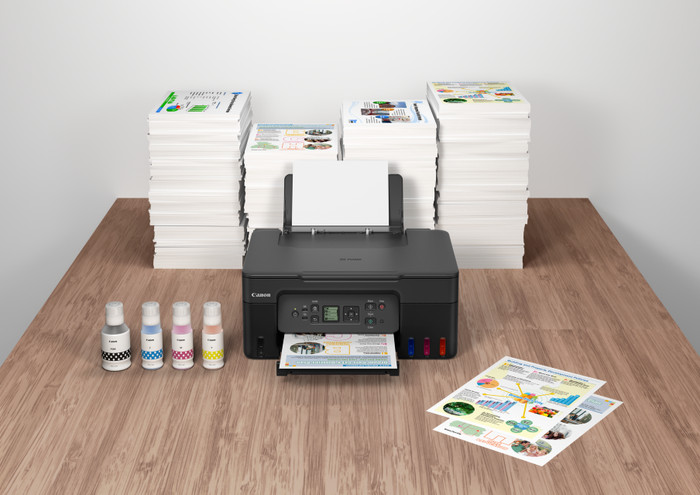
You can print up to 6000 pages in black and white and 7700 pages in color with the extra set ink bottles, so you don't need to buy new ink for a while.
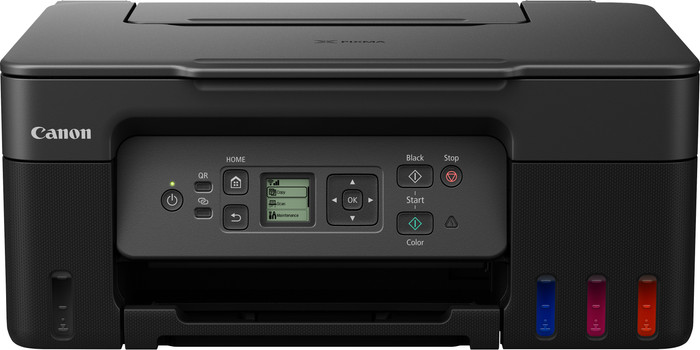
This all-in-one printer can print, scan, and copy.
With a full ink tank, you can print thousands of pages affordably.
If you want to print or scan a stack of paper in one go, choose a printer with an automatic document feeder.
If you want to save on paper, choose a printer that can print in duplex.
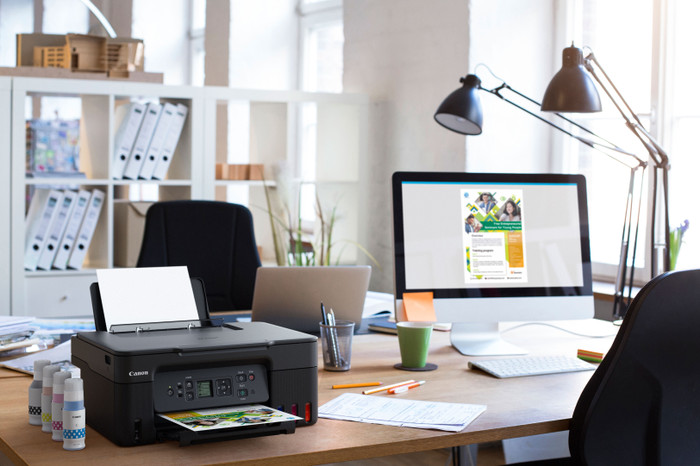
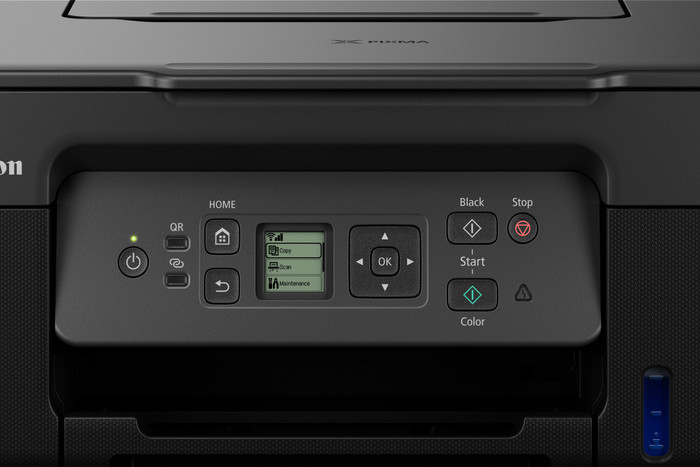
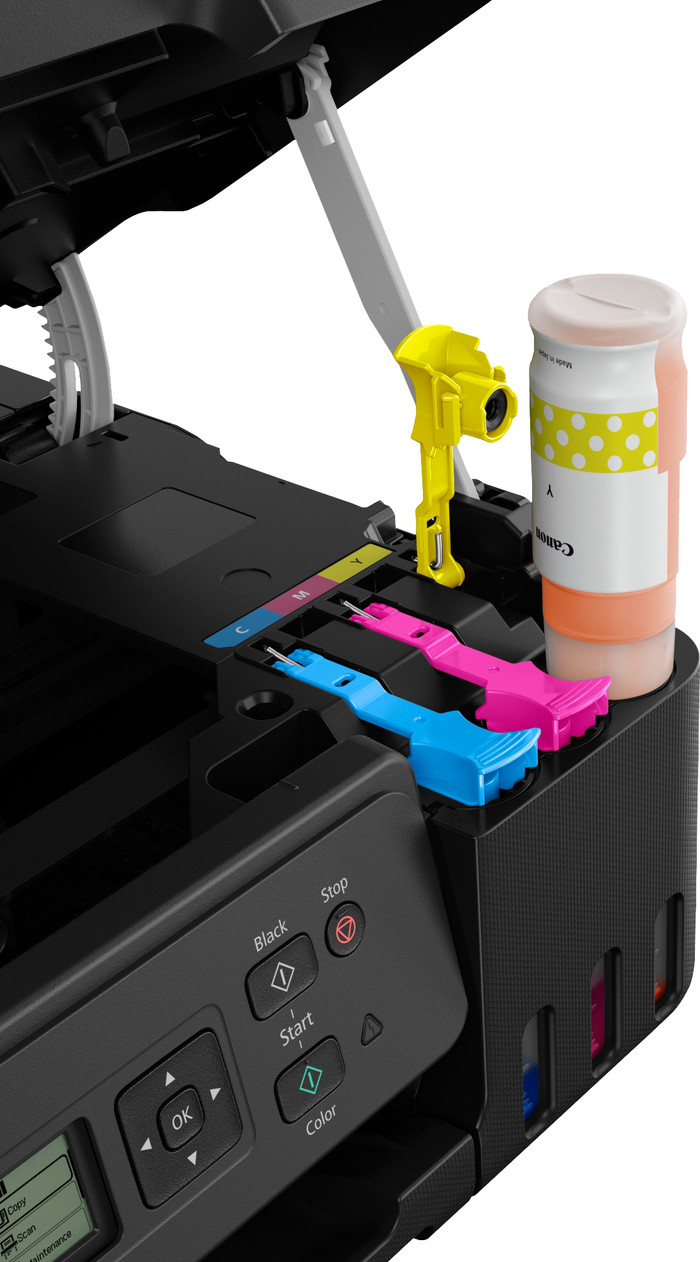
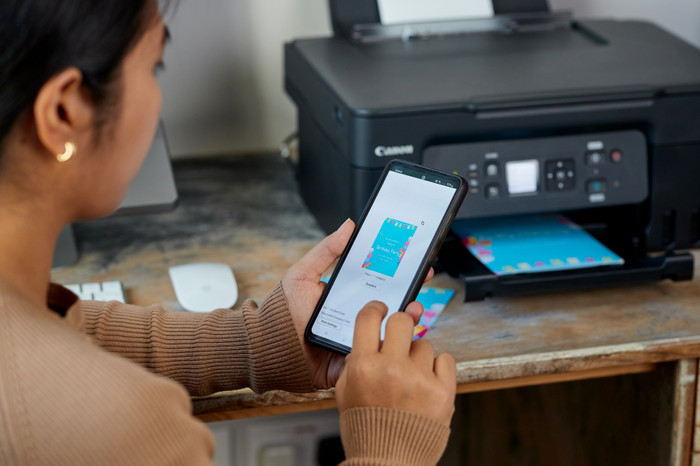
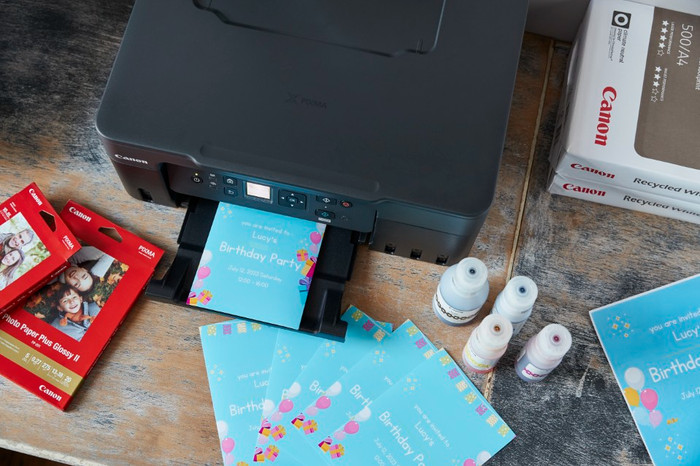
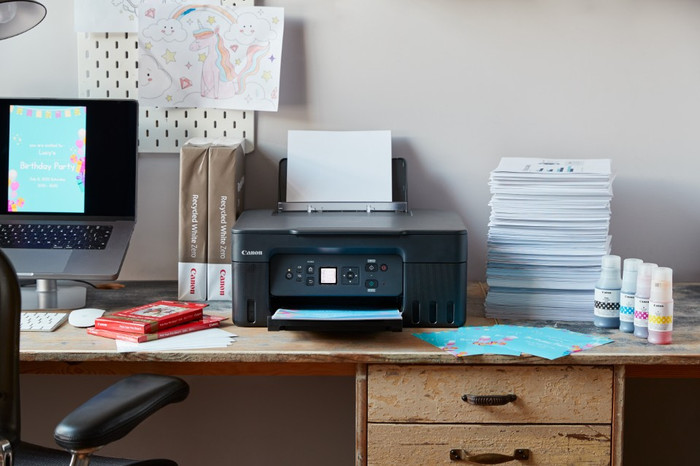
With the Canon PIXMA G3570 + 1 Set Extra Ink bundle, you can prevent running out of ink unexpectedly. You can print up to 12,000 black and white pages and 15,400 colored pages thanks to the extra set of ink bottles. With the Canon PIXMA G3570, you can print your documents and photos more affordably. You can print, scan, and copy with this all-in-one printer. The PIXMA G3570 has an ink tank that you can refill easily with ink bottles. With a single set of ink bottles, you can print up to 7700 pages in color and 6000 pages in black and white. This way, you save on printing costs. You can print vacation photos in high quality thanks to the 4800x1200DPI print resolution. You can even send print jobs from the couch via Apple AirPrint, the Canon Print app, or WiFi Direct.
Could immediately print in color after clear installation via online user manual.
John
3 November 2023
Automatically translated from Nederlands
The price (€200) is much higher than a cheap printer, but you will spend a lot more on purchasing cartridges over the life of the printer. Refilling ink is also a more environmentally friendly system. Printing, scanning and copying is fast and quiet. The color of a copy differs somewhat with bright colors. Ink also dries immediately, even on glossy photo paper it does not smear immediately after printing.
Connecting and setting up for the first time is very easy thanks to the simple start menu. Can be printed from any device in the home in just a few minutes. At just over 6 kilos, the device is on the heavy side, but that won't bother you if it's on a desk or in a cupboard.
Camiel
4 October 2023
Automatically translated from Nederlands
The print quality is quite poor. If you print pictures on plain paper, the colors will be very light. After two weeks it broke, the paper keeps getting stuck in the printer.
Wouter
29 October 2023
Automatically translated from Nederlands