HP 680 Comfort Dual-Mode Keyboard and Mouse Combo QWERTY ISO layout



Mouse

5 stars
3
4 stars
7
3 stars
1
2 stars
0
1 star
0
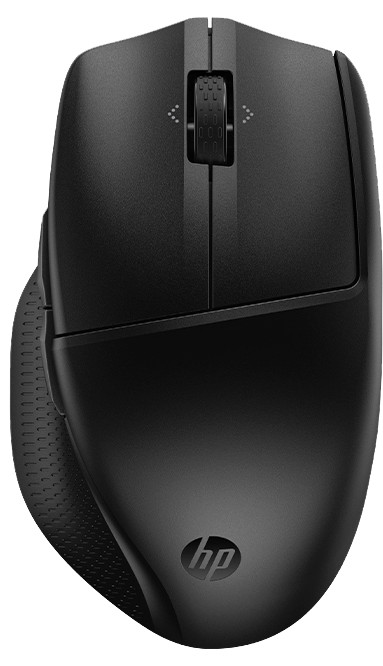
The HP mouse and keyboard are of good quality. Connecting them was very easy and the ease of use of these two accessories is great. The mouse feels very nice in the palm of your hand. Makes little noise when clicking and actually works exactly as you would expect.
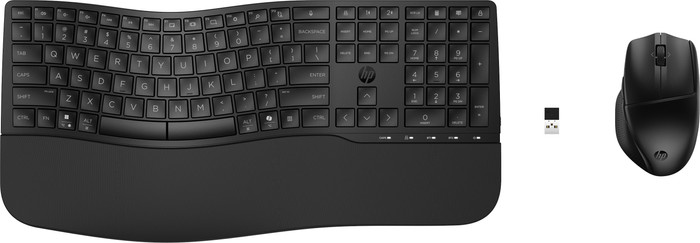
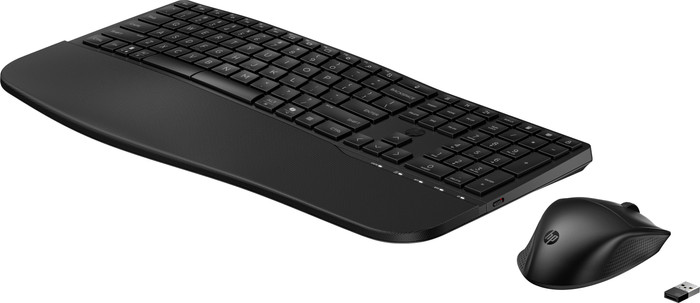
The keyboard has many adjustment options to make it fit your hands as well as possible. For example, in addition to the clips that you normally see on the back to tilt the board forward, there are also clips on the front to tilt the board backwards.
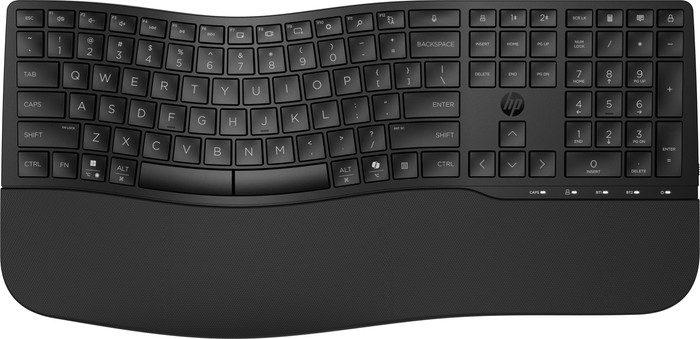
It takes a while to use the keyboard at first. You will make a few more typos because it has a different shape than a regular keyboard.
All in all, definitely an addition to your home workplace.
Sam F
11 January 2025
Automatically translated from Nederlands
After long-term shoulder pain, my physiotherapist advised me to try an ergonomic keyboard. At first, typing was a challenge, and the sentences I typed were often illegible because I had to get used to the new keyboard. But after a few days of practicing and relearning how to type, I am convinced. My shoulder pain has significantly decreased and I can now type without any problems.
Etbo
14 January 2025
Automatically translated from Nederlands
The installation is quick and very easy. After that, the mouse and keyboard can be used immediately. You can personalize the various function keys, which is very useful. The 'bend' in the keyboard ensures slightly differently positioned keys. This takes some getting used to if you have used a straight keyboard for years, but it works very well afterwards. I clearly noticed the difference. The mouse also feels nice. The various buttons are very useful for gaming, for example. The AI button on the keyboard was not necessary for me. I would have preferred easy access to ChatGPT than to CoPilot, but this can be arranged in the other function keys. The set is very solid and feels sturdy. The only thing that could make the keyboard even better is illuminated keys for better use in low light. However, this is not a must and can easily be solved by turning on more lights.
Nick
24 December 2024
Automatically translated from Nederlands
Our digital expert will help you, but it can sometimes make mistakes, like humans do.
According to our keyboard and mouse set expert
Use it anywhere: because the set is wireless, you can use it anywhere.
Choose your connection: you can decide whether to connect the set via Bluetooth or the USB receiver yourself.
Work comfortably: thanks to the ergonomic design, you can type and navigate comfortably all day and prevent arm and wrist pain.
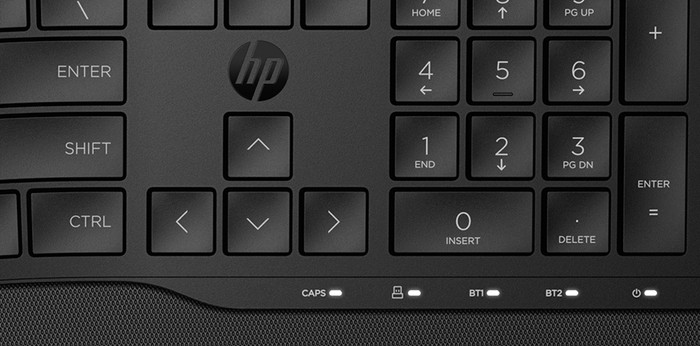
No backlight: the keyboard doesn't have a backlight, so you'll have a harder time finding the right keys in the dark.
Only for right-handed users: this mouse is only suitable for right-handed users.
97,-
97,-
Product number | 956535 | |
|---|---|---|
Manufacturer code | 8T6L6AA#ABB | |
Brand | HP | |
Processing of your defect | Via Coolblue | |
Old product returned for free |
Mouse model | Standard | |
|---|---|---|
Input | Optical | |
Number of buttons | 4 | |
Ergonomic design | ||
Left or right-handed | Right-handed | |
Adjustable DPI | ||
Mouse controls | Buttons, Scroll wheel | |
Suitable for gaming | ||
Programmable buttons | ||
Number of programmable buttons | 2 | |
Silent mouse | ||
Horizontal scrolling | ||
Mouse surface | Any surface, Matte surface | |
Lighting peripherals |
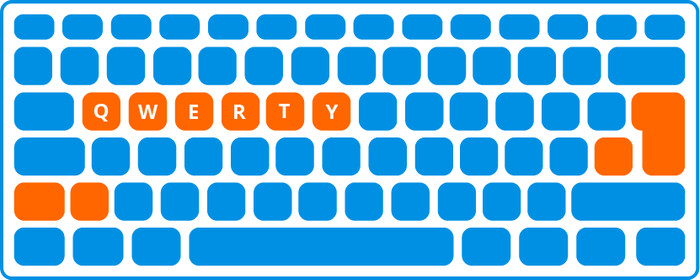
Keyboard layout | QWERTY | |
|---|---|---|
Geographic keyboard layout | NL layout | |
Physical keyboard layout | ISO | |
Multimedia shortcuts | ||
Backlit keyboard | ||
Flat keys | ||
Mechanical keyboard | ||
Programmable keys | ||
Spill-resistant | ||
Wrist rest |
Connection type | Wireless | |
|---|---|---|
Type of wireless connection | USB and Bluetooth | |
Nano receiver |
Power supply type | Battery |
|---|
Keyboard composition | Keyboard, Mouse | |
|---|---|---|
Height | 3,52 cm | |
Width | 44,23 cm | |
Depth | 21,44 cm | |
Color | Black | |
Weight | 845 g |
Current product

97,-
149,-
99,-
Retail price BlueBuilt
99,-86,-
100,-
In stock
In stock
How large is a mouse exactly? It's often difficult to see on a photo. That's why we thought of the thumb rule below.
Choose a mouse that takes up more than half of the surface of the dimensions of your hand. You can find the dimensions of the mouse under the specifications.
Your hands are often 2 times longer from your wrist to the tip of your middle finger than that it's wide from your little finger to the knuckle of your thumb. The closer the length and width a mouse come to 60% of the length and width of your hands, the more likely it is that the mouse feels comfortable in your hand.

Coolblue takes care of everything, from taking out an insurance to repairs
For almost all accidents
More coverage in case of damage than your standard warranty
No deductible
First, add your keyboard and mouse set to your shopping cart. On the next page, choose the Protection Plan below. You always have a 30-day return window and pay no deductible in case of damage.
2-year Protection Plan
7,99
one-time3-year Protection Plan
10,99
one-time