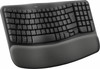
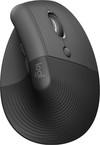
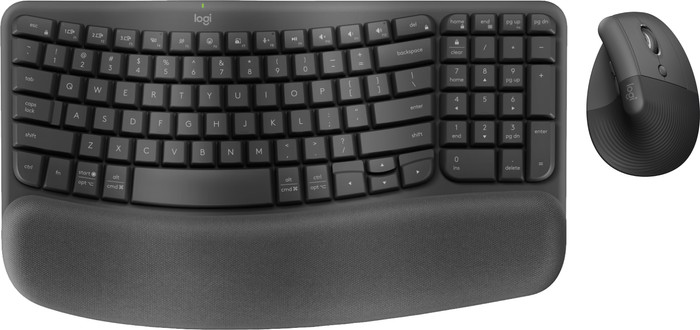
Logitech Wave Keys Wireless Ergonomic Keyboard + Logitech Lift Ergonomic Mouse




113,-
Logitech Wave Keys Keyboard + Mouse

Better model
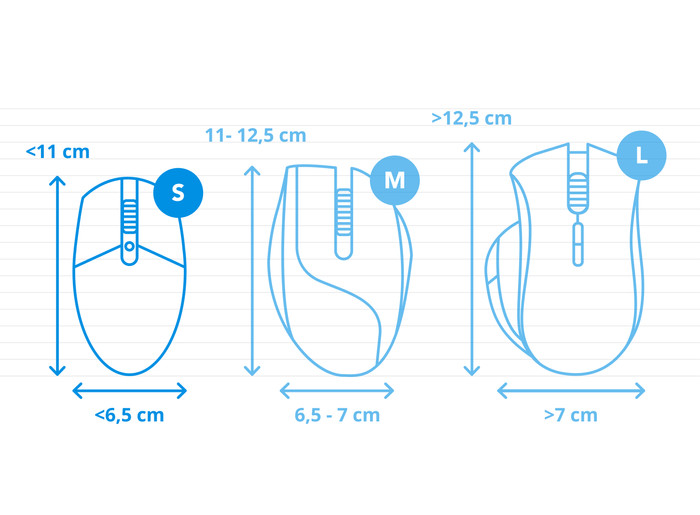
How large is a mouse exactly? It's often difficult to see on a photo. That's why we thought of the thumb rule below.
Choose a mouse that takes up more than half of the surface of the dimensions of your hand. You can find the dimensions of the mouse under the specifications.
Your hands are often 2 times longer from your wrist to the tip of your middle finger than that it's wide from your little finger to the knuckle of your thumb. The closer the length and width a mouse come to 60% of the length and width of your hands, the more likely it is that the mouse feels comfortable in your hand.

Product number | 937560 | |
|---|---|---|
Manufacturer code | 920-012304 | |
Brand | Logitech | |
Processing of your defect | Via Coolblue | |
Old product returned for free |
Keyboard layout | QWERTY | |
|---|---|---|
Geographic keyboard layout | US layout | |
Physical keyboard layout | ISO | |
Typing comfort | High-end | |
Backlit keyboard | ||
Spill-resistant | ||
Programmable keys | ||
Multimedia shortcuts | ||
Flat keys | ||
Suitable for gaming | ||
Mechanical keyboard | ||
Type of keys | Membrane |
Connection type | Wireless | |
|---|---|---|
Type of wireless connection | USB and Bluetooth | |
Bluetooth version | 5.3 | |
Nano receiver |
Keyboard size | 100% (Complete) | |
|---|---|---|
Keyboard composition | Keyboard, Numpad | |
Type of ergonomics | Wavy design | |
Ergonomic design | ||
Height | 3,05 cm | |
Width | 37,6 cm | |
Depth | 21,9 cm | |
Wrist rest | ||
Color | Black | |
Weight | 0,75 kg |
Gaming keyboard suitable for activity type | Long gaming sessions, On the go and LAN parties | |
|---|---|---|
Gaming keyboard suitable for game type | All-round games |
Power supply type | Rechargeable battery |
|---|
Product number | 905909 | |
|---|---|---|
Manufacturer code | 910-006473 | |
Brand | Logitech | |
Processing of your defect | Via Coolblue | |
Old product returned for free |
Mouse model | Vertical | |
|---|---|---|
Input | Laser | |
Number of buttons | 4 | |
Ergonomic design | ||
Type of ergonomics | Vertical | |
Left or right-handed | Right-handed | |
Maximum dots per inch (DPI) | 4000 dpi | |
Adjustable DPI | ||
Mouse controls | Buttons, Scroll wheel | |
Suitable for gaming | ||
Scroll fast | ||
Rechargeable | ||
Programmable buttons | ||
Number of programmable buttons | 2 | |
Lighting peripherals | ||
Silent mouse | ||
Horizontal scrolling | ||
Mouse surface | Any surface | |
Product family | Ergo |
Connection type | Wireless | |
|---|---|---|
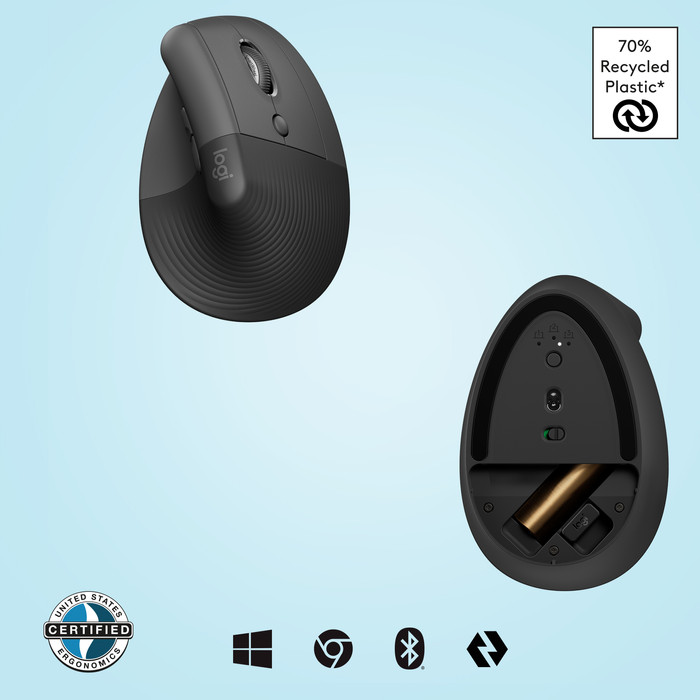
Type of wireless connection | USB and Bluetooth | |
Bluetooth version | 5.0 | |
Nano receiver | ||
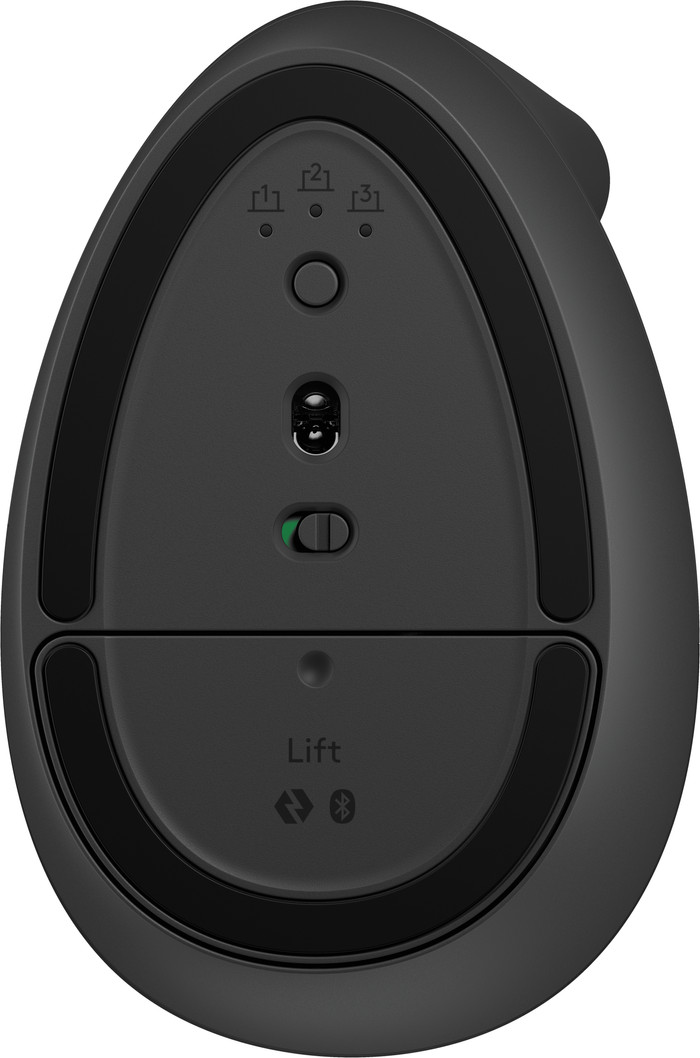
Number of devices that can be paired | 1 - 3 |
Plug and Play | ||
|---|---|---|
Compatible with operating system | ChromeOS, Windows, iPadOS, macOS |
Power supply type | Rechargeable battery | |
|---|---|---|
Rechargeable battery | ||
Battery level indicator | ||
Battery included |
Color | Black | |
|---|---|---|
Mouse size | Small | |
Width | 7,18 cm | |
Height | 7,04 cm | |
Depth | 10,88 cm | |
Material | Plastic | |
Finish | Matte | |
Weight | 100 g |
Great ergonomic keyboard and mouse package, easy to install and use on multiple devices!
LW
19 July 2025
Automatically translated from Nederlands
Pleasant to use, both mouse and keyboard.
Ronald
12 January 2026
Automatically translated from Nederlands
113,-
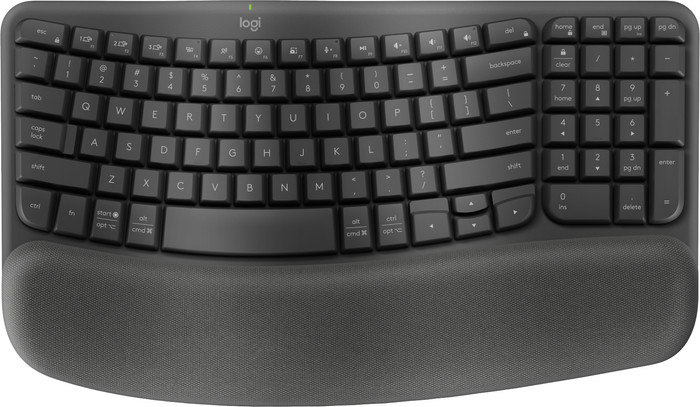
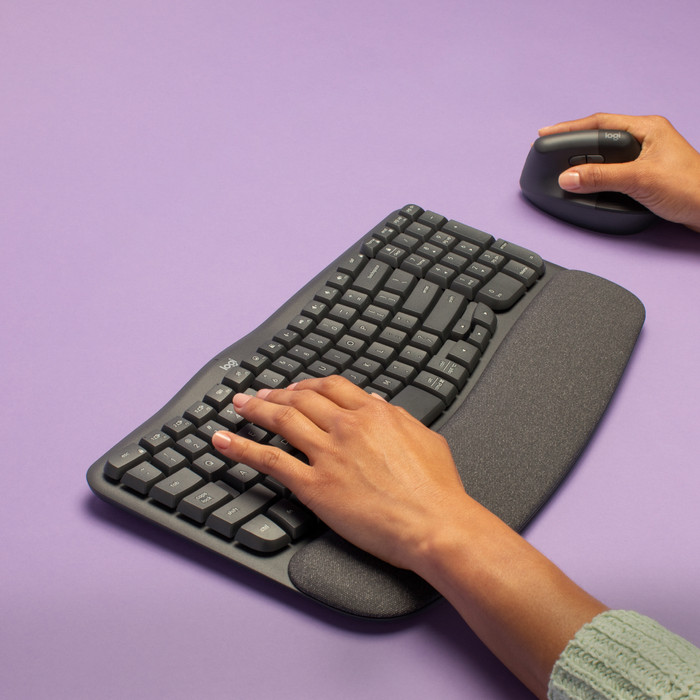
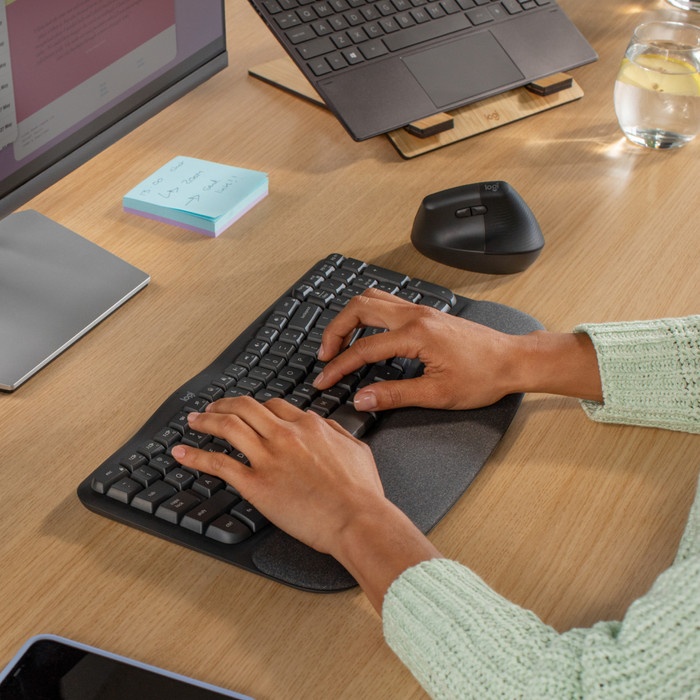
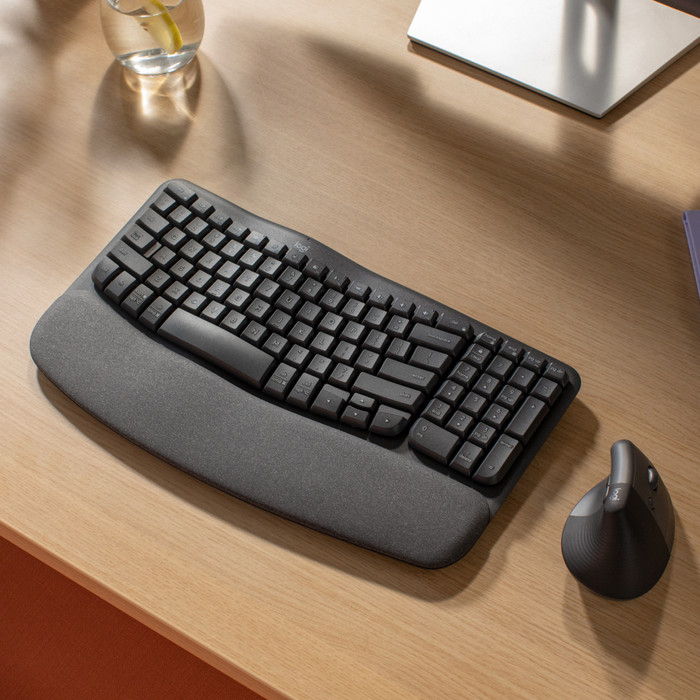
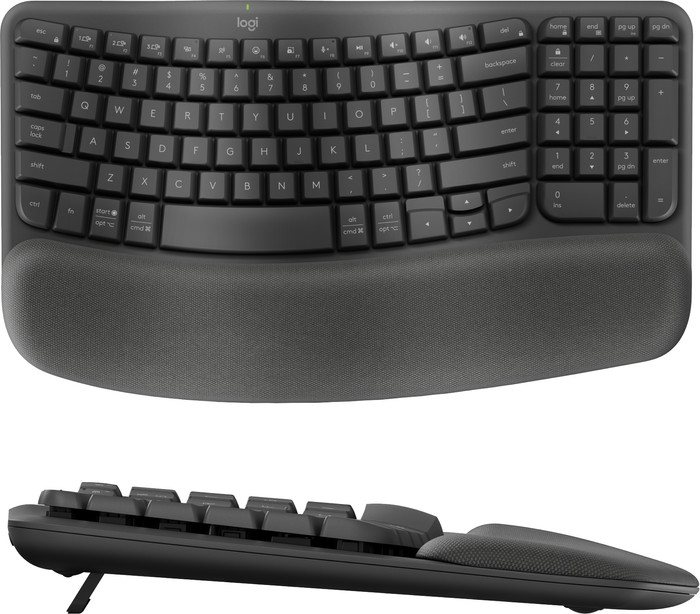
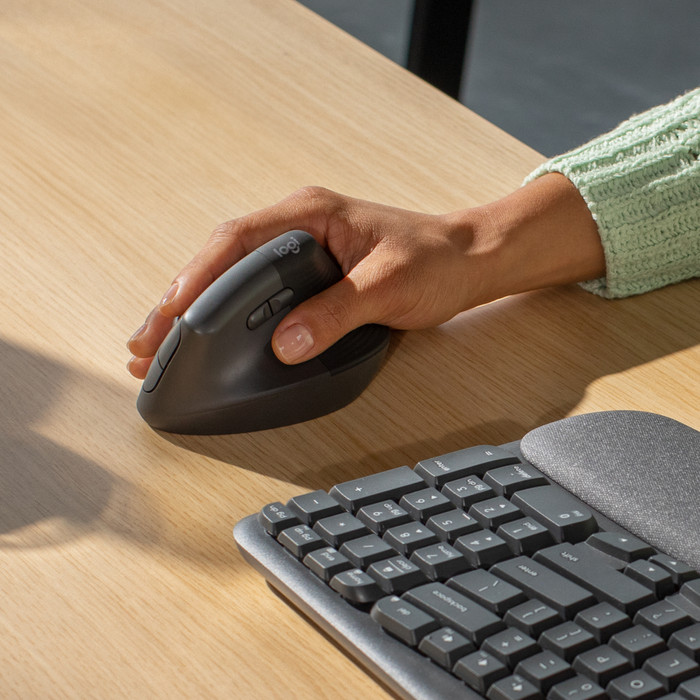
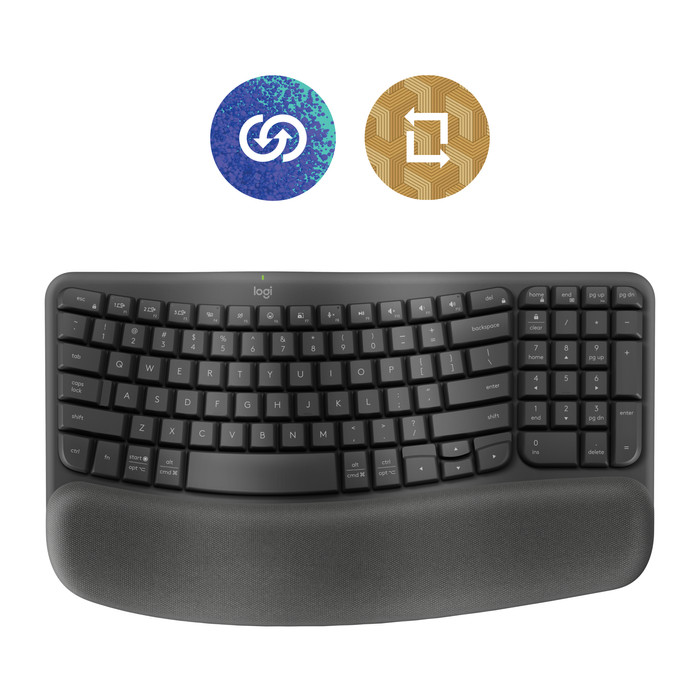
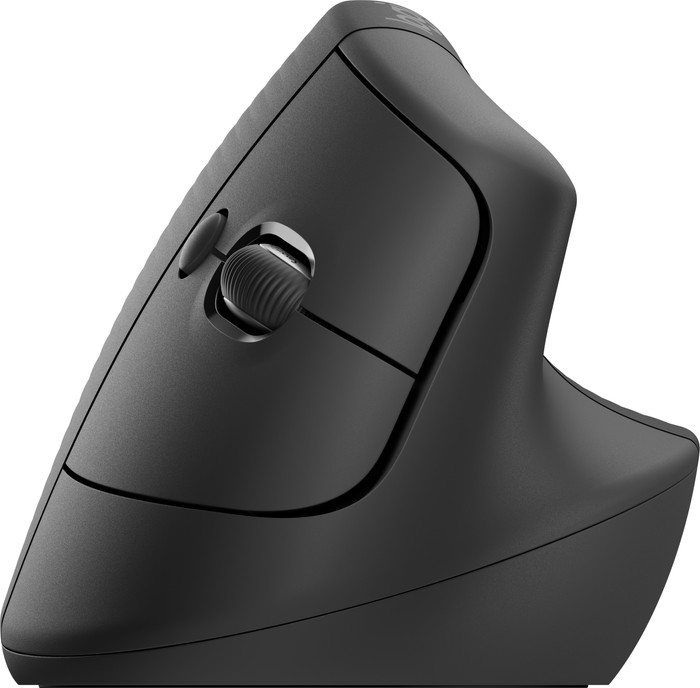
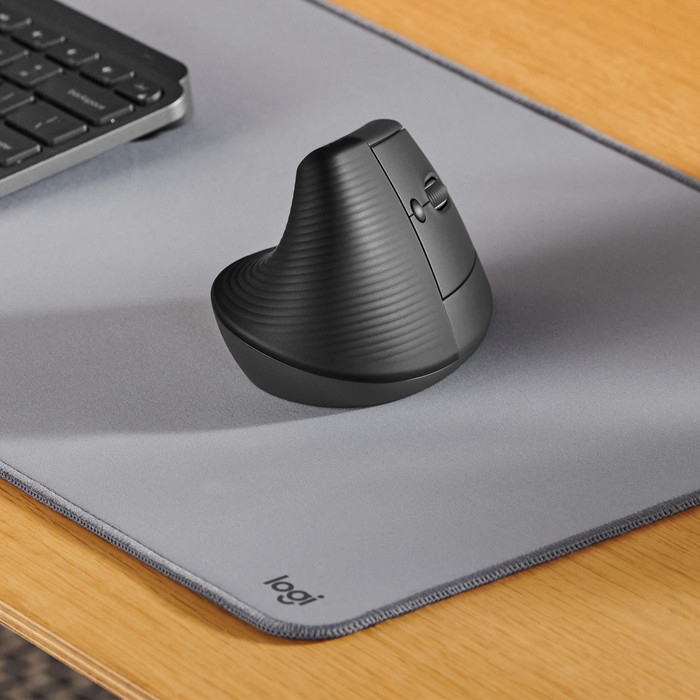
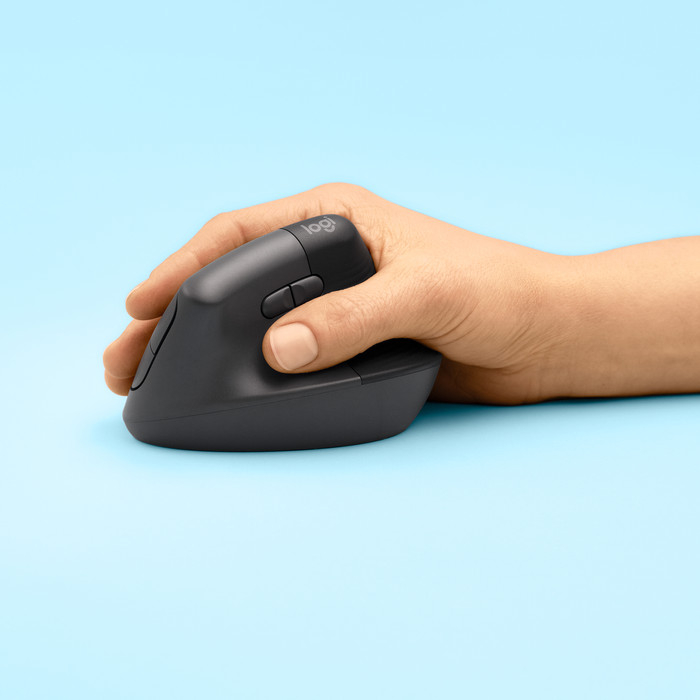
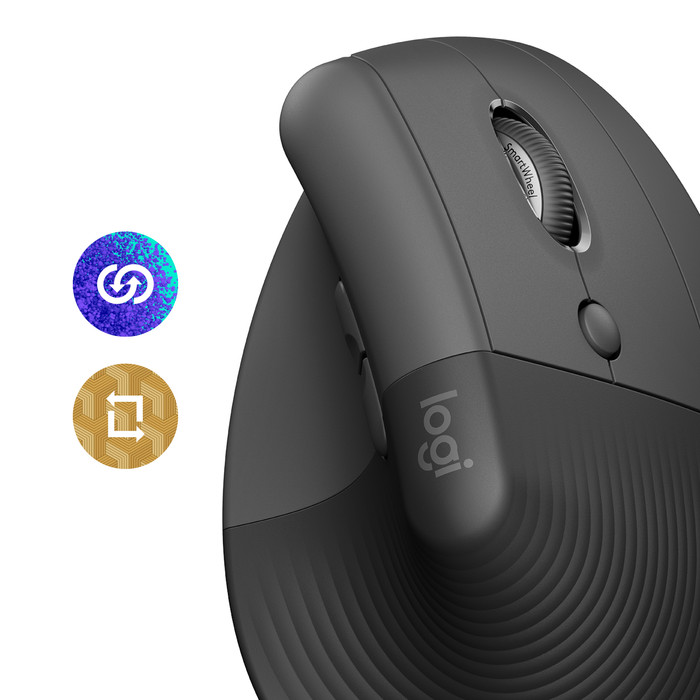
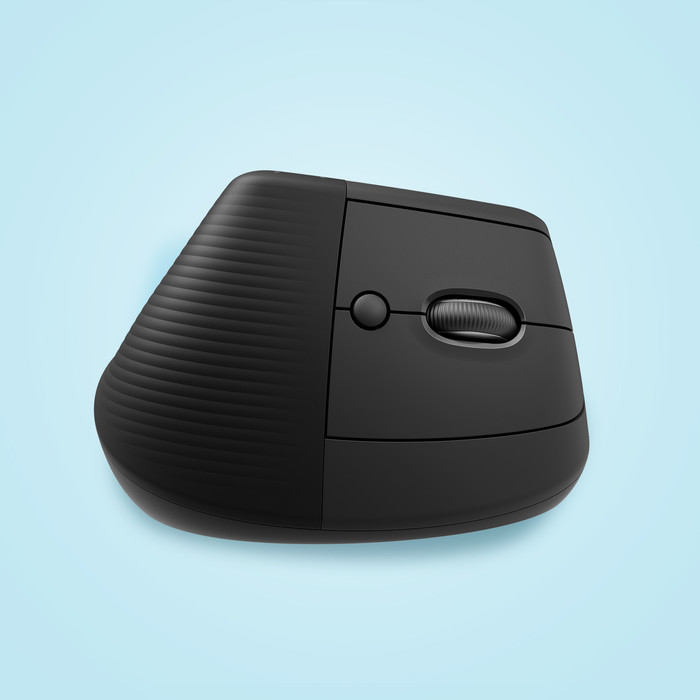
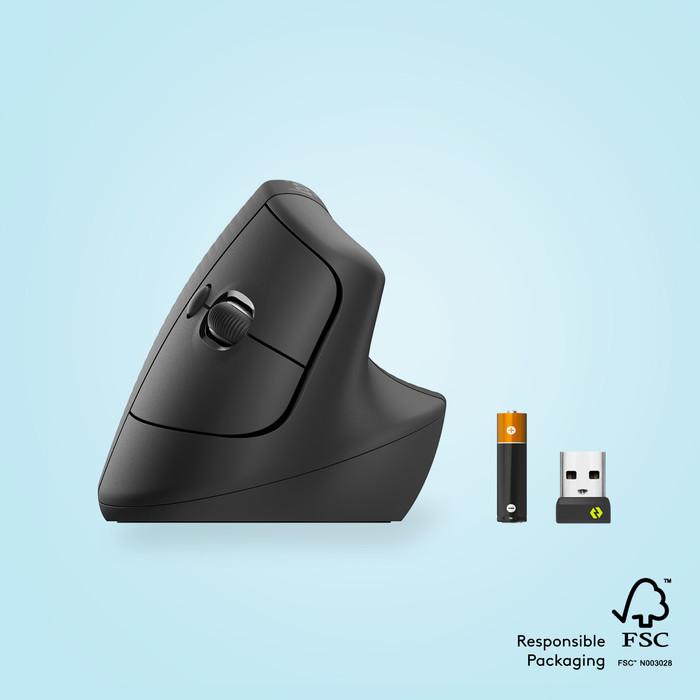
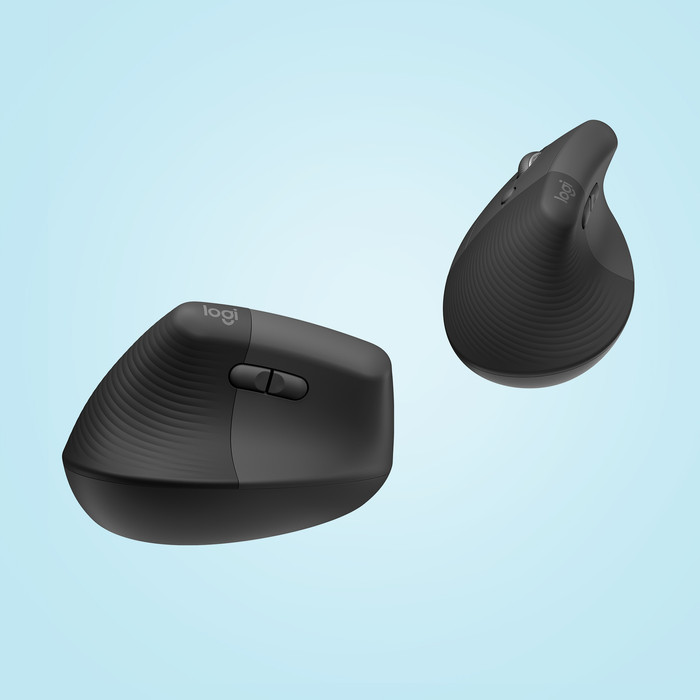
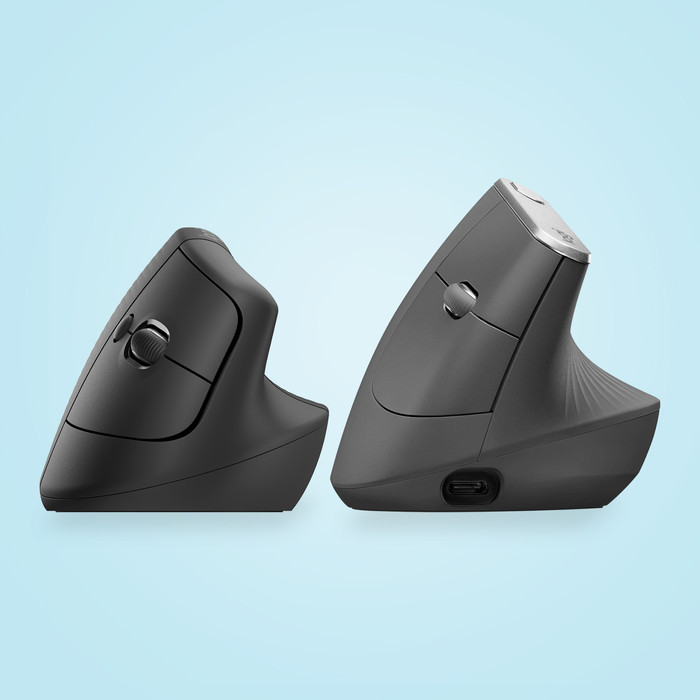
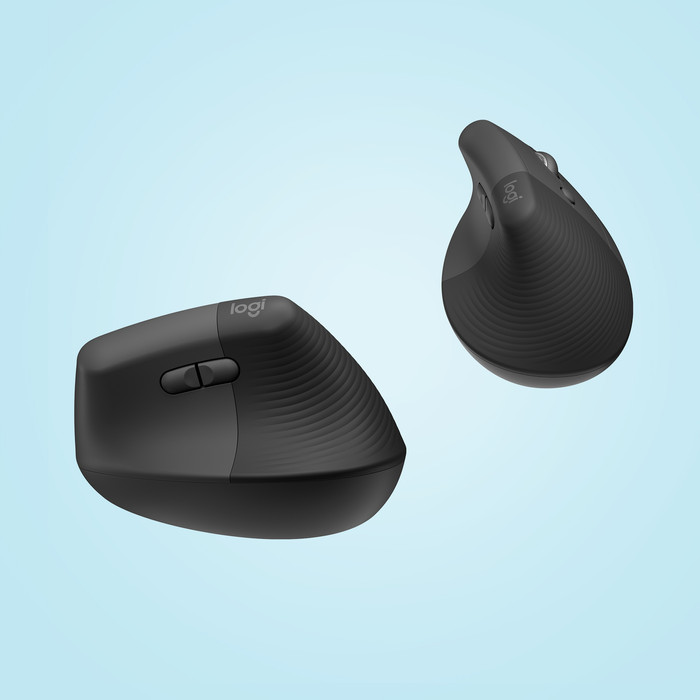
With the Logitech Wave Keys Wireless Ergonomic Keyboard + Logitech Lift Vertical Ergonomic Mouse, you can work productively and comfortably on up to 3 devices. The keyboard has a wavy design, so you can keep your hands and wrists in a natural position. At the same time, the padded wrist rest with memory foam provides better support to your wrist. The Logitech Lift has a vertical design, so you use your wrist in the right position. This design is also known as a handshake design. Connect the set via Bluetooth or connect the mouse via the USB receiver and get to work right away. Want to get the most out of your Logitech set? Assign the correct shortcuts via the Logi Options+ software, so you can have your most used functions within reach.
According to our keyboard and mouse set expert
With this bundle, you can work ergonomically and you have a lower chance of hand and wrist complaints.
You can connect the set with Bluetooth and use it on up to 3 devices.
You can set your shortcuts via the Logi Options+ software and work more productively.
The keyboard doesn't have backlit keys, so you might make more typos in the dark than with a backlit keyboard.
In stock
In stock