

Don't have an account yet? Start here
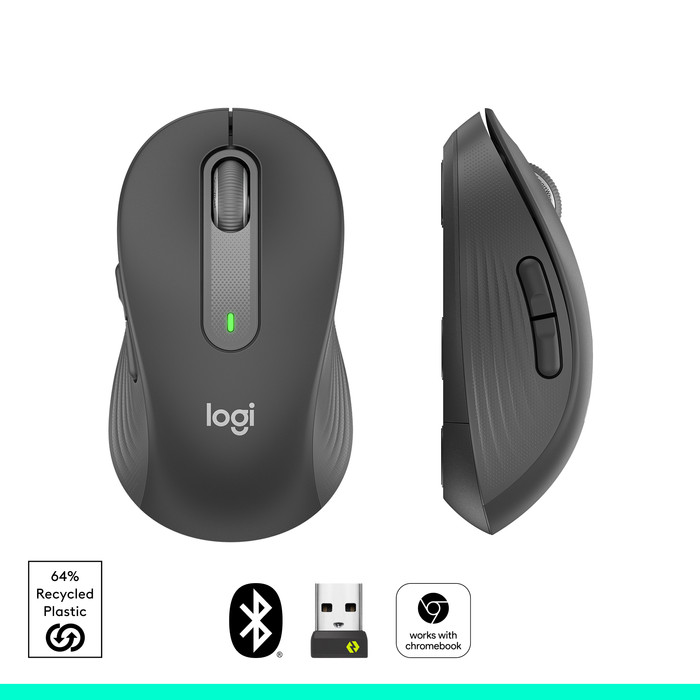
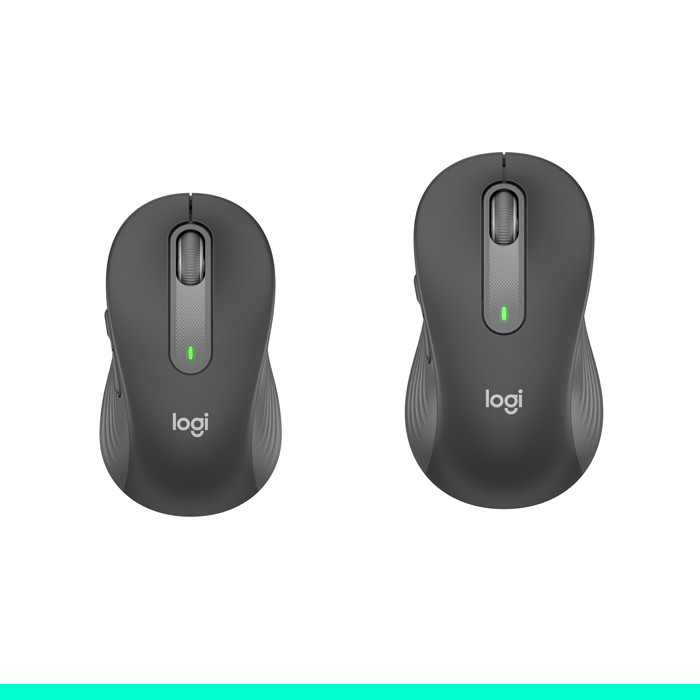
How large is a mouse exactly? It's often difficult to see on a photo. That's why we thought of the thumb rule below.
Choose a mouse that takes up more than half of the surface of the dimensions of your hand. You can find the dimensions of the mouse under the specifications.
Your hands are often 2 times longer from your wrist to the tip of your middle finger than that it's wide from your little finger to the knuckle of your thumb. The closer the length and width a mouse come to 60% of the length and width of your hands, the more likely it is that the mouse feels comfortable in your hand.
Product number | 915668 | |
|---|---|---|
Manufacturer code | 920-010945 | |
Brand | Logitech | |
Processing of your defect | Via Coolblue | |
Old product returned for free |
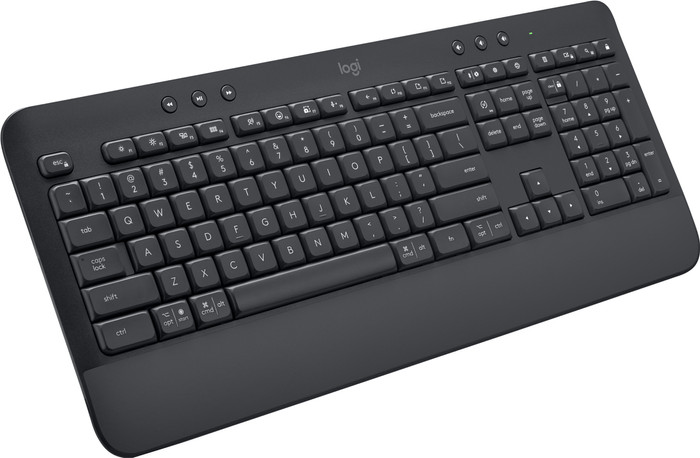
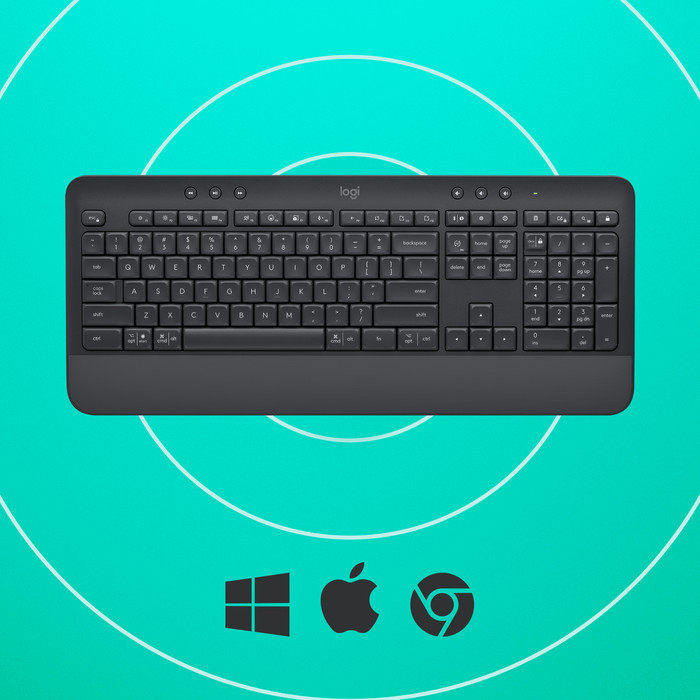
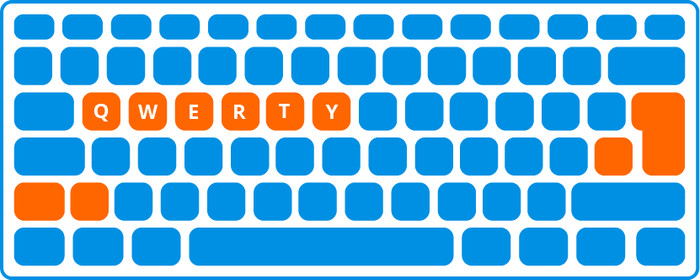
Keyboard layout | QWERTY | |
|---|---|---|
Geographic keyboard layout | US international layout | |
Physical keyboard layout | ISO | |
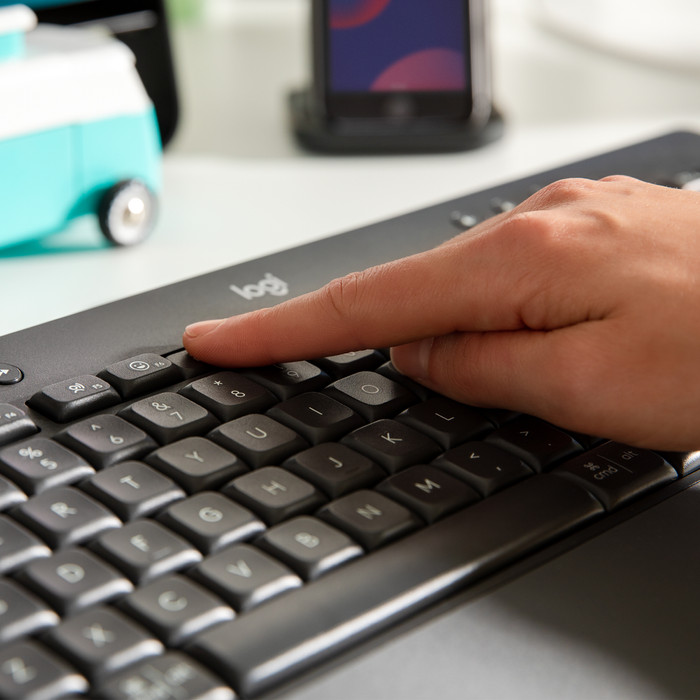
Typing comfort | High-end | |
Backlit keyboard | ||
Spill-resistant | ||
Programmable keys | ||
Multimedia shortcuts | ||
Flat keys | ||
Suitable for gaming | ||
Mechanical keyboard |
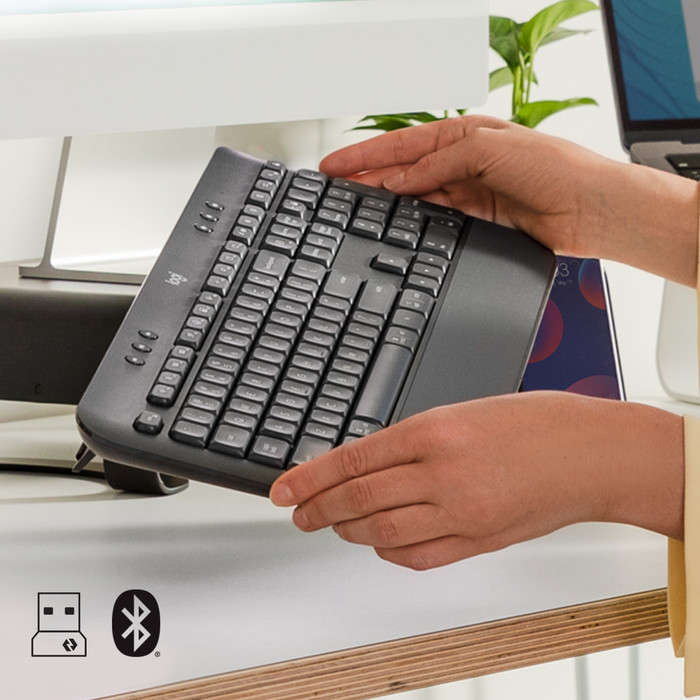
Connection type | Wireless | |
|---|---|---|
Type of wireless connection | USB and Bluetooth | |
Bluetooth version | 5.0 | |
Nano receiver |
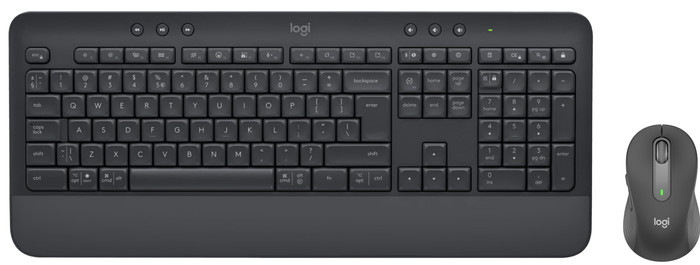
Keyboard composition | Keyboard, Numpad, Standard | |
|---|---|---|
Type of ergonomics | With wrist rest | |
Ergonomic design | ||
Height | 2,43 cm | |
Width | 45,73 cm | |
Depth | 19,35 cm | |
Wrist rest | ||
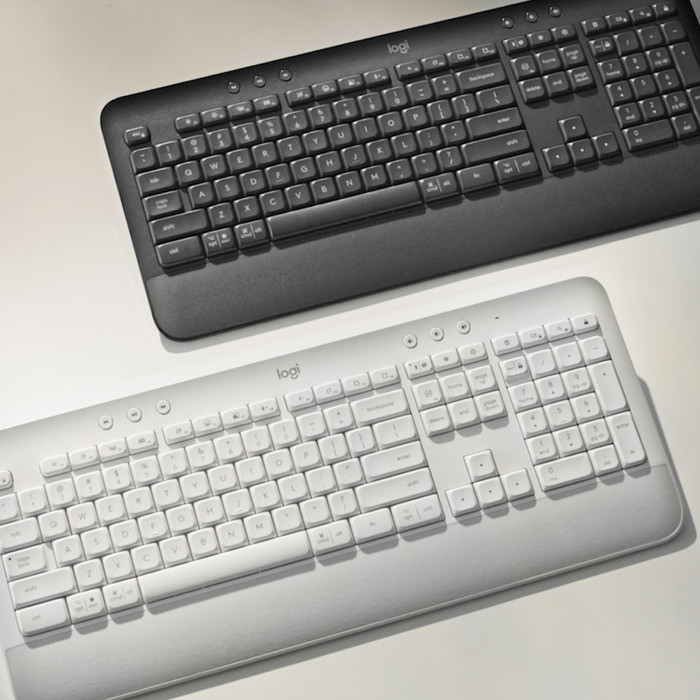
Color | Gray | |
Weight | 707,5 g |
Gaming keyboard suitable for activity type | Long gaming sessions, On the go and LAN parties |
|---|
Power supply type | Rechargeable battery |
|---|
Product number | 899341 | |
|---|---|---|
Manufacturer code | 910-006253 | |
Brand | Logitech | |
Processing of your defect | Via Coolblue | |
Old product returned for free |
Mouse model | Standard | |
|---|---|---|
Input | Optical | |
Number of buttons | 5 | |
Ergonomic design | ||
Type of ergonomics | Not ergonomic | |
Left or right-handed | Right-handed | |
Maximum dots per inch (DPI) | 4000 dpi | |
Adjustable DPI | ||
Mouse controls | Buttons, Scroll wheel | |
Suitable for gaming | ||
Scroll fast | ||
Rechargeable | ||
Programmable buttons | ||
Number of programmable buttons | 2 | |
Lighting peripherals | ||
Silent mouse | ||
Horizontal scrolling | ||
Mouse surface | Any surface, Matte surface | |
Product family | M Series |
Connection type | Wireless | |
|---|---|---|
Type of wireless connection | USB and Bluetooth | |
Bluetooth version | 5.1 | |
Nano receiver | ||
Number of devices that can be paired | 1 |
Plug and Play | ||
|---|---|---|
Compatible with operating system | ChromeOS, Windows, iPadOS, macOS |
Power supply type | Rechargeable battery | |
|---|---|---|
Rechargeable battery | ||
Battery level indicator | ||
Battery included |
Color | Gray | |
|---|---|---|
Mouse size | Small | |
Width | 6 cm | |
Height | 3,8 cm | |
Depth | 10,7 cm | |
Material | Plastic | |
Finish | Matte | |
Weight | 102 g |
5 stars
0
4 stars
0
3 stars
1
2 stars
0
1 star
0
It might just be me, but the website didn't immediately make it clear that you can't switch between two devices (laptop and PC) via a button. When I discovered that using both a laptop and a PC simultaneously required reconnecting the keyboard, I traded it in for a different model (MX Keys S) that does offer this with a single button press.
Alfred
29 September 2025
Automatically translated from Nederlands
92,-
According to our keyboard and mouse set expert
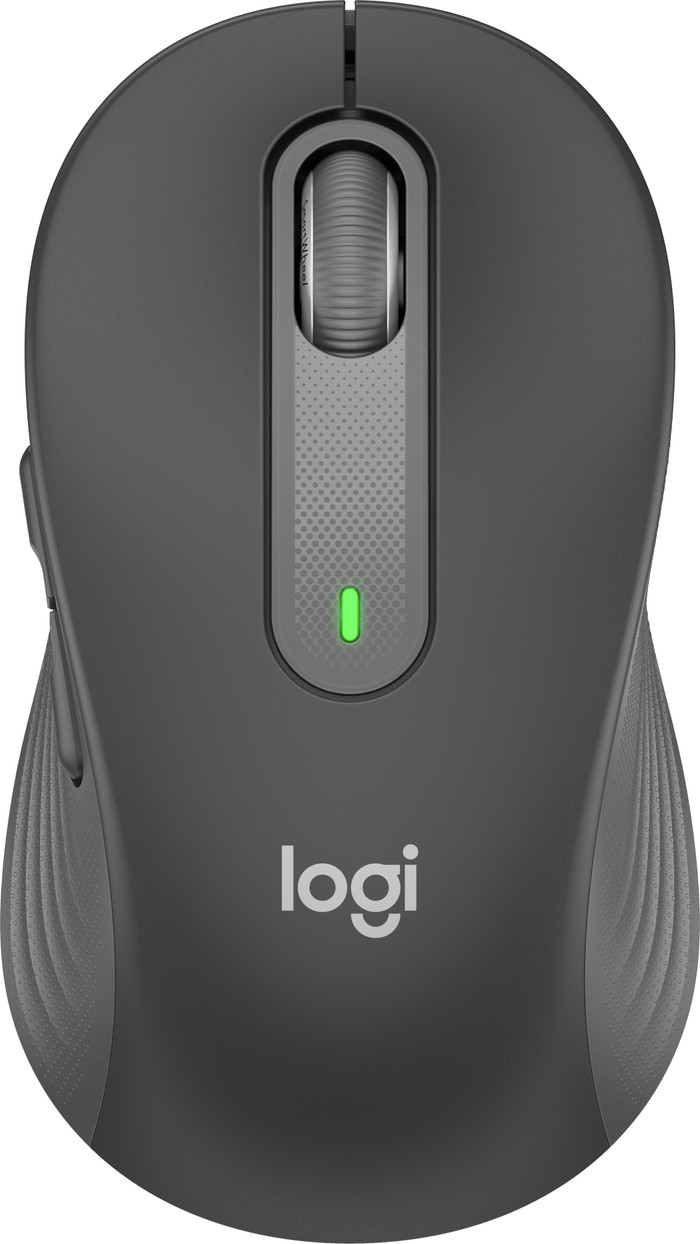
With the keyboard and mouse set, you can work comfortably on your laptop or desktop.
Thanks to the wrist rest, you can type comfortably and you reduce the chance on wrist injuries with this keyboard.
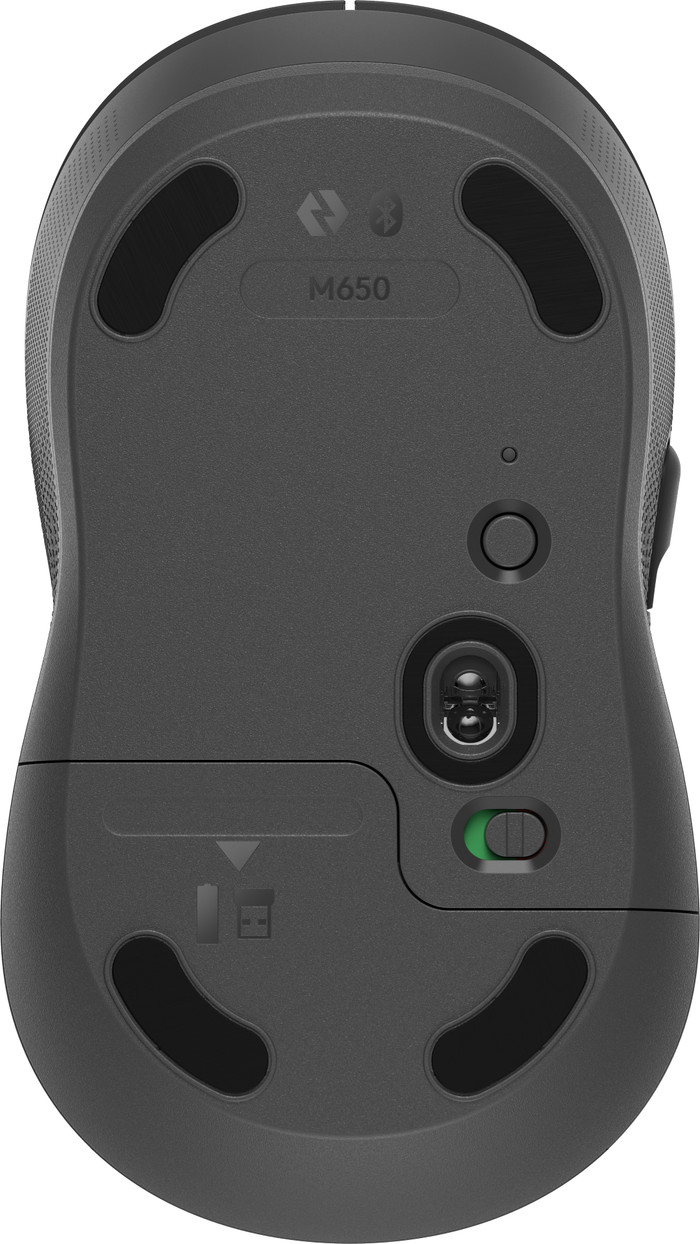
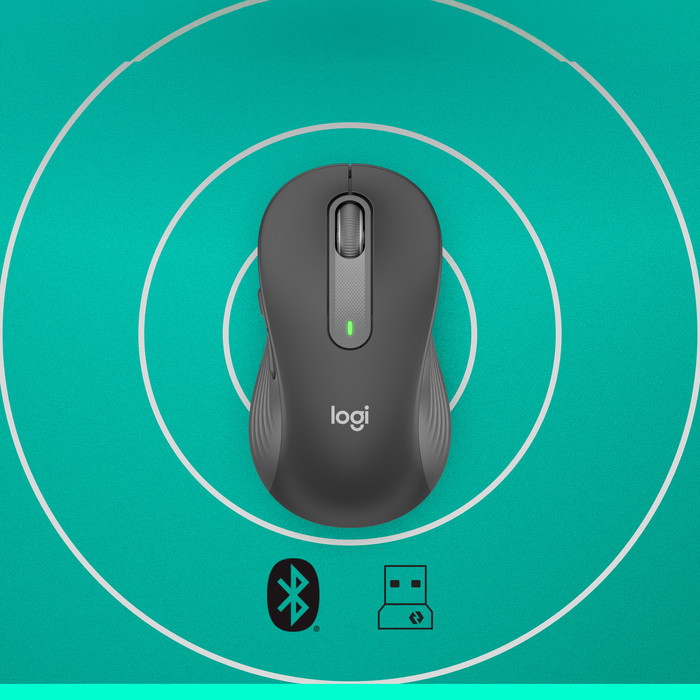
You can use the set wireless via the USB receiver or connect it via Bluetooth.
The set doesn't have an ergonomic design, so you can get bothered by wrist pain more quickly during extended use.
It doesn't have backlit keys, so you might make more typos in the dark than with a backlit keyboard.
92,-
In stock
In stock