Wacom Intuos Pro Medium (2025)

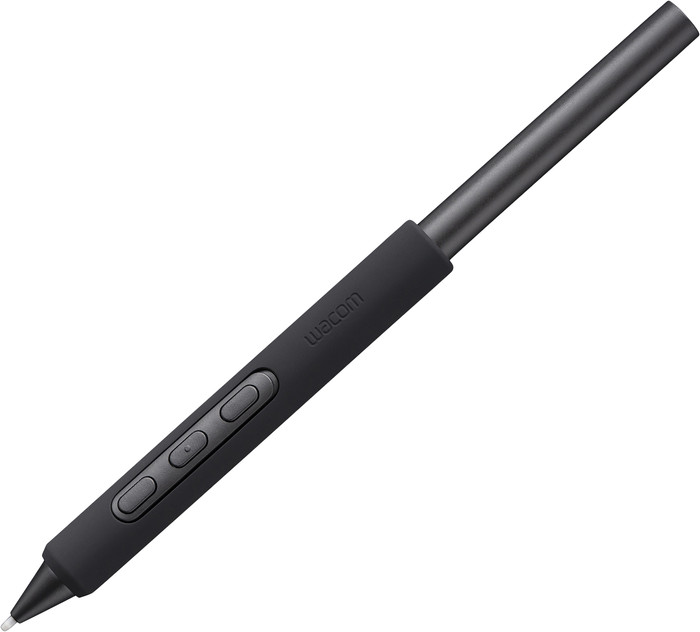


26.3 cm
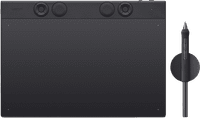
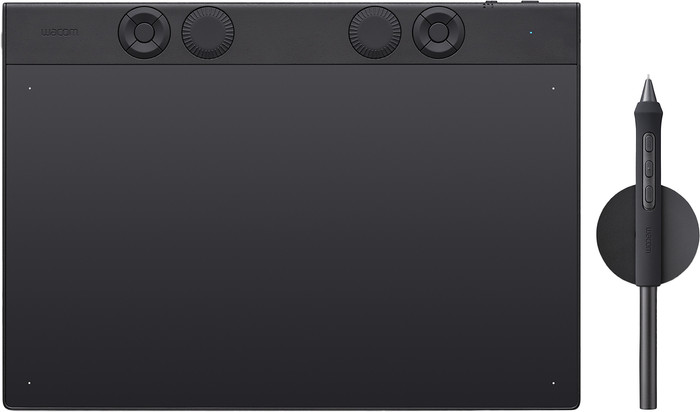
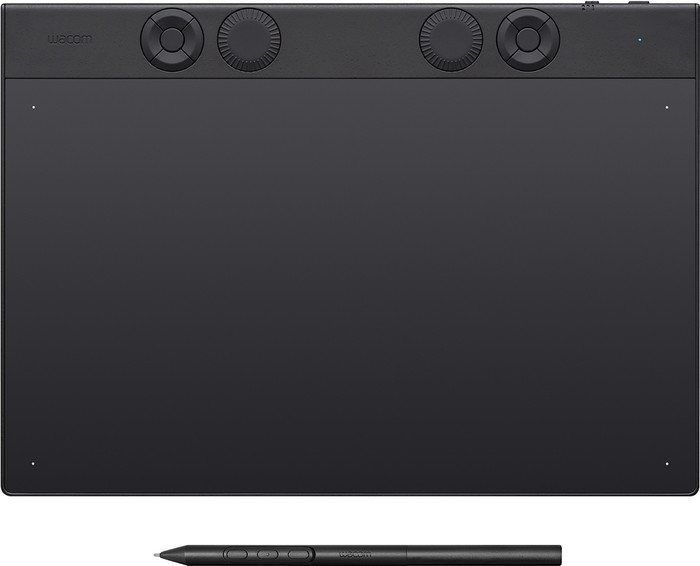
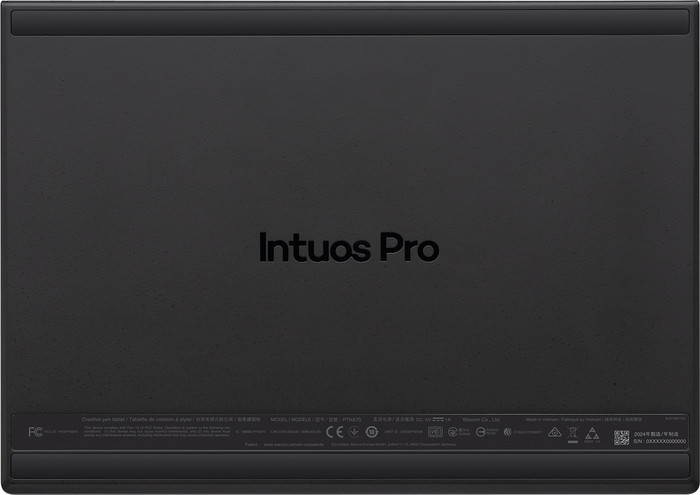
After years of using an Intuos M, I finally bought a Pro. The product feels very solid and looks that way, despite its thinness. Sturdy. With the large rubber feet on the bottom, it never slips. Because it's so thin and light, it fits perfectly in my bag.
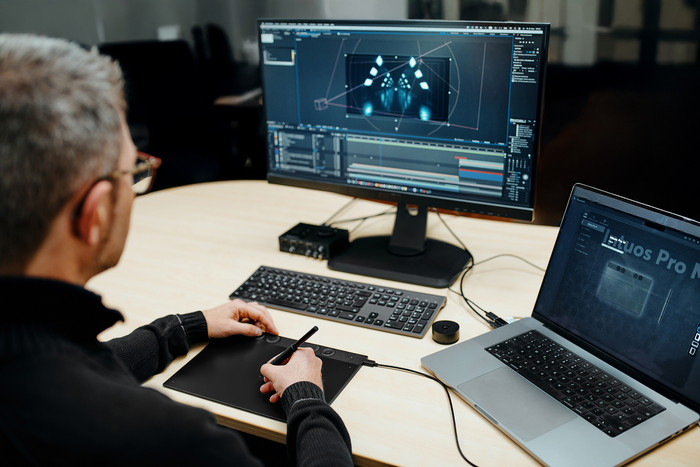
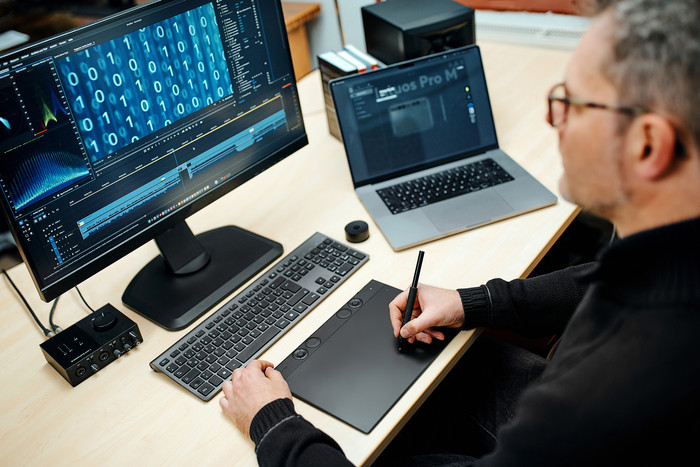
I use it for interface design. On a large screen in full focus, the wireless connection isn't quite snappy enough (I use a USB cable for that), but for quiet work, it's great.
P.S.: I also had to enter screen quality in this review, but it doesn't have a screen.
Marijn van Braak
9 February 2026
Automatically translated from Nederlands
Good heavens. I had high expectations for this product, and rightly so, considering the price. But within two hours, I knew for sure: this wasn't it.
After fifteen minutes of use, the pen started stuttering on the screen. As if the stylus had "froze"?
With a cable, it didn't have this problem. Anyway, I bought a wireless model, and it turned out to be anything but.
Jonas
12 February 2026
Automatically translated from Nederlands
It is very good quality, one of the best on the market.
Angelo
24 July 2026
Automatically translated from Nederlands
Product number | 963018 | |
|---|---|---|
Manufacturer code | PTK670K0B | |
Brand | Wacom | |
Processing of your defect | Via Coolblue | |
Old product returned for free |
Drawing tablet has integrated screen | ||
|---|---|---|
Lines per inch (LPI) | 5080 lpi | |
Height of active drawing area | 14,8 cm | |
Width of active drawing area | 26,3 cm | |
Multi-touch | ||
Number of buttons | 5 | |
Programmable buttons | ||
Tilt sensitive | ||
Tilts | 60 ° | |
Compatible with operating system | Windows, macOS | |
Without using a computer |
Connection type | Wireless | |
|---|---|---|
Bluetooth | ||
Bluetooth version | 5.1 |
Weight | 420 g | |
|---|---|---|
Width | 291 cm | |
Depth | 4 cm | |
Height | 206 cm |
Power source | ||
|---|---|---|
Power supply type | Rechargeable battery, Via a different product |
Coolblue takes care of everything, from taking out an insurance to repairs
For almost all accidents
More coverage in case of damage than your standard warranty
No deductible
First, add your drawing tablet to your shopping cart. On the next page, choose one of the Protection Plans below. You always have a 30-day return window and pay no deductible in case of damage or theft.
2-year Protection Plan
44,99
one-time2-year Protection Plan with theft cover
52,-
one-time
391,-
391,-
Our digital expert will help you, but it can sometimes make mistakes, like humans do.
According to our drawing tablet expert
A lot of detail in your drawing: add more detail to your drawings thanks to the 5,080 LPI resolution.
More freedom to move: with this wireless drawing tablet, you have more freedom to move while you draw.
Good size balance: thanks to the average size, you can make detailed drawings and easily take the tablet with you.
Less natural drawing: drawing feels less natural because you don’t look directly at the drawing tablet.
Not without a computer: the drawing tablet only works when you connect it to a PC or laptop.
391,-
533,-
In stock
In stock