Don't have an account yet? Start here
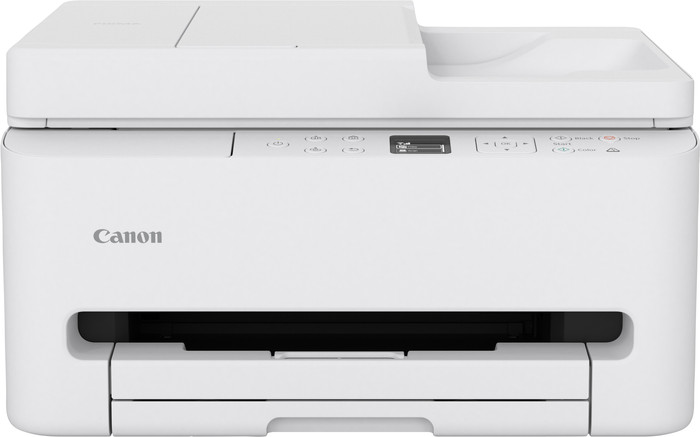
Our choice for a home printer to scan or copy large documents with
White
|
No extra ink
Better model
90,-
Product number | 967934 | |
|---|---|---|
Manufacturer code | 7178C006AA | |
Brand | Canon | |
Processing of your defect | Via Coolblue | |
Old product returned for free |
Printer size | Medium | |
|---|---|---|
Width | 37,4 cm | |
Depth | 35,5 cm | |
Height | 20,8 cm | |
Color | White | |
Weight | 6,3 kg |
Printer type | All-in-one | |
|---|---|---|
Photo printer | ||
Print quality photos | Mediocre | |
Portable (mobile use) | ||
Recommended for use printers | Printing at home |
Cartridge line | Canon PG-595 / CL-586 | |
|---|---|---|
Usage costs for 1 page | 1 eurocent | |
Print technology | Inkjet | |
Type of ink | Cartridges | |
Number of cartridges/toner cartridges | 2 | |
Color printer | ||
Print speed black (ISO) | 14 ppm | |
Print speed color (ISO) | 9 ppm | |
First black page ready after | 7,5 seconds | |
Speed class | Good | |
Maximum print resolution height | 1200 dpi | |
Maximum print resolution width | 1200 dpi | |
Maximum print size | A4 | |
Automatic duplex printing | ||
Borderless printing | ||
Maximum print size duplex printing | A4 |
Scan functionality | ||
|---|---|---|
Automatic duplex scanning | ||
Maximum optical scan resolution width | 2400 dpi | |
Maximum optical scan resolution height | 1200 dpi | |
Scanner type | Book scanner, File scanner, Flatbed scanner, Photo scanner | |
Maximum scan size | A4 (21x29.7cm) | |
Automatic document feeder (ADF) | ||
Maximum paper size ADF | A4 | |
Scan sizes | A4, A5, A6, A7 | |
Scan speed (PPM) | 7 ppm | |
Scan to | App, Application, Cloud, Dropbox, Email, Email address, Email server, Evernote, FTP, Folder, Folder with images, Google Docs, Image, Microsoft Excel, Microsoft PowerPoint, Microsoft Word, Network, PC (local), PC (network), PDF, PDF/A, Searchable PDF, Secured PDF, USB | |
ADF capacity | 35 | |
OCR |
Copying functionality | ||
|---|---|---|
Copy speed black (ISO) | 7 ppm |
Fax functionality |
|---|
Built-in screen | ||
|---|---|---|
Color screen | ||
Touchscreen |
Suitable for HP Instant Ink | ||
|---|---|---|
Suitable for Epson ReadyPrint | ||
German awards | ||
Awards DE | Stiftung Warentest | |
Result Stiftung Warentest | Good |
Compatible with operating system | Android, Windows, iOS, macOS | |
|---|---|---|
Connection type | Wireless | |
Apple AirPrint | ||
Email print | ||
WPS (Wireless Protected Setup) | ||
NFC | ||
Built-in WiFi | ||
WiFi frequency printers | 2.4GHz, 5GHz | |
WiFi direct | ||
Bluetooth | ||
USB port |
Location paper input | Front | |
|---|---|---|
Manual input tray | ||
Photo paper drawer | ||
Output capacity output drawer | 100 | |
Maximum print size standard paper tray | A4 | |
Input capacity standard paper tray | 100 | |
Number of standard paper trays | 1 |
Memory card reader |
|---|
90,-
Print technology | Inkjet | |
|---|---|---|
Printer type | All-in-one | |
Color printer | ||
Automatic duplex printing | ||
Maximum print size | A4 | |
Automatic document feeder (ADF) | ||
WiFi direct |
5 stars
12
4 stars
14
3 stars
1
2 stars
0
1 star
0
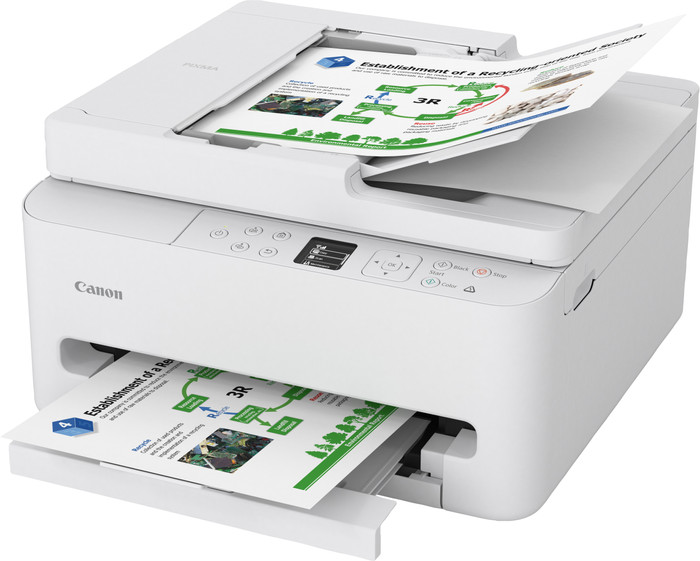
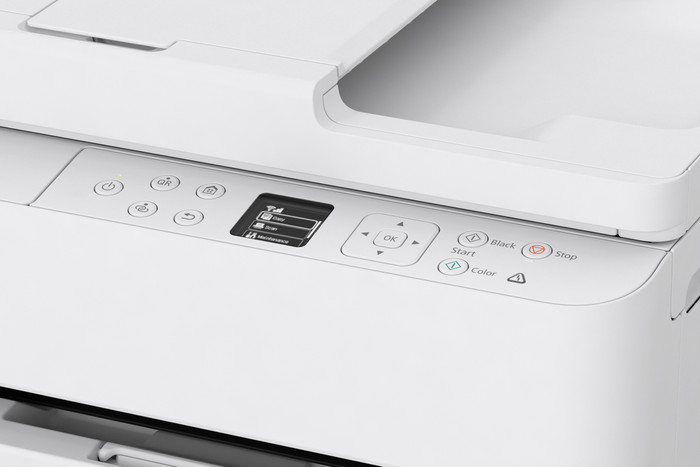
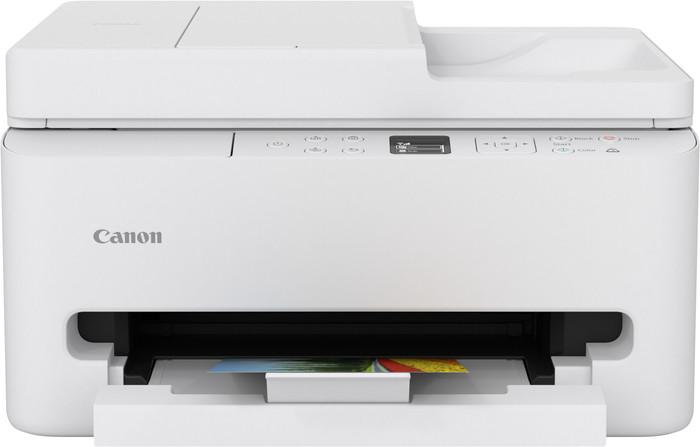
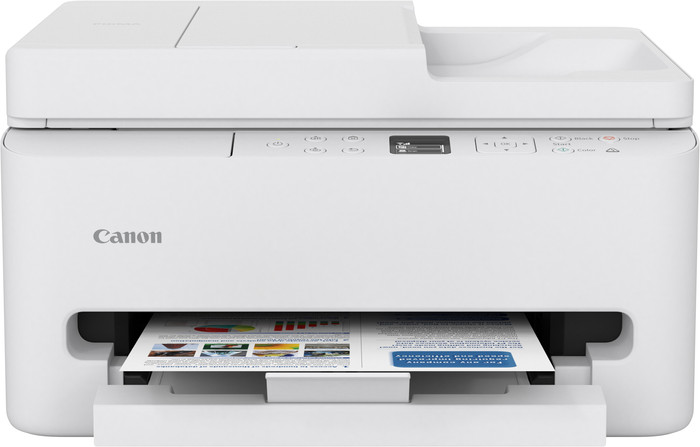
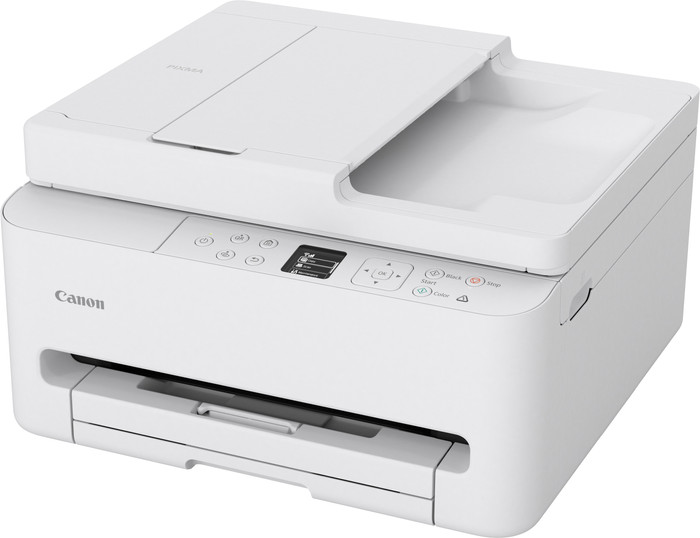
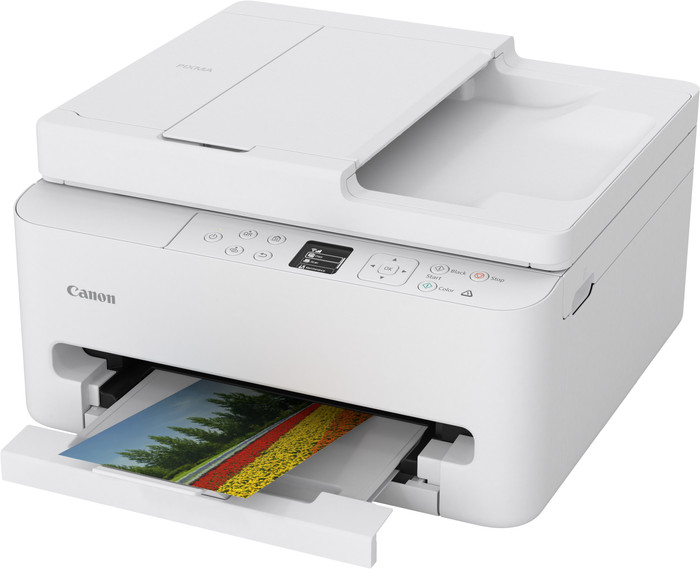
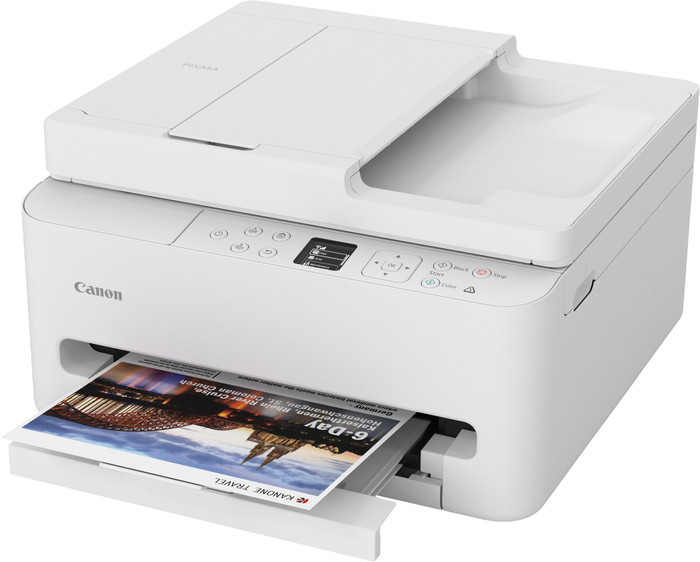
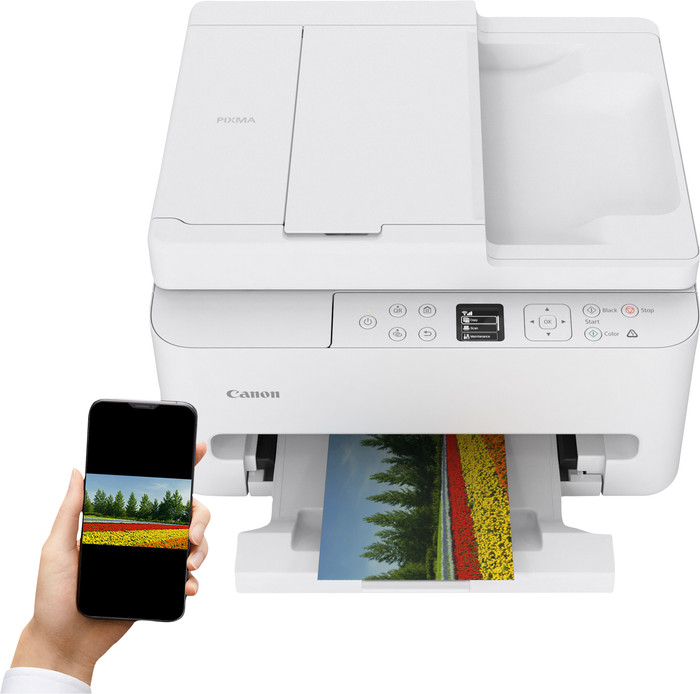
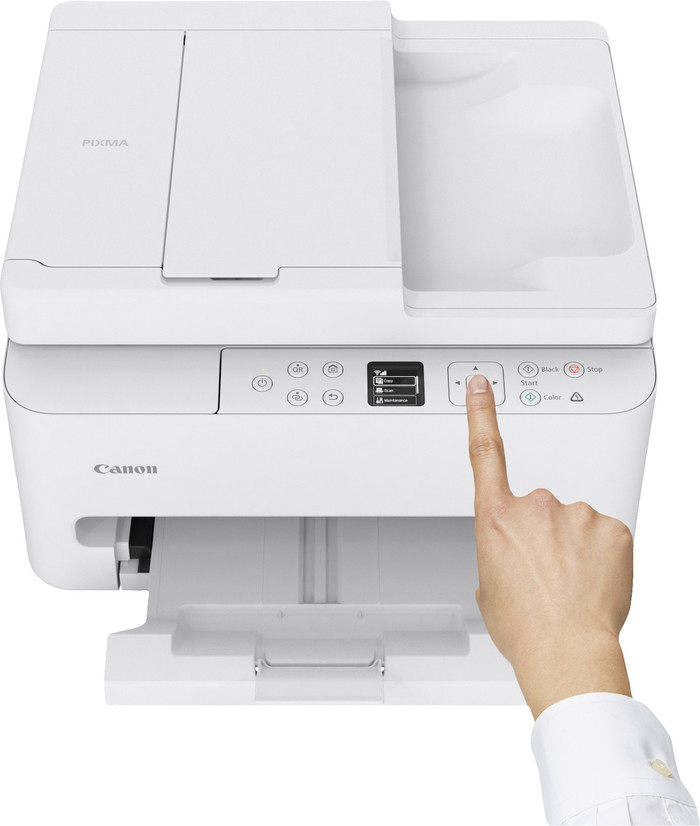
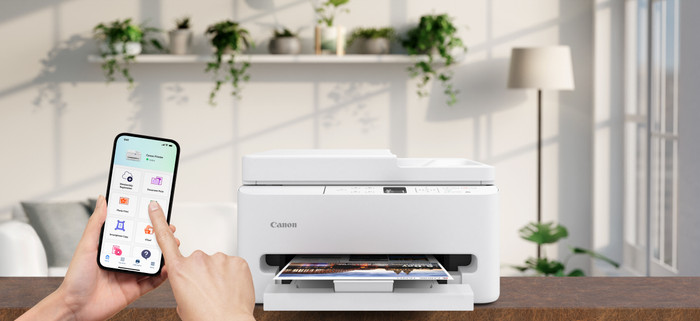
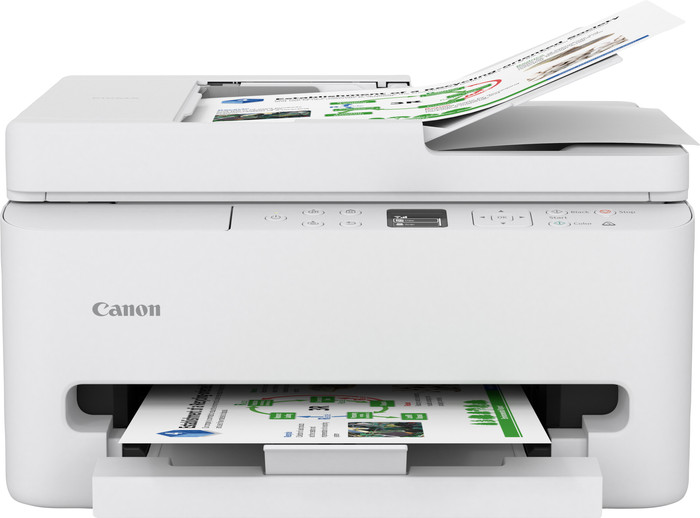
The Canon PIXMA TS7550i is a great printer for home use. It looks sleek, is easy to use, and has many features. Thanks to the color screen, I can quickly navigate the menu. It also prints automatically on both sides of the paper and can scan and copy documents automatically. The printer has two cartridges, which means I can refill the color cartridge more quickly.
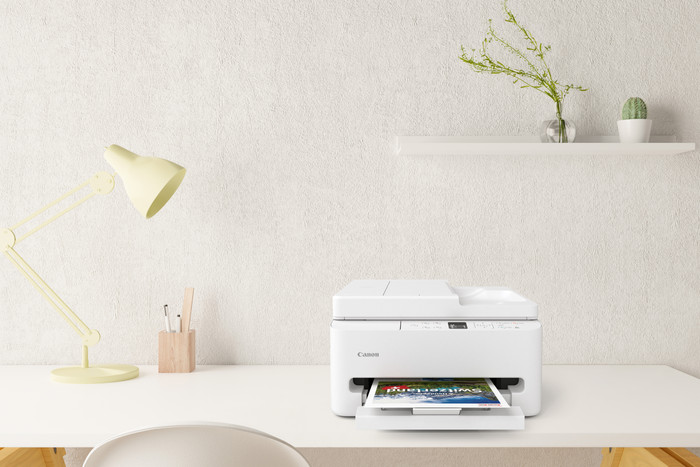
First Impression When I take the printer out of the box, I see the power cord, two cartridges (PG-595 black and CL-586 color), and a manual. The color screen immediately catches my eye and makes it easy to use. The printer is compact for its features. It doesn't fit easily on a desk, so I prefer to place it on a cabinet or other table. It feels sturdy and looks great in my workspace.
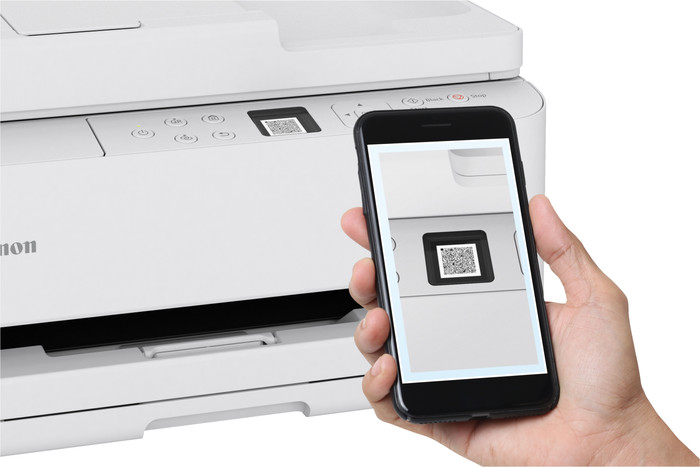
Straightforward Installation The printer comes with a QR code for the installation tool. I can follow it step by step. I plug in the power cord, follow the steps in the Canon Print app, and connect the printer to my Wi-Fi. I had a bit of trouble with this myself because the app didn't immediately detect the printer and couldn't connect. After a few tries, it finally worked. The connection is stable, and the app is user-friendly.
Print Quality I print text, photos, and colored graphs. Text is sharp, and photos look vibrant. In my test, I printed 20 color pages in 2 minutes and 40 seconds, and 20 black-and-white pages in 1 minute and 40 seconds. That's fast enough for my needs.
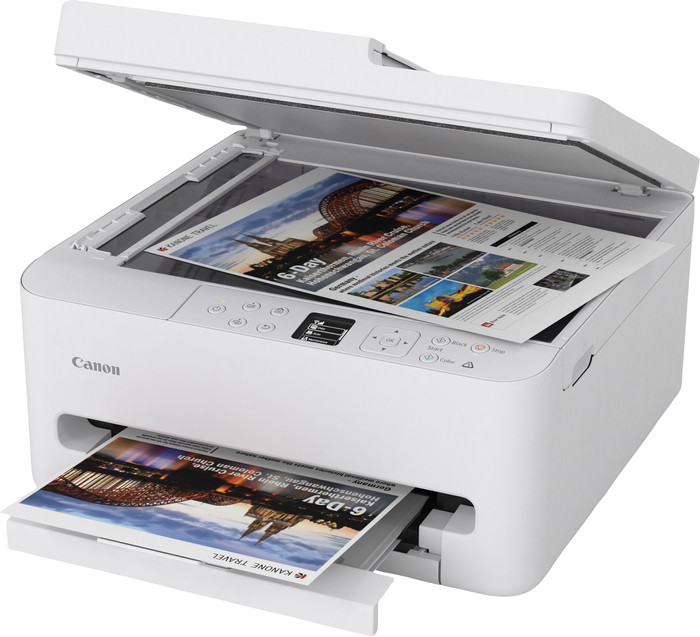
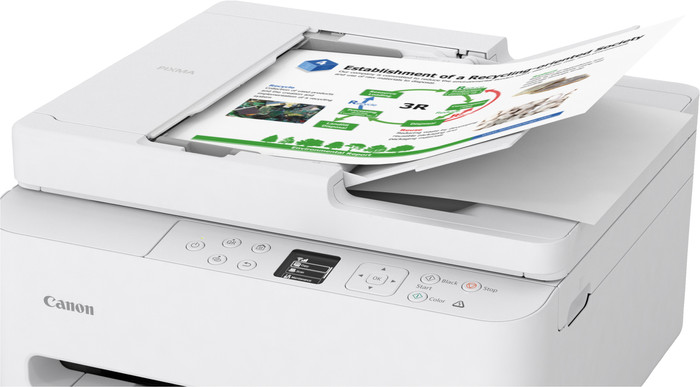
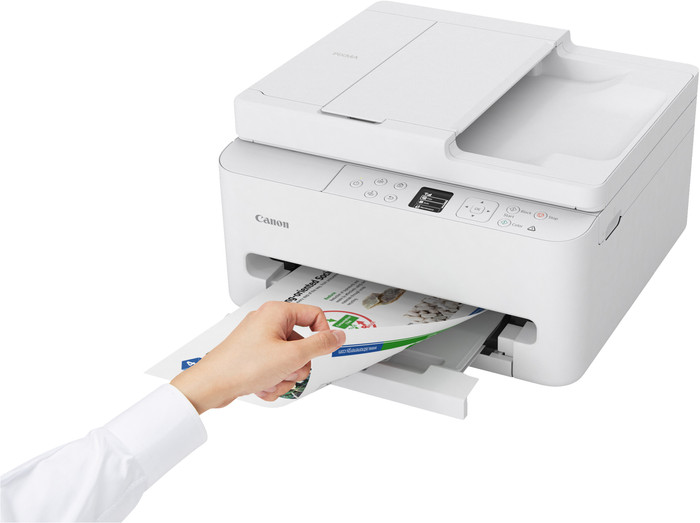
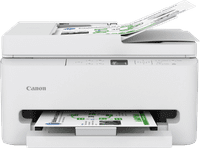
Useful Features The printer has a 35-sheet automatic document feeder, allowing me to quickly scan or copy multiple pages. Double-sided printing is also fully automatic. The paper tray has a capacity of 100 sheets, so I can also print or copy a lot of documents.
If you want a compact printer that's easy to use, prints, copies and scans well, and offers handy extras such as double-sided printing and automatic scanning, then the Canon PIXMA TS7550i is a good choice.
Prescious. Printer specialist.
2 September 2025
Automatically translated from Nederlands
Installation was a bit of a hassle, as you have to install the Canon app to get it working on your PC. But once installed, it works fine.
Tonia
1 October 2025
Automatically translated from Nederlands
Product delivered quickly and installed immediately after delivery. I was printing within 15 minutes. Great device. After years of HP that frequently failed to print, I switched to Canon. Should have done this much sooner; what a fantastic piece of equipment to date. Hopefully, it stays this easy and fast.
Remon
4 June 2026
Automatically translated from Nederlands
According to our printer expert
You can save paper thanks to the automatic duplex printing feature.
You can print, scan, and copy with this all-in-one printer.
You can quickly scan a large stack of paper with the automatic document feeder (ADF).
An A4 printer only prints on A4 and smaller sizes, not on A3 or A3+ paper.
This printer doesn't have a color screen.
In stock
In stock
Coolblue takes care of everything, from taking out an insurance to repairs
For almost all accidents
More coverage in case of damage than your standard warranty
No deductible
First, add your printer to your shopping cart. On the next page, choose the Protection Plan below. You always have a 30-day return window and pay no deductible in case of damage.
3-year Protection Plan
13,99
one-time5-year Protection Plan
29,99
one-time