Logitech MX Master 4 Pale Gray

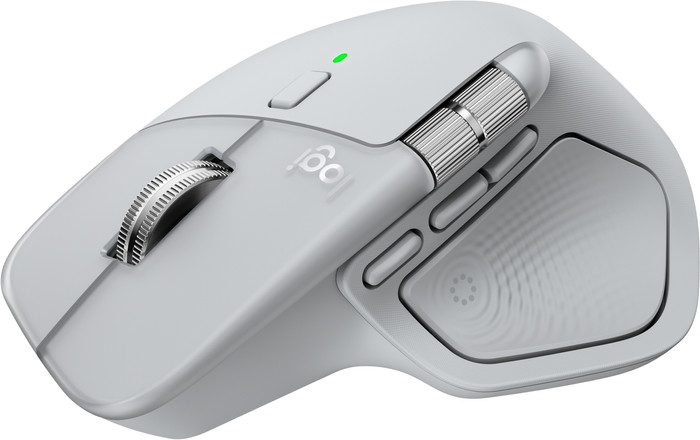
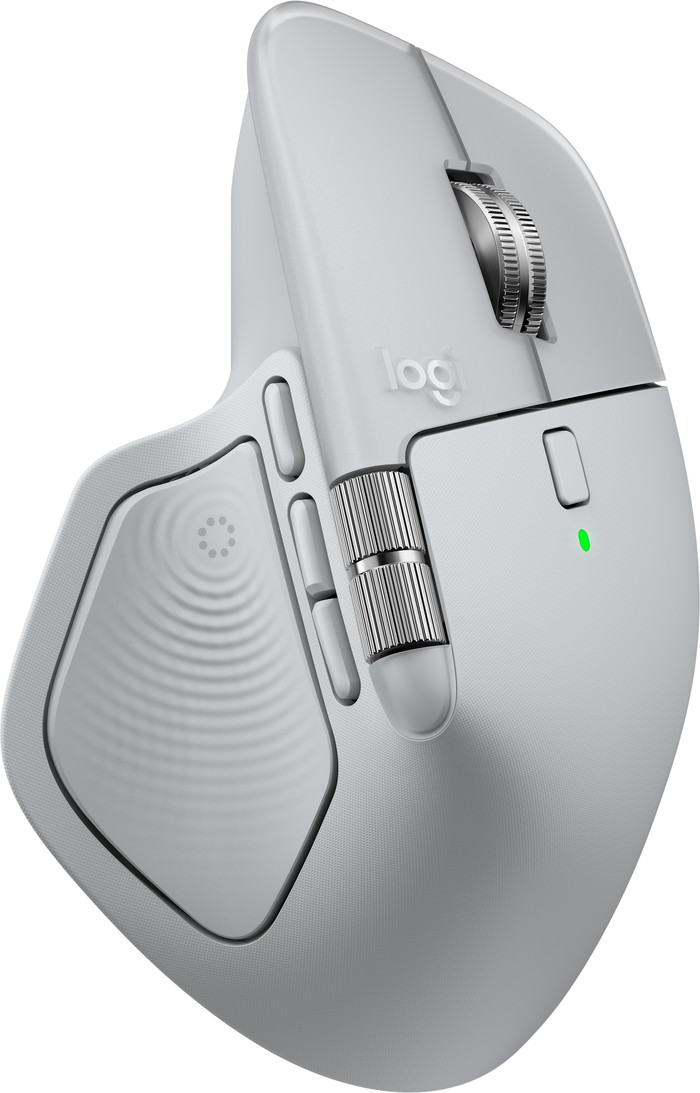
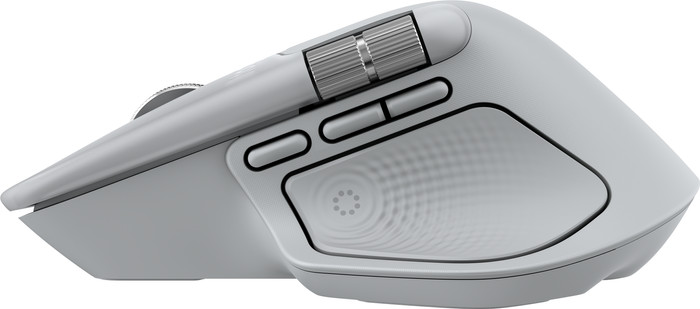
Gray
|
Mouse
Color: Gray
Connection options
Ergonomics
Accuracy
Size
Design
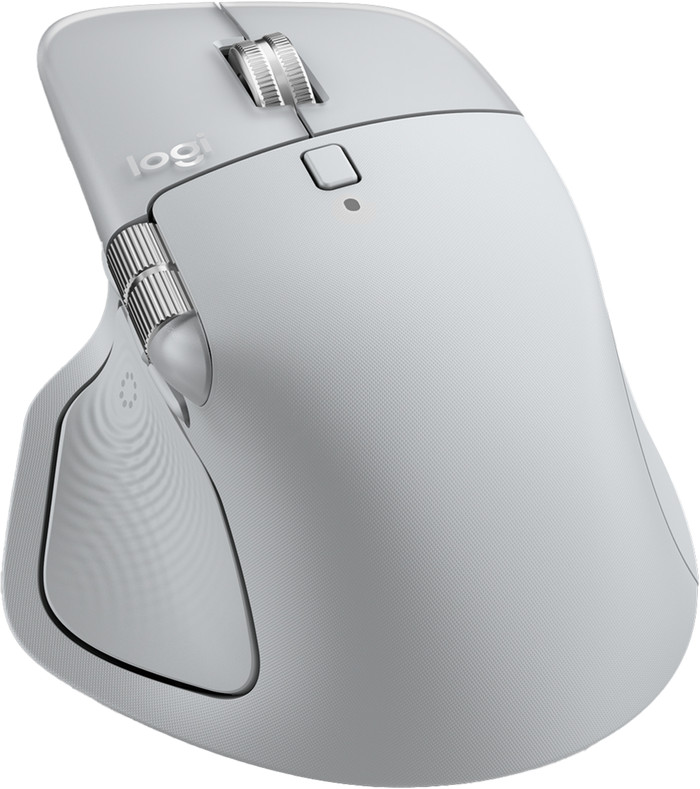
The Logitech MX Master 4 is a comfortable, ergonomic mouse for daily, intensive use. With the new haptic feedback and the Actions Ring, I work much smarter. The sturdy plastic casing gives the mouse a luxurious feel, but my grip is less secure.
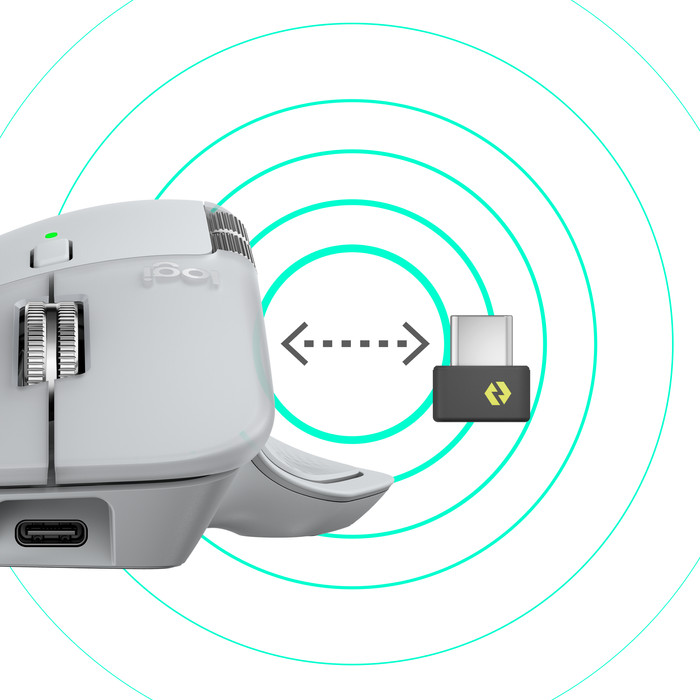
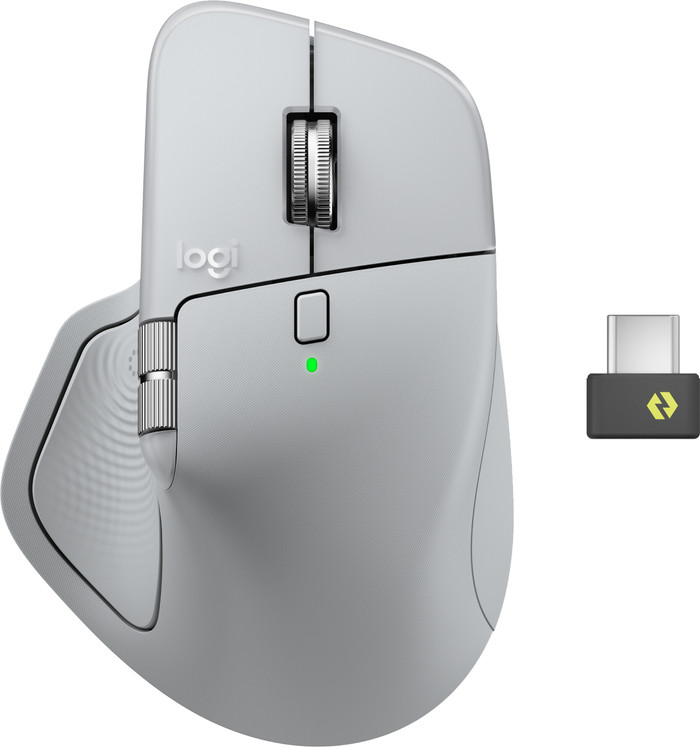
First Impression In the box, I find the mouse and a USB-C Logi Bolt receiver. Previously, all receivers had USB-A, so this is a future-proof upgrade. The first thing I notice is that the mouse is considerably heavier than the MX Master 3S. It also no longer has a rubber coating on the exterior. This makes for a beautiful, luxurious mouse that feels comfortable in the hand. I expect the mouse to retain its appearance for a long time. Without the rubber, the mouse slips out of my hand a bit more easily, and my grip is less secure. Fortunately, this doesn't cause any problems during use.
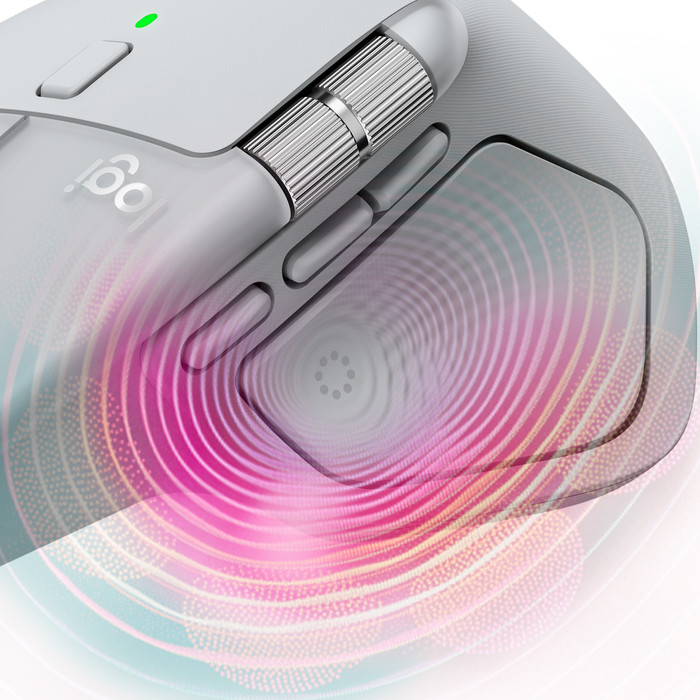
Haptic Feedback I've never used a mouse with haptic feedback before, but this really brings the mouse to life. The mouse uses vibrations and taps to let me know when I've received a notification or performed a specific action. This takes some getting used to, but it works really well. I find this especially useful with notifications. I'm not distracted by on-screen notifications while working, but can choose whether to open a message after a vibration. The strength of the feedback is adjustable and not at all distracting.
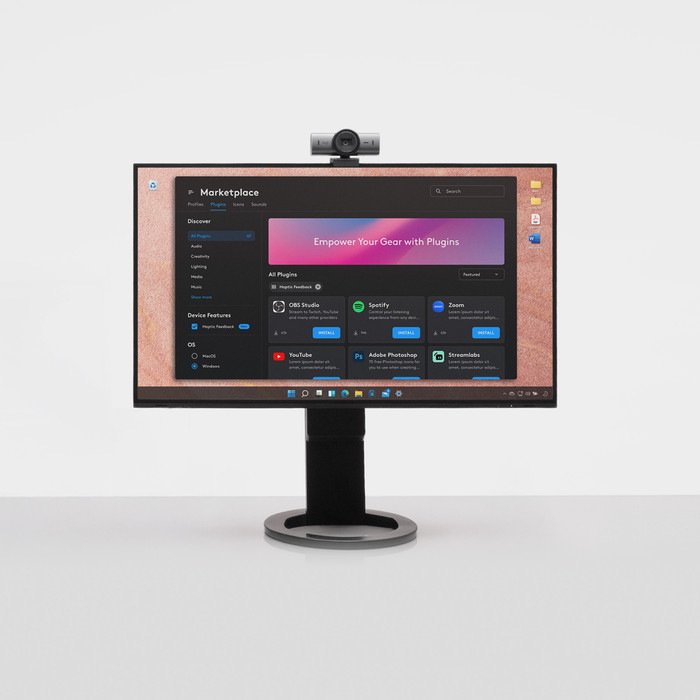
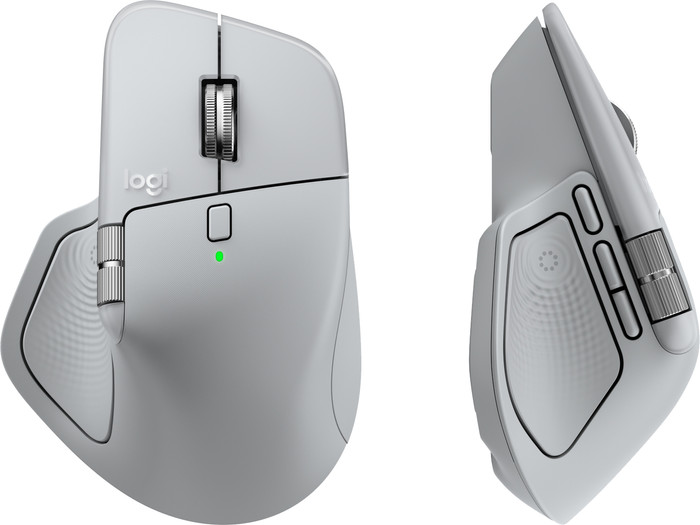
Everything at your fingertips with the Actions Ring Another new feature of this mouse is the Actions Ring. I press it with my thumb, and an overlay immediately appears on my screen. From this ring, I have access to eight shortcuts, which I assign myself in Logi Options+. This is what really sets this mouse apart from other MX mice. With all the programmable buttons and scroll wheels combined, I have over 13 shortcuts, which allows me to work very quickly and save a lot of time. I not only set general shortcuts but also shortcuts per app. For example, I like to use the horizontal scroll wheel to adjust the volume of my music in Spotify and quickly open new tabs in Chrome. There are also shortcuts for AI functions.
Pleasant to use
This mouse, in my opinion, offers the best combination of comfort and smart features. The haptic feedback adds a tactile quality to everything I do. The shortcut overlay speeds up my workflow, and the extra thumb button provides even more flexibility. The mouse's sturdy design gives it a sense of durability. Do you use your mouse intensively or do you want to work smarter? Then I think the Logitech MX Master 4 is indispensable in your setup.
Elaine. Muizen specialist.
2 October 2025
Automatically translated from Nederlands
I bought this mouse to replace the Logitech MX Master 3S, which I've been a big fan of for years. When I first used the MX Master 4, I immediately noticed that it's a bit heavier and smoother than the MX Master 3S. Not a problem per se, as I still don't find it too heavy or slippery. However, I'm someone who regularly has to switch between laptops. And when lifting the mouse to toggle the Bluetooth switch, I find it much more comfortable with the MX Master 3S.
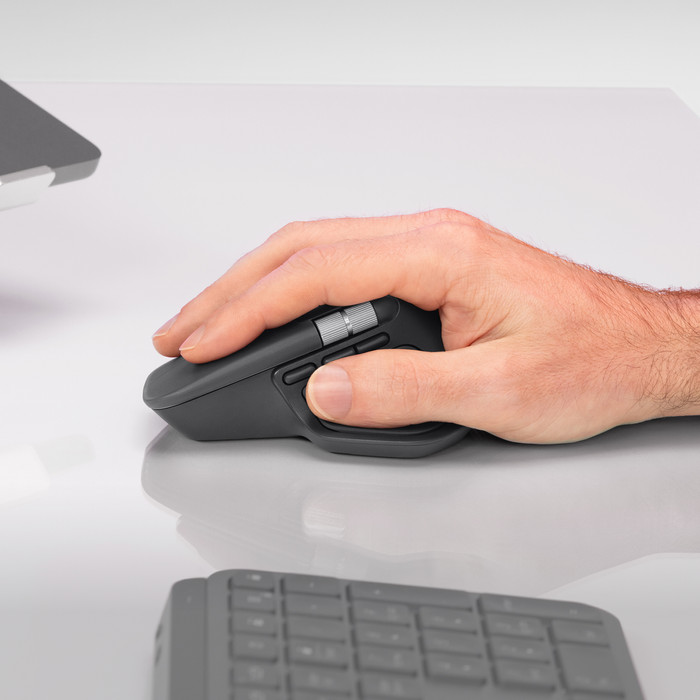
The MX Master 4 is also a bit larger than the 3S. I have smaller hands and therefore find the ergonomics less comfortable than with the 3S. But that's a personal preference, of course. I think the ergonomics of the MX Master 4 are slightly better suited to someone with larger hands.
The mouse is also very quiet. There's no audible click, and the scroll wheel is silent. That makes it a bit clinical for me, because I actually like a little sound to confirm my actions. The MX Master 3S is also very quiet, but it does provide a bit more feedback. Admittedly, you can work very quietly with the MX Master 4 :).
One thing that bothers me a bit is a slightly sharp edge at the top of the scroll wheel. With the new design of the MX Master 4, Logitech has chosen to place the left and right mouse buttons at that point. This is different from the MX Master 3S, which has a smooth surface at that point. Every time I scroll, I now feel a slight sharp edge. It's not extremely distracting, but it was more comfortable with the MX Master 3.
With the new design of the MX Master 4, the mouse slopes slightly less downward at the left and right mouse buttons. As a result, the mouse feels a little less curved compared to the MX Master 3S. I personally find that a shame, because it makes it slightly less ergonomic. But of course, this is also a personal preference.
The MX Master 4 is otherwise excellent to use, and the cursor is very accurate. Although the MX Master 3S is certainly just as accurate. My own experience with the MX Master 4 is that it moves a little more smoothly on a mousepad than the MX Master 3S. This may be due to the difference in weight. On a smooth surface, such as a smooth table, the MX Master 4 moves much more smoothly.
I personally find an extra button and the haptic feedback a bit unnecessary. But it's nice that it's included, and I'll see in the coming period whether or not I'll use it.
All in all, I find the MX Master 4 an excellent product. Only when I compare it directly to the MX Master 3S do I prefer the 3S. But perhaps that's just a matter of getting used to it.
Juan
18 October 2025
Automatically translated from Nederlands
Fast delivery and fits well in the hand
C.P.
10 December 2025
Automatically translated from Nederlands
Our digital expert will help you, but it can sometimes make mistakes, like humans do.
According to our mouse expert
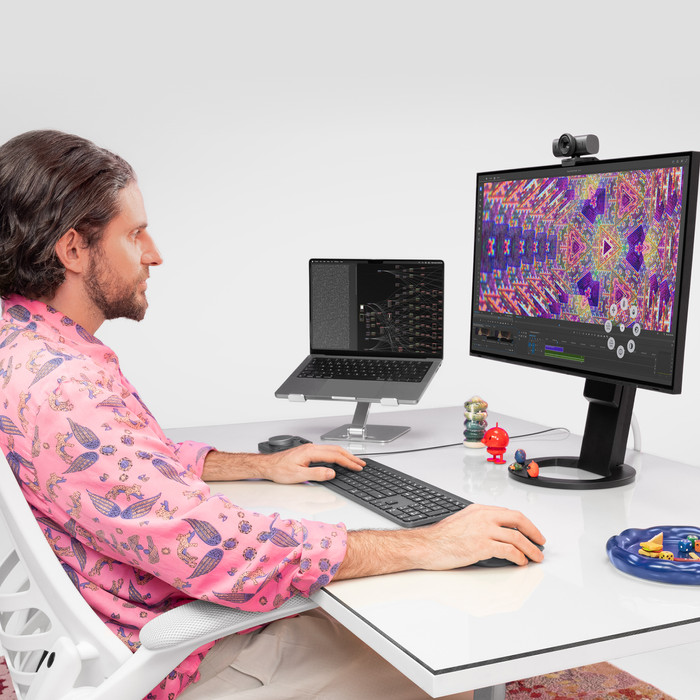
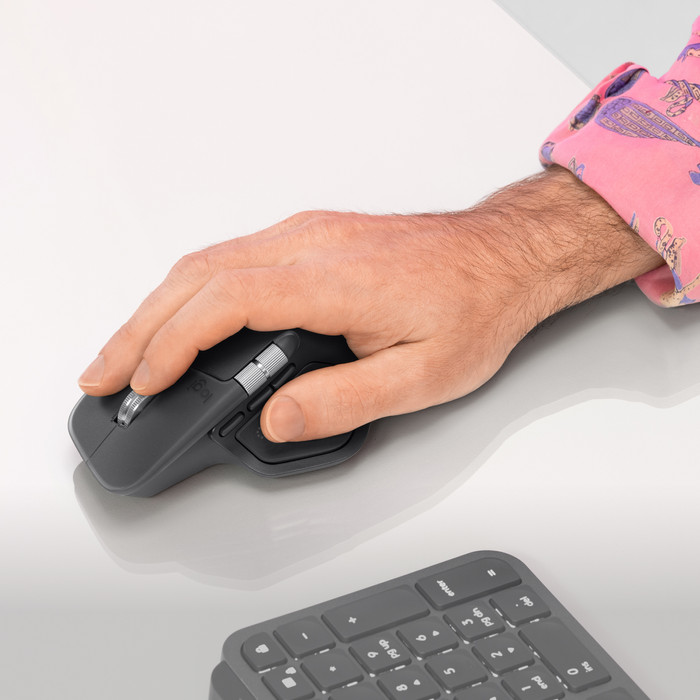
Work comfortably: the ergonomic design keeps your arm, hand, and wrist in a natural position.
Feel notifications: you’ll notice important actions right away thanks to the subtle vibration of the haptic feedback.
More freedom of movement: because the mouse is wireless, you can use it anywhere.
Large size: you can’t take a large mouse to another workspace as easily.
Not for left-handed people: you won’t find this right-handed mouse comfortable to use if you’re left-handed.
121,-
121,-
Product number | 969149 | |
|---|---|---|
Manufacturer code | 910-007563 | |
Brand | Logitech | |
Processing of your defect | Via Coolblue | |
Old product returned for free |
Mouse model | Standard | |
|---|---|---|
Input | Optical | |
Number of buttons | 8 | |
Ergonomic design | ||
Type of ergonomics | Standard ergonomic | |
Left or right-handed | Right-handed | |
Maximum dots per inch (DPI) | 8000 dpi | |
Adjustable DPI | ||
Mouse controls | Buttons, Scroll wheel | |
Suitable for gaming | ||
Scroll fast | ||
Programmable buttons | ||
Number of programmable buttons | 8 | |
Lighting peripherals | ||
Color lighting | Green | |
Number of colors lighting | 1 | |
Silent mouse | ||
Horizontal scrolling | ||
Mouse surface | Any surface | |
Product family | MX |
Connection type | Wireless | |
|---|---|---|
Type of wireless connection | USB and Bluetooth | |
Bluetooth version | 5.1 | |
Nano receiver | ||
Number of devices that can be paired | 1 - 3 | |
Type of USB port | USB-C |
Plug and Play | ||
|---|---|---|
Compatible with operating system | Windows |
Power supply type | Rechargeable battery | |
|---|---|---|
Battery level indicator | ||
Replaceable battery |
Color | Gray | |
|---|---|---|
Mouse size | Large | |
Width | 8,84 cm | |
Height | 5,08 cm | |
Depth | 12,82 cm | |
Material | Plastic | |
Finish | Matte | |
Weight | 0,15 g |
Current product

Wireless
Wireless
Wireless
Wireless
Gray
Black
Black
Gray
121,-
120,-
113,-
115,-
In stock
In stock
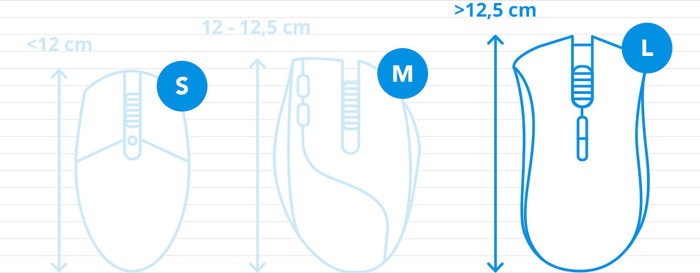
How large is a mouse exactly? It's often difficult to see on a photo. That's why we thought of the thumb rule below.
Choose a mouse that takes up more than half of the surface of the dimensions of your hand. You can find the dimensions of the mouse under the specifications.
Your hands are often 2 times longer from your wrist to the tip of your middle finger than that it's wide from your little finger to the knuckle of your thumb. The closer the length and width a mouse come to 60% of the length and width of your hands, the more likely it is that the mouse feels comfortable in your hand.

If you purchase an MX Master 4 mouse between October 20 and November 20, 2026, you will receive € 15 cashback. If you order a second participating Logitech MX product, you will receive € 40. You claim your cashback via Logitech. View the promotional Terms and Conditions (PDF) for all terms and conditions.
Coolblue takes care of everything, from taking out an insurance to repairs
For almost all accidents
More coverage in case of damage than your standard warranty
No deductible
First, add your mouse to your shopping cart. On the next page, choose the Protection Plan below. You always have a 30-day return window and pay no deductible in case of damage.
2-year Protection Plan
7,99
one-time3-year Protection Plan
12,99
one-time