Logitech MX Master 4 Graphite + Logitech MX Keys S Graphite QWERTY




210,-
Black
|
Keyboard and mouse set
Color: Black
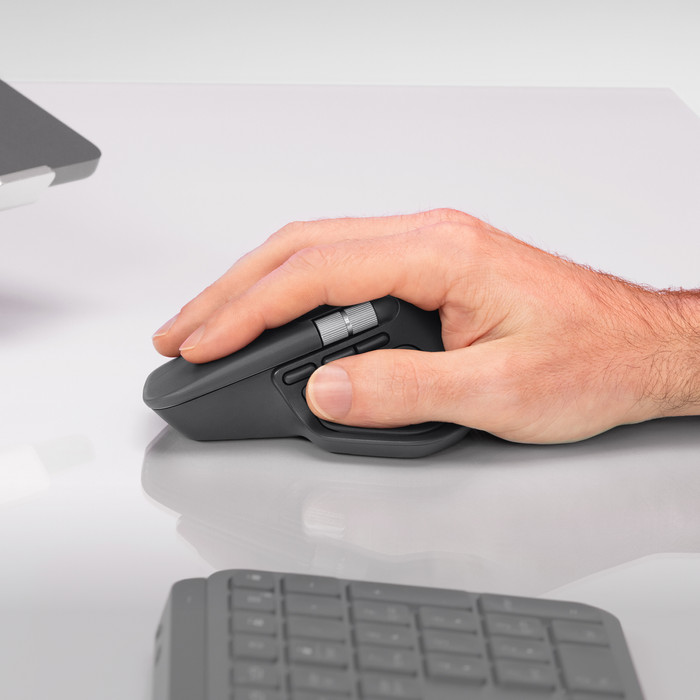
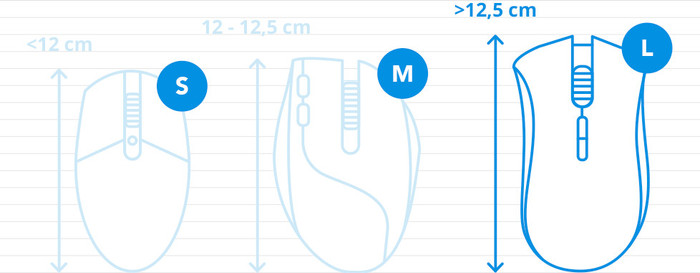
How large is a mouse exactly? It's often difficult to see on a photo. That's why we thought of the thumb rule below.
Choose a mouse that takes up more than half of the surface of the dimensions of your hand. You can find the dimensions of the mouse under the specifications.
Your hands are often 2 times longer from your wrist to the tip of your middle finger than that it's wide from your little finger to the knuckle of your thumb. The closer the length and width a mouse come to 60% of the length and width of your hands, the more likely it is that the mouse feels comfortable in your hand.

Product number | 969148 | |
|---|---|---|
Manufacturer code | 910-007562 | |
Brand | Logitech | |
Processing of your defect | Via Coolblue | |
Old product returned for free |
Mouse model | Standard | |
|---|---|---|
Input | Optical | |
Number of buttons | 8 | |
Ergonomic design | ||
Type of ergonomics | Standard ergonomic | |
Left or right-handed | Right-handed | |
Maximum dots per inch (DPI) | 8000 dpi | |
Adjustable DPI | ||
Mouse controls | Buttons, Scroll wheel | |
Suitable for gaming | ||
Scroll fast | ||
Programmable buttons | ||
Number of programmable buttons | 8 | |
Lighting peripherals | ||
Color lighting | Green | |
Number of colors lighting | 1 | |
Silent mouse | ||
Horizontal scrolling | ||
Mouse surface | Any surface | |
Product family | MX |
Connection type | Wireless | |
|---|---|---|
Type of wireless connection | USB and Bluetooth | |
Bluetooth version | 5.1 | |
Nano receiver | ||
Number of devices that can be paired | 1 - 3 | |
Type of USB port | USB-C |
Plug and Play | ||
|---|---|---|
Compatible with operating system | Windows |
Power supply type | Rechargeable battery | |
|---|---|---|
Battery level indicator | ||
Replaceable battery |
Color | Black | |
|---|---|---|
Mouse size | Large | |
Width | 8,84 cm | |
Height | 5,08 cm | |
Depth | 12,82 cm | |
Material | Plastic | |
Finish | Matte | |
Weight | 0,15 g |
Product number | 930939 | |
|---|---|---|
Manufacturer code | 920-011587 | |
Brand | Logitech | |
Processing of your defect | Via Coolblue | |
Old product returned for free |
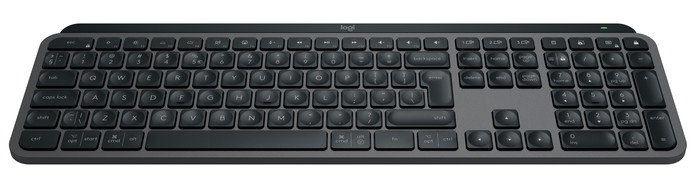
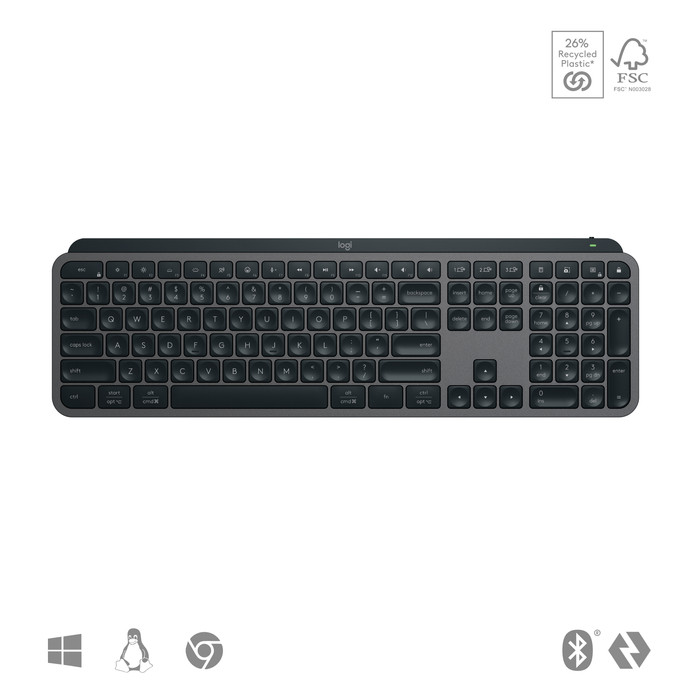
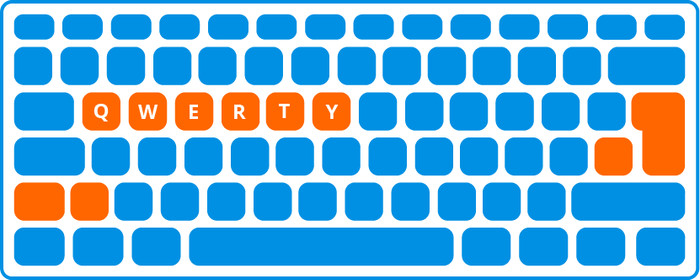
Keyboard layout | QWERTY | |
|---|---|---|
Geographic keyboard layout | US international layout | |
Physical keyboard layout | ISO | |
Typing comfort | Mid-range | |
Backlit keyboard | ||
Spill-resistant | ||
Color lighting | White | |
Number of colors lighting | 1 | |
Brightness of backlight adjustable | ||
Programmable keys | ||
Multimedia shortcuts | ||
Flat keys | ||
Suitable for gaming | ||
Mechanical keyboard |
Connection type | Wireless | |
|---|---|---|
Type of wireless connection | USB and Bluetooth | |
Bluetooth version | 5.1 | |
Nano receiver | ||
Type of USB port | USB-C |
Keyboard size | 100% (Complete) | |
|---|---|---|
Keyboard composition | Keyboard, Numpad | |
Type of ergonomics | Not ergonomic | |
Ergonomic design | ||
Height | 13,16 cm | |
Width | 43 cm | |
Depth | 2 cm | |
Wrist rest | ||
Color | Black | |
Weight | 0,81 kg |
Gaming keyboard suitable for activity type | On the go and LAN parties | |
|---|---|---|
Gaming keyboard suitable for game type | All-round games, MMORPG & MOBA |
Power supply type | Rechargeable battery, USB port PC/laptop |
|---|
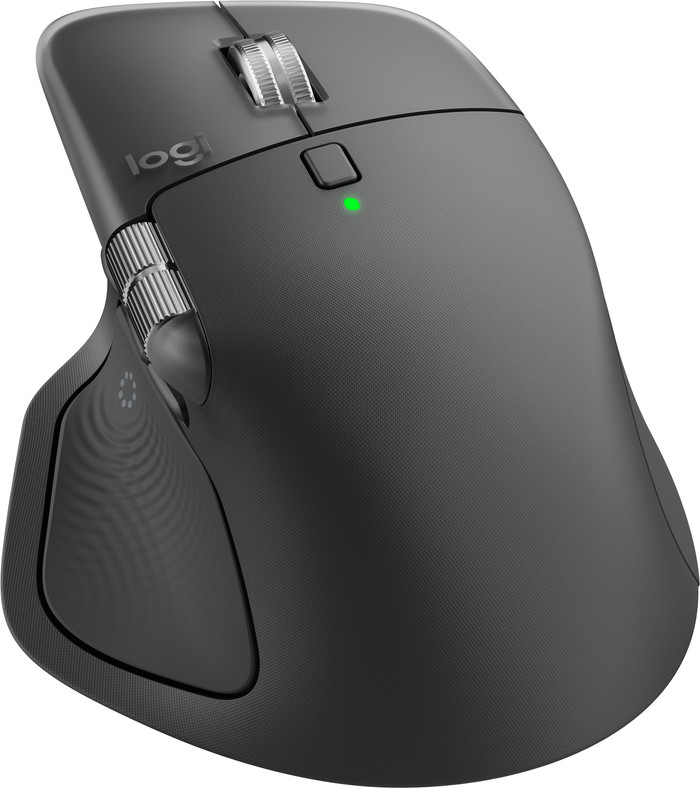
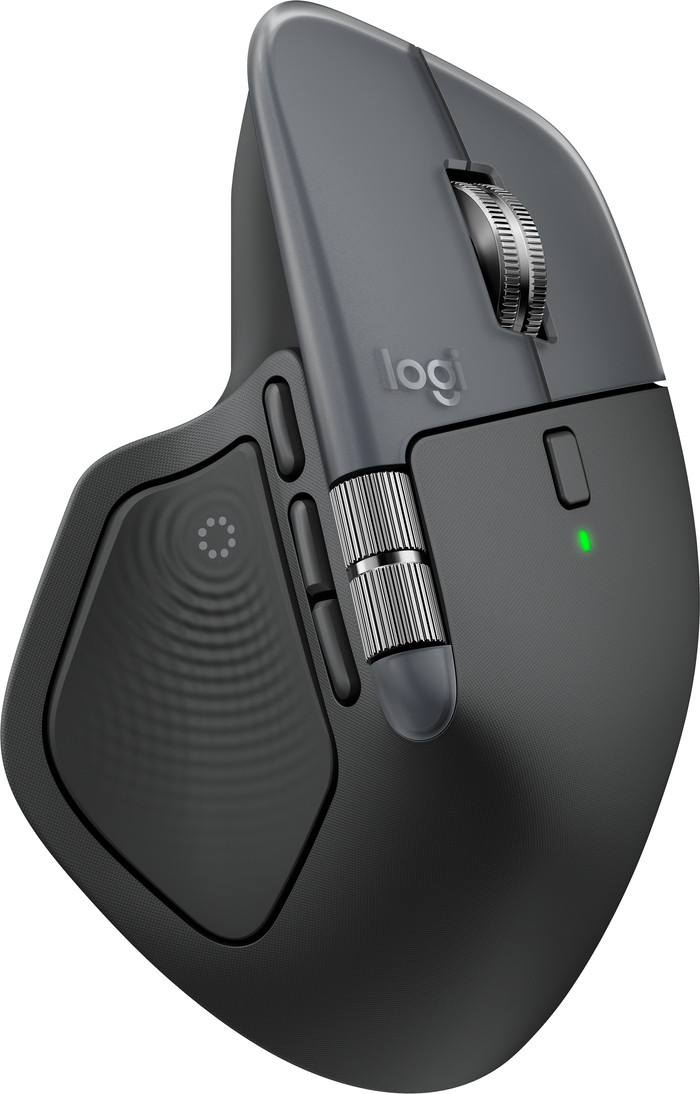
The Logitech MX Master 4 is a nice, ergonomic mouse for daily and intensive use. With the new haptic feedback and the Actions Ring, I work a lot smarter. Thanks to the sturdy plastic housing, the mouse feels luxurious, but I have a less firm grip.
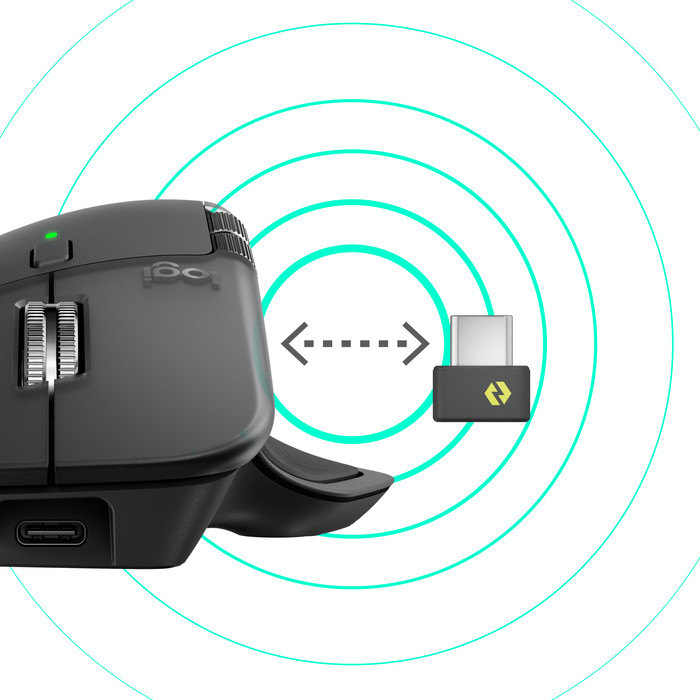
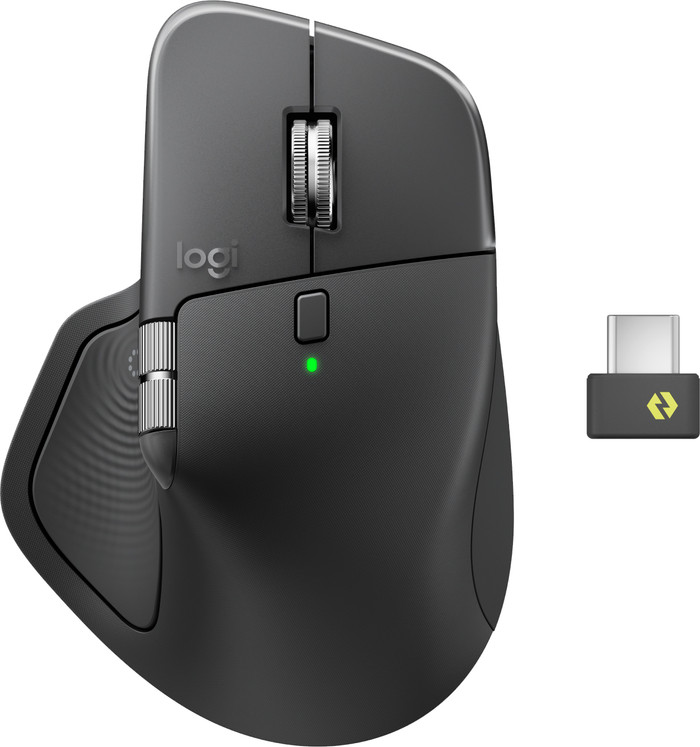
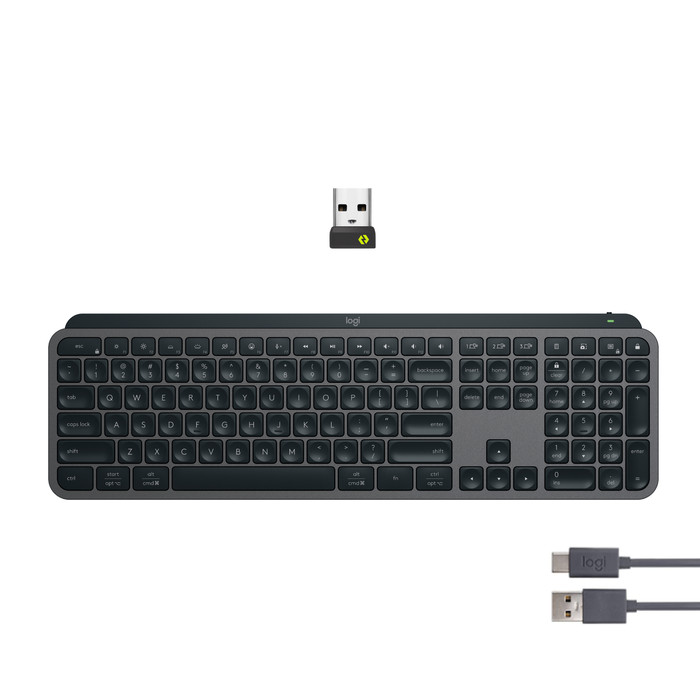
First impression In the box, I find the mouse and a USB-C Logi Bolt receiver. Previously, all receivers used USB-A, so this is a future-proof upgrade. The first thing I notice is that the mouse is quite a bit heavier than the MX Master 3S. It also no longer has a rubber coating on the outside. This makes for a beautiful and luxurious mouse that fits comfortably in the hand. I expect that the mouse will stay looking good for a long time because of this. Without the rubber, the mouse does slip out of my hand a bit faster and I have less grip. Fortunately, this does not cause any further problems during use.
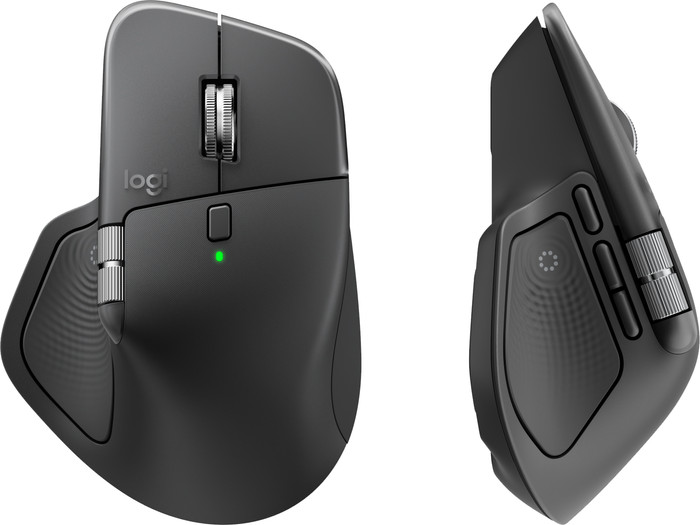
Haptic feedback I have never used a mouse with haptic feedback before, but this really brings the mouse's use to life. With vibrations and taps, the mouse makes it clear to me that I am receiving a notification or performing a specific action. This takes some getting used to, but it works really well. I find this particularly handy for notifications. I don't get distracted by on-screen notifications while working; instead, after a vibration, I can choose for myself whether I want to open a message. The strength of the feedback is adjustable and not at all intrusive.
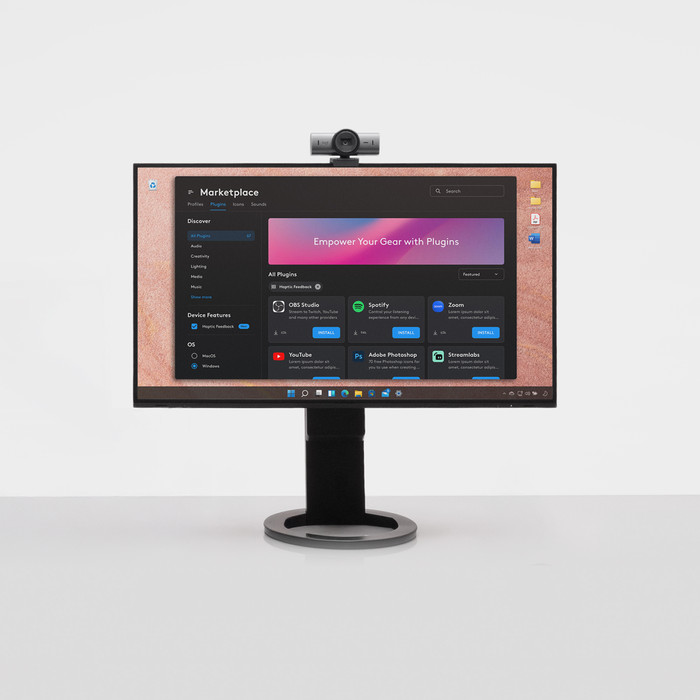
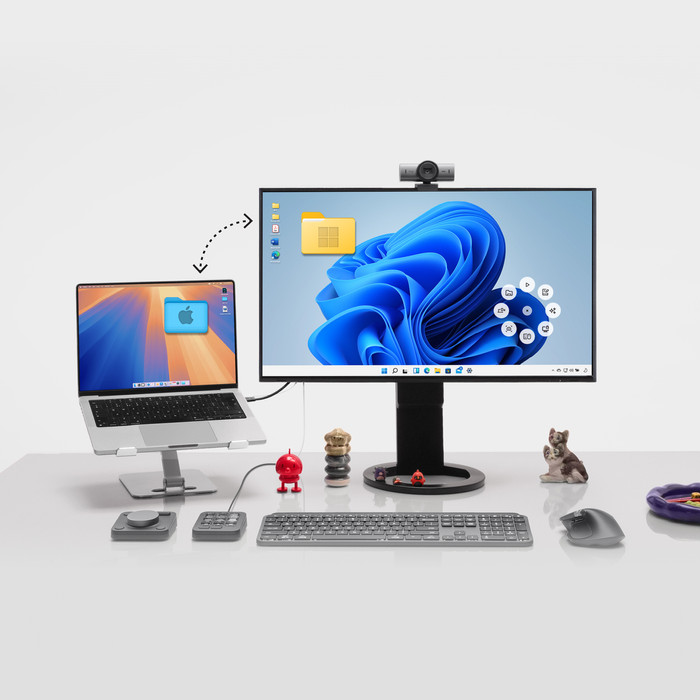
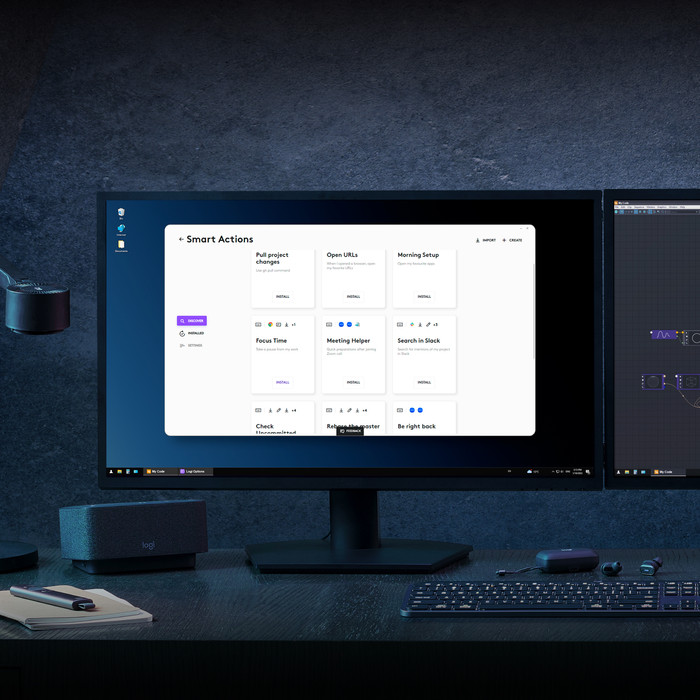
Everything at hand with the Actions Ring Another new feature of this mouse is the Actions Ring. I press it with my thumb, and an overlay immediately appears on my screen. From this ring, I have access to 8 shortcuts, which I assign myself in Logi Options+. For me, this is what really sets this mouse apart from other MX mice. With all the programmable buttons and scroll wheels combined, I have well over 13 shortcuts, allowing me to work very quickly and save a lot of time. I don't just set general shortcuts, but also shortcuts per app. For instance, I like using the horizontal scroll wheel to adjust the volume of my music in Spotify, and I quickly open new tabs in Chrome. There are also shortcuts for AI functions. Pleasant to use As far as I'm concerned, this mouse is the best combination of comfort and smart features. The haptic feedback adds a tangible element to everything I do. The hotkey overlay speeds up my workflow, and the extra thumb button provides even more flexibility. The mouse's sturdy design gives a sense of durability. Do you use your mouse intensively or would you like to work smarter? Then I think the Logitech MX Master 4 is indispensable in your setup.
Elaine. Muizen specialist.
28 July 2026
Automatically translated from Nederlands
I like the product because I almost always use it in the same location and do not use it much for a mobile workspace.
Marcel Janssen
20 April 2026
Automatically translated from Nederlands
According to our keyboard and mouse set expert
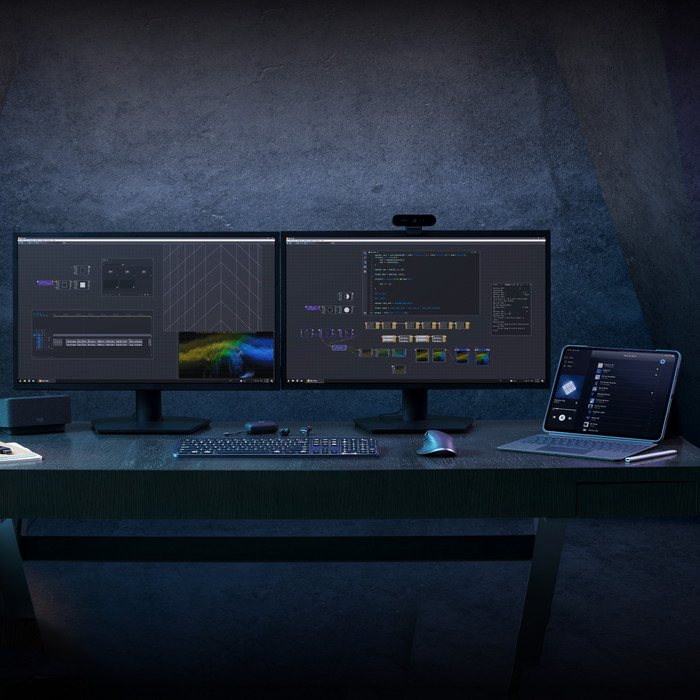
With this keyboard and mouse set, you can work fast and wirelessly on multiple devices.
Thanks to the Haptic Sense panel, you can feel precise and realistic feedback while you use the mouse.
You can have faster access to your favorite shortcuts with the Action Ring, so you can work faster.
You need external Logitech software to personalize keys and buttons.
This mouse is only suitable for right-handed users.
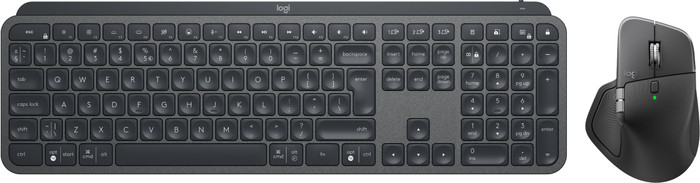
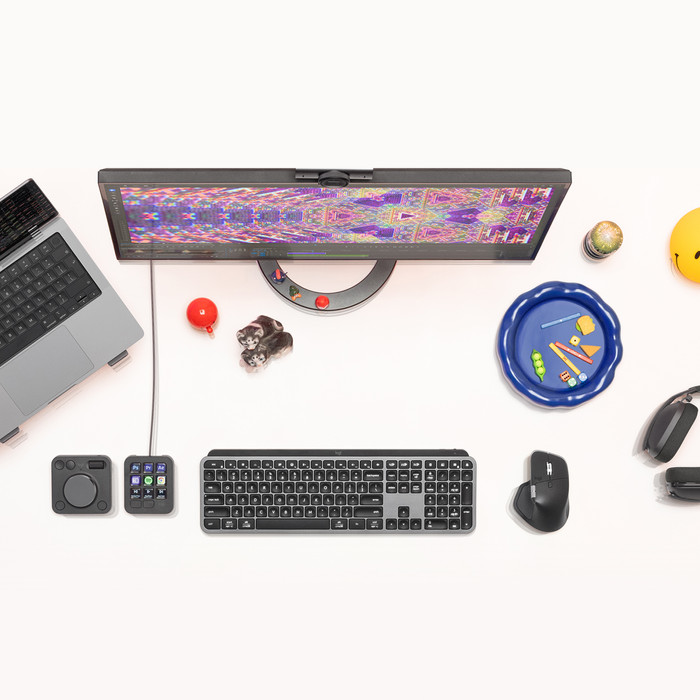
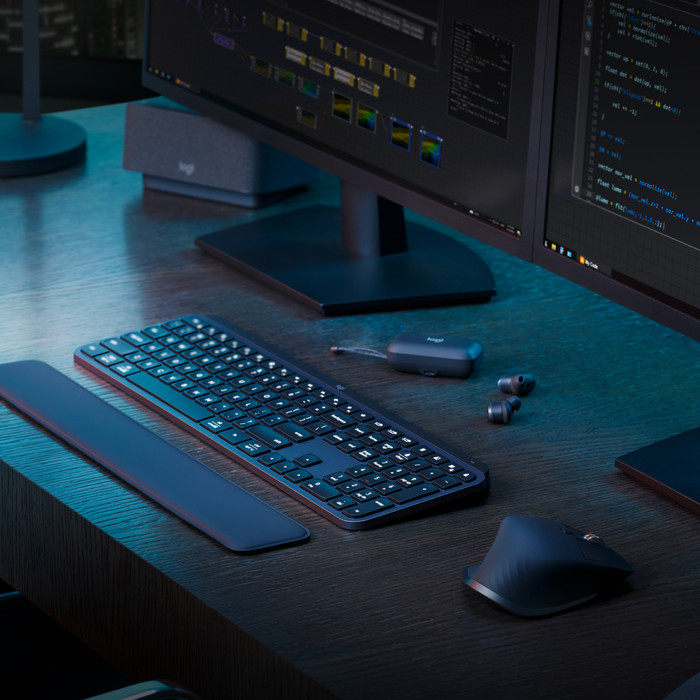
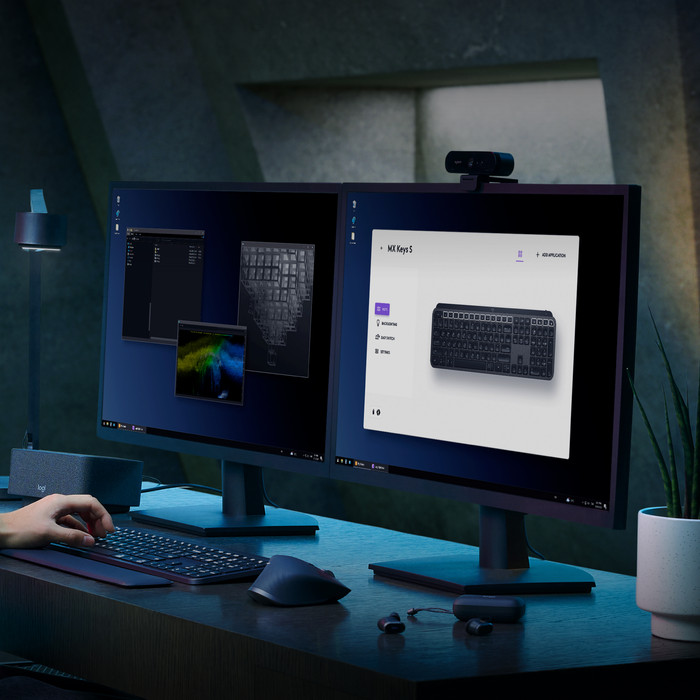
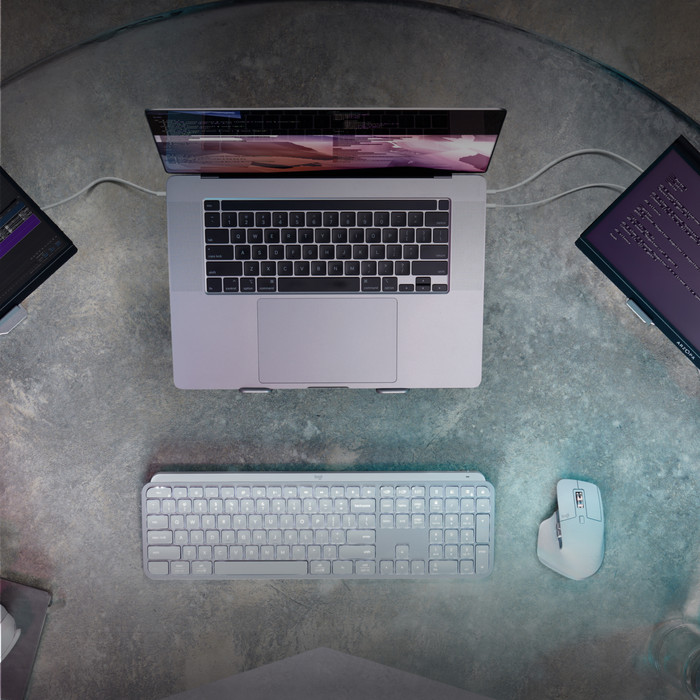
With the Logitech MX Master 4 Graphite + Logitech MX Keys S Graphite keyboard and mouse set, you can complete your wireless workplace. The touch-sensitive Haptic Sense mouse panel can give haptic feedback with vibrations with actions, shortcuts, and notifications. With the Action Ring, you can have your favorite settings for every app within reach. Via the Logi Options+ software, you can set these completely to your liking. They're shaped to your fingertips, so you can type comfortably. The mouse has multiple thumb buttons, a horizontal scroll wheel, and the MagSpeed scroll wheel. It also has a Darkfield sensor, so you can use the mouse on any surface. You can connect both the MX Master 4 mouse and the MX Keys to multiple devices at the same time. You can switch between these devices easily with the touch of a button.
210,-
In stock
In stock