Similar laptops
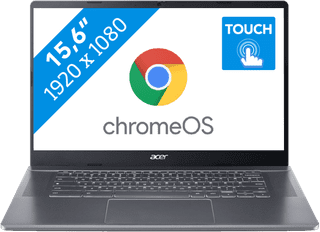
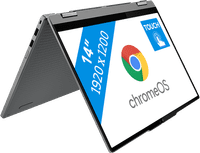
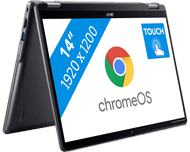
- ChromeOS instead of Windows
- Intel Core i5 - 8GB - 256GB SSD
- Touchscreen
- Backlit keyboard
Charger included
659,-
Delivered tomorrow
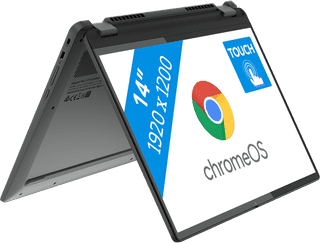
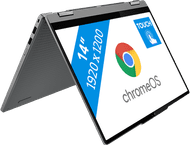
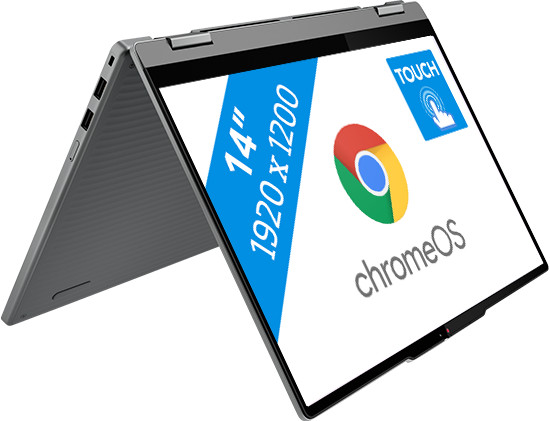
- ChromeOS instead of Windows
- Intel Core i5 - 8GB - 512GB SSD
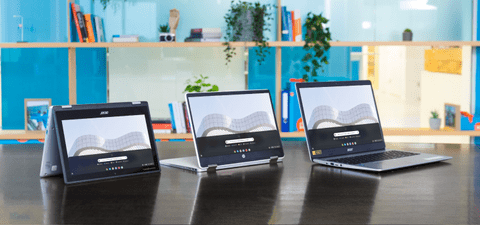
- Foldable touchscreen
- Backlit keyboard
Charger included
849,-
Delivered tomorrow
Highlighted
Chromebook models work with ChromeOS
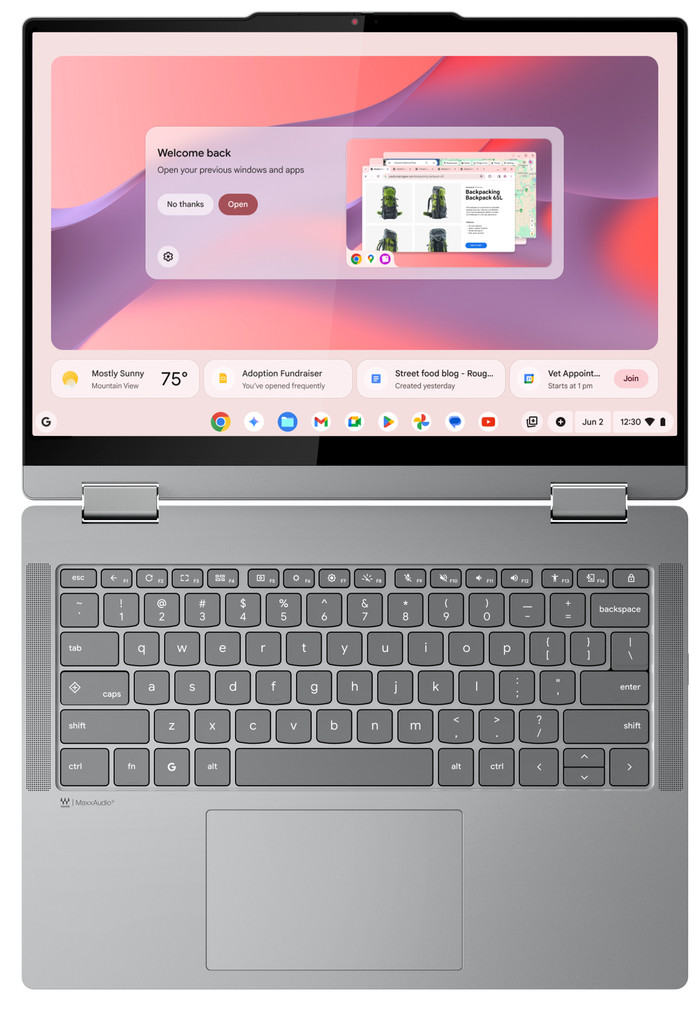
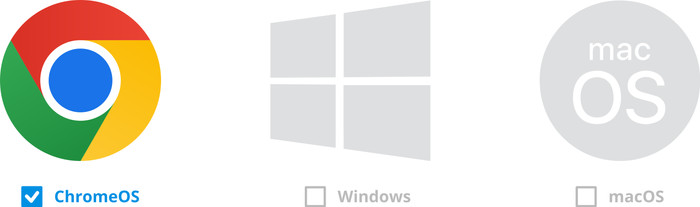
ChromeOS is the operating system from Google and works differently than Windows or macOS. All Chromebook models work with ChromeOS. You're well protected from viruses, because you can only download apps from the Google Play Store. You mainly work with apps from Google, such as Gmail, Google Drive, and Google Docs. You work a lot in the cloud and online. ChromeOS is a light operating system, so the battery of Chromebook models lasts longer.Differences between Chromebook models and other laptops
The largest difference between Chromebook models and other laptops is the operating system, because Chromebook models work with ChromeOS. Other laptops work with the Windows or macOS operating system. With a Chromebook, you mainly work with apps and web apps. As a result, Chromebook models are well protected from viruses. Chromebook models have less local storage, because you mainly work online and in the cloud.How do you choose a Chromebook?
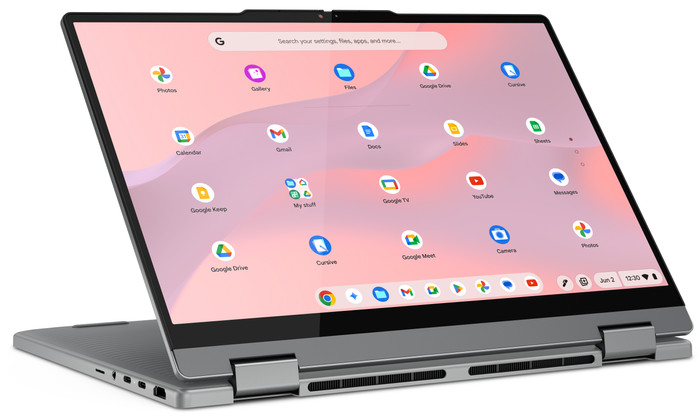
Which Chromebook suits you, depends on what you want to use it for. First consider which tasks you want to perform with your Chromebook. A 2-in-1 Chromebook is useful if you also want to use it as a tablet. A Chromebook Plus is useful if you're going to work on demanding tasks. Choose a small size if you want to take your Chromebook with you often and choose a larger size if you mainly use it in 1 spot.Everything on the Chromebook Plus
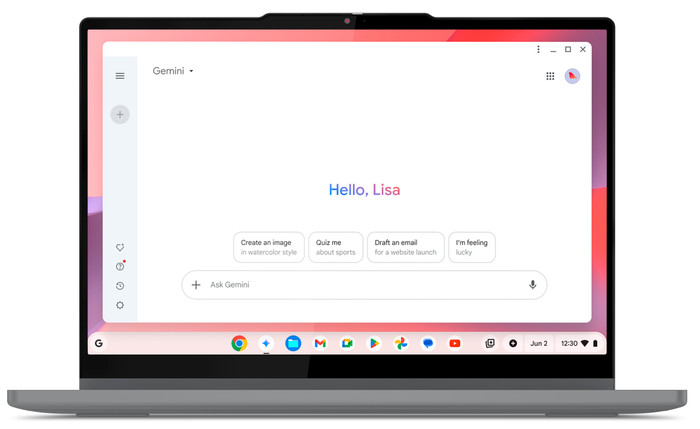
A Chromebook Plus is faster and more powerful than a regular Chromebook. That's because it has a more powerful processor. A Chromebook Plus also has more local storage. With a Chromebook Plus, you can use various useful AI functions. You can automatically store files offline, use Google Gemini in Workspace apps, and edit photos with AI. Chromebook Plus models also have a sharper screen and an improved webcam. That way, you can see everything clearly and you're also clearly visible during video calls.Use Microsoft Office on a Chromebook
On a Chromebook, you can easily use the web app or online versions of Microsoft Office programs. Keep in mind that this can look different than on Windows laptops or an Apple MacBook. You can log in with your Microsoft account and install the web app on your Chromebook via the browser. That way, you can easily switch between the various Microsoft Office programs.

This is the one
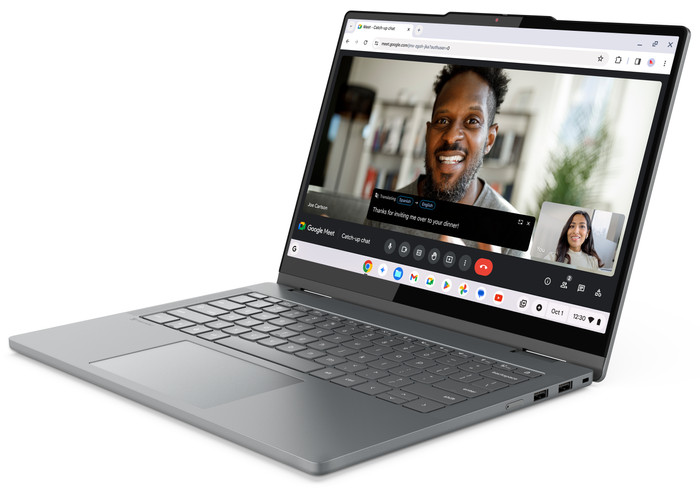
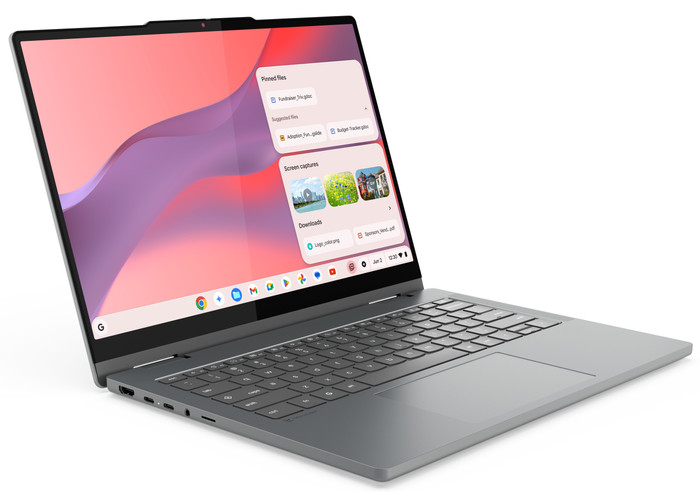
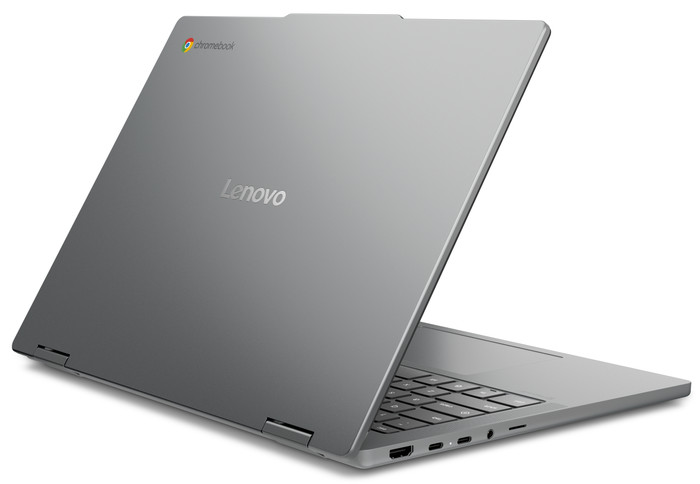
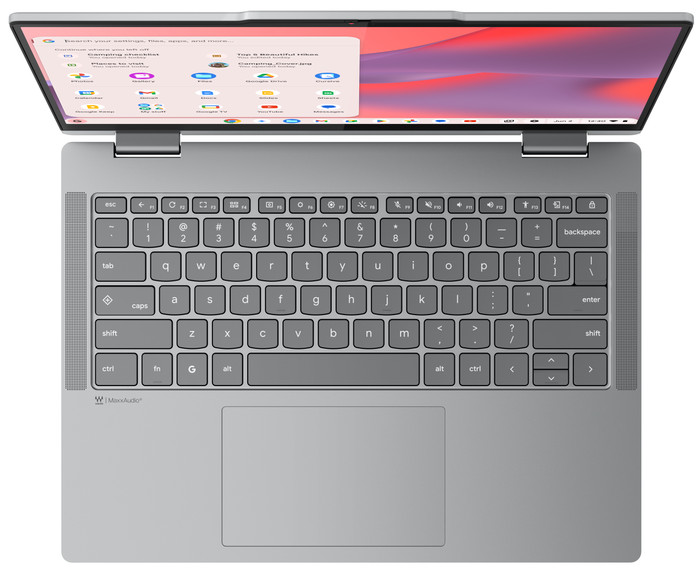
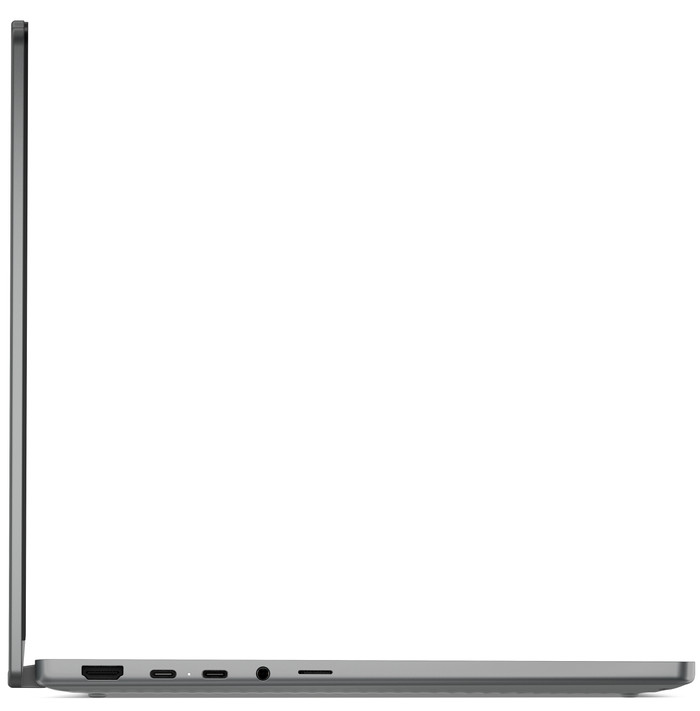
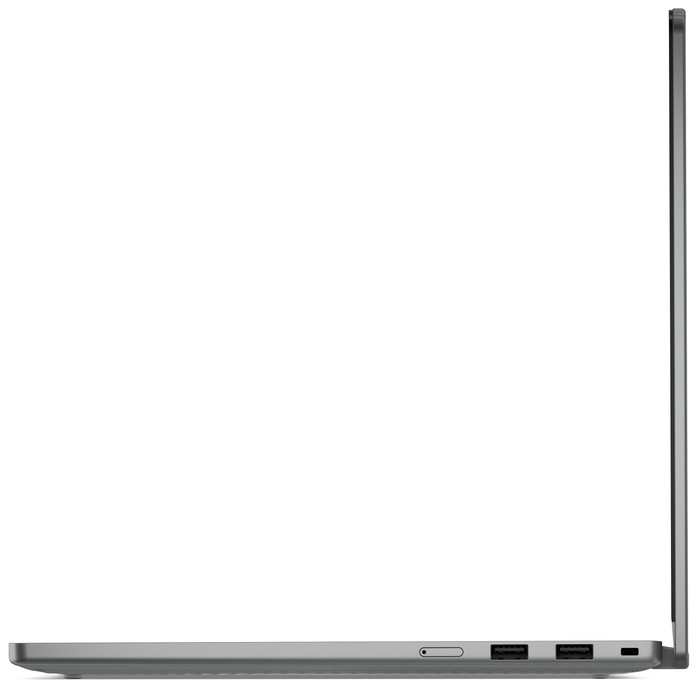
Lenovo Chromebook Plus 2-in-1 83LN000QMH