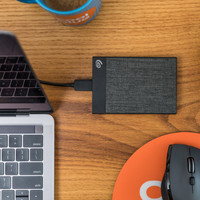
Seagate One Touch HDD 20TB
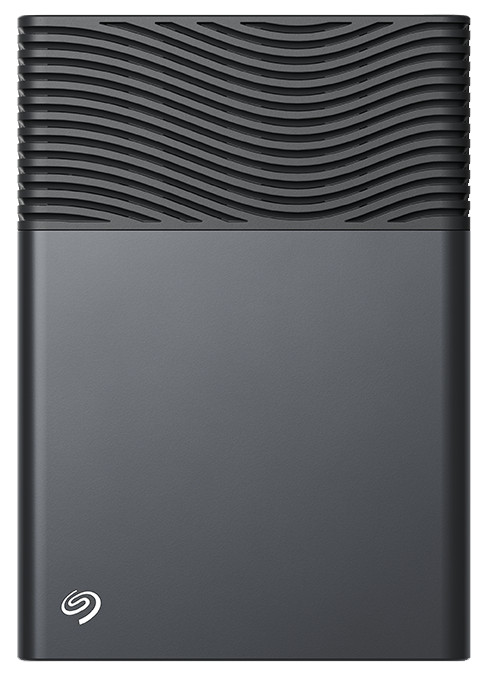
20 TB
Product number | 979069 | |
|---|---|---|
Manufacturer code | STNB20000400 | |
Brand | Seagate | |
Processing of your defect | Via Coolblue | |
Old product returned for free |
Total storage capacity | 20 TB | |
|---|---|---|
Formatted for operating system | Mac, Windows |
Shockproof | ||
|---|---|---|
Dustproof | ||
On/off switch | ||
Backup feature | ||
Protected memory (USB) | ||
Data recovery service | 2 years | |
Recommended for use | Making a backup |
Width | 4,03 cm | |
|---|---|---|
Depth | 13,17 cm | |
Height | 18,68 cm | |
Weight | 1,24 kg | |
Color | Gray | |
Material | Metal, Plastic | |
Rugged casing |
USB port | ||
|---|---|---|
Type of USB port | USB-C | |
USB version | USB 3.2 Gen 1 | |
Thunderbolt connector |
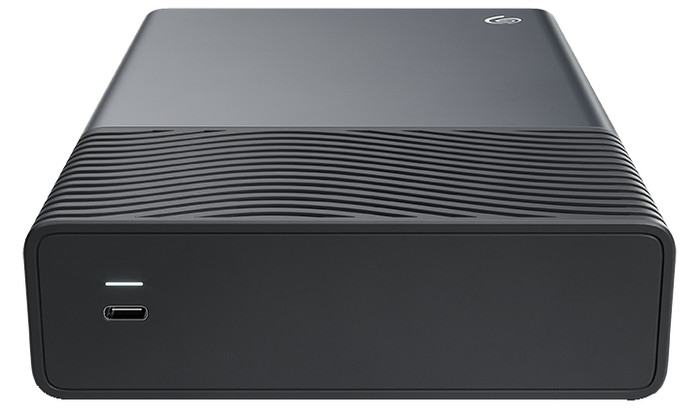
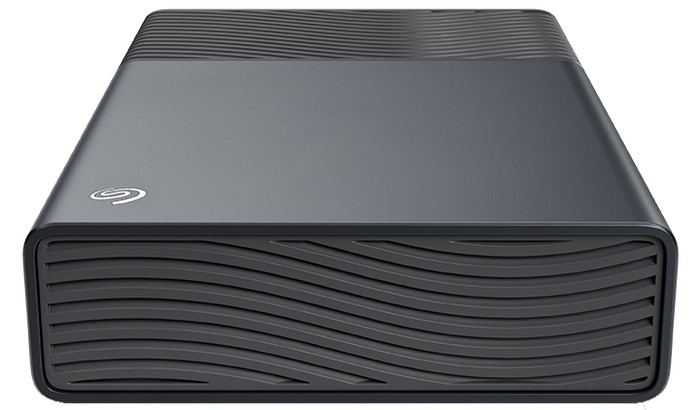
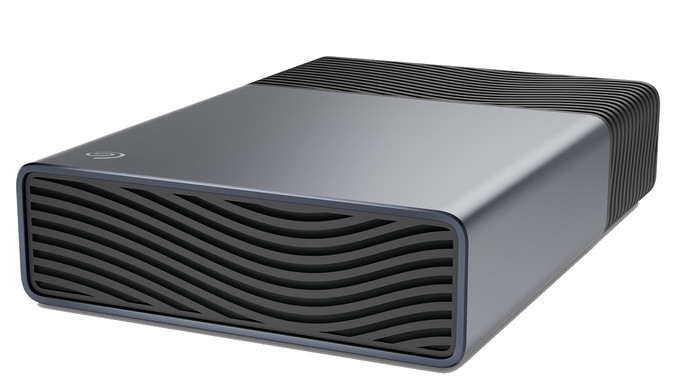
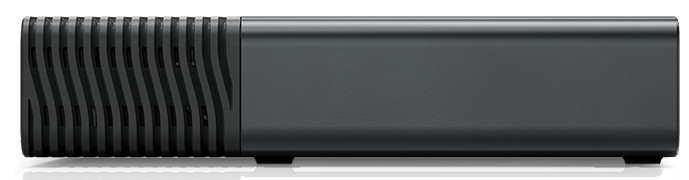
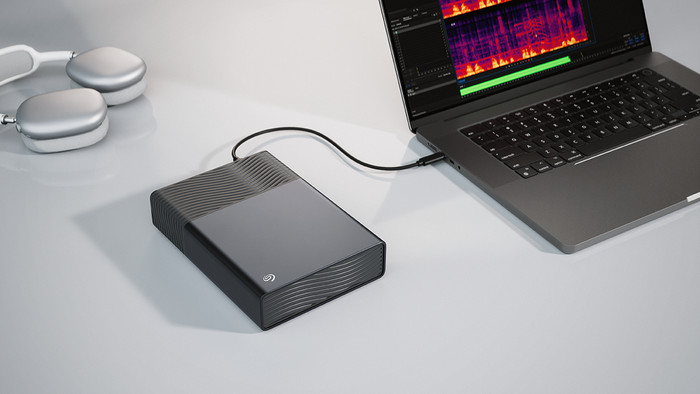
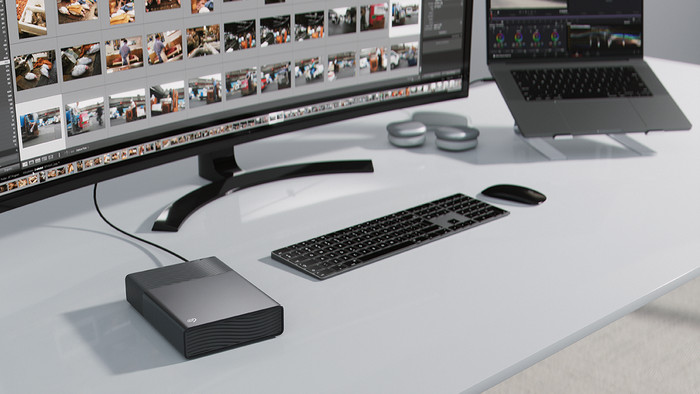
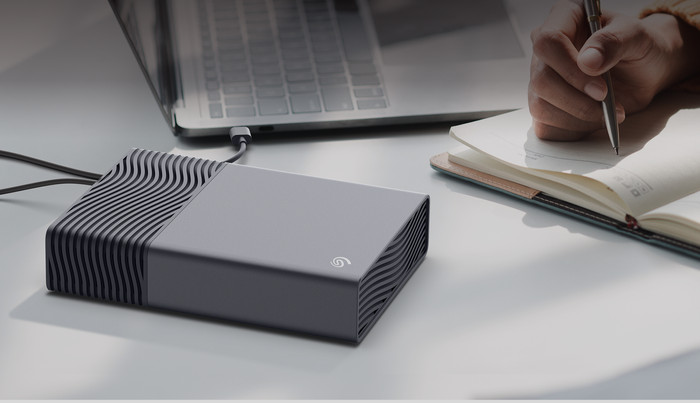
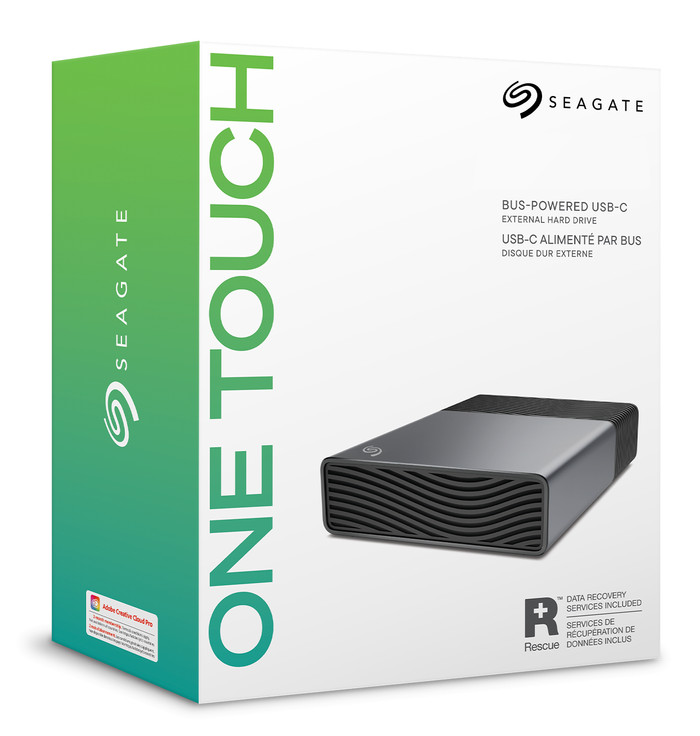
The Seagate One Touch HDD is an external hard drive with plenty of storage space that I can easily take with me. This hard drive does not require a power cable, as I connect it via a USB-C cable. I use this hard drive immediately on Windows and Mac computers without having to format it. I test the hard drive by transferring many different files. I quickly transfer entire photo folders, large spreadsheets, and documents to the drive.
Fast data transfer The hard drive has 20 terabytes of storage. This gives me enough space for my large files, such as unedited RAW photo files. These files take up more space than normal JPG photos. I transfer a large folder of 168 gigabytes to the hard drive within 40 minutes. The drive alternates between 50 and 80 megabytes per second, which is faster than most hard drives. The USB ports on my laptop have USB 3.2, but the One Touch supports a maximum of USB 4. This would allow me to transfer my files faster. Power via USB-C cable
I find it convenient that power is supplied via the USB-C port. That is normal for an SSD, but for a larger hard drive, I usually need a power cable. This allows me to work smoothly from the couch and in other office spaces where I don't have a power outlet nearby. Additionally, I can easily connect this hard drive to my laptop via the USB-C port. This way, I keep my only USB-A port free for accessories, such as my mouse.
I do find the USB-C cable to be on the short side. Additionally, the USB-C port requires a minimum power output of 15 watts for the hard drive.
No formatting required I always work with a Windows laptop, but I also tried out the hard drive on my Android smartphone because of the USB-C compatibility. Unfortunately, a mobile device does not provide enough power for an external hard drive, so I only use the One Touch with a computer. At the office, I connect the hard drive to colleagues' MacBooks. I get to work there immediately as well. I don't have to reformat the hard drive, which is handy because I switch between Windows and Mac frequently.
Giorgos. Opslag specialist.
23 April 2026
Automatically translated from Nederlands
723,-
Total storage capacity | 20 TB | |
|---|---|---|
Formatted for operating system | Mac, Windows | |
Type of USB port | USB-C | |
USB version | USB 3.2 Gen 1 | |
Backup feature | ||
Color | Gray |
20 TB
24 TB
Mac, Windows
Mac, Windows
USB-C
USB-C
USB 3.2 Gen 1
USB 3.2 Gen 1
According to our external hard drive HDD expert
A lot of storage space: with 20 terabytes of storage, you can store data for an entire office and millions of photos.
Data recovery service: Seagate restores lost or damaged files within 2 years of purchase with its data recovery service.
No file protection: without protection, your files are less well protected and hackers can access your files more easily.
723,-
723,-
832,-
In stock
In stock