Don't have an account yet? Start here
No extra ink
Better model
If you purchase this printer, you receive a 3-year warranty. This way, you have the default 2-year warranty and 1 extra year of warranty. You can register your promotional product for the Canon promotion until 30 days after purchase. Go to the promotional Terms and Conditions for more information.
Product number | 979467 | |
|---|---|---|
Manufacturer code | 6171C029AA | |
Brand | Canon | |
Processing of your defect | Via Coolblue | |
Old product returned for free |
Printer size | Medium | |
|---|---|---|
Width | 37,4 cm | |
Depth | 38 cm | |
Height | 22,5 cm | |
Color | White | |
Weight | 8,1 kg |
Printer type | All-in-one | |
|---|---|---|
Photo printer | ||
Print quality photos | Mediocre | |
Portable (mobile use) | ||
Recommended for use printers | Business printing, Printing at home |
Ink bottle series | Canon GI-55 | |
|---|---|---|
Usage costs for 1 page | 3 eurocents | |
Print technology | Ink tank | |
Type of ink | Ink bottles | |
Number of cartridges/toner cartridges | 4 | |
Color printer | ||
Print speed black (ISO) | 15 ppm | |
Print speed color (ISO) | 10 ppm | |
First black page ready after | 9 seconds | |
Speed class | Good | |
Maximum print resolution height | 1200 dpi | |
Maximum print resolution width | 600 dpi | |
Maximum print size | A4 | |
Automatic duplex printing | ||
Borderless printing | ||
Maximum print size duplex printing | A4 |
Scan functionality | ||
|---|---|---|
Automatic duplex scanning | ||
Maximum optical scan resolution width | 2400 dpi | |
Maximum optical scan resolution height | 1200 dpi | |
Scanner type | File scanner, Flatbed scanner | |
Maximum scan size | A4 (21x29.7cm) | |
Automatic document feeder (ADF) | ||
Maximum paper size ADF | A4 | |
Scan sizes | A4, A5, A6, A7 | |
Scan speed (PPM) | 4 ppm | |
Color depth output | 16 bpp | |
Scan to | Cloud, Dropbox, Email, Email address, Email server, Evernote, FTP, Folder, Google Docs, Image, MicroSD card, Network, PC (local), PC (network), PDF, PDF/A, SD card, USB | |
ADF capacity | 35 | |
OCR |
Copying functionality | ||
|---|---|---|
Copy speed black (ISO) | 17 ppm | |
Copy speed color (ISO) | 9,1 ppm | |
Maximum copy resolution height | 1200 dpi | |
Maximum copy resolution width | 600 dpi |
Fax functionality | ||
|---|---|---|
Color fax |
Built-in screen | ||
|---|---|---|
Color screen | ||
Touchscreen |
Compatible with operating system | Android, ChromeOS, Windows, iOS, macOS | |
|---|---|---|
Connection type | Wired, Wireless | |
Apple AirPrint | ||
Email print | ||
WPS (Wireless Protected Setup) | ||
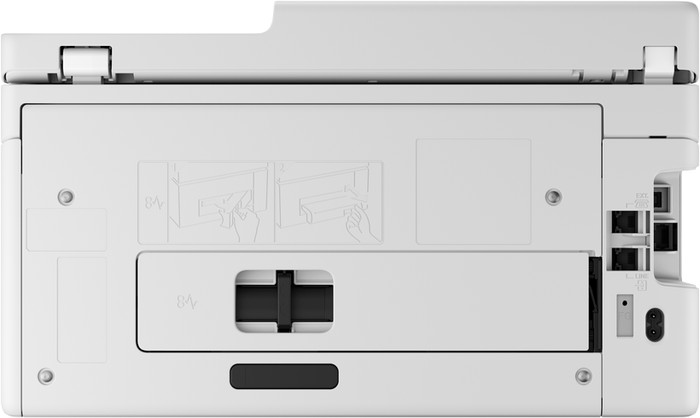
Ethernet port | ||
Number of Ethernet ports | 1 | |
NFC | ||
Built-in WiFi | ||
WiFi frequency printers | 2.4GHz, 5GHz | |
WiFi direct | ||
Bluetooth | ||
USB port |
Manual input tray | ||
|---|---|---|
Photo paper drawer | ||
Output capacity output drawer | 50 | |
Maximum print size standard paper tray | A4 | |
Input capacity standard paper tray | 250 | |
Number of standard paper trays | 1 |
Memory card reader |
|---|
Coolblue takes care of everything, from taking out an insurance to repairs
For almost all accidents
More coverage in case of damage than your standard warranty
No deductible
First, add your printer to your shopping cart. On the next page, choose the Protection Plan below. You always have a 30-day return window and pay no deductible in case of damage.
3-year Protection Plan
48,99
one-time5-year Protection Plan
108,-
one-time5 stars
11
4 stars
3
3 stars
0
2 stars
2
1 star
0
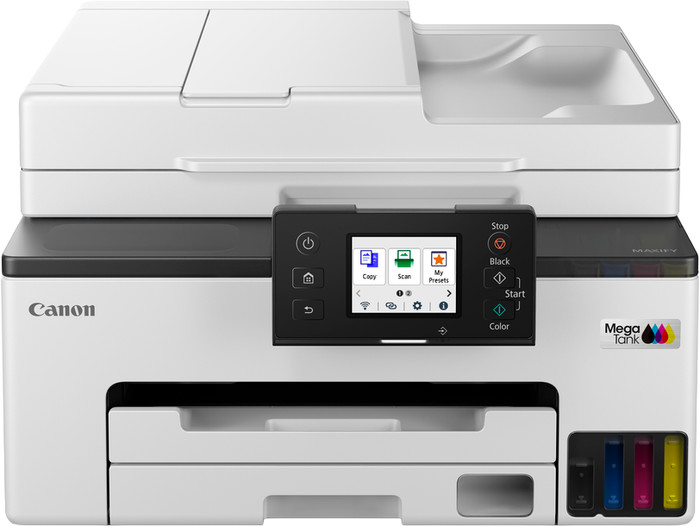
With the Canon MAXIFY GX2051 printer, I can easily print all my text documents. Thanks to the economical ink bottles, I print many pages before I need new ink. However, due to the low print resolution, I cannot print sharp photos, but this printer is not intended for that purpose.
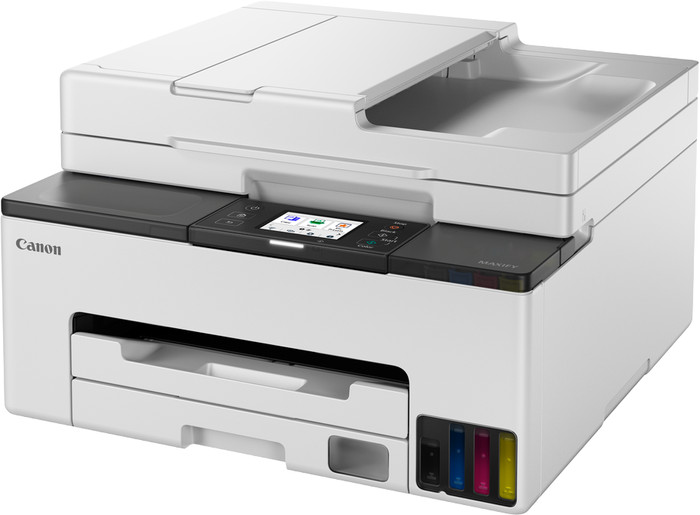
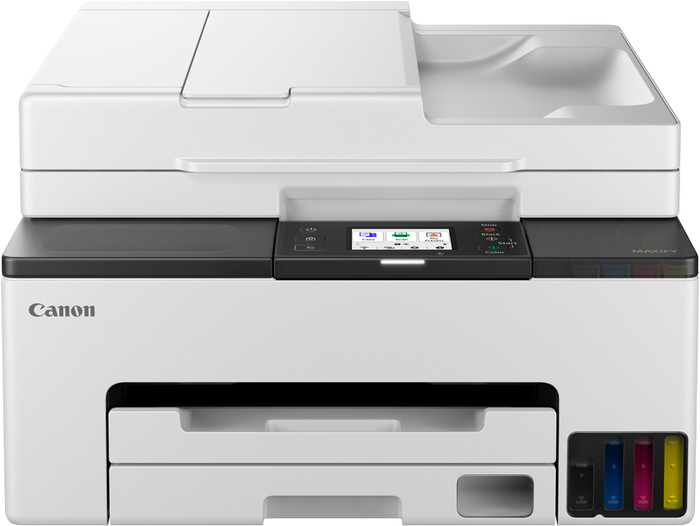
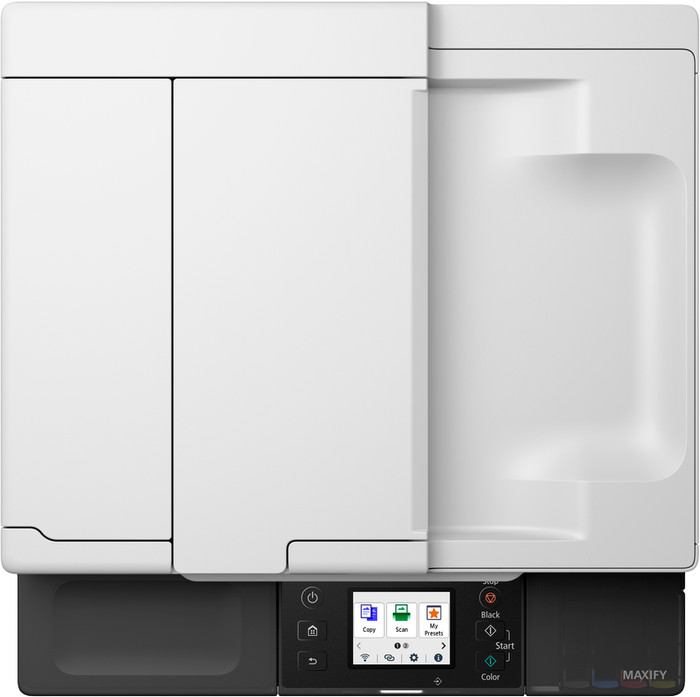
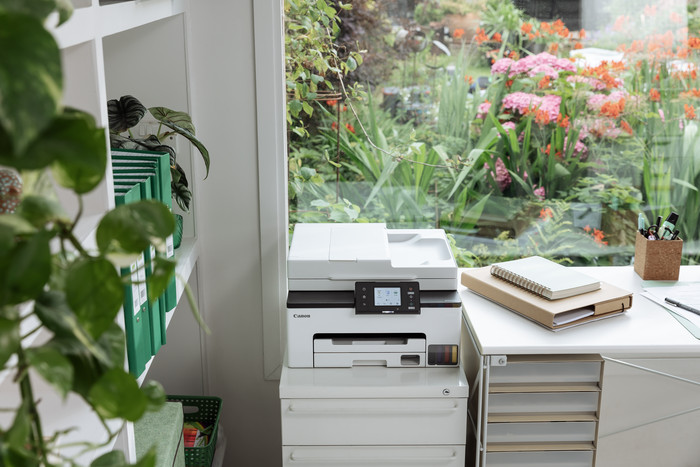
First Impression In the box, I find the printer, a manual, and a power cable. The package also contains 6 GI-55 ink bottles: 3 black, one magenta, one cyan, and one yellow. I am happy with the extra black ink bottles, as I print many reports, brochures, and other documents. The printer has a compact size, so it fits in my home office. I scan the QR code on the manual. The Canon website then guides me step-by-step through the installation. I unfold the touchscreen and turn on the printer. The touchscreen feels a bit rough and responds best when I apply a little more pressure. I place the ink bottles one by one upside down on the correct reservoir and remove them when they are full. Next, I place A4 paper in the tray and adjust the guides. Because the paper tray is located at the front, I place the printer flush against a wall.
Quick connection with Wi-Fi Direct and Canon PRINT
During installation, the printer searches for a Wi-Fi connection, but I prefer working with Wi-Fi Direct. I select Wi-Fi Direct on the printer's touchscreen, after which it also appears in my list of available networks on my phone. The printer is connected after a few minutes. On my phone, I download the Canon PRINT app, through which I can easily send my print jobs. I choose between documents, images, and scanning. I also view frequently asked questions and customize the app's home screen to my own preferences.
Handy automatic functions
The Canon MAXIFY GX2051 printer has an automatic document feeder. This allows me to quickly scan or copy a stack of paper. The printer pulls the pages through the scanner one by one and prints the copies directly from the paper tray at the front. This paper tray holds up to 250 sheets of paper. This printer also prints double-sided automatically, which saves time and paper. It holds the sheet briefly and feeds it through the printer again. However, the document feeder does not scan double-sided automatically. The printer prints 15 black-and-white pages and 10 color pages per minute, so I don't have to wait long for my prints.
Rowan. Printer specialist.
19 June 2026
Automatically translated from Nederlands
Best printer we've had so far! And I've worn out quite a few. In use for a year now and is highly recommended.
Willem
14 November 2024
Automatically translated from Nederlands
Easy installation (instructions on the led screen). Just print, no hassle. Couple of test prints of images came out nice straight away.
Cameron
6 December 2024
Automatically translated from Nederlands
Print technology | Ink tank | |
|---|---|---|
Printer type | All-in-one | |
Color printer | ||
Automatic duplex printing | ||
Maximum print size | A4 | |
Automatic document feeder (ADF) | ||
WiFi direct |
According to our printer expert
All-in-one printer: you can print, scan, and copy with this model.
Print a lot affordably: with a full ink tank, you can print thousands of pages at a low cost.
Save paper: thanks to the automatic duplex printing function, you save paper.
Not for A3 paper: an A4 printer only prints on A4 and smaller sizes, not on A3 or A3+ paper.
Less suitable for large reports: if you print a lot of large reports, we recommend a printer with a higher print speed.
323,-
323,-
Current product
Ink tank
Ink tank
Ink tank
All-in-one
All-in-one
All-in-one
323,-
494,-
299,-
In stock
In stock