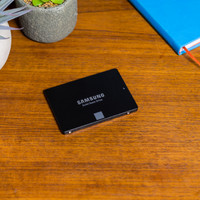
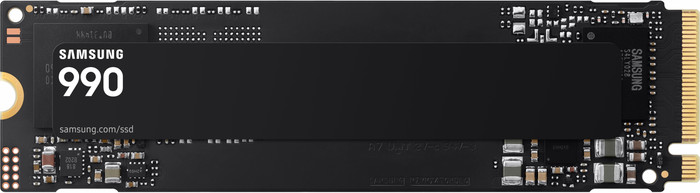
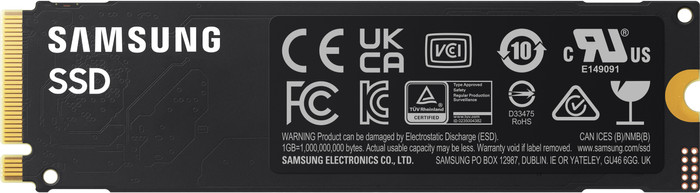
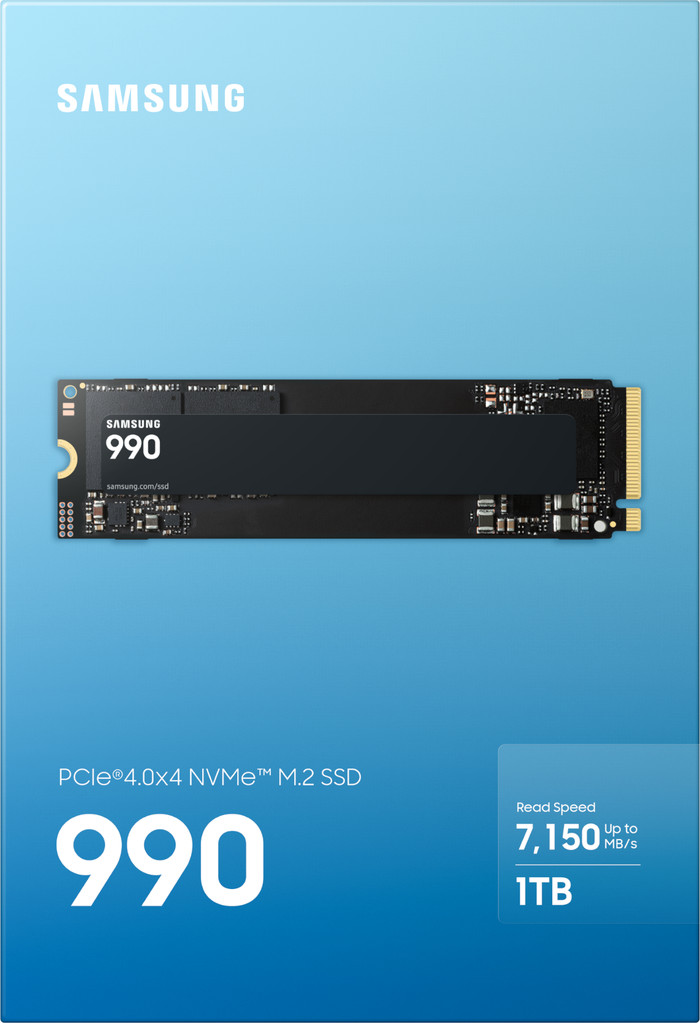
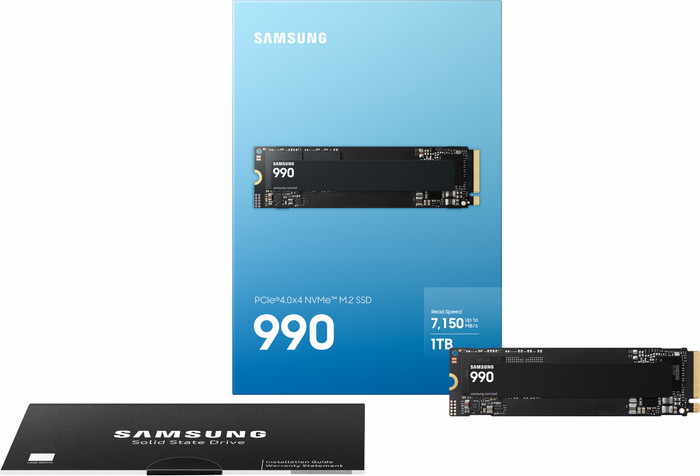
Samsung 990 PCIe 4.0 NVMe M.2 SSD 1TB



183,-
In stock
1 TB
Product number | 981378 | |
|---|---|---|
Manufacturer code | MZ-V9V1T0BW | |
Brand | Samsung | |
Processing of your defect | Via Coolblue | |
Old product returned for free |
Total storage capacity | 1 TB | |
|---|---|---|
Type of SSD | M.2 NVMe (PCIe) | |
M.2 PCIe version | 4.0 | |
SSD-controller | Samsung |
M.2 SSD connector type | M | |
|---|---|---|
Formaat M.2 SSD | 22x80 | |
Compatible with product type | Desktop, Laptop, NAS, Servers | |
Compatible with console model | PlayStation 5 | |
With heatsink |
Depth | 8,15 cm | |
|---|---|---|
Height | 2,2 cm | |
Width | 0,24 cm | |
Color | Black | |
Year introduced | 2026 |
Maximum read speed | 7150 MB/s | |
|---|---|---|
Maximum write speed | 6450 MB/s | |
Output operations per second (IOPS) | 700 | |
Input operations per second (IOPS) | 1100 | |
Mean Time Between Failure (MTBF) | 1500000 hours |
Data encryption | Hardware encryption |
|---|
Average power consumption | 4 W | |
|---|---|---|
Stationary power consumption | 0,055 W | |
Energy-efficient | ||
Minimum temperature | 0 °C | |
Maximum temperature | 70 °C |
Coolblue takes care of everything, from taking out an insurance to repairs
For almost all accidents
More coverage in case of damage than your standard warranty
No deductible
First, add your solid state drive (SSD) to your shopping cart. On the next page, choose the Protection Plan below. You always have a 30-day return window and pay no deductible in case of damage.
2-year Protection Plan
7,99
one-time3-year Protection Plan
8,99
one-time
5 stars
20
4 stars
1
3 stars
0
2 stars
0
1 star
0
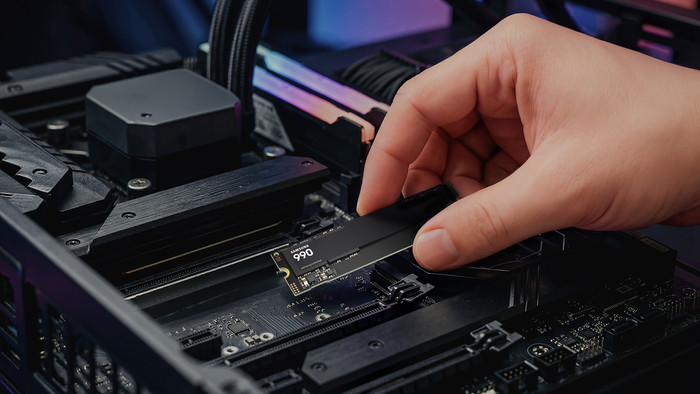
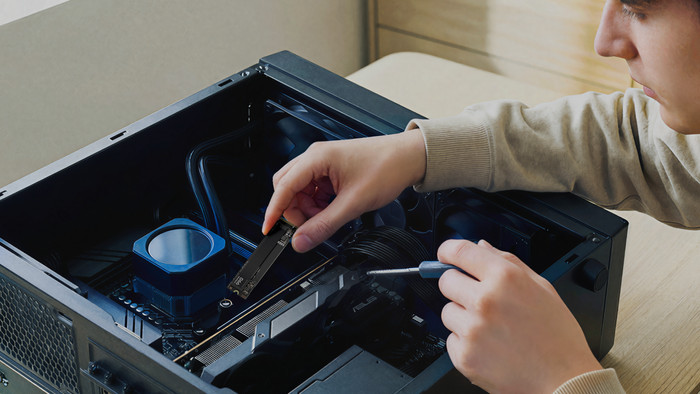
What a super-fast SSD! It feels like I have a brand-new computer. The SSD was easy to install on the motherboard. Using the Samsung Magician program, I was able to view all the drive's specifications and run a benchmark.
Compared to my previous Samsung SATA SSD (which achieved around 515-546 MB/s), this NVMe is about 6 to 7 times faster, with speeds of no less than 3387 MB/s read and 3245 MB/s write!
The SSD looks sturdy and reliable. I know from experience that Samsung SSDs are virtually indestructible. In Samsung Magician, I saw that my previous Samsung 860 EVO had already written 30.1 TB, and it was still working perfectly!
Jeremy Nieuwpoort
27 August 2026
Automatically translated from Nederlands
I have been using the Samsung 990 SSD for about two weeks now. The installation went smoothly, and from the very first use, I noticed how fast my computer felt. Starting up Windows, opening programs, and performing daily tasks is noticeably smoother.
Where the SSD really makes the difference for me is when working with large files. Copying and moving large amounts of data proceeds very smoothly. What stands out most is that the computer remains responsive even during these heavy tasks.
I regularly use my PC for multiple things at the same time. Even when I am extracting large files while using other programs, everything continues to respond smoothly. I haven't had any moments where my computer clearly had to wait for the SSD to finish. It is precisely with this type of multitasking that I notice a clear difference compared to my old SSD.
I also find Samsung Magician to be a strong addition. The software provides a clear overview of the most important information about the SSD. For instance, I can view the health, temperature, and amount of data written. Additionally, I can check the firmware and update it if necessary. Moreover, with the built-in benchmark, I can easily check the performance of the SSD.
What I like about Samsung Magician is that everything is neatly organized in one place. You don't have to use different programs to check the condition and performance of your SSD.
Despite intensive use, the SSD stays at a nice temperature for me. I use a standard SSD cooler for this and have not experienced any problems with the heat.
MartijndeV - via Samsung.com - via Samsung
12 August 2026
Automatically translated from Nederlands
Very good m.2 SSD.
Installation was very easy and the PC recognized the card immediately, without the need for a driver update. After installing Samsung Magician (highly recommended), it is very simple to monitor the status of the drive.
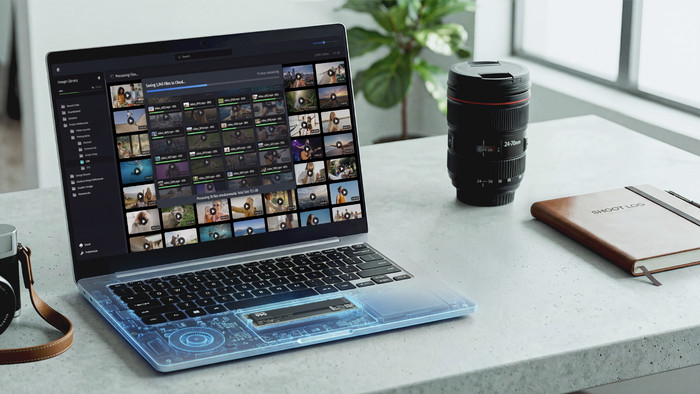
Achieves exceptionally high read and write speeds, which is great for archiving all the photos from my camera and then editing this data. The memory is very efficient and stable during use, and does not get extremely hot. Installing large games is particularly smooth. Only the price is on the high side (thanks AI).
BjornN91 - via Samsung.com - via Samsung
12 August 2026
Automatically translated from Nederlands
Our digital expert will help you, but it can sometimes make mistakes, like humans do.
According to our solid state drive (SSD) expert
You can transfer large files quickly thanks to the high write speed.
With an M.2 NVMe SSD, you can open and transfer your files faster than with other types of SSDs.
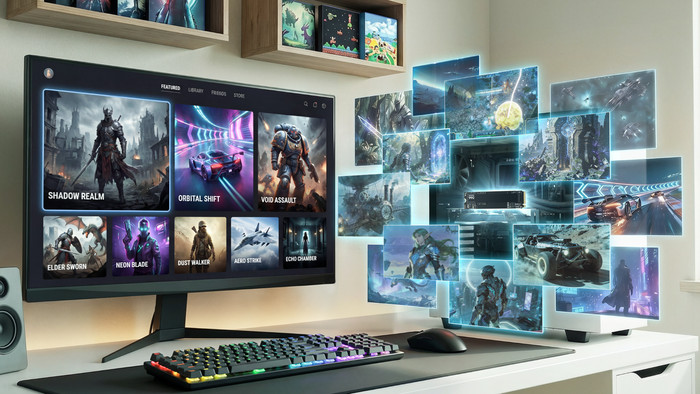
With 1TB of storage, you have enough space for full HD photos and videos, plus 5 to 10 large games.
The write speed isn’t high enough for professional media, like 4K or 8K files or large blueprints.
For 4K or RAW media files or several large AAA games, you’ll need more storage space.
183,-
In stock