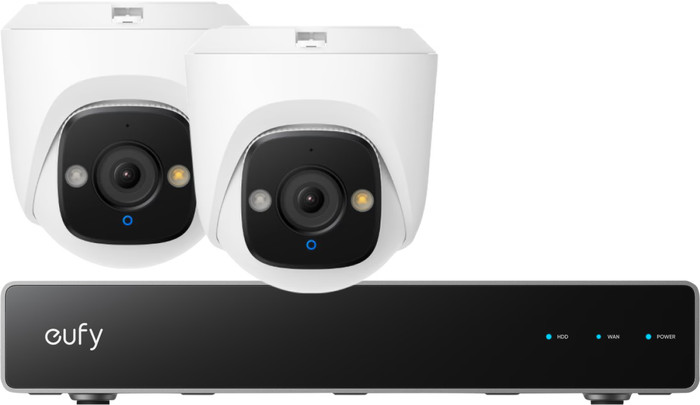
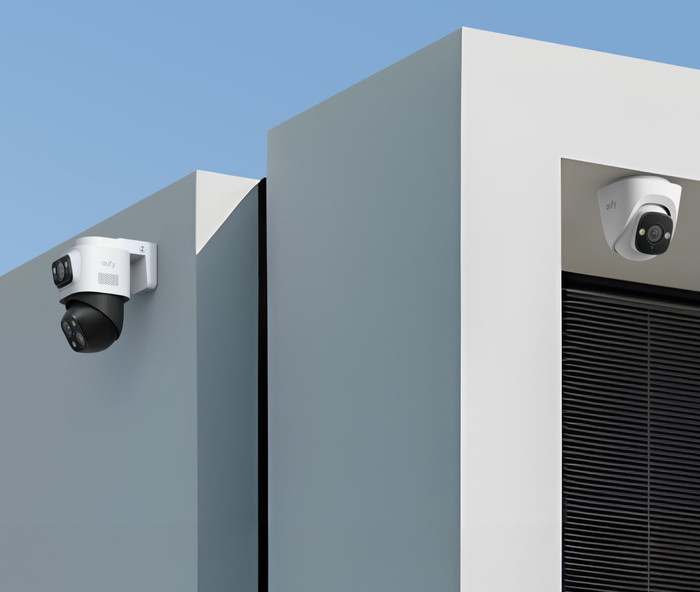
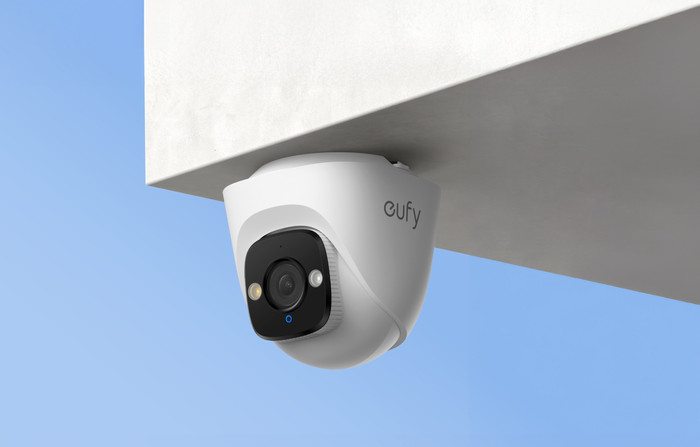
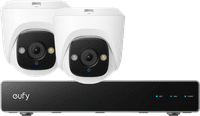
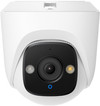
With this Eufy security system, I record footage 24/7 without any glitches. Installation is quick and easy, but the cables that come with the NVR are quite short.
Easy installation, but short cables
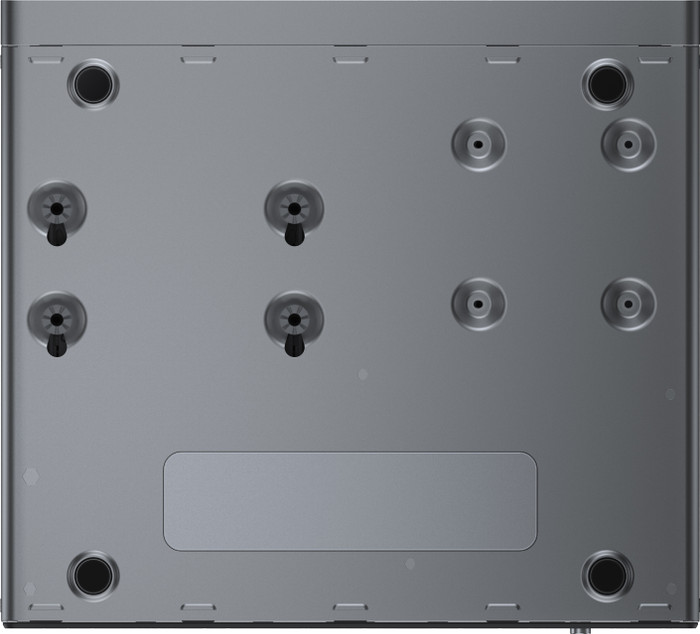
First, I connect the NVR. Installation is done via a computer or the Eufy app. I choose to install via the app on my smartphone. The NVR box contains several different cables, and the NVR itself has several ports. Following the instructions in the app, I easily connect each cable. However, I find the Ethernet and HDMI cables quite short. I don't have room to place the NVR directly next to my modem, so I use my own longer Ethernet cable for the connection. I don't need the HDMI cable myself because I don't use my computer. However, if you install the NVR via a computer, it's better to use a slightly longer HDMI cable. Installing the cameras is also easy. I connect them to the NVR using the included cables, and they appear immediately in the app.
Recording day and night
Because the cameras use Power over Ethernet (PoE), they always have power and a good internet connection. This means they work well even in the back corner of my garden. The NVR has 2 TB of built-in storage. Thanks to this large storage capacity and the PoE connections, this system records day and night. The app shows me exactly how much space is left on the NVR. I do think this system is best used in a business environment, such as an office or garage. I probably won't use all the features in my terraced house.
Crisp-sharp images
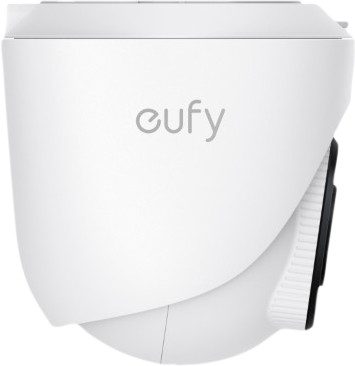
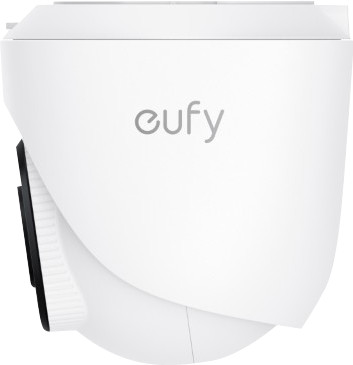
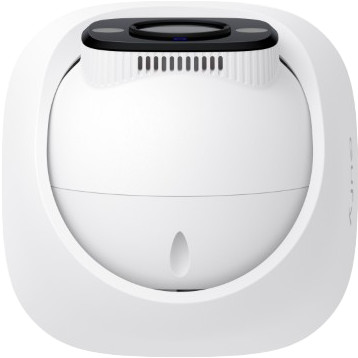
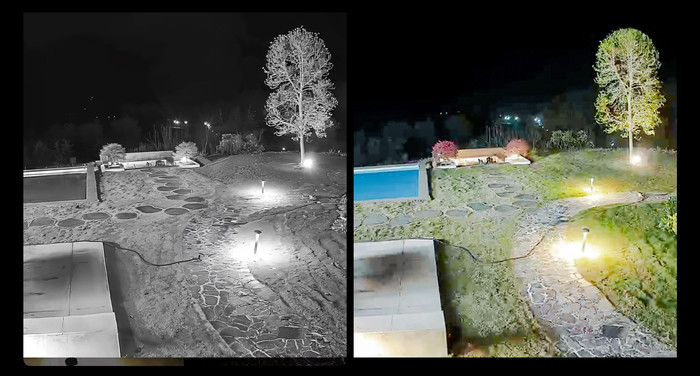
The cameras have a wide viewing angle, allowing me to see almost my entire backyard with a single camera. I can also tilt the lens up and down. The images are sharp and stutter-free. I use the app to choose the resolution the cameras record in. The highest resolution is 4K. This allows you to see much more detail, but low-resolution images take up less space on the NVR. I also set whether the cameras record continuously or only when something happens. For me, recording only when something happens is sufficient, since I use the cameras in my garden. If you're using them in a business environment, continuous recording is a good option.