Cricut StickerPix Print + Cut Essential Bundle
280,-
Essentials Bundle
In stock
Product number | 986416 | |
|---|---|---|
Manufacturer code | 2013410 | |
Brand | Cricut | |
Processing of your defect | Via Coolblue | |
Old product returned for free |
Print technology | Thermal transfer | |
|---|---|---|
Color printer | ||
Print speed color (ISO) | 1 ppm | |
Print speed black (ISO) | 1 ppm | |
Maximum print resolution width | 300 dpi | |
Maximum print resolution height | 300 dpi | |
Compatible with operating system | Android, Windows Phone, iOS | |
USB port | ||
Built-in WiFi | ||
Bluetooth | ||
Apple AirPrint | ||
Print sizes | 10x15 | |
Charging indicator | ||
Color | Blue | |
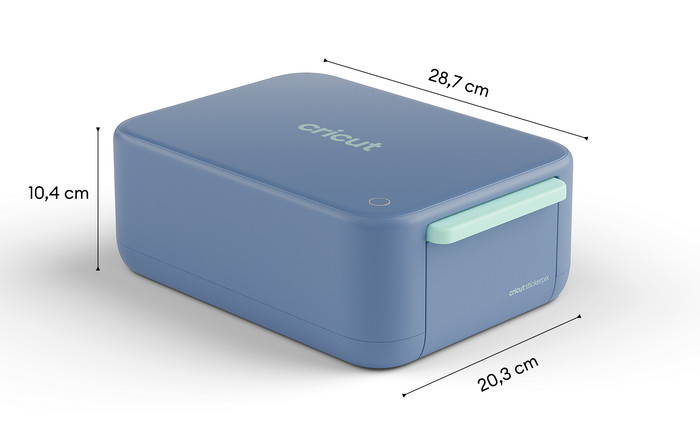
Height | 38,1 cm | |
Depth | 29,2 cm | |
Width | 14,1 cm | |
Weight | 4,01 kg |
5 stars
2
4 stars
0
3 stars
0
2 stars
0
1 star
0
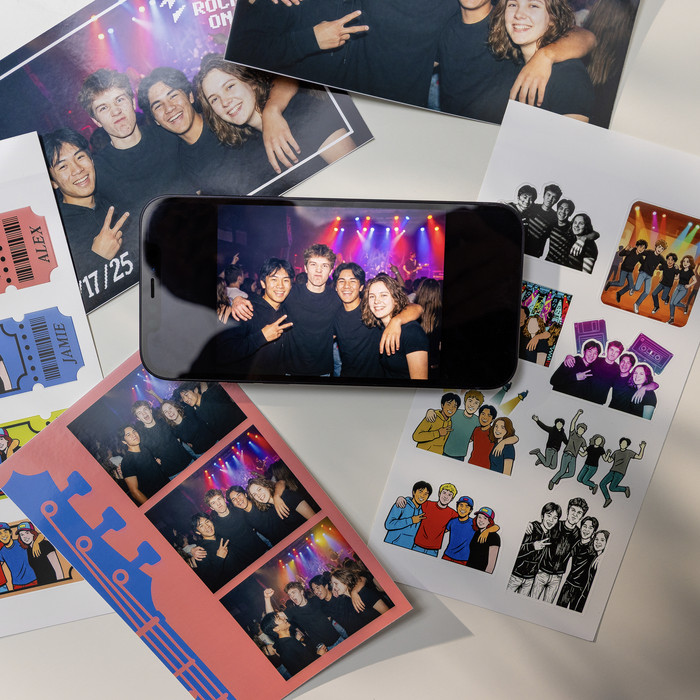
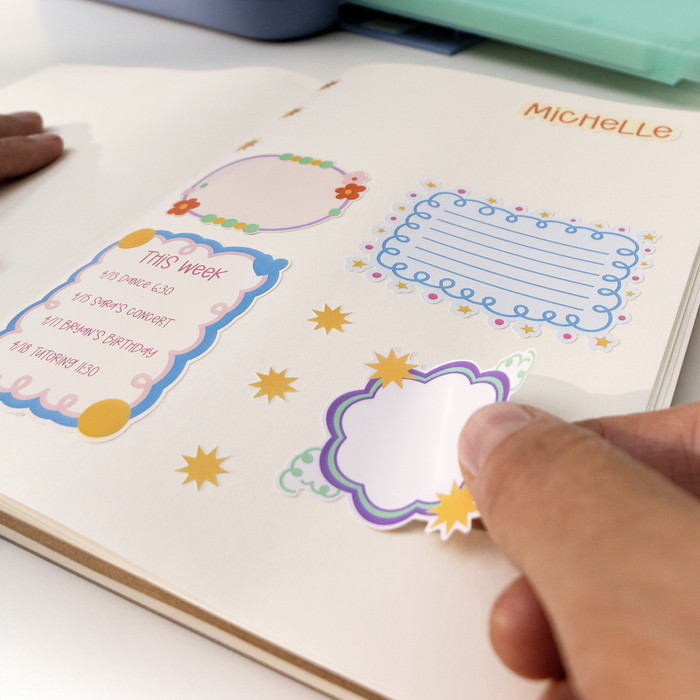
With the Cricut StickerPix Print + Cut Essential bundle, I can easily make the cutest stickers in any shape. I also print razor-sharp photos on glossy photo paper and create designs using handy templates in the Cricut Design Space app. Printing and cutting do make some noise, but I find that perfectly normal.
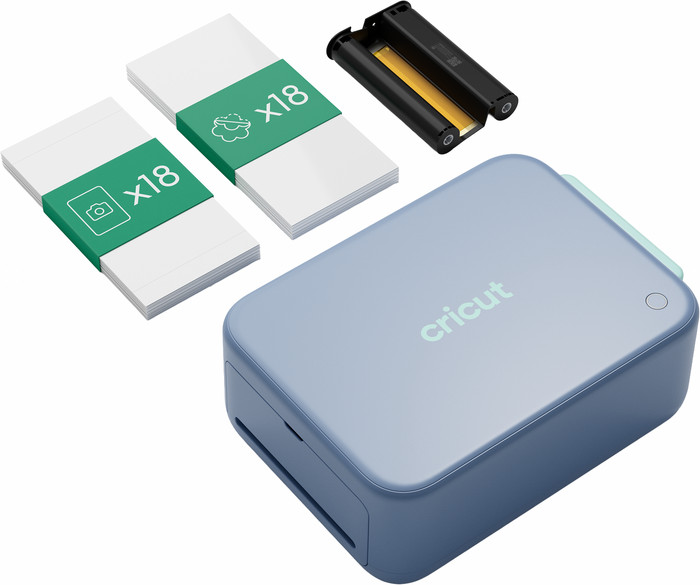
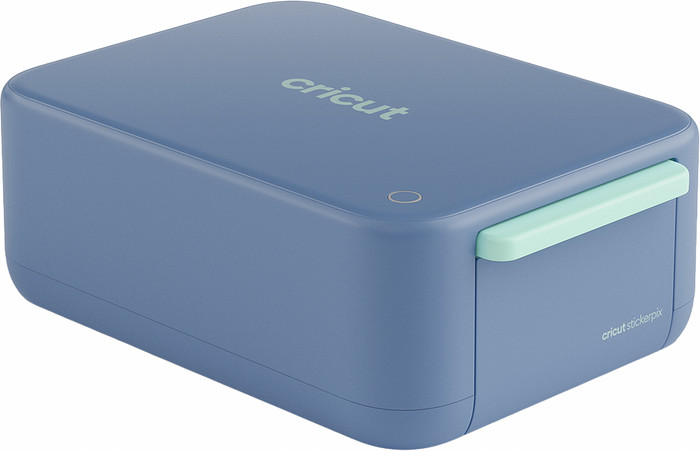
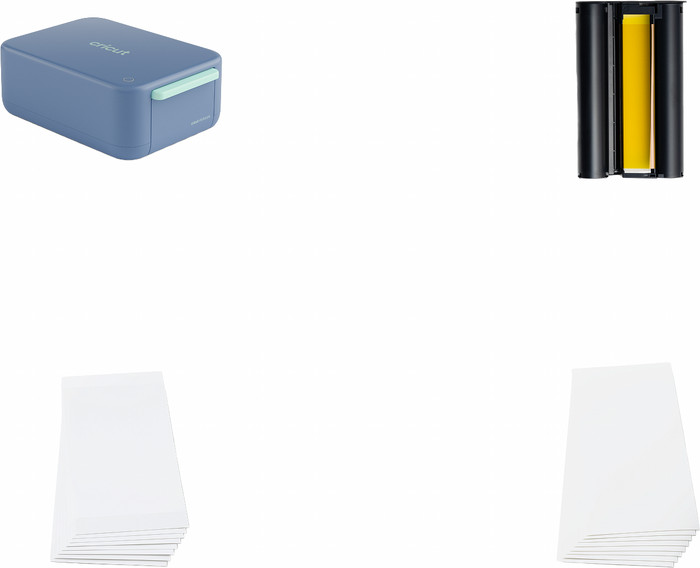
First impression This Cricut pocket printer is larger than I expected, but it still fits easily on my desk. The box contains a power adapter, an ink cartridge, 18 sticker sheets, and 18 photo paper sheets. The size of these sheets is 10 x 15 centimeters. Before I get started, I insert the included ink cartridge into the pocket printer from the back. The paper tray on the right side is removable. I flip open the lid and carefully place the sticker sheets inside. After this, I flip the lid shut again and place the paper tray in the paper feed. Now I plug it into the wall outlet and briefly press and hold the power button until a white light comes on. Personal designs in every shape
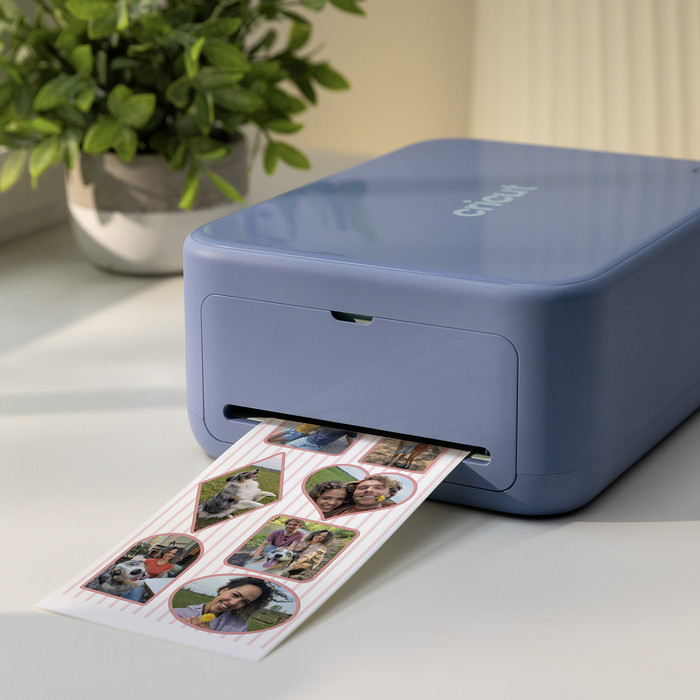
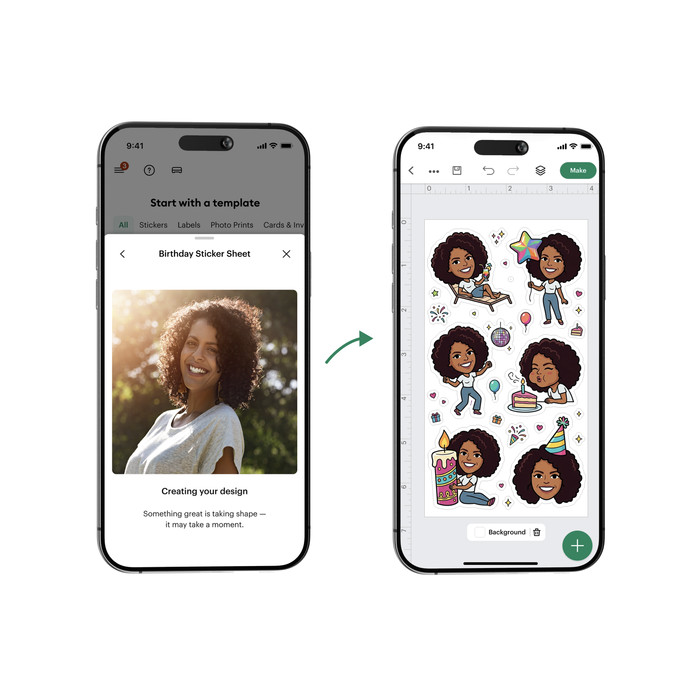
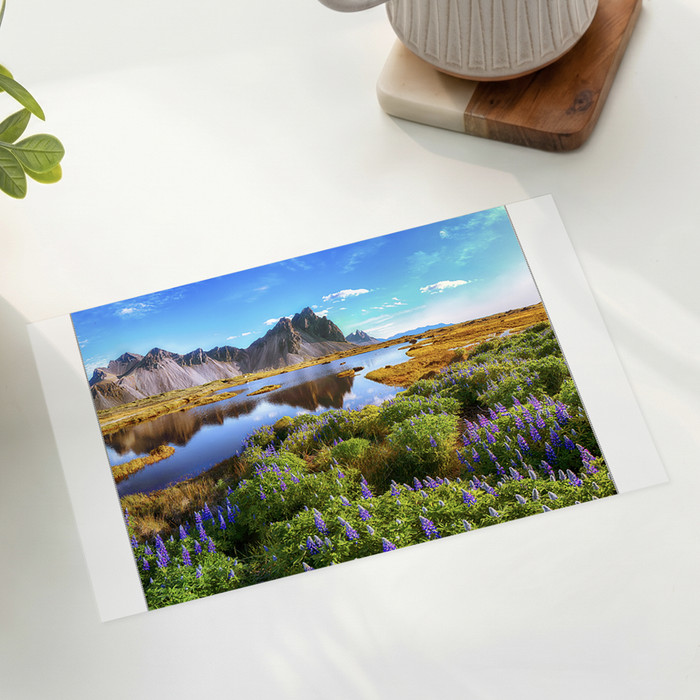
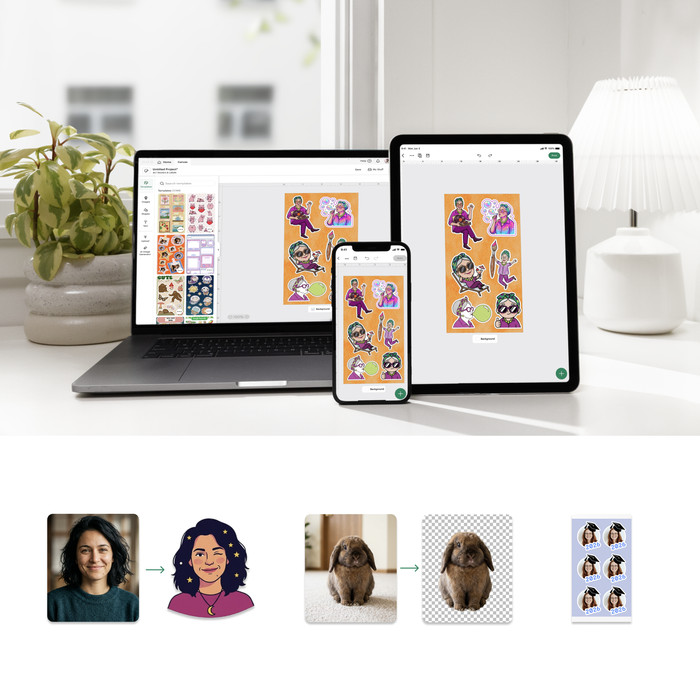
I download the Cricut Design Space app on my phone and log in with my account. I click on ‘Set up a sticker machine’ and follow the steps. This is how I connect the sticker printer to my phone via Bluetooth and Wi-Fi. In the app, I start my first creative project. What makes this pocket printer unique is, of course, the cutting function. That is why I start by making stickers. I scroll through the hundreds of templates for photo stickers, labels, and tags, and select a nice set of animal stickers. I click on ‘Create’ and the printer gets to work. At first, I only see a yellow color, then red, and then suddenly the colors are exactly as they should be. The StickerPix also laminates my prints so that they remain beautiful and protected. After this, the printer cuts out my stickers. After a few minutes, my design is ready, and I stick a sticker on my laptop. In addition to the many fun templates, you can also create personal designs. For example, you can generate sticker designs using AI or add photos and text yourself. Razor-sharp and colorful photos Besides the stickers, I want to print a few more photos. I upload sharp photos from my phone and add a colorful border. I also put the right paper in the tray. Otherwise, the photo wouldn't fit properly in a photo frame, of course. I am impressed by the good quality and ease of use of this photo printer.
Rowan. Pocket printer specialist.
25 September 2026
Automatically translated from Nederlands
This Cricut really surprised me. It prints beautifully sharp and cuts out your stickers without any hassle. While you sometimes hear that other models are difficult to calibrate properly, that isn't even necessary with this one.
I unboxed it and paired it with the app. Some instructions on how to use the Cricut appeared on my screen. Fortunately, this is very simple! Remove the packaging, insert the cartridges and paper, and you can start making your first prints right away.
To use the Cricut, you need the Design Space app. This is very user-friendly. You have enough options to create your photos or stickers exactly how you want, yet the number of settings remains manageable.
Printing and cutting my sticker sheet took about 4 to 5 minutes in total. The ink didn't need to dry afterwards, so I could use the stickers immediately. The colors are slightly more vibrant on paper than on my laptop screen, but the difference is actually negligible.
I am extremely happy with this purchase. Definitely recommended.
Roos
1 October 2026
Automatically translated from Nederlands
According to our pocket printer expert
You can print designs in any adjusted shape, because this pocket printer is also a cutting machine.
You can print photos and cards as well as stickers.
Thanks to the thermal transfer, your photos are razor-sharp.
This pocket printer also uses cartridges instead of just paper.
Due to the large size, it's less easy to take this pocket printer with you.
Print and cut stickers, cards, and photos in any shape with the Cricut StickerPix Print + Cut Essential Bundle. Your prints look razor-sharp and stay beautiful for years thanks to the thermal transfer. The maximum print size of this pocket printer is 10x15cm. You can create your prints in any shape, because this pocket printer is also a cutting machine Print, laminate, and cut with a press of the button. Use the included sticker sheets and personalize jars, laptops, and more. With the 18 sticker sheets and 18 photo paper sheets, you have enough materials for your first projects. You can connect this pocket printer wirelessly via WiFi and Bluetooth to your mobile device.
Cricut Design SpaceYou can create your designs with the free Design Space software. Cricut Design Space is the design program by Cricut. A couple of ready-made projects are available for free. Want access to millions of ready-made projects, images, and fonts? You need a paid subscription with Cricut Access. You can use the canvas and create your own design with various shapes or upload your own design. Cricut Design Space guides you through your entire project.
280,-
In stock