Welcome to your environment! You can order everything from your assortment with your personal budget here.

You can always return to the normal Coolblue website by clicking here.

Your outstanding budget (incl. VAT) is always visible here, so you know exactly how much you can spend.

Coolblue home

Help with your product
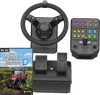
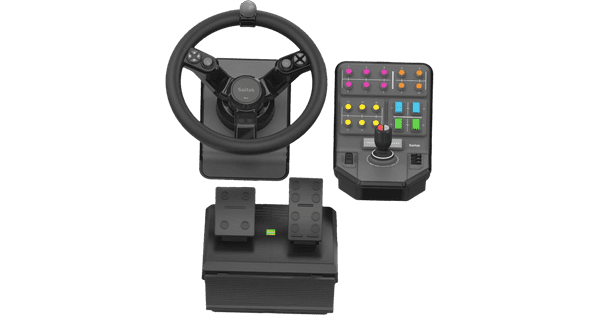
Farming Simulator 22 PC + Saitek Farm Sim Controller

Get behind the wheel of your tractors in Farming Simulator 22 PC + Saitek Farm Sim Controller bundle. You're a modern farmer in 3 different American and European environments in Farming Simulator 22 for the PC. In Farming Simulator, you do various activities on your own farm. You're busy looking after your own animals, but you also take care of your land. This year, there are more than 400 machines and tools available in the game. This way, you can play with your favorite machines from John Deere, CLAAS, and other brands. In the game's multiplayer mode, you can run your online farm with your friends.

Read all tips here

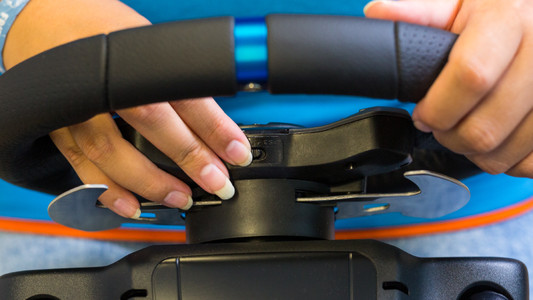
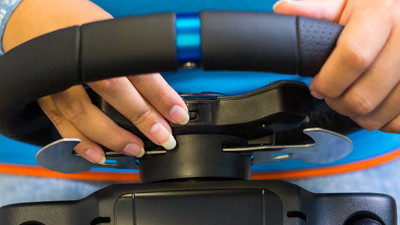
How do you connect your Logitech G racing wheel to your console?

You want to play Formula 1, Gran Turismo, or Forza Horizon on your Xbox Series X|S or PlayStation 5 with your Logitech G racing wheel. But, how do you properly connect it? In this article, we'll explain how to connect it to your game console in the right way step by step. Thanks to this, you can get into your racing car as soon as possible.

How do you connect your Logitech G racing wheel to your console?

You want to play Formula 1, Gran Turismo, or Forza Horizon on your Xbox Series X|S or PlayStation 5 with your Logitech G racing wheel. But, how do you properly connect it? In this article, we'll explain how to connect it to your game console in the right way step by step. Thanks to this, you can get into your racing car as soon as possible.
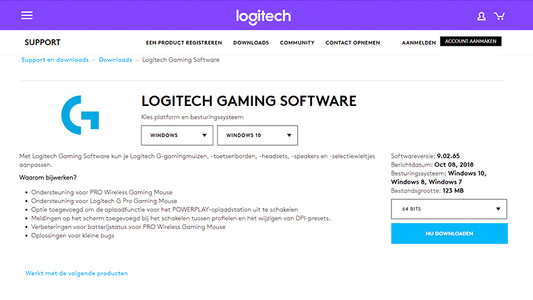
How do I update my drivers using the Logitech Gaming Software?

Once you've installed the Logitech Gaming Software, you can get started with the latest drivers, lighting patterns, and other customizable settings on your (new) Logitech gaming gear. On this page, I'll explain how you install the program step by step.

How do you connect your Logitech G racing wheel to your console?

You want to play Formula 1, Gran Turismo, or Forza Horizon on your Xbox Series X|S or PlayStation 5 with your Logitech G racing wheel. But, how do you properly connect it? In this article, we'll explain how to connect it to your game console in the right way step by step. Thanks to this, you can get into your racing car as soon as possible.
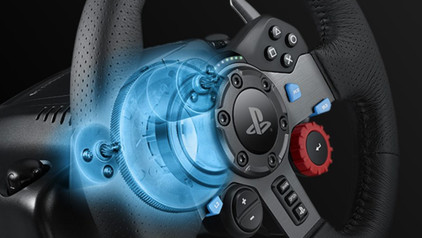
How do you connect your Logitech G racing wheel to your console?

You want to play Formula 1, Gran Turismo, or Forza Horizon on your Xbox Series X|S or PlayStation 5 with your Logitech G racing wheel. But, how do you properly connect it? In this article, we'll explain how to connect it to your game console in the right way step by step. Thanks to this, you can get into your racing car as soon as possible.
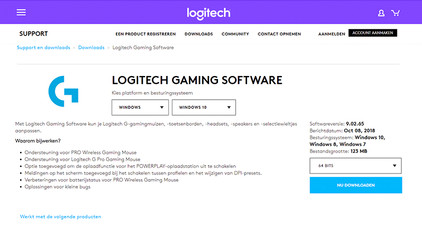
How do I update my drivers using the Logitech Gaming Software?

Once you've installed the Logitech Gaming Software, you can get started with the latest drivers, lighting patterns, and other customizable settings on your (new) Logitech gaming gear. On this page, I'll explain how you install the program step by step.

Didn't find your answer?

Find an answer to your question quickly and easily via our customer service.

Coolblue specialist
Personal chat Digitalk.
You're now chatting with Coolblue customer service
This chat is closed
foo
Oeps File size is larger than 5MB. Upload a smaller file.