Welcome to your environment! You can order everything from your assortment with your personal budget here.

You can always return to the normal Coolblue website by clicking here.

Your outstanding budget (incl. VAT) is always visible here, so you know exactly how much you can spend.

Coolblue home

Help with your product

HP 450 Wireless Keyboard QWERTY + HP 280 Silent Wireless Mouse
0 reviews

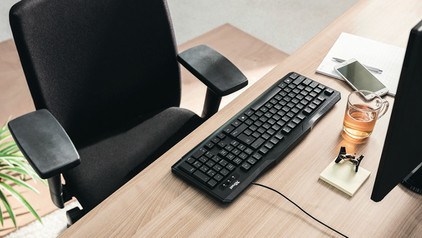
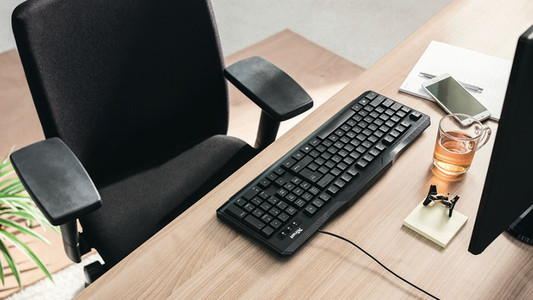
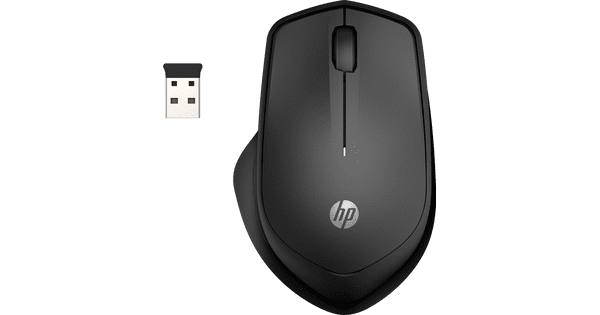
Work productively and in different locations with the HP 450 Wireless Keyboard + HP 280 Silent Wireless Mouse set. You can connect the set via a USB-A receiver and get started right away. Because the mouse and keyboard are wireless, you can easily take them to another desk. Via the HP Accessory Center software, you can assign shortcuts to the 20 programmable keys of the keyboard. That way, you always have your favorite shortcuts at your fingertips and you can work smarter. Via the numeric keypad, you can quickly enter numbers while working with programs like Excel, for example. The HP 280 mouse is a silent mouse, so you can calmly navigate through files and pages.

Read all tips here

Which product do you want to see articles about?

How do you solve a slow responding HP keyboard?

Your keyboard is working, but letters and characters appear on your screen slower than usual. Luckily, there's something you can do about this. It's a matter of setting up the keyboard again via Devices. We'll tell you how to do this exactly.
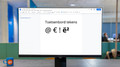
How do I use keyboard characters in Windows?

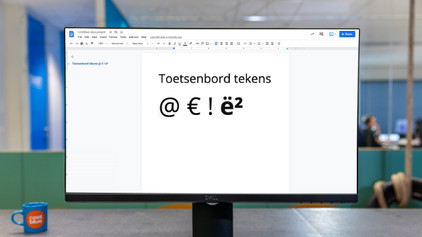
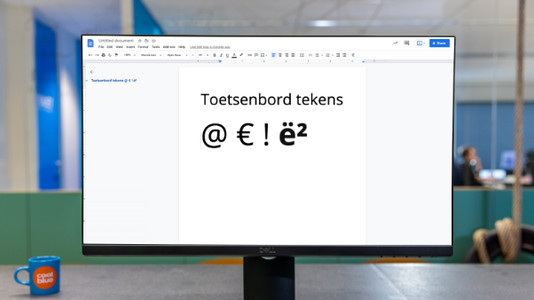
You can try to avoid words with special characters as much as possible, but sometimes you just can't. In this article, we'll explain how to use the characters above the numbers on your keyboard in Windows. In addition, you'll literally learn exactly how to dot your 'i's.

How do I use keyboard characters in Windows?

You can try to avoid words with special characters as much as possible, but sometimes you just can't. In this article, we'll explain how to use the characters above the numbers on your keyboard in Windows. In addition, you'll literally learn exactly how to dot your 'i's.

How do I clean my keyboard?

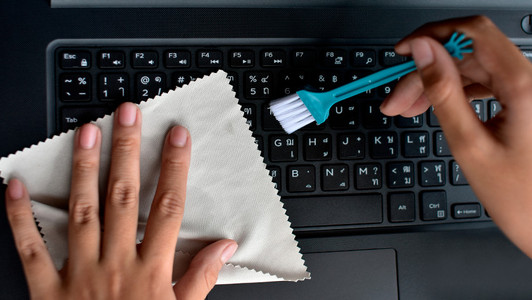
Cleaning your keyboard isn't one of the most fun chores, but if your fingers stick to your keyboard, you'll have to face the music. In this article, I'll explain how to clean a separate keyboard, and you'll read how to clean the keyboard of your laptop.

How do I connect my wireless mouse?

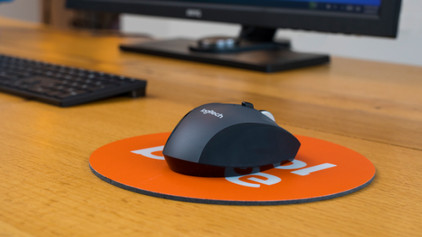
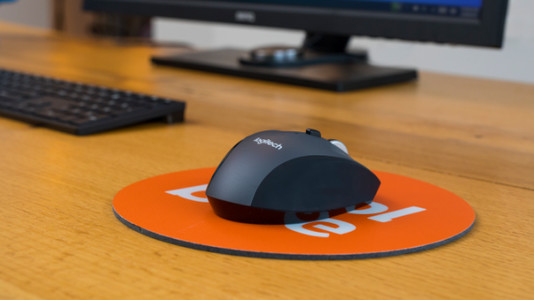
With a wireless mouse, your desk stays tidy and you have more freedom of movement than with a wired mouse. But how do you connect a wireless mouse? In this article, you can read step by step what you need to do to connect a wireless mouse to your laptop or PC. These steps apply to wireless mouses from any brand.

How do you solve a slow responding HP keyboard?

Your keyboard is working, but letters and characters appear on your screen slower than usual. Luckily, there's something you can do about this. It's a matter of setting up the keyboard again via Devices. We'll tell you how to do this exactly.
How do you solve a slow responding HP keyboard?

Your keyboard is working, but letters and characters appear on your screen slower than usual. Luckily, there's something you can do about this. It's a matter of setting up the keyboard again via Devices. We'll tell you how to do this exactly.
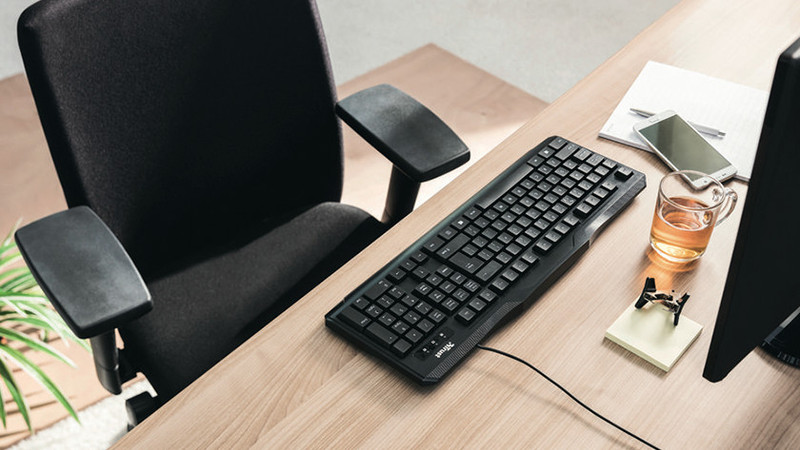
How do I use keyboard characters in Windows?

You can try to avoid words with special characters as much as possible, but sometimes you just can't. In this article, we'll explain how to use the characters above the numbers on your keyboard in Windows. In addition, you'll literally learn exactly how to dot your 'i's.

How do I use keyboard characters in Windows?

You can try to avoid words with special characters as much as possible, but sometimes you just can't. In this article, we'll explain how to use the characters above the numbers on your keyboard in Windows. In addition, you'll literally learn exactly how to dot your 'i's.

How do I clean my keyboard?

Cleaning your keyboard isn't one of the most fun chores, but if your fingers stick to your keyboard, you'll have to face the music. In this article, I'll explain how to clean a separate keyboard, and you'll read how to clean the keyboard of your laptop.

Didn't find your answer?

Find an answer to your question quickly and easily via our customer service.

Coolblue specialist
Personal chat Digitalk.
You're now chatting with Coolblue customer service
This chat is closed
foo
Oeps File size is larger than 5MB. Upload a smaller file.