Welcome to your environment! You can order everything from your assortment with your personal budget here.

You can always return to the normal Coolblue website by clicking here.

Your outstanding budget (incl. VAT) is always visible here, so you know exactly how much you can spend.

Coolblue home

Help with your product
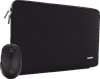
BlueBuilt Laptop Sleeve for Apple MacBook Pro 14 inches + Tradendum Bluetooth Mouse

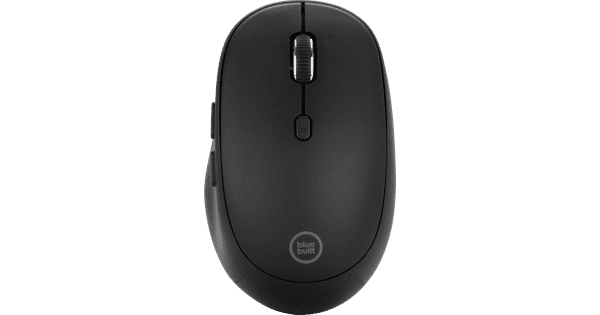
Note: the inch size in the product name can differ from the size on the packaging. For the right information, always look at the size in the product name. Put your laptop safely in the BlueBuilt Laptop Sleeve for the Apple MacBook Pro 14 inches and quickly scroll or click through your documents with the Tradendum Bluetooth Mouse. That way, you can smoothly get started everywhere. Thanks to the soft inner padding of the laptop sleeve, you can safely take your 14-inch laptop with you and it's well protected from scratches and bumps. You can also smoothly scroll through your documents with the Tradendum Bluetooth mouse. You can connect the mouse with your MacBook Pro via Bluetooth and quickly navigate through pages thanks to the 2 thumb buttons. That's because the laser sensor allows you to use the mouse on any surface, including a glass table. You also get a 5-year warranty on both products, which is longer than with other mice or laptop sleeves. The inner dimensions of this laptop sleeve are 2x32x22.5cm. When you choose a laptop sleeve, don't look at the inch size. Look at the dimensions of your laptop instead.

Read all tips here

How do I connect my wireless mouse?

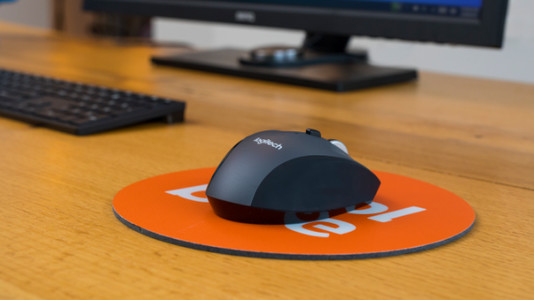
With a wireless mouse, your desk stays tidy and you have more freedom of movement than with a wired mouse. But how do you connect a wireless mouse? In this article, you can read step by step what you need to do to connect a wireless mouse to your laptop or PC. These steps apply to wireless mouses from any brand.

How do I connect my wireless mouse?

With a wireless mouse, your desk stays tidy and you have more freedom of movement than with a wired mouse. But how do you connect a wireless mouse? In this article, you can read step by step what you need to do to connect a wireless mouse to your laptop or PC. These steps apply to wireless mouses from any brand.

Didn't find your answer?

Find an answer to your question quickly and easily via our customer service.

Coolblue specialist
Personal chat Digitalk.
You're now chatting with Coolblue customer service
This chat is closed
foo
Oeps File size is larger than 5MB. Upload a smaller file.