
Written by Daan
Edited on
15 July 2026
·
08:15
4 smart devices to connect to your IP camera
An IP camera displays footage of spaces in and around the house on your smartphone or computer via the internet. The device helps you keep an eye on your children, pet, or valuable possessions remotely. If you connect it to other smart devices, you can get even more out of your IP camera. In this article, I highlight 4 smart devices you can connect to it.
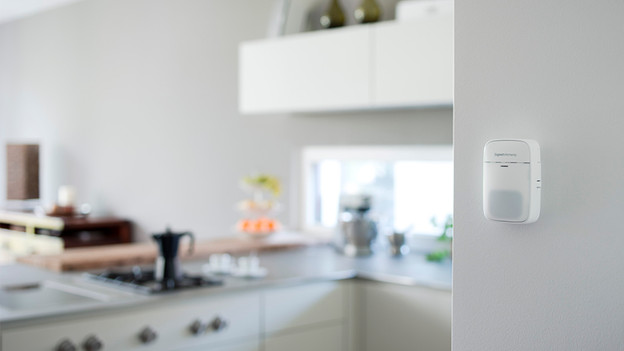
1. Alarm system
A smart alarm system notifies you remotely when something happens around your house. Many smart alarm systems work with motion sensors, but you can also connect it to your IP camera. This way, you can use 1 app for both products. When the system or camera detects motion, you'll receive a notification or hear a siren. You can then view what's happening at your front door, kitchen window, or in the house on your smartphone screen.
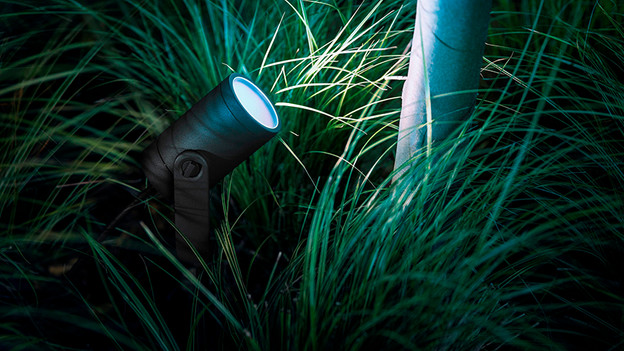
2. Lighting
You can connect the smart lighting in and around your house to an IP camera. If you do, you can use the camera as a motion sensor. You can have the lighting turn on or flash brightly when the outdoor camera detects an intruder, for example. This scares off possible intruders around the house. This way, you can use the camera to turn your smart lighting into an alarm system.
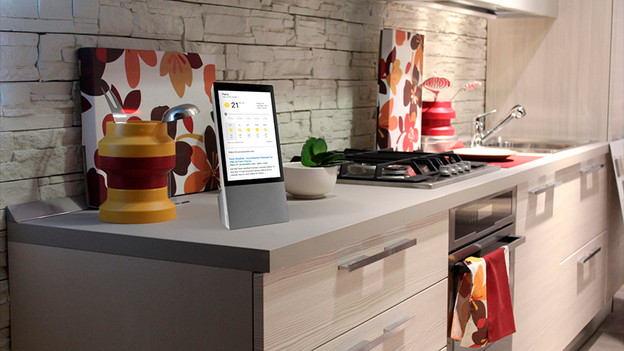
3. Smart display
Do you have a smart display, such as the Google Nest Hub? Easily connect it to your IP camera. If you do this, you can watch the camera footage on the display. Your Google Assistant notifies you when the camera detects motion and even displays the images right away, if you enable it. You no longer have to check your phone or a different screen as a result.
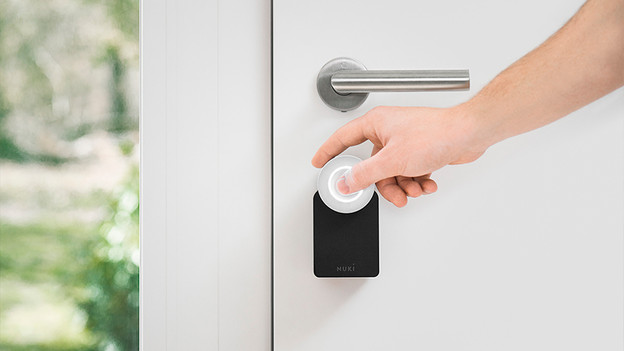
4. Door locks
With a smart door lock, you can use an app or access code to open your front door. You can set multiple access codes and get notifications when the door unlocks. If you connect your IP camera to such a lock, you can see if there's someone at the door on your phone. If it's someone you know, you can remotely unlock the door for your visitor. That's useful for a caregiver or friends that are a little early.
Article by Daan
IP camera Expert.
