Written by Bram
Edited on
13 October 2025
·
14:26
4 tips for setting up Hue Routines
With Philips Hue Routines, you can automate your lighting. You can do this in several ways, such as based on time. Or, when the Hue app detects you come home. In this article, we'll give you the 4 most useful tips to set up Hue Routines.

Tip 1: turn on the lights when you come home
With the Philips Hue routines, you'll never come home to a dark house again. In addition, the lights turn off automatically when you leave. The app knows your location and sends this to the Hue system. This way, you can set the lights to turn off as you leave the street. Or let your Philips Hue lights turn on as soon as you drive into the neighborhood. You'll never have to look for the light switch as you come home in the evening.
Tip 2: adjust the lights to your rhythm
Wake up fresh in the morning and fall asleep faster at night. Philips Hue Routines can help you with this. Indicate in the app you want to wake up in the morning with bright white light. In addition, set warm light in the evening, which increasingly dims. Finally, set the times you want to wake up and go to bed. The lights will automatically do the rest. You won't have to think about anything.

Tip 3: turn on the lights at sunset
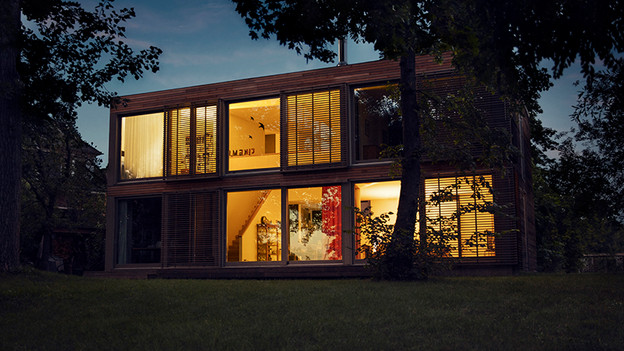
Align your Hue lights to the sunrise and sunset with this routine. This way, your lights will only be on if it's dark out. You save money this way, because the lights are never on too long. On top of that, because the app knows when the sun sets, you won't have to do anything. Everything is automated. Combine this routine with a timer to turn the light off when it's bedtime.
Tip 4: set your own timers
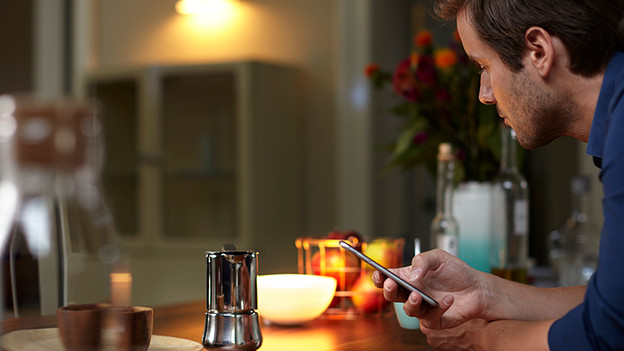
You can make your own Routines with the timers of Philips Hue. This way, your lights will turn on at a time set by you. So you won't have to change the lighting when you're watching TV in the evening. You can also set the lights to flash as a reminder. This way, you won't forget anything anymore. In addition, you can have your lights turn on after a certain amount of time. Even when you're not at home. This scares off burglars, as it looks like you're at home.
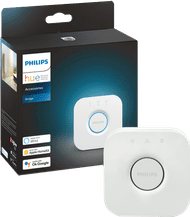
Philips Hue Bridge
You need a Philips Hue Bridge to set Hue Routines. That's because Routines doesn't work with lights that are only connected to your smartphone. You can connect 50 lights to 1 Hue Bridge, which you can then easily control via the internet.
49,99
Article by Bram
Smart Lights Expert.