Written by Bob
Edited on
7 June 2024
·
08:54
How do you choose a wireless iPhone charger?
Since Apple introduced wireless charging with the iPhone 8, you can charge any iPhone wirelessly. It differs per model if you need a MagSafe charger or standard wireless charger. In addition, there are special wireless iPhone chargers for multiple devices. We'll help you make the right choice here.
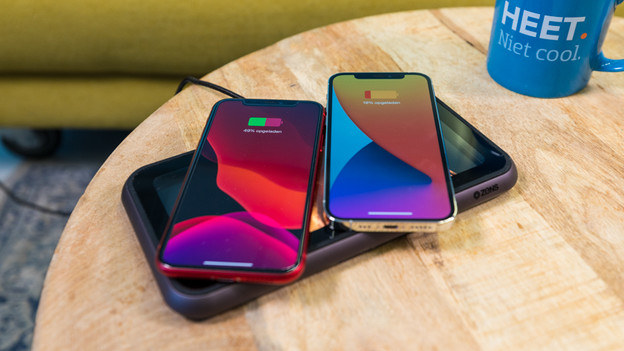
Choose a wireless Apple iPhone charger
Ask yourself these questions when you're looking for a wireless iPhone charger:
- Do want a MagSafe charger for your iPhone 15, 14, 13, or 12?
- Do you want a standard charger for other iPhone models?
- Do you want to charge multiple devices at the same time?
Compare wireless chargers for your iPhone
- BlueBuilt 3-in-1 MagSafe Wireless Charger 15W Black
Charge up to 50% within 1 hour.
For your iPhone, Apple Watch, and AirPods.
Suitable for iPhone 12, 13, 14, and 15.
From
114,-
- BlueBuilt Wireless Charger 10W Black
Charge up to 50% within 1 hour.
For your iPhone and AirPods.
Suitable for iPhone 12, 13, 14, and 15.
From
23,99
- Zens Pro 1 Wireless Charger 15W with Magnet Black
Charge up to 50% within 1 hour.
Suitable for iPhone 12, 13, 14, and 15.
Just for your iPhone.
From
41,99
- Belkin wireless charger
Suitable for the iPhone 8 and newer.
Charge for 50% in 1.5 hours.
Just for your iPhone.
From
36,99


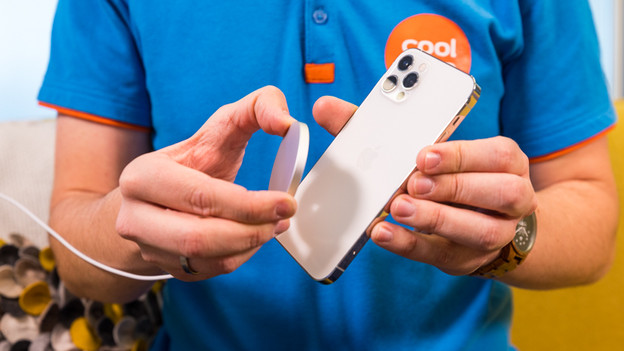
Which iPhone models can I charge with MagSafe?
The following devices support wireless charging with MagSafe:
- iPhone 15, 15 Plus, 15 Pro, and 15 Pro Max
- iPhone 14, 14 Plus, 14 Pro, and 14 Pro Max
- iPhone 13 Mini, 13, 13 Pro, and 13 Pro Max
- iPhone 12 Mini, 12, 12 Pro, and 12 Pro Max
You can attach MagSafe chargers onto your iPhone with a magnet. In addition, you can charge extra fast. It takes about 1 hour to charge your battery up to 50%. Other wireless chargers also work just fine with your iPhone 13 and 12, but they're not as fast. You need 1.5 hours to charge your battery up to 50%.
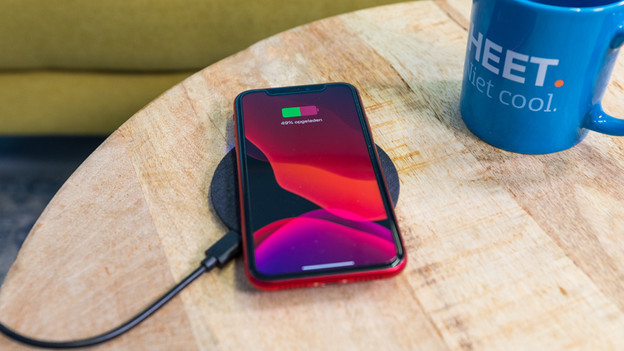
Which other iPhone models can I charge wirelessly?
You can charge these devices wirelessly, but not with MagSafe:
- iPhone SE 3 (from 2022) and iPhone SE 2 (from 2020)
- iPhone 11, 11 Pro, and 11 Pro Max
- iPhone X, Xr, Xs, and Xs Max
- iPhone 8 and 8 Plus
These iPhone models work with all wireless chargers, except MagSafe chargers. Older iPhone models like the iPhone 7 can't charge wirelessly. You don't need a charger from a specific brand. Almost all our wireless chargers support 7.5W fast charging. This way, you can charge your iPhone a bit faster than with standard chargers.
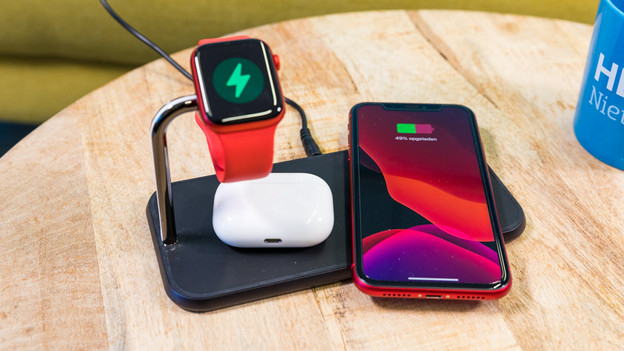
How can I charge my AirPods or Apple Watch wirelessly?
You can charge your Apple AirPods wirelessly with the same type of charger as your iPhone. Keep in mind that you can only charge later generations AirPods wirelessly, not the first generation. You need a separate charger for your Apple Watch. This uses a magnet to keep your Watch in the right place while it charges. With a wireless iPhone charger for multiple devices, you can charge your iPhone, Apple Watch, or AirPods at the same time.
Article by Bob
Wireless Charger Expert.