
Written by Gijs
Edited on
27 February 2025
·
15:40
How do I choose the screen of my laptop?
The screen is one of the most important parts of a laptop. The screen size determines the size of the laptop, while the resolution indicates the sharpness of the screen. In this article, I'll explain which screen suits your usage situation best.
Choose laptop screen
Every laptop has a screen, but how do you know when the screen is big enough for you? Keep these two questions in mind when making your choice:
- Do I want an HD screen or rather one in 4K?
- What am I going to use my laptop for?
Short explanation of specifications
Resolution: the quality of the image is determined by the screen resolution. The higher the resolution, the sharper the image. A Full HD screen has 1920x1080 = 2,073,600 pixels. A larger number of pixels gives a more detailed image. Panel type: an IPS panel has a large viewing angle, better color representation, and displays clearer contrasts. A TN panel doesn't have these features. Coating: an anti-glare coating makes sure there are less reflections of the sun or lamps on your screen. On the other hand, a glossy screen displays brighter colors.
Choose the right screen size
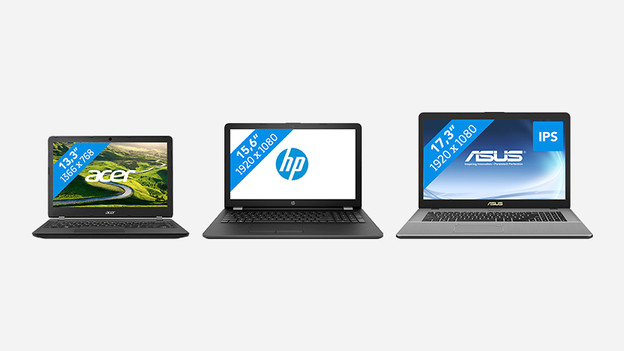
The larger the screen, the larger your laptop. The larger your laptop, the harder it is to bring with you. When you choose a screen size, you should ask yourself if you want to use your laptop at home, or if you also want to easily bring it with you. This way, you'll end up with 3 categories: Suitable for use on the go: up to 15 inches (maximum 38cm screen size) Suitable for use at home and on the go: 13 to 15 inches (33cm screen size) Suitable for use at home: 17 inches (43cm screen size)
Internet, email, and word processing
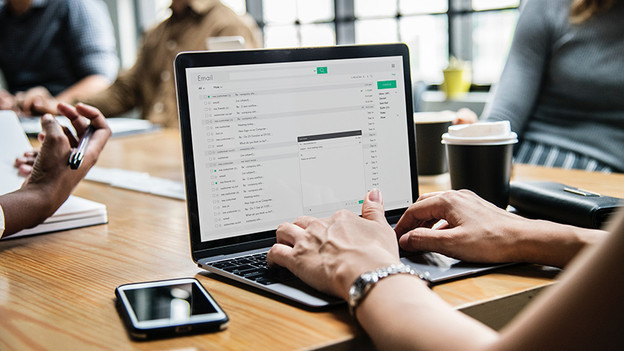
Do you use your laptop for nothing more but a few basic tasks? If so, it doesn't really mater what kind of screen you choose, since each screen is suitable for this. Think about whether you want to take the laptop with you or use it at home only. If you want to take it with you a lot, it's wise to opt for a smaller screen. A good choice would be a size from 1 up to 15 inches.
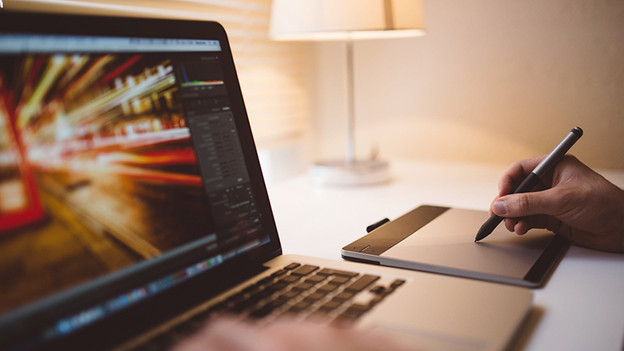
Editing photos and videos
An IPS panel is indispensable when you're working on a photo or video project. Colors have to be lifelike to achieve the best result. Also choose a screen with at least a Full HD resolution so that details are displayed clearly. It's also important to have a large screen. You don't want to keep your eyes close to your screen to be able to see everything. A 15 or 17-inch laptop is a good choice.
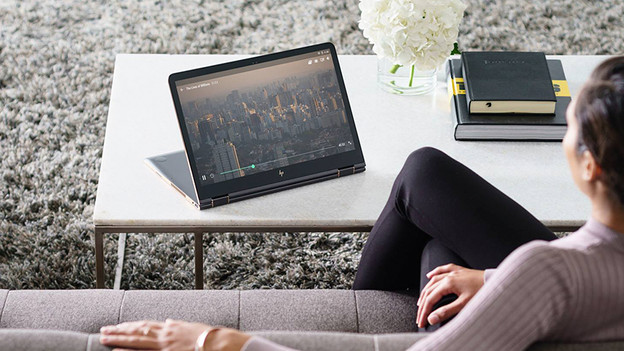
Watch series and movies
Are you a true Netflix addict? The most important thing for you is to choose a screen with a high resolution. To be able to watch with multiple people, choose an IPS panel with a large viewing angle. A 4K resolution is the best option, but unfortunately also pricey. I recommend at least a Full HD resolution so you can optimally enjoy your movies and series. Do you watch a lot of series on the go and on the train? Choose a smaller screen so you can easily take the laptop with you.
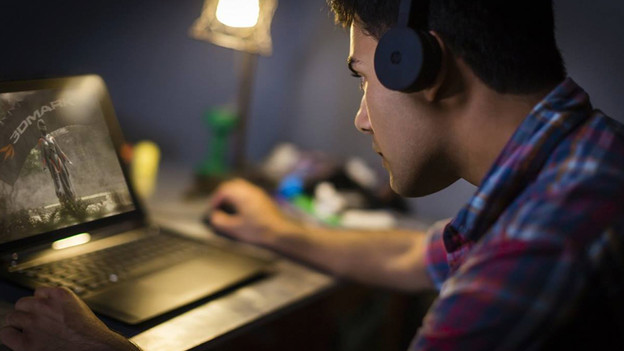
Gaming
You need a screen with at least Full HD resolution to be able to win each game. A 4K screen is nice, but you do need a strong and expensive video card to be able to play games at high settings. In addition, a screen with a 120Hz or 144Hz refresh rate is a good choice if you play fast shooters. This displays the action as smoothly as possible. G Sync or FreeSync makes sure you won't be bothered by screen tearing and stuttering.

Personal advice in the stores
Do you prefer to see which laptop really has the nicest screen? Make an appointment to visit our store. We'll take our time to help you out. And if you've made up your mind, we'll set up your new laptop for you right away.
Article by Gijs
Laptop Expert.
