Written by Deanne
Edited on
27 July 2026
·
15:53
Everything on the Samsung Galaxy Book6
In February 2026, Samsung launched the Galaxy Book6 laptops. These Samsung laptops are faster and have various improvements. The Galaxy Book6 is suitable for light and demanding tasks. The Galaxy Book6 Pro is made for creatives, because you can smoothly perform more demanding edits. In this article, you can read all about the Samsung Galaxy Book6 laptops.
Powerful performance and long battery life
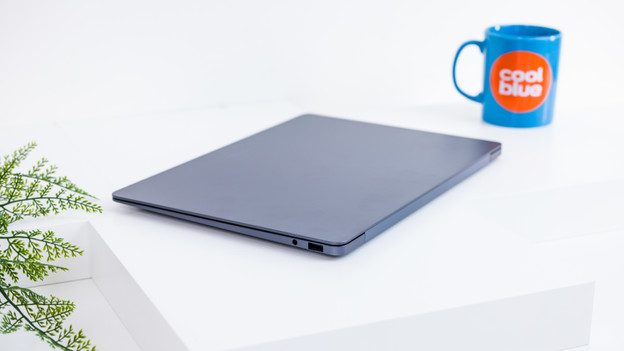
The Samsung Galaxy Book6 models have the new Intel Core Ultra Series 3 processors. These processors are faster and more powerful than the Series 2 processors. The laptops also have improved cooling, so they're more silent. The Galaxy Book6 laptops have a 24-hour battery life on average. The Galaxy Book6 Pro laptops have a battery life of about 30 hours. Is your Samsung laptop empty? Thanks to the Super Fast Charge technology, you can charge it for 65% in 30 minutes.
Sharp and vibrant screen
WUXGA and WQXGA+ resolution
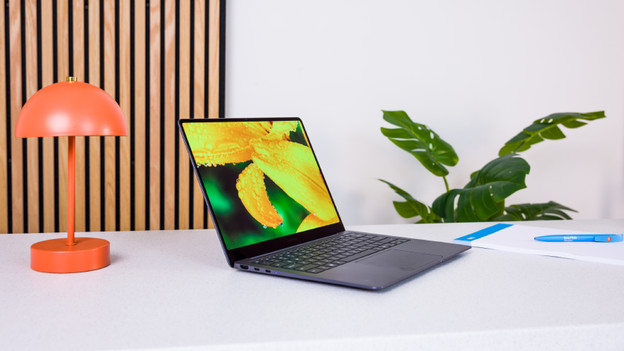
The Galaxy Book6 models have a 16:10 aspect ratio. That way, you have more screen space and keep a better overview of your work. The Galaxy Book6 has a WUXGA resolution, which is about as sharp as a Full HD screen. The Galaxy Book6 Pro laptops have a WQXGA+ resolution. That's about the same as 3K, so all details look razor-sharp. These models have a 120Hz refresh rate. That way, you can smoothly see moving images on the screen.
IPS and Dynamic AMOLED 2X panel
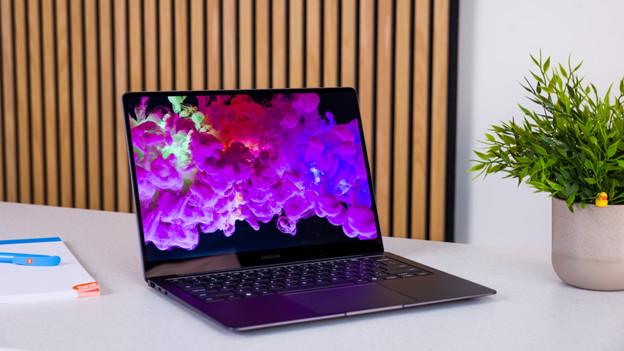
The Galaxy Book6 has a standard IPS panel. Colors look normal on the screen. The Galaxy Book6 Pro models have a Dynamic AMOLED 2X panel. That way, colors look more vibrant and colorful on the screen. Thanks to the various technologies, you can adjust the screen to your usage situation. That way, you can adjust the refresh rate or the brightness automatically based on the content on your screen.
Symmetric design and haptic touchpad
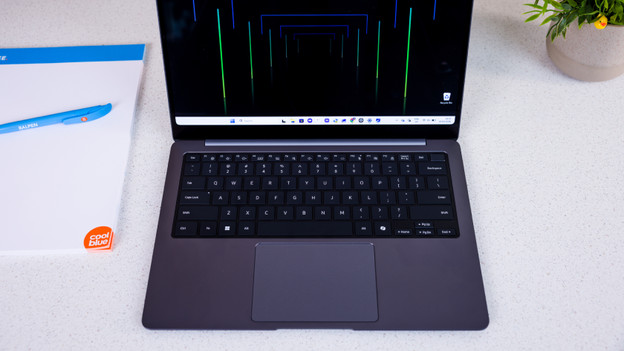
The design of the Samsung Galaxy Book6 laptops is symmetrical. The touchpad is in the middle of the laptop, for example. You can find speakers on both the left and right side of the keyboard. The Samsung logo is at the top of the laptop in the middle, instead of on the side. The Galaxy Book6 Pro laptops have a haptic touchpad, so you can navigate and click even more precisely. You can also adjust the click sensitivity of the touchpad. That way, you can click even more easily.
The different models
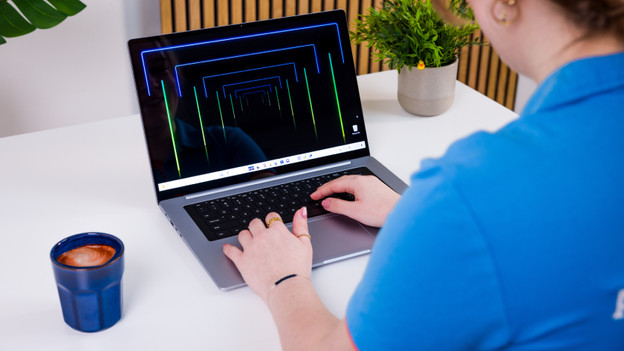
Galaxy Book6: starter model
The Samsung Galaxy Book6 laptops are the starter models of the series. They're available in 2 sizes: 14 and 16 inches. You can easily take the 14-inch models with you on the go and you can use the 16-inch laptops at your desk or take them with you occasionally. You can perform light to demanding tasks with these laptops thanks to the Intel Core Ultra 5 or Ultra 7 processor. Some Galaxy Book6 laptops have a touchscreen.
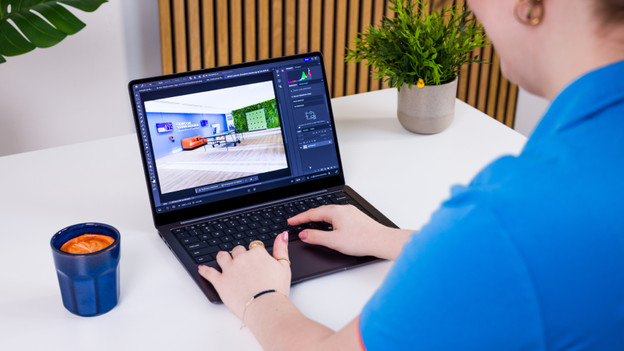
Book6 Pro: for creatives
The Samsung Galaxy Book6 Pro is suitable for creatives. These laptops are also available in 14 and 16 inches. Thanks to the thin design and low weight, you can easily take them with you. You can smoothly perform create tasks thanks to the Intel Core Ultra 5, Ultra 7, or Ultra X7. From photo editing and video editing to creating small designs. All Galaxy Book6 Pro laptops have a touchscreen, so you can easily make sketches and take notes.
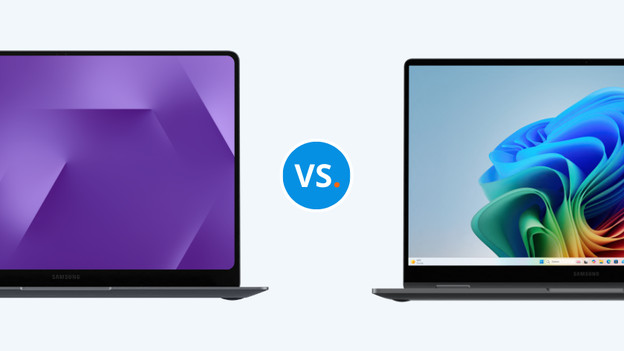
What's the difference between the Book6 and the Book5?
The largest differences between the Galaxy Book6 and the Galaxy Book5 are the design, the processor, and the screen. For the first time, the Book6 has a symmetric design. These laptops also have an improved screen and a more powerful processor. The laptops also have a longer battery life, so the battery lasts about 5 hours longer.