Written by Kayleigh
Edited on
7 October 2025
·
08:41
How do you choose a printer with the best print quality?
Are you looking for a printer and do you want your prints to be sharp and colorful? The print quality mainly depends on the print resolution, the cartridges, and the printing method. We'll explain what to keep in mind when you choose a printer with a good print quality.
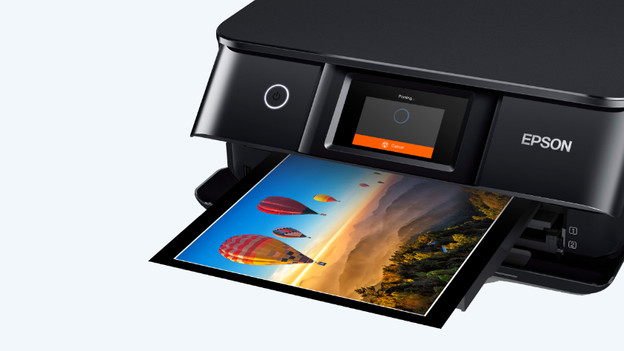
Choose a printer with a good print quality
A few properties determine the print quality of the printer. When you print photos, you want your photos to look sharp. Do you give an important presentation? You want the prints of your graphs to be clear and colorful. The higher the print quality, the sharper and more colorful your prints will be. We'll answer the most important questions about the print quality of a printer:
- Which printing method has the best print quality?
- How many cartridges does your printer need?
- Which print resolution does your printer need?
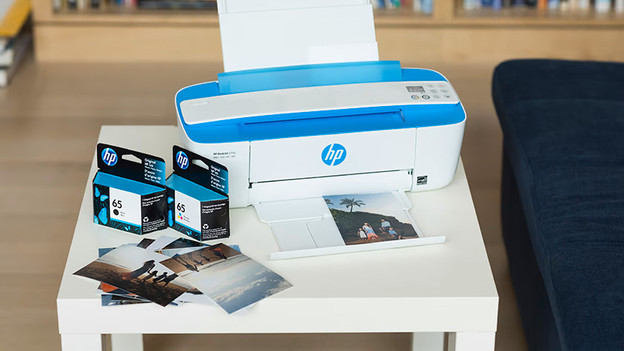
Which printing method has the best print quality?
The 2 printing methods of printers are inkjet and laser. A laser printer prints with a toner cartridge instead of ink. Toner is less suitable for making colored prints. There are color printers, but these only have space for the 4 basic colors and they don't have a high print resolution. An inkjet printer prints with ink from cartridges. Many inkjet printers only print with the 4 basic colors, but there are also printers with up to 9 different colors. An inkjet printer almost always has a higher print resolution than a laser printer.
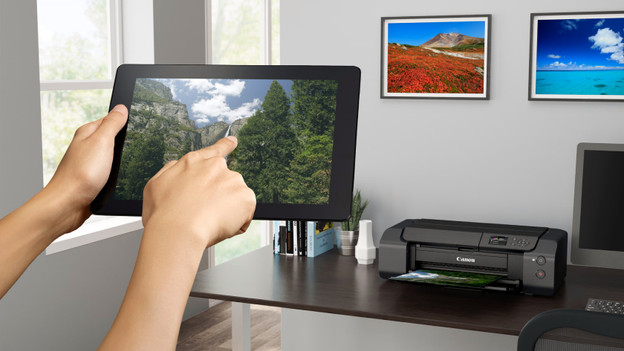
Which print resolution does your printer need?
The print resolution of your printer is very important for the quality of your prints. The print resolution is measured by the number of dots per inch (DPI). That's the number of ink droplets that fit in 1 inch (2.54cm). For sharp photo prints, the printer needs at least a DPI of 1200 by 1200. There are also photo printers with a DPI of 5760 by 1440. The higher the DPI, the sharper your prints.
Our choice for a photo printer for at home
- Thanks to the 5760x1440DPI print resolution, you can print photos in good quality.
- There are 6 cartridges, so the printer prints photos and illustrations in beautiful colors.
- A3 is the largest print size, so you can also print brochures and flyers.
- If you want to print more than 10 pages per minute in black and white, choose a printer with a higher print speed.
230,-
How many cartridges does your printer need?
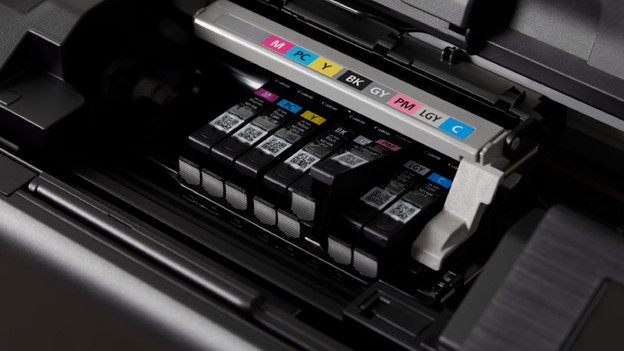
The number of cartridges of the printer plays an important role in the print quality. There are printers with the 4 basic colors cyan, magenta, yellow, and black. Other printers have up to 9 cartridges. For example, there's photo black or pigment black. This way, you can create more contrast and you can print nicer shades of gray. There are also printers with colors like light cyan, light magenta, and light gray. The more cartridges a printer has, the higher the color depth and color gamut. This way, the images stand out from the paper.
Article by Kayleigh
Printer Expert.