Written by Lucas
Edited on
23 August 2022
·
12:51
How do you ensure a good connection with the JBL Tune 220TWS and JBL Tune 225TWS?
You want to listen to your favorite music for as long as possible without connection issues, of course. When you have connection issues with the JBL Tune 220TWS or JBL Tune 225TWS, there are a few things you can do. In this article, we'll give a few steps you can take for a more stable connection.
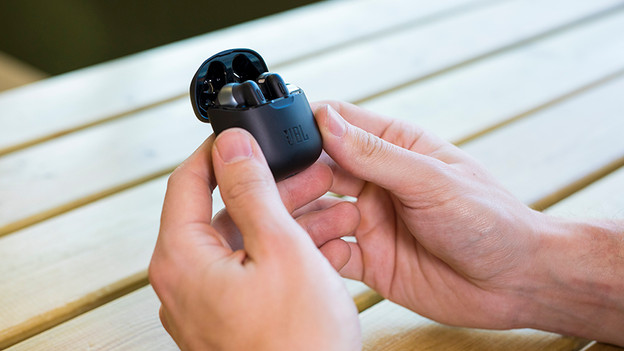
A good connection in 3 steps
To improve the connection, there are 3 steps you can follow.
Step 1: check the signals around you
Step 2: turn the earbuds off and on
Step 3: turn left and right off and on manually.
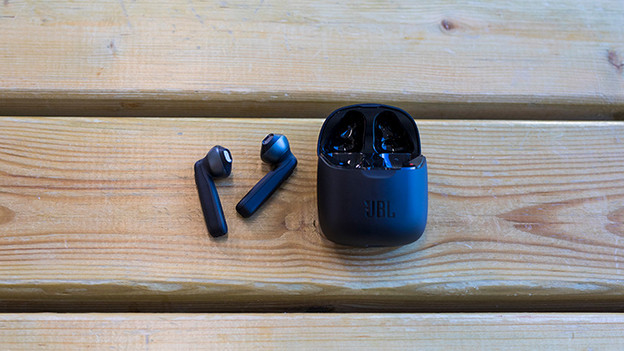
Step 1: check for signals in the area
Signals and devices around you affect the Bluetooth signal from the earbuds. Turn off as many nearby wireless devices as possible for a better connection.
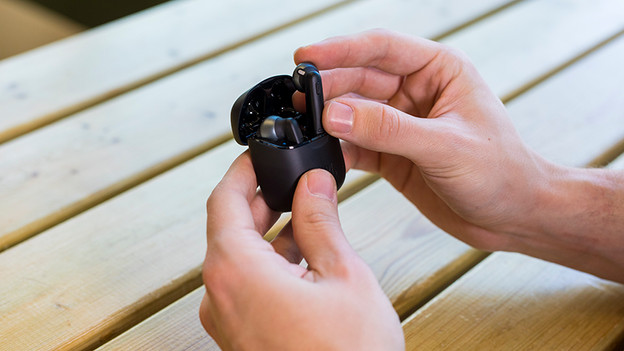
Step 2: turn the earbuds off and on again
To reset the connection, you need to switch the earbuds off and on again. You do this by putting the earbuds in the charging case. The earbuds turn on automatically when you take them out of the case. Reconnect the earbuds to your phone and listen to a song.
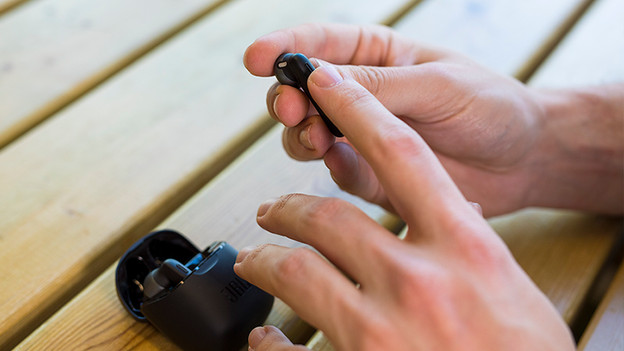
Step 3: turn the left and right earbud on and off manually
Isn't the connection as you like it? Turn off the left and right earbuds. You can do so by holding your finger against the little rod for about 5 seconds. Do so for both earbuds separately and turn them back on again. Keep your finger in the same spot for 2 seconds to do that. When you turn them both on, the earbuds automatically connect to each other.
Article by Lucas
Audio Expert.