
Written by Kayleigh
Edited on
21 March 2025
·
16:32
How do you reset an Epson printer?
You can sometimes solve problems with your Epson printer with a reset, such as a frozen screen. You can reset the printer via the screen. Is the screen frozen? Use the reset button on the back of the printer. We'll explain how to reset your printer in these 2 ways.

Reset Epson printer
You can reset your Epson printer in 2 different ways. Does the screen still work? Go to tip 1. If the screen of the printer is frozen, go to tip 2.
- Tip 1: reset via the screen
- Tip 2: reset with the buttons
Do you want to reset your Epson printer because the display shows an error code? Check the table in the article below first so see if you can solve the problem with one of the solutions.
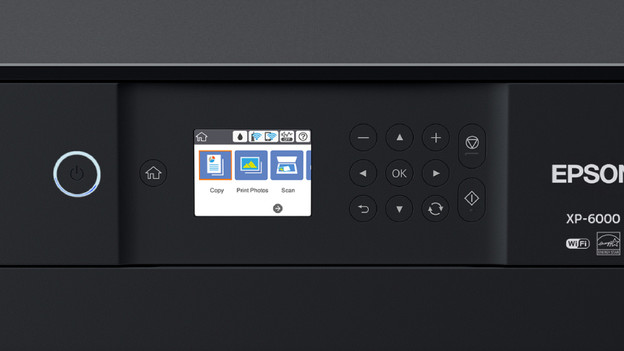
Tip 1: reset via the screen
This is how you can reset your Epson printer:
- Press the Home button of your printer. This is the button with the house icon on it.
- Go to Setup and press OK.
- Go to Restore standard settings and press OK.
- Your printer has now been reset.
If the screen of your printer is frozen, go to the next step. Read how to reset your printer there.
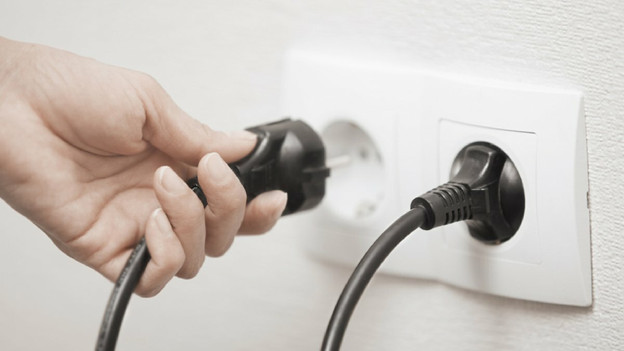
Tip 2: turn printer on and off
Is your printer completely stuck? Restart the printer this way:
- Turn off the printer.
- Remove the connector from the socket.
- Wait about 15 seconds.
- Put the connector back into the socket and turn on the printer.
