Written by Lucinda
Edited on
23 August 2022
·
12:43
Solve problems with your wired keyboard
Nothing is more annoying than a keyboard that doesn't do exactly what you want. For example, if it reacts with a delay or if it doesn't work at all. In this article, you can read how to solve problems with your wired keyboard yourself.

Try a different USB port
Maybe the USB port on your laptop, PC, docking station, or USB hub doesn't work as it should. Is your keyboard plugged into a USB hub or docking station? Try connecting it directly to your computer. Still won't work? Plug the USB connector into a USB 3.0 port (they're usually blue). It's possible that the keyboard only works optimally when it's connected to a USB 3.0 port.

Connect the keyboard to a different computer
If you want to check if the problem lies with your keyboard or with your computer, you can connect the keyboard to a different computer. Do you run into the same problem with the keyboard? You'll know for sure your computer isn't the problem.
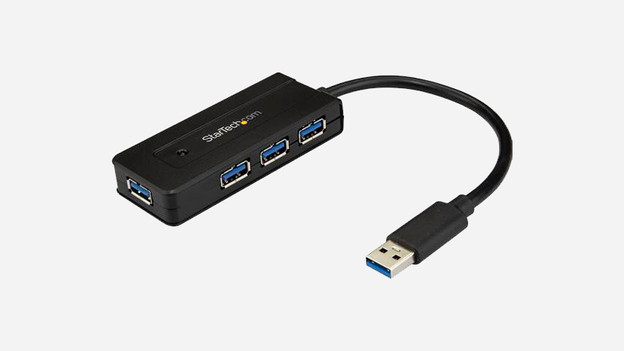
Disconnect other devices
It's possible that you've connected so many appliances to the computer or USB hub, that the available power can't be properly distributed. Disconnect all peripherals from your computer, but leave your keyboard. Does your keyboard work now? Connect the peripherals one by one and check when your keyboard stops working, so you know the maximum number of appliances that still allows an optimal power distribution.
Article by Lucinda
Keyboard Expert.