Written by Jesper
Edited on
15 December 2023
·
15:26
How do you set up the answering machine of a Gigaset?
You're the proud owner of a Gigaset with an answering machine. How do you set up the answering machine, though? You can find out through the steps below.
Set up a Gigaset answering machine
You set up your Gigaset answering machine with 3 different steps.
- Step 1. Turn on the answering machine
- Step 2. Record welcome message
- Step 3. Set recording duration
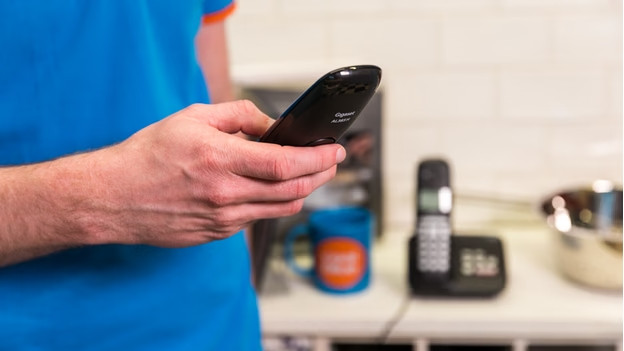
Step 1: turn on the answering machine
Let's start at the beginning and activate the answering machine. You can do so as follows:
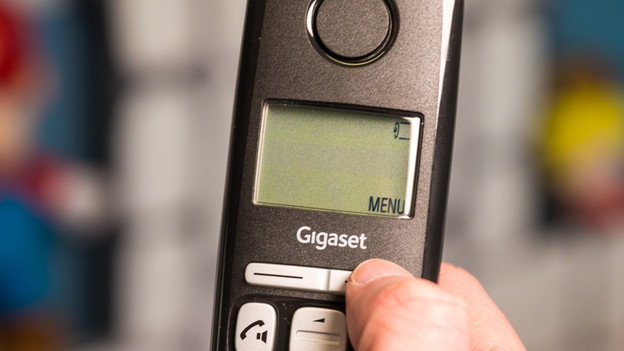
- Open the main menu of your device.
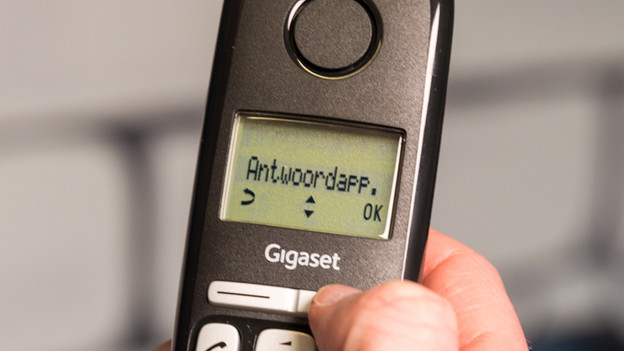
- Select the answering machine.
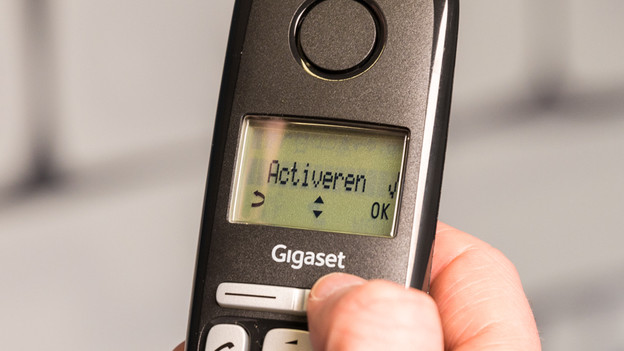
- Select 'Turn on' or 'Activate'.
- The answering machine has been activated.
1. Go to the menu.
2. Select the answering machine.
Choose 'Activate'. On some devices, this option is called 'Turn on'.
Step 2: record your greeting
- Open the main menu.
- Select the answering machine.
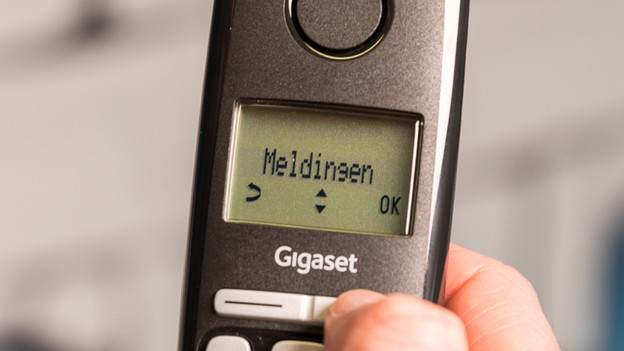
- Select Notifications.
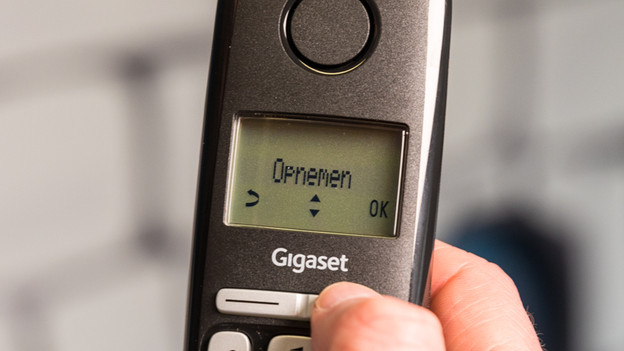
- Select Record.
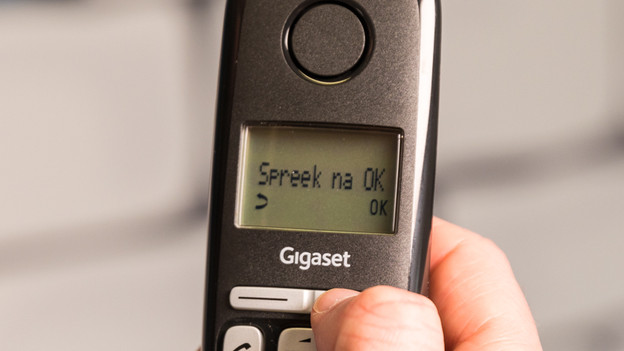
- Start the recording with 'OK' and record your message after the tone. Note: the message should be between 3 and 180 seconds. To cancel the recording, you can press 'Back' or select the red phone.
- If you don't say anything for more than 3 seconds, the recording stops automatically.
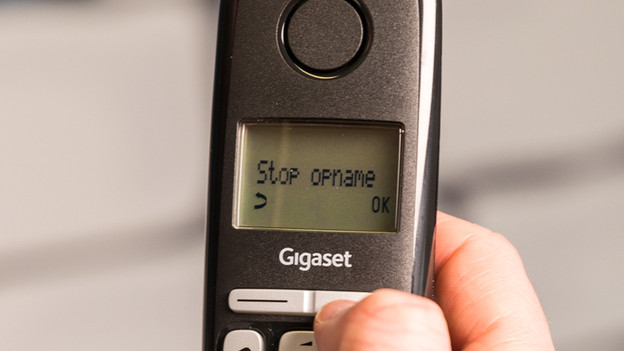
- Once you've recorded your message, select 'End' to finish and save.
- The recorded message will be repeated so you can check it.
Not happy with the message? You can delete it afterwards. You can do this by selecting 'Notifications' again and then selecting the option Delete greeting. Select Yes to confirm the task and delete the message.
1. Go to the menu.
2. Select the answering machine.
3. Choose 'Notifications'.
4. Choose 'Record'.
5. Choose 'OK' and record your message.
7. Done? Press 'OK' to stop the recording.
Step 3: determine how long messages can be
Don't like long messages? You can decide the maximum length of the messages that callers can leave. You can do this as follows:
- Open the menu.
- Go to the answering machine.
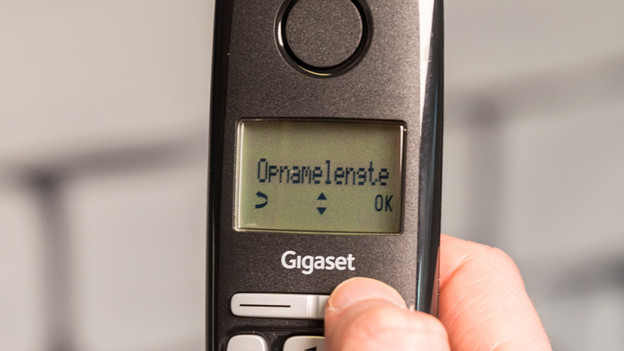
- Choose Recording length.
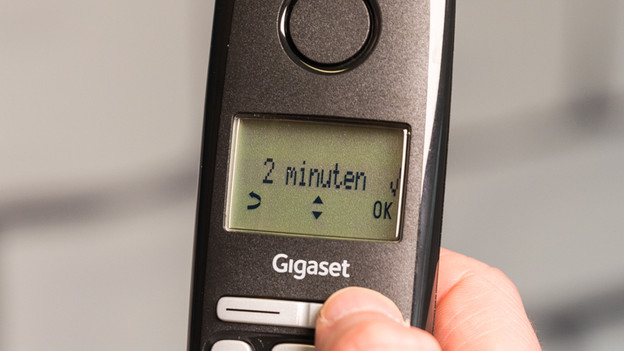
- Choose the length of the message and save it.
1. Go to the menu.
2. Go to the answering machine.
3. Choose recording length.
4/ Choose the maximum length of a message and press 'OK'.
Article by Jesper
Landline Phone Expert.