Written by Jorn
Edited on
28 October 2024
·
16:22
Which accessories do you need for your projector?
You'll be ready to party the moment your new projector arrives. It's even more fun if you can get the most out of the projector with an extra accessory. For example, a media player allows you to play online movies and series from your projector without needing a smart platform. In this article, we'll list a couple of products for you that increase the user-friendliness of the projector, or ones that make the image and sound quality of your projector come out better.
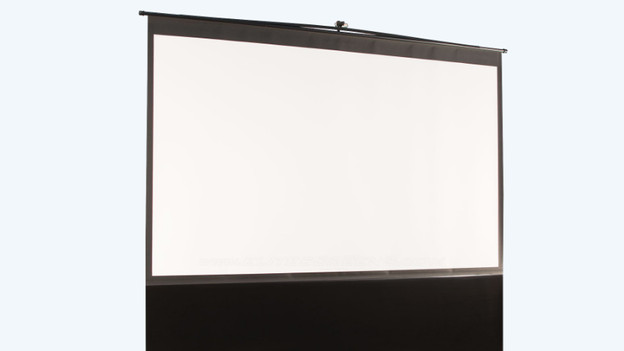
Projection screen
A projection screen improves the image quality. The screen reflects light, which results in a clear projection. In addition, you'll always have an even, smooth projection surface. If you use a wall, each stain, dent, or irregularity will be visible. When you purchase a screen, you should keep a couple of things in mind. For example, the projection size of the projector and the projection screen should be the same. Besides, some projector properties require specific things of a projection screen, like a throw type or light output. That's why you shouldn't just buy a random projection screen, but first check which screen would work properly in combination with your projector.
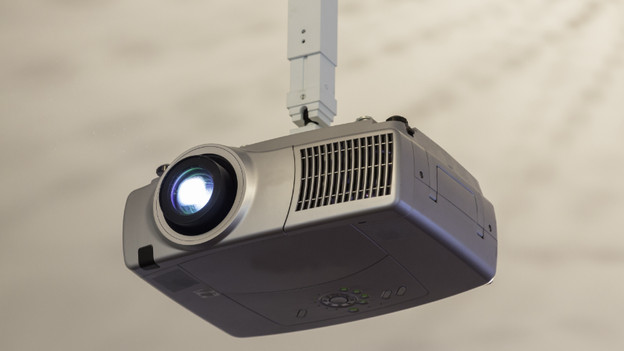
Projector mount
Without a projector mount, you'll have to place the projector on a cabinet or table. This isn't always possible, because of the throw ratio of your projector or because there isn't room for such furniture. In that case, choose a projector mount that allows you to hang your projector. You'll be more flexible in the placement of the projector that way. And, you can also save room if you hang your projector above your couch, for example

Media players
Do you want to stream movies, series, and YouTube videos to the projector? You'll need a media player in some cases. If this isn't built-in, you can buy this streaming device separately. Popular media players are Apple TV or Google Chromecast, but they're also available by other brands. You can connect an external media player to the HDMI input. Make sure your projector has one.

Speakers or a soundbar
What did you say? Nothing is as annoying as not being able to understand the actors while watching a movie, no matter if it's James Bond or someone else. Some projectors don't have powerful speakers or any speakers at all. A soundbar or speaker set can be the solution in that case. Make sure to check if you have a projector with the right connector. For example, the 3.5mm audio output is the most common connector for projectors. For larger speakers like a home cinema or stereo system, the projector needs an AV receiver or stereo receiver
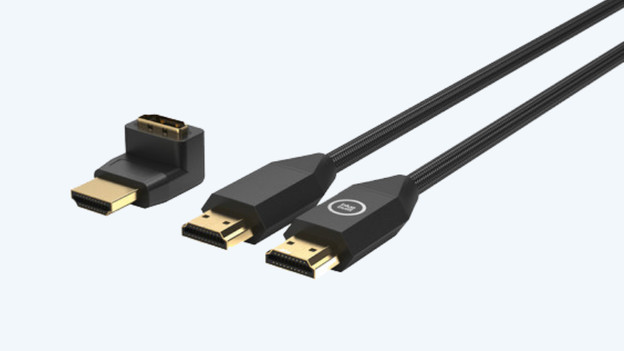
HDMI cable
With an HDMI cable, you can connect another device to your projector, like a laptop or console. The HDMI cable transfers the image and audio signals of the external device to your projector. That way, you'll see what's being played on the laptop or console on the projection of the projector. Think of a safe, stable place for both your projector and the other device first, before you buy a cable. HDMI cables are available in different lengths, so you can avoid buying a cable that's too short.
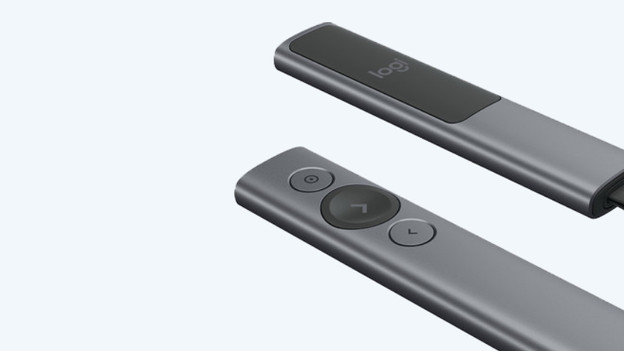
A wireless laser pointer
Do you want to keep the attention of the sleeping students or the colleagues in the back? A wireless laser pointer can help you with this. With such a laser pen, you can point to the highlights of your presentation. The pen often works on batteries, and you can plug the receiver into the USB input of your projector. Make sure to check whether your projector has such an input.
Article by Jorn
Projector Expert.