Written by Robyn
Edited on
27 July 2026
·
12:54
What's the Apple Watch Cellular (4G)?
The Apple Watch 4G (also known as the Apple Watch Cellular or Apple Watch LTE) is a smartwatch with the option of a digital SIM card. With an eSIM in your Apple Watch, you can use the internet on your smartwatch without needing your iPhone. That means you can also call via your watch if you don't have your iPhone on you. In this article, we'll tell you more about the Apple Watch Cellular.
All Apple Watch models with 4G
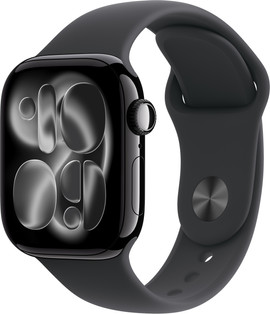
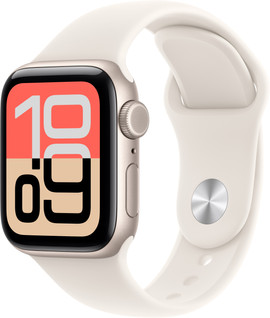
- Apple Watch Series 11 42mm + 46mm
Stay connected anywhere via 4G
Large screen thanks to thinner bezels.
You'll get extensive heart rate readings, analyses, and tips.
Charge your Watch every day.
Available in a small and large size.
From
569,-
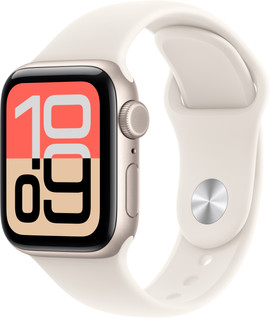
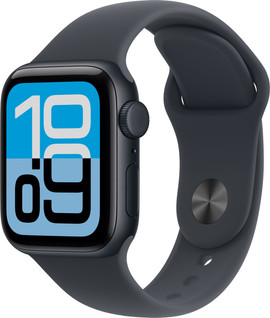
- Apple Watch SE 3 40mm + 44mm
Stay connected anywhere via 4G
Apple Watch with stylish design and basic functions.
You'll get a basic heart rate reading.
Charge your Watch every day.
Available in a small and medium size.
From
319,-
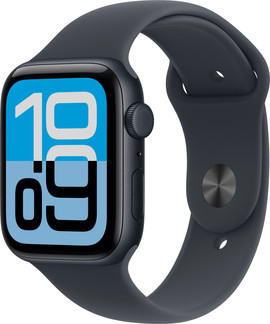
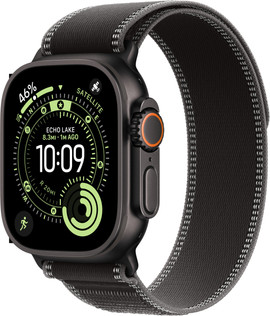
- Apple Watch Ultra 3
Stay connected anywhere via 4G
Largest Apple Watch with rugged design.
You'll get extensive heart rate readings, analyses, and tips.
The Watch Ultra 3 lasts 2 days.
Only available in an extra large size.
From
725,-
How does 4G work?
There's no SIM card slot in the Apple Watch with 4G. If you want to use the internet on the smartwatch, you need a digital SIM card. These are also known as an eSIM. You purchase an eSIM via your mobile provider. You pay for a phone plan, just like you do for the SIM card in your smartphone. After you activate your digital SIM card, you'll always have internet on your Apple Watch. Even if you don't have your iPhone on you. That means you can make and receive calls without an iPhone nearby.

What can you use 4G for?
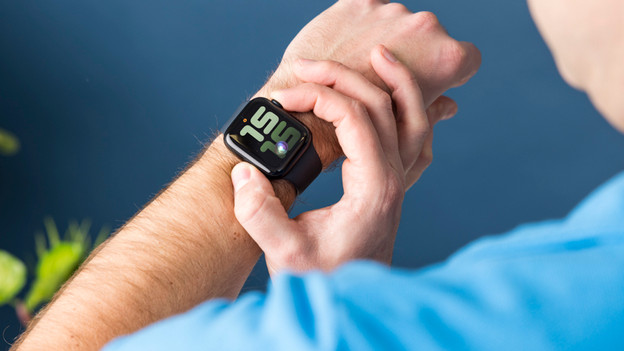
With Apple Watch Cellular (4G), you're always connected to the internet without having your iPhone with you. You're not connected to WiFi or your smartphone. This means, you can listen to playlists on Spotify and receive message on your wrist during a run. During a run, you can leave your iPhone at home without worries. With the Apple Watch without 4G, you do always need your iPhone with an internet connection for receiving messages.
Apple Watch eSIM providers
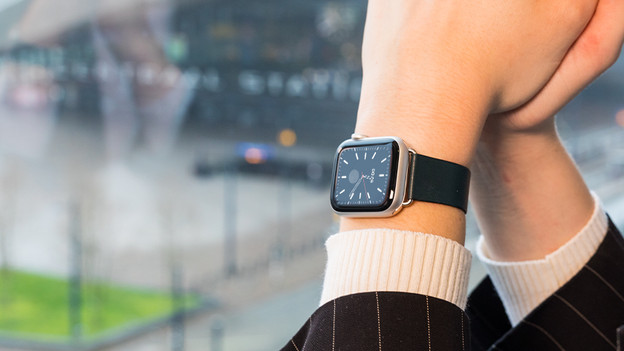
Check if your provider supports eSIM. In the Netherlands, ODIDO, KPN, and Vodafone offer eSIM data plans for the Apple Watch. In Belgium, only Telenet offers eSIM data plans for the Apple Watch. In Germany, you can take out an eSIM data plan for the Apple Watch from Vodafone, O2, Telekom, and 1&1. Without an eSIM in the Apple Watch, you can still use all of the functions of the watch. You'll just need your smartphone for some of the functions.
Article by Robyn
Smartwatch Expert.