JBL headphones
Compare the wireless JBL headphones
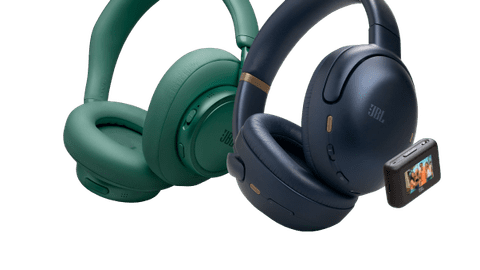
Best sound and best noise canceling
True Adaptive Noise Canceling reduces ambient noise with 8 microphones, so you can barely hear this.
Thanks to JBL Spatial 360, it sounds like the sound is playing live in the room.
You can make clear phone calls thanks to the 4 built-in microphones.
You can set up your listening profile to your liking in the JBL Headphones app with Personi-Fi 3.0 technology.
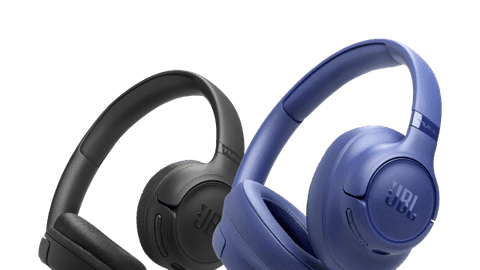
Better sound and stronger noise canceling
True Adaptive Noise Canceling reduces ambient noise with 6 microphones, so you can listen to music in peace.
Thanks to JBL Spatial 360, it sounds like the sound is playing live in the room.
You can make clear phone calls thanks to the 2 built-in microphones.
From
to142,-
180,-
Full sound without noise canceling
The 2 built-in microphones reduce ambient noise during phone calls, so you're more clearly understandable.
You can enjoy a deep bass thanks to the JBL Pure Bass Sound, so music and movies sound lively.
From
to64,-
74,-
Adjustable sound without noise canceling
You can adjust your sound preferences in the JBL Headphones app.
From
to31,99
51,-


The different JBL headphones series

The Tune series
The JBL headphones from the Tune series are suitable for short listening sessions. They have a balanced sound, but miss detail. This way, you're not fully immersed in your favorite music. Some JBL Tune headphones have noise canceling. This reduces ambient noise, but you'll still hear it.
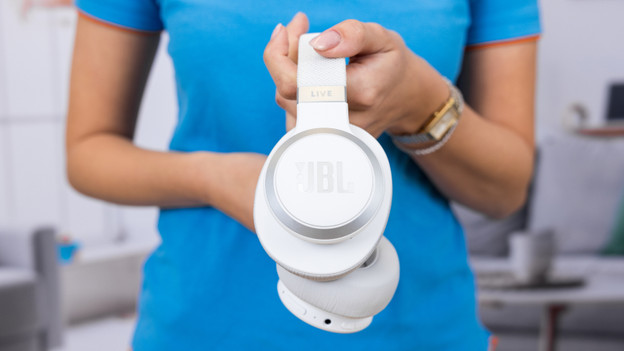
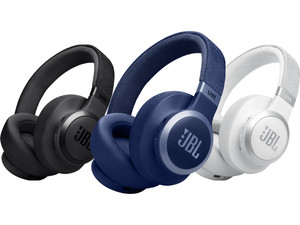
The Live series
The JBL live series consists of on-ear and over-ear headphones with strong noise canceling. Thanks to the aluminum and plastic design and sturdy ear cushions, the headphones provide a high wearing comfort. This allows you to comfortably listen to your favorite music or podcast for a long time.

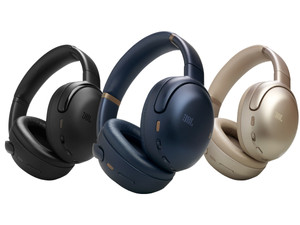
The Tour series
With headphones from the JBL Tour series, you enjoy a high wearing comfort and intense, balanced sound. These headphones also have sturdy noise canceling that reduce ambient noise in a targeted way. The headphones from this series also have spatial audio. This technology makes your music spacious, which makes it feel as if you're experiencing it live.
The latest from JBL
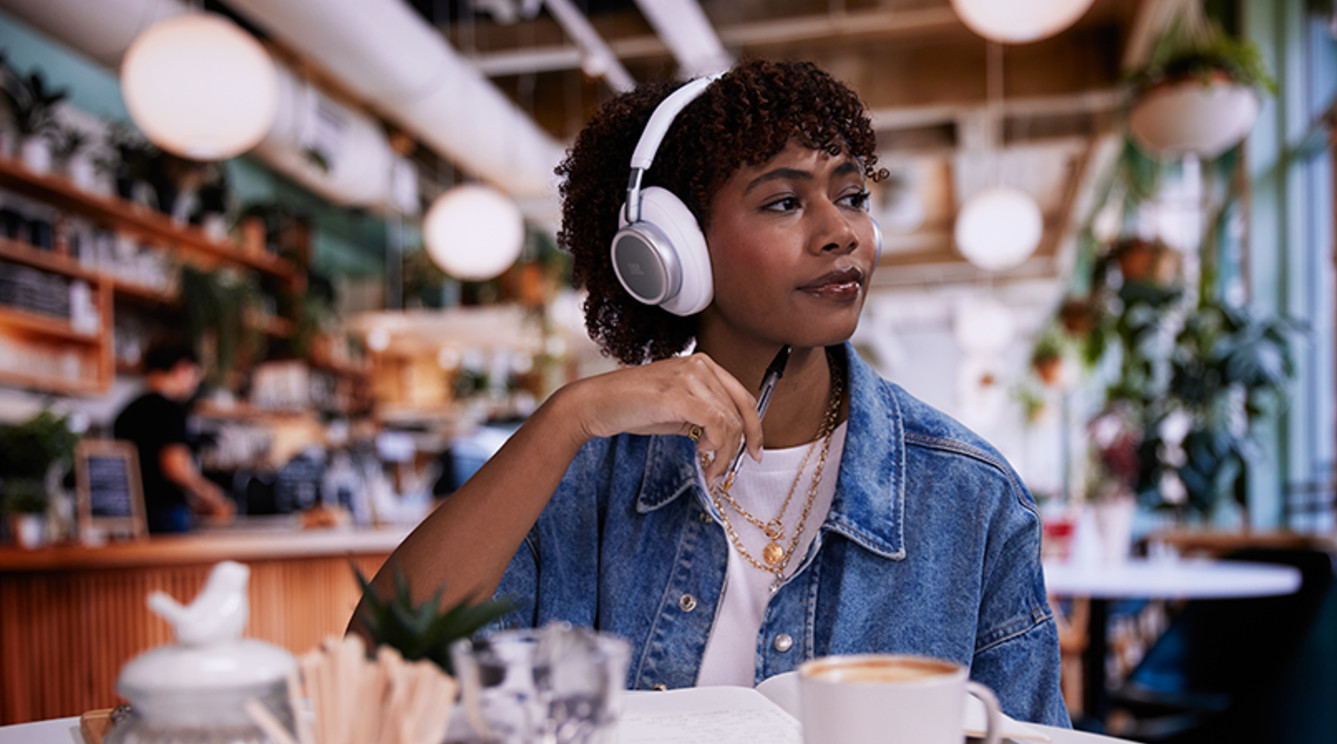
Immerse yourself in your music with the JBL LIVE 780NC
The JBL LIVE 780NC is an over-ear headphones with active noise canceling. Want to retreat and listen to music in peace? Go for these headphones. The 780NC also supports JBL Spatial Audio, so the sound seems to come from all sides. This way, it always feels like you're at a live concert. At Coolblue, you can choose from 5 different colors: blue, white, champagne, orange, and black.

Expert review JBL Tour One M3
The JBL Tour M3 is the successor of the Tour One M2. It's available in 2 versions: with and without smart transmitter. In addition to a longer battery life, these headphones have 4 extra microphones for true adaptive noise canceling. This way, it reduces ambient noise even more. The headphones also have 360-degree Spatial Sound. This way, I can hear the sound all around me. You can read what I think here.
Advice on your JBL headphones

Music pauses automatically
Some JBL headphones have wearing detection. This means that the headphones know when you wear them and when you take them off. When you take your headphones off, the music automatically pauses. If you put the headphones back on, the headphones automatically play music again.

Over-ear or on-ear
With JBL headphones, you choose between over-ear and on-ear ear cushions. The ear cushion of over-ear headphones cover your ears. As a result, you hear less of your surrounding and sound doesn't leak as much. With on-ear headphones, the ear cushions rest on your ear cup. With these ear cushions, you hear more of your surroundings. That's useful when you're walking and want to hear the traffic around you, for example.
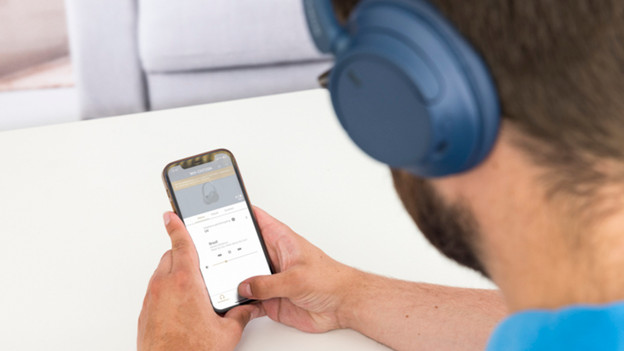
Personalize your sound
You can adjust the sound of your JBL headphones in the JBL Headphones app. In this app, you can emphasize the bass or the treble, for example. You can also turn the noise canceling on or off in the app.

Test JBL headphones in our stores
In our stores, you can find JBL headphones to test. These stores have a noise canceling room. Here, you can test the JBL headphones' ability to reduce ambient noise. Our audio experts can also help you make the best choice for you. You can also make an appointment in one of our stores to extensively test headphones.



With these accessories, your headphones last longer.
Ensure that your headphones remain in good condition for longer with these accessories. This way, you can enjoy your JBL headphones for longer.
Complete your purchase

FAQ
How does JBL's noise canceling work?
Headphones with noise canceling reduce ambient noise. With these, you hear less sound from your surroundings. This is nice if you want to focus on your work at the office, for example. You can adjust the noise canceling in the JBL Headphones app. This way, you can determine yourself how much ambient noise you want to hear.
How do you choose JBL headphones for the office?
Do you want to close yourself off from your talking colleagues at a busy office? Choose headphones with noise canceling. You can connect headphones with multipoint pairing with 2 devices at the same time. This way, you can listen to music from your laptop and answer calls with your smartphone. In this article, we explain what else you can keep in mind when you choose headphones for at the office.
Why do I want to change my sound preferences?
If you like electronic music, you want hard house beats with more power. For rock music, you want drums that you can hear well. With JBL headphones, you can adjust your sound preferences yourself. You can do this with the JBL Headphones App for example.
How do I choose JBL headphones for on the go?
Do you want to listen to music or a podcast on your way to work or your holiday destination? A long battery life of your headphones is useful. This way, you're never without music. In this article, we explain what's important in your choice for headphones for on the go.
How do I connect JBL headphones?
You can connect the wireless JBL headphones via Bluetooth to your smartphone. Press the on/off button for 5 seconds until you hear 'pairing'. The headphones will then appear with your Bluetooth devices and you can connect with it. In this article, we'll further explain how you connect your JBL headphones.