Written by Lucas
Edited on
1 August 2025
·
15:21
How do you adjust the sound of your JBL earbuds or headphones?
Do you want to change the sound of your JBL earbuds or headphones? You can do so in the JBL Headphones app. Here, you adjust the sound via an equalizer. In this article, you can read how to adjust the sound.
Adjust the sound in 4 steps
You can read how to adjust the sound of your JBL earbuds or headphones in 4 steps.
Step 1: download the JBL Headphones app.
Step 2: connect your earbuds to the app.
Step 3: choose the equalizer.
Step 4a: choose a pre-set equalizer.
Step 4b: adjust the frequency bands.

Compatibility
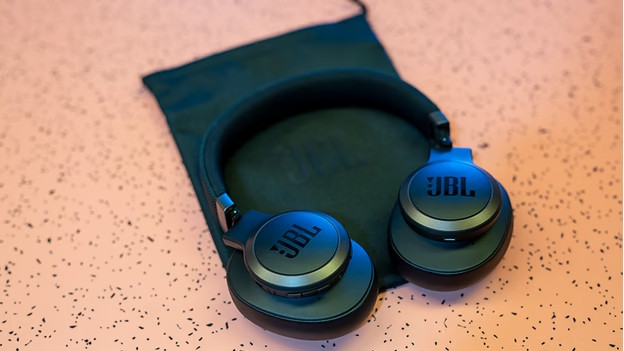
Note: not all JBL models are compatible with the JBL Headphones app. Check if your JBL model is compatible before you download the app.
Step 1: download the JBL Headphones app
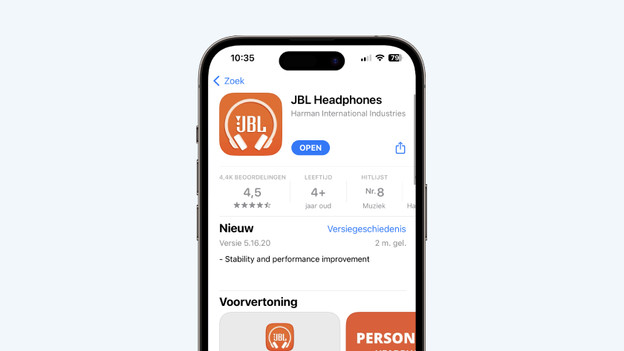
Go to the App Store on your iPhone or the Play Store on your Android phone and search the JBL Headphones app. Download the app to use the equalizer.

Step 2: connect the earbuds or headphones to the app
Go through the steps that appear on the screen when you open the app. Did you not connect the earbuds or headphones to your smartphone via Bluetooth yet? That's the first thing the app will ask you to do. In our article, you can read how.

Step 3: go to the equalizer
You'll see the equalizer in the app. Tap the right arrow to open the equalizer.
Step 4a: adjust the sound via pre-set equalizer
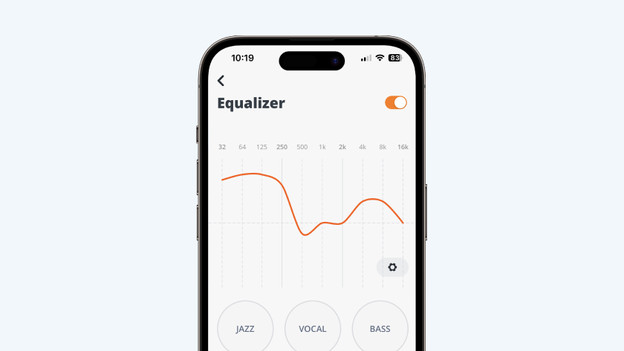
In this screen, you can choose from 6 pre-set equalizers. Choose the one that best suits your needs. Do you have earbuds or headphones from the Club series? Choose from extra equalizers made by famous DJs like Armin van Buuren. If you prefer to adjust the sound yourself, go to step 4b.

Step 4b: adjust the sound via frequency bands
If you want to adjust the sound yourself, tap the plus icon in the bottom left corner. You'll now see 3 bars for the bass, mid, and treble. There's a circle on the left and one on the right. Place your finger on the line that connects the 2 circles and move it up or down to your liking. Tap the check mark at the bottom to save the equalizer and apply it.