You can combine working efficiently with razor-sharp images with a USB-C 4K monitor. For example when you're getting started with graphic design on your Apple MacBook. The 4K resolution shows images 2 times sharper than QHD, and 4 times sharper than Full HD for the best performance. With the USB-C port, you can set up the desk with 1 cable. You can use this port to send an image signal via the DisplayPort Alt Mode, transfer data, and charge peripherals via USB Power Delivery. That way, you'll have vibrant images and no hassle with separate cables.
1
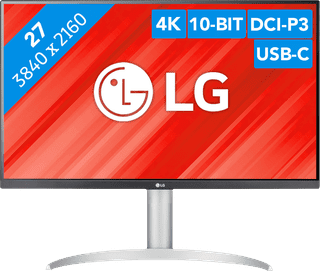
Our choice for a monitor with USB-C for your MacBook or iMac|No accessories|Plastic|None thunderbolt connector
269,-
In stock
2
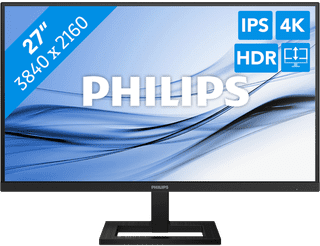
HDMI cable, USB-C cable|Plastic|None thunderbolt connector
230,-
In stock
3
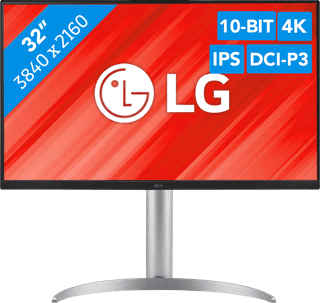
Our choice for a monitor for demanding graphic design|DisplayPort cable, HDMI cable, USB-C cable|Metal, Plastic|None thunderbolt connector
491,-
In stock
4
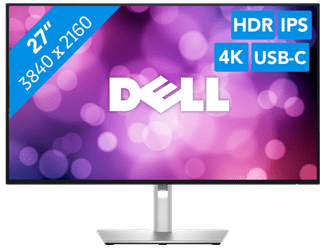
Plastic|Thunderbolt connector|None DVI connector
699,-
In stock
5
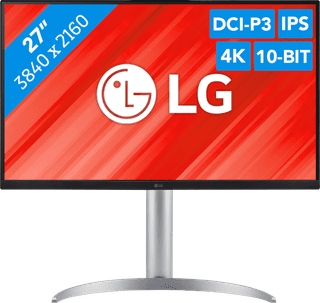
DisplayPort cable, HDMI cable, USB-C cable|Metal, Plastic|None thunderbolt connector
399,-
In stock
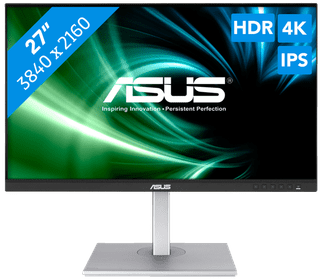
DisplayPort cable, USB-C cable|Metal|None thunderbolt connector
429,-
In stock
7
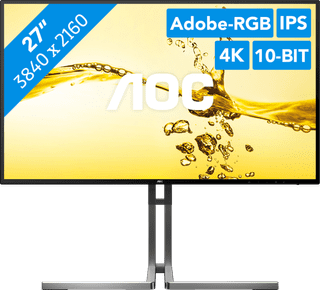

Our choice for a 27-inch monitor for photo and video editing|Metal, Plastic|None thunderbolt connector|None DVI connector
Retail price449,-
399,-
In stock
8
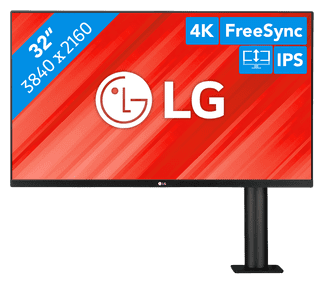
Our choice for a monitor for photo and video editing|HDMI cable, Monitor|Metal|None thunderbolt connector
393,-
In stock
9


Metal, Plastic|None thunderbolt connector|DisplayPort connector
329,-
In stock
10
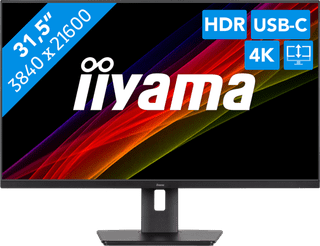
Plastic|None thunderbolt connector|None DVI connector
319,-
In stock