LG 4K monitors
With an LG 4K monitor, you won't miss a pixel. A 4K screen has a resolution of 3840x2160. This comes in handy when you're photo or video editing, because you can adjust every detail of your recording. Choose an UltraGear model if you games at the highest quality. That way, you can no longer distinguish between individual pixels.
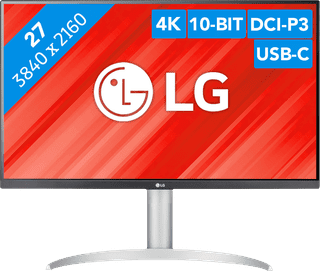
Our choice for a monitor with USB-C for your MacBook or iMac|No accessories|Plastic|Console gaming, Desktop gaming
- You can connect your MacBook or iMac to this USB-C monitor without a converter.
- Thanks to the 4K resolution, this monitor displays images from your MacBook or iMac sharply and in detail.
- You can adjust the monitor in height or tilt it for an ergonomic sitting posture, so you're less bothered by neck or back complaints.
269,-
Temporarily sold out
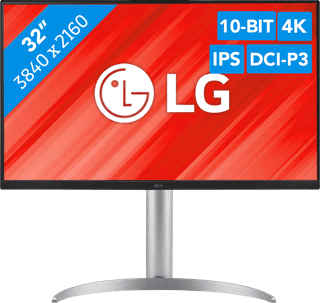
Our choice for a monitor for demanding graphic design|DisplayPort cable, HDMI cable, USB-C cable|Metal, Plastic|Neutral
- You can enjoy sharp images and realistic colors thanks to the 4K resolution and HDR support.
- Thanks to the IPS panel, you can see bright colors from every viewing angle.
- You can enjoy high color contrasts thanks to the DCI-P3 color space, so you can see more differences between light and dark colors.
506,-
In stock
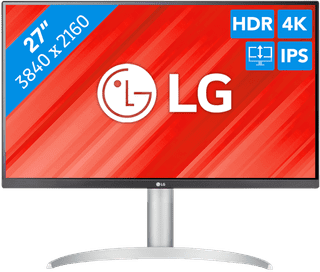
Our choice for a monitor for video editing|DisplayPort cable, HDMI cable, USB-C cable|Metal, Plastic|Business, Neutral
- You can edit the best videos with razor-sharp images and colorful details thanks to the 4K resolution, HDR10, and DisplayHDR 400 support.
- You can enjoy high color contrasts thanks to the DCI-P3 color space, so you can see more differences between light and dark colors.
- The screen is tiltable and adjustable in height, so you can work with a comfortable sitting posture and you're not bothered by your neck or back.
343,-
Temporarily sold out