If you want more screen space for your MacBook, choose a monitor. Monitors for MacBook models have a Quad HD, 4K, or even 6K resolution. This way, you can enjoy a sharp images. You can easily connect a USB-C monitor to a MacBook. If your monitor has a USB-C dock with at least a 60W power, you can charge your MacBook via the screen.
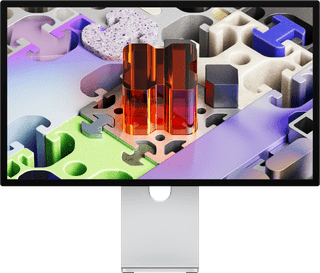

Retail price Apple
3.799,-3.329,-
In stock

Retail price Philips
199,-139,-
In stock
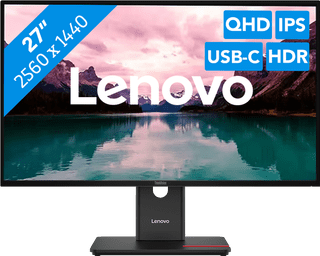
301,-
In stock
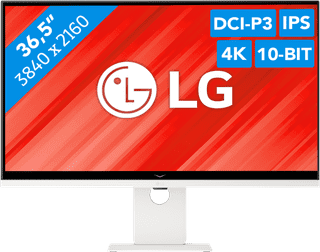
590,-
Temporarily sold out
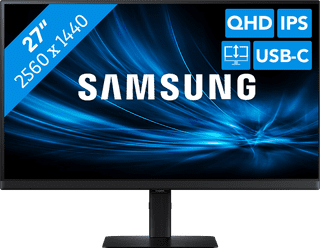
289,-
No longer available
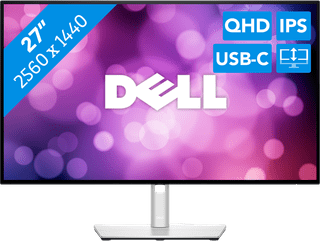
422,-
Temporarily sold out
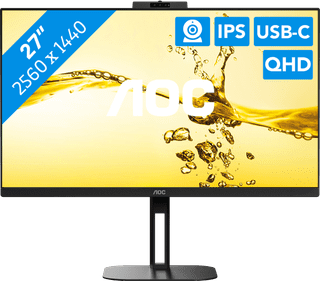
259,-
Temporarily sold out
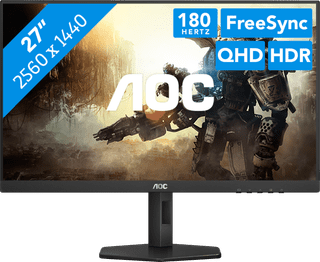
192,-
Temporarily sold out
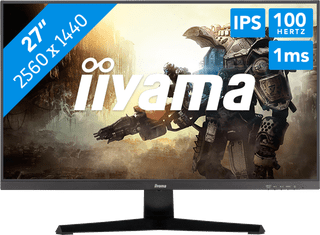
151,-
Temporarily sold out
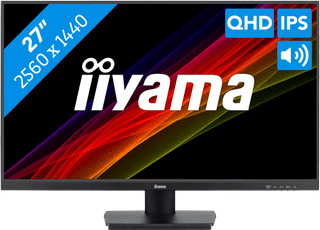
205,-
Temporarily sold out
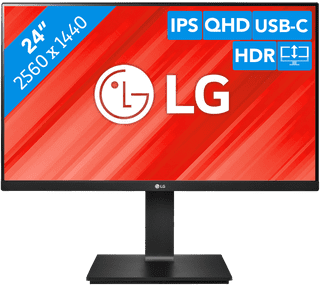
299,-
Temporarily sold out
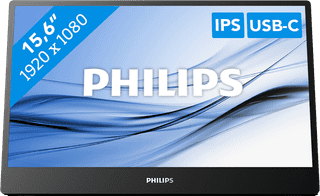
225,-
Temporarily sold out
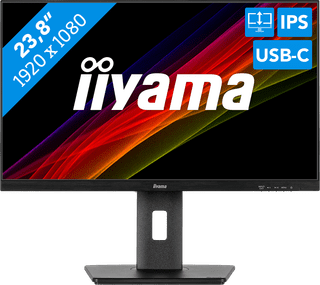
197,-
Temporarily sold out
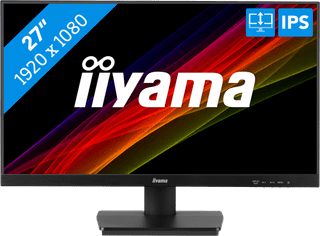
155,-
Temporarily sold out
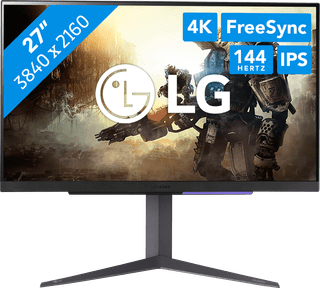
363,-
No longer available
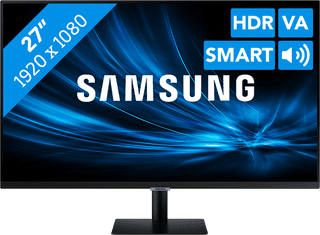
244,-
No longer available
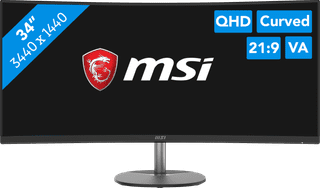
239,-
No longer available
1.199,-
No longer available